


Every interface makes a silent promise about what can be pressed, dragged, typed into, or scrolled, and people act on that promise before they read a word. When the promise holds, the product feels intuitive; when it breaks, people miss features or tap things that do nothing. Most complaints that an interface is "not obvious" are affordance problems, and naming them that way is the fastest route to a fix. Flat design, touch screens, and gesture navigation have all made the cues harder to deliver, which is why the idea matters more now than when Norman borrowed it from psychology.
In this glossary topic:
What is affordance?
Affordance describes the relationship between an object's design and what it suggests about how it can be used. The concept originated in psychology: James Gibson used "affordance" in the 1970s to describe the action possibilities that an environment offers an animal relative to its abilities. Don Norman applied the concept to design in "The Design of Everyday Things," distinguishing between the actual properties of an object and the perceived properties that influence behavior.
In UX and UI design, affordance is most practically relevant as a description of how interface elements communicate their interactive possibilities. A button that appears raised or slightly beveled looks pressable. A text field with a cursor inside it invites typing. A scrollbar positioned at the edge of a viewport suggests that content continues below. These visual cues don't tell users explicitly what to do; they create an impression of what's possible that users act on based on pattern recognition built from prior experience.
When affordances are clear, users engage with interfaces confidently and intuitively. When they're absent or misleading, users either fail to discover available interactions or activate unintended ones.
What is the difference between actual and perceived affordances?
Don Norman's distinction between actual and perceived affordances is one of the most useful concepts for diagnosing interface problems.
An actual affordance is something an object genuinely can do: a button can actually be clicked. A perceived affordance is what a user believes the object can do based on its visual and contextual properties. Good design aligns actual and perceived affordances so that users' intuitions about what they can do match reality.
Misaligned affordances create two categories of problems. When an element has an actual affordance that isn't perceived, users miss available functionality. A text field with no visible border or background might accept input, but users who don't recognize it as an input field will never try. When an element has a perceived affordance it doesn't actually have, users activate it expecting something to happen and are confused when nothing does. A decorative element styled to look like a button, but which triggers no action when clicked, creates this kind of false affordance.
False affordances are particularly damaging to trust. A user who clicks what looks like a button and experiences no response will question whether they clicked correctly, whether the system is working, or whether they misunderstood the interface. Any of these uncertainties slows the user down and reduces confidence in the product.
How have affordances changed in flat and modern interface design?
The shift from skeuomorphic to flat design in the early 2010s, most visibly marked by Apple's iOS 7, created a significant challenge for affordances that the design community has been navigating since.
Skeuomorphic design used three-dimensional visual treatments, textures, and real-world material references to communicate affordances. Buttons had depth and shadow to look pressable. Sliders had track textures to suggest physical movement. These cues were explicit but visually heavy and sometimes felt artificial.
Flat design removed those dimensional cues in favor of clean, minimal, typographic interfaces. This created interfaces that were visually cleaner but often had weaker affordance cues: buttons were harder to distinguish from text, interactive elements were harder to recognize as such, and the distinction between static content and interactive components required more attention or prior knowledge to interpret.
Material Design's introduction of elevation and shadow restored some dimensional affordance cues within a flat aesthetic. Cards that appear elevated above the surface suggest they can be tapped. Buttons that cast subtle shadows look interactive. The current direction in interface design, including Apple's Liquid Glass and Material 3 Expressive, reintroduces material and depth cues as tools for communicating hierarchy and interactivity.
The lesson from the flat design era is that affordance cues that rely on visual convention rather than physical analogy work only if those conventions are widely shared. A blue underline is a strong affordance for a hyperlink because decades of web convention have made that association nearly universal. A borderless text label styled the same as non-interactive text has a weak affordance because nothing in that treatment suggests it can be clicked.
What does affordance look like in practice?
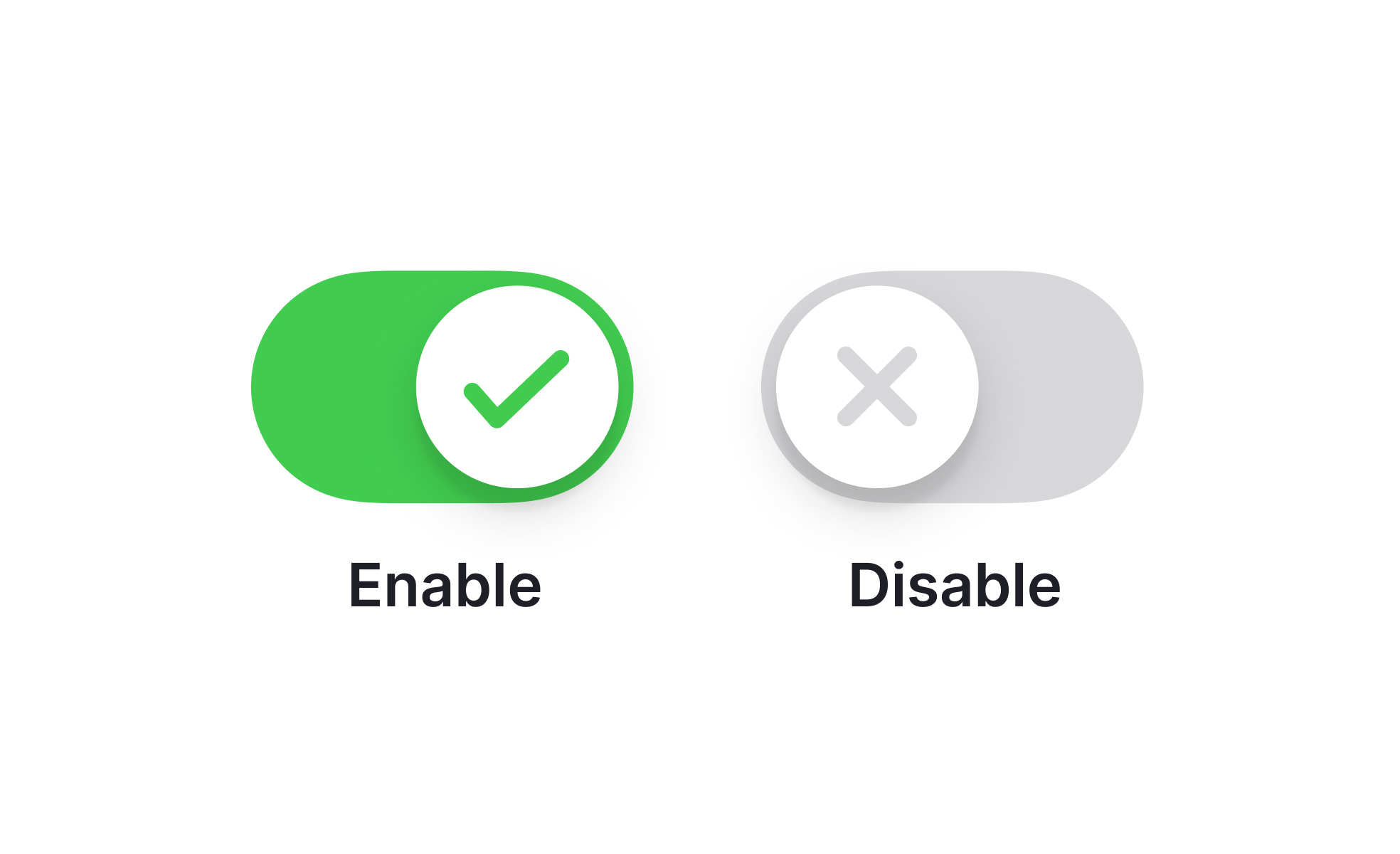
Perceived affordances are easiest to see when two controls sit side by side and only one of them explains itself. A control communicates its use through the cues it shows, not through the function it has, which is why a filled, labeled item reads as tappable while an unlabeled gray icon beside it leaves the user guessing what it does or whether it does anything.

A service menu where only the selected item carries a filled pill, an icon, and a label: it reads as something that can be tapped, while the gray icons beside it offer far fewer cues, which is the gap between an affordance that is perceived and one that is merely present. From the lesson Mental vs. Conceptual Models.
How do affordances apply to mobile and touch interfaces?
Touch interfaces created new affordance challenges that pointer-based interfaces hadn't faced, because touch removes the hover state that desktop interfaces often relied on to confirm interactivity.
On desktop, hovering over an element produces a visual change (cursor change, color shift, underline appearance) that confirms the element is interactive before the user commits to a click. On touchscreen, there is no equivalent moment: the first interaction is the tap, which is also the commitment. This makes the initial visual treatment of interactive elements more critical on mobile, because users must judge from the resting state whether an element can be tapped.
Touch also introduced affordances for gestures that have no visual representation: swiping, pinching, long pressing, and edge swipe navigation are all actions that users must discover or know about rather than seeing explicitly communicated. The standard approach is progressive disclosure: make the most common gestures consistent with platform conventions so users who know the platform expect them, and use discoverability affordances (visible handles, bouncing animations, partially visible content) to hint at available swipe interactions.
Minimum touch target sizes are a functional affordance concern: an element that looks tappable but has an interactive area too small to reliably activate is failing at a fundamental level. Apple's 44x44pt and Android's 48x48dp minimums define the threshold below which the physical affordance of tapping breaks down.


