


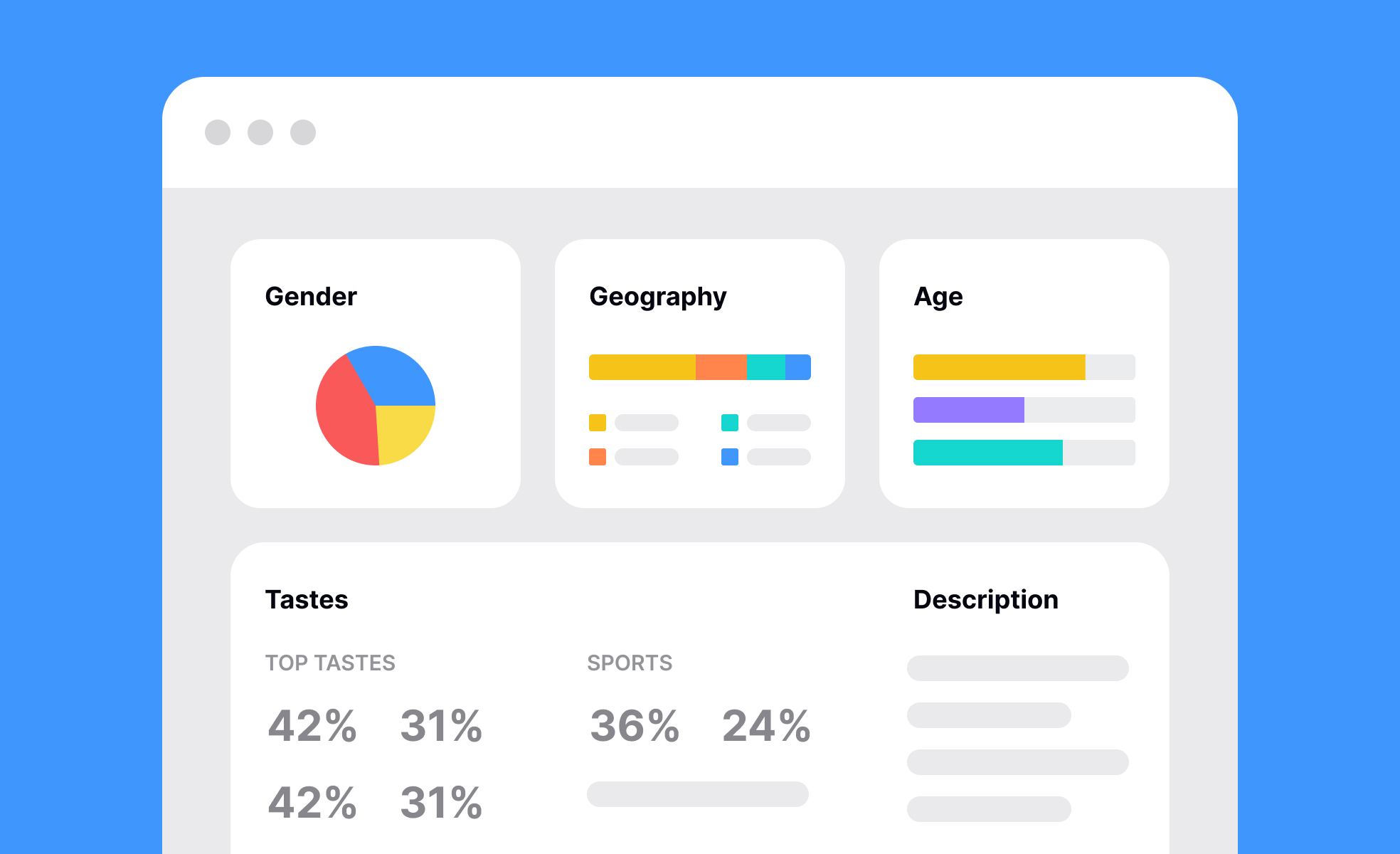
Dashboards serve as centralized spaces where information is collected, organized, and presented in a clear, visual format. They simplify complex data, allowing users to see trends, monitor key metrics, and evaluate performance in real time. For product managers, dashboards can highlight how features are performing, where users drop off in funnels, or how retention rates are shifting over time. For designers, they can reveal usability testing results, accessibility scores, and feedback from research studies.
In product management, dashboards act as decision-making tools. By consolidating data from different sources, they allow teams to prioritize work based on evidence rather than assumptions. A dashboard that tracks active users, revenue per customer, and churn provides immediate clarity on whether a new product release is having the desired impact. This empowers leaders to act quickly when trends shift.
In UX and UI design, dashboards often represent the end product delivered to users. Think of a financial app where customers log in to see their spending habits or a health tracker where individuals monitor steps, sleep, and nutrition. Here, dashboards are not just analytical tools but also a core part of the user experience. Designers focus on clarity, visual hierarchy, and customization so that users can easily digest information without feeling overwhelmed.
There are different types of dashboards, each tailored to specific needs. Operational dashboards track day-to-day processes such as server uptime, customer support ticket status, or delivery logistics. Strategic dashboards highlight broader trends like quarterly revenue growth or long-term engagement. Analytical dashboards go deeper, allowing detailed exploration of data, such as segmenting customer behavior by demographics or testing hypotheses with visualization tools.
Dashboards also need careful design to avoid becoming cluttered or overwhelming. Too many data points can reduce clarity and lead to analysis paralysis. Good design principles emphasize simplicity, focusing on the most important metrics for the intended audience. Interactivity, such as the ability to filter or drill down, can enhance usability without adding complexity.
Learn more about this in the Dashboards Lesson, a part of the Common Design Patterns Course.
Key Takeaways
- Dashboards consolidate complex data into clear, visual formats.
- They support quick decision-making by highlighting key metrics.
- Product teams use them to track adoption, engagement, and retention.
- Designers build dashboards as user-facing features for clarity and usability.


