.svg)




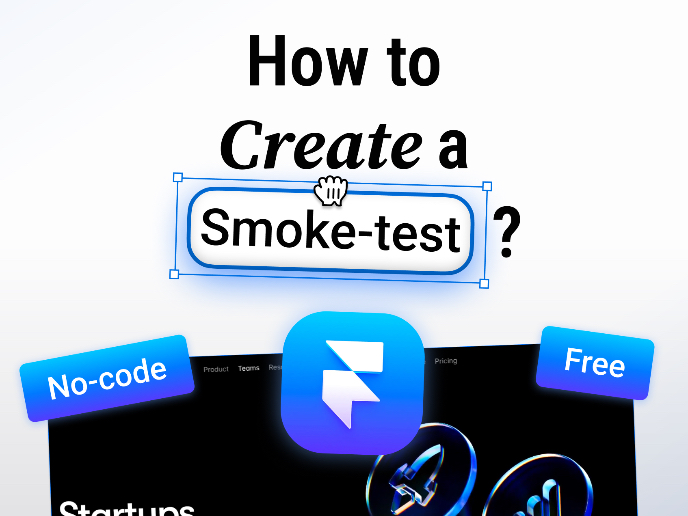
Where do we start?
If you took the course The Product Development Lifecycle & Methodologies , you may have heard of the smoke test. Here I’ll explain how you can easily run one using Framer a no-code, highly flexible website builder that feels very intuitive if you’re already familiar with Figma.
_________________________________
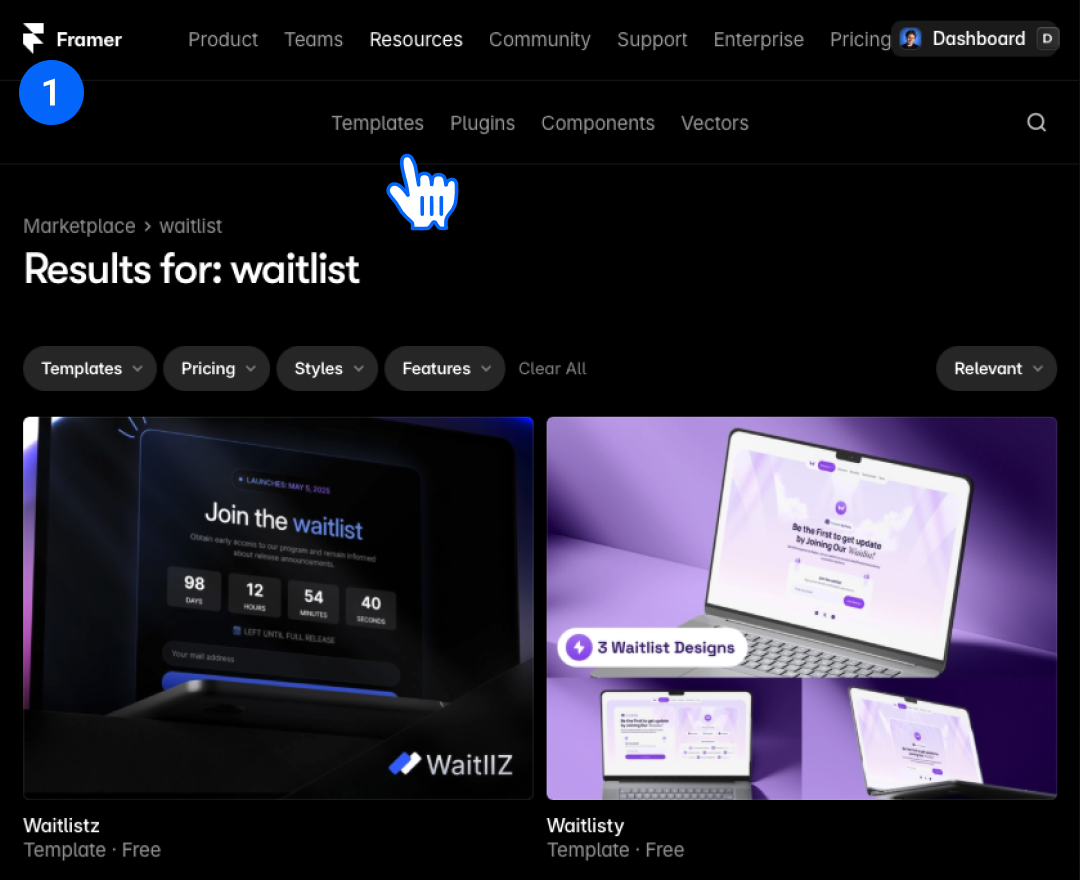
Step 1: Find Your Template
Navigate to the Framer Marketplace and search for templates that match your validation approach:
- "Waitlist" templates - ideal for testing demand before building your product
- "Startup" templates - great for showcasing your concept and gathering early interest
Select a free template that aligns with your product type and target audience.
_________________________________
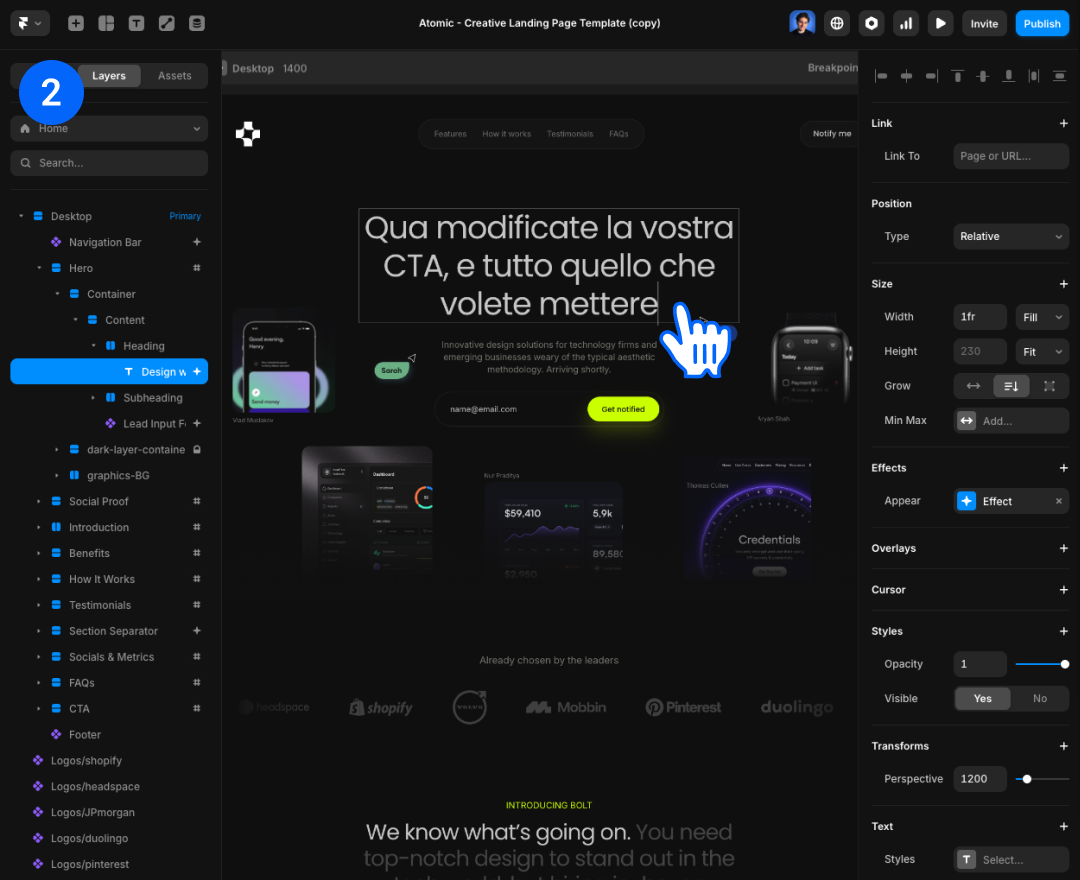
Step 2: Customize Your Page
Tailor the template to reflect your specific value proposition:
- Replace placeholder text with your actual product description
- Update imagery to match your brand aesthetic
- Modify the call-to-action (CTA) to align with your smoke test goals
- Keep the design simple and focused on your core message
Pro tip: Focus on one clear action you want visitors to take (e.g., join waitlist, schedule demo, early access signup).
_________________________________
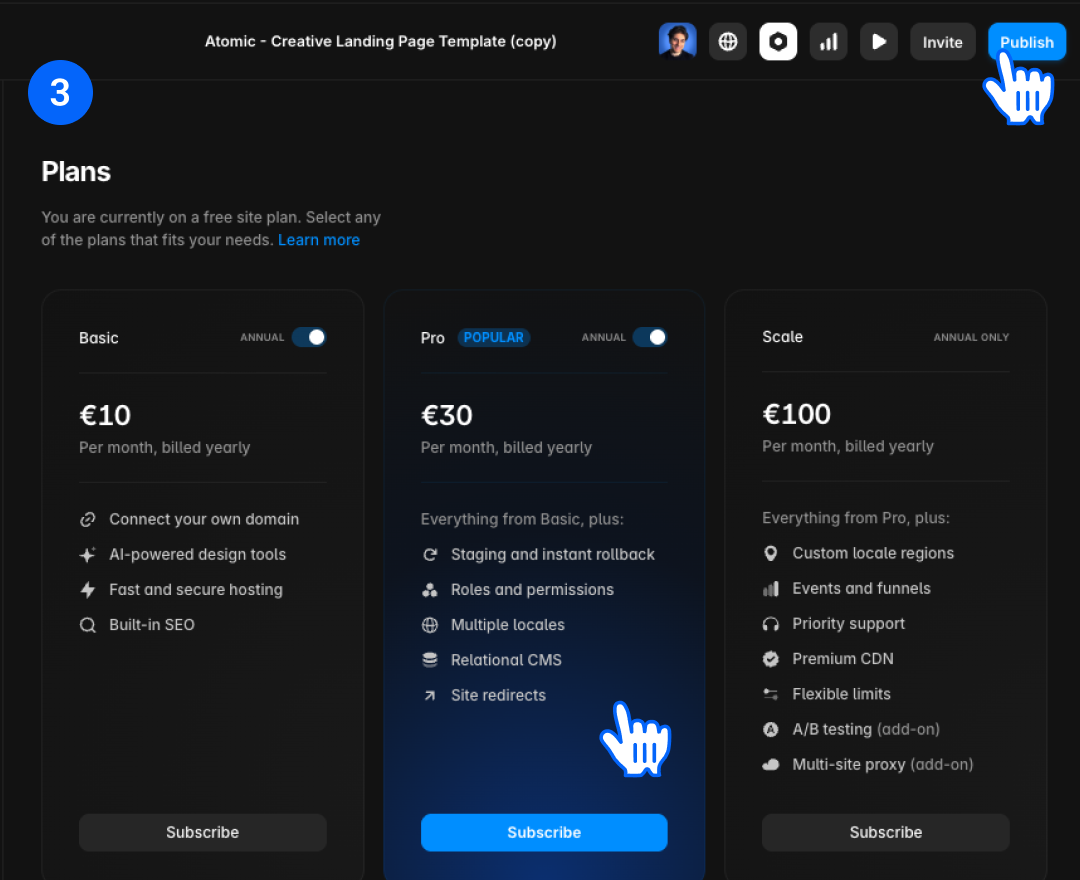
Step 3: Choose Your Plan and Publish
- Select the Framer plan that fits your needs (the free tier works for most smoke tests)
- Connect your custom domain for credibility, or use Framer's free subdomain to start
- Publish your site with one click
_________________________________

Step 4: Set Up Analytics and Testing
Connect Google Analytics to track visitor behavior:
- Monitor page views and traffic sources
- Track conversion rates on your primary CTA
- Analyze user demographics and interests
_________________________________
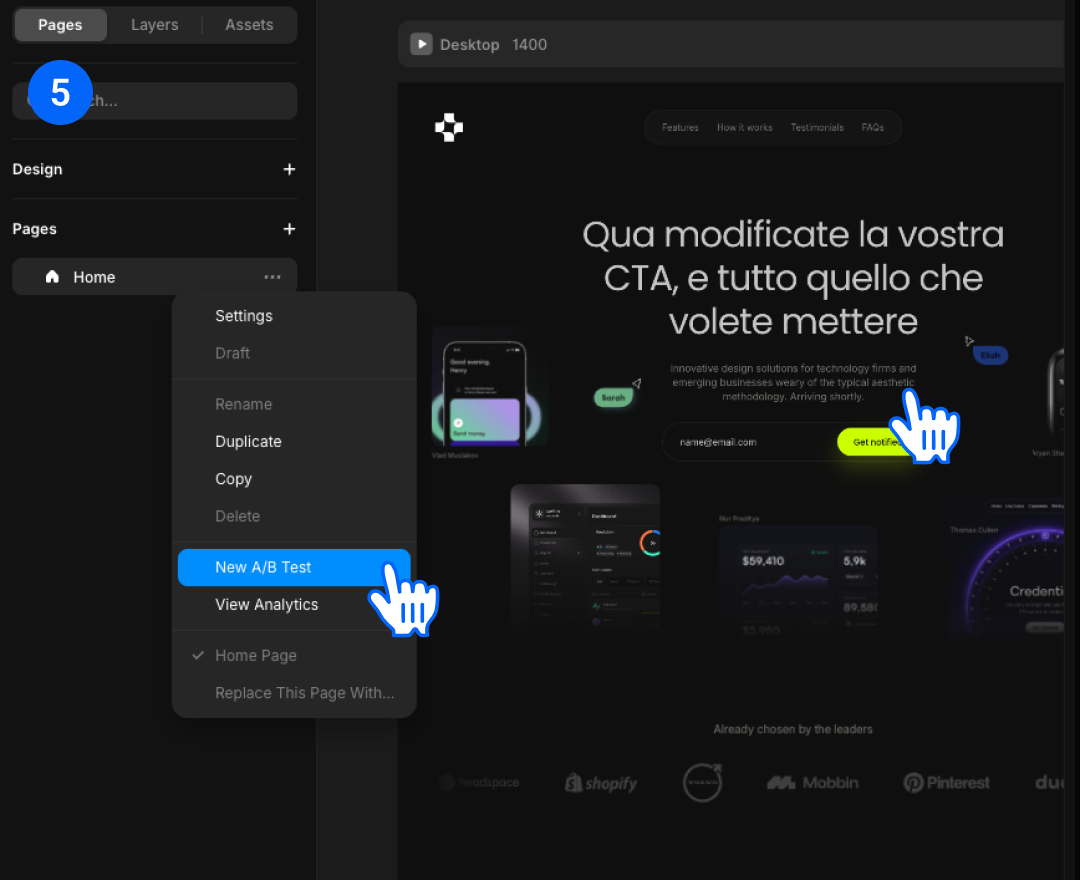
Step 5: Enable A/B testing within Framer to:
- Test different headlines or value propositions
- Compare CTA button text or placement
- Understand what resonates most with your target audience
_________________________________
Step 6: Analyze and Iterate
Review your analytics weekly to answer:
- Are people visiting your page? (If not, revisit your marketing approach)
- Are they taking your desired action? (If not, refine your messaging or offer)
- Which traffic sources perform best? (Double down on what works)
Success metrics to track:
- Conversion rate (visitors → email signups/actions)
- Bounce rate (are people engaging with your content?)
- Time on page (are they reading your value proposition?)
Key Takeaway
A smoke test isn't about perfection, it's about learning quickly whether your idea solves a real problem people care about. Launch fast, measure honestly, and iterate based on data.
_________________________________
👉 Extra Free News
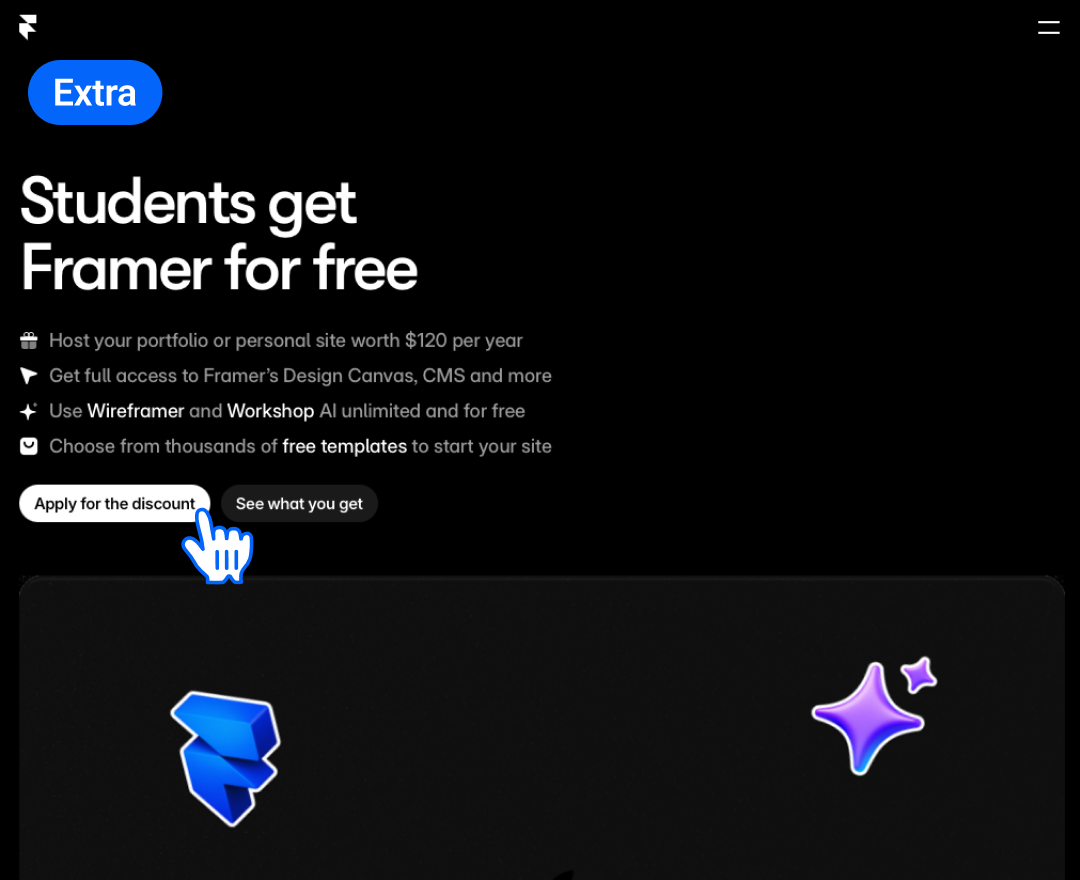
Student Benefit: Apply for Framer's education program to receive one year of their Basic plan free (saving $120+). Apply here.
Thank you for reading this!
See you next time.
Gabriel