.svg)


NotebookLM for product managers has quickly become one of the most practical AI tools for handling research overload. If you've been wondering how to use NotebookLM to get more out of your documents, this guide walks you through exactly that.
Product managers drown in documents. Customer interview transcripts pile up in Google Docs, competitive analysis lives in spreadsheets, and user research hides in PDFs. Support tickets scatter across Intercom. Market research? Somewhere in a forgotten folder.
You know this pattern. Tuesday afternoon, you conduct user interviews. By Friday, you're clicking through 3 different folders trying to find that one quote about the onboarding flow, the one you know exists but can't surface when you actually need it.
This is an information architecture problem, not a time management problem. I’ve tried Google's NotebookLM for handling it, and here’s how it works.
What is NotebookLM, and what does it do for product managers?
It's not another general AI chatbot, and that distinction matters more than you'd think. NotebookLM functions as a research assistant that works exclusively on the documents you upload. Think of it like this: you're giving an AI a private reading list, and it can only reference those specific materials.
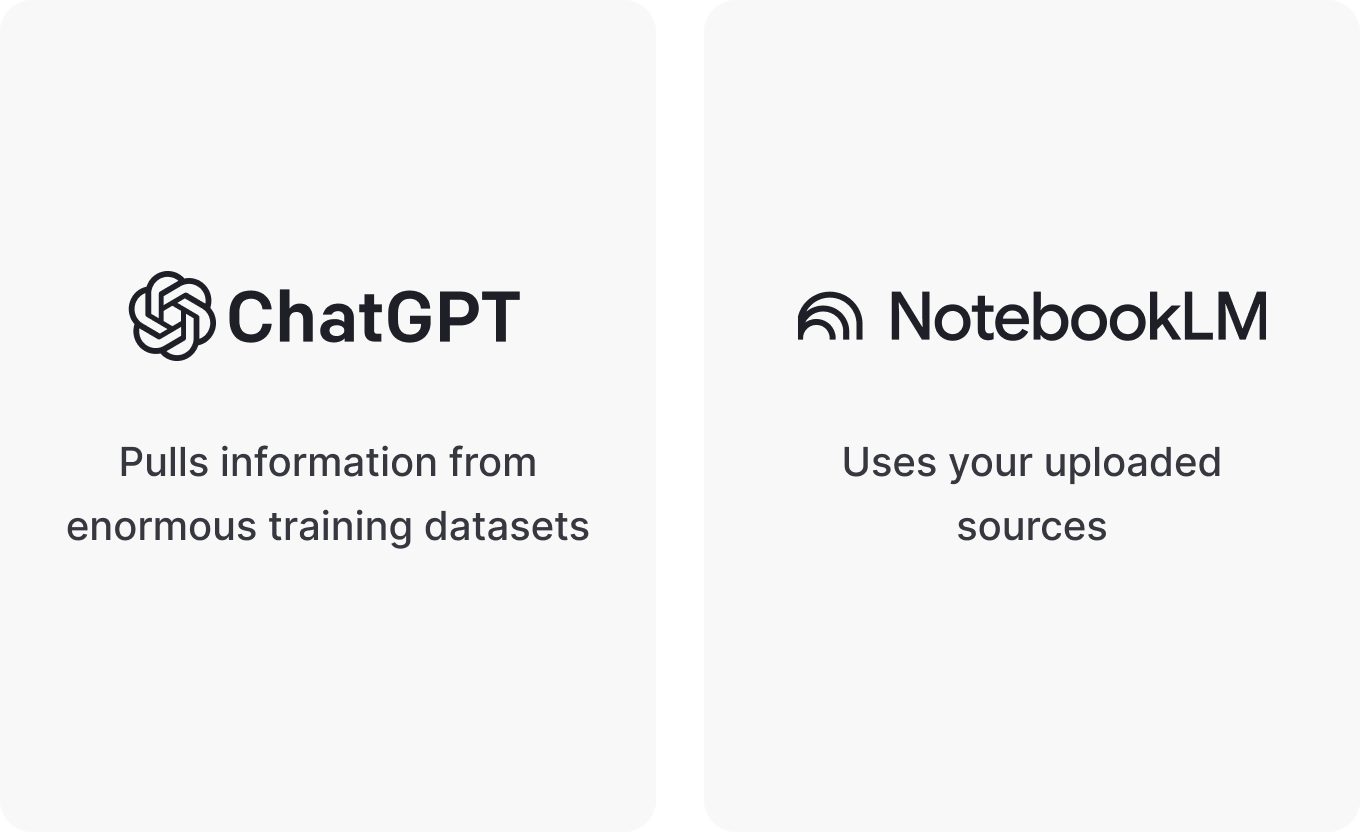
ChatGPT and similar tools pull from enormous training datasets. Ask them something, and you get answers based on what the model learned during training. NotebookLM only uses your uploaded sources: that customer interview from last week, your competitor's pricing page, the product requirements document you're still iterating on.
The useful part is citations. Every answer includes clickable references that jump directly to the exact passage in your source documents. When NotebookLM tells you a customer mentioned a specific pain point, you click the citation and see the actual quote highlighted right there in the transcript.
This addresses a common problem with AI tools. You're not wondering if the AI fabricated something or misremembered a detail. You’re verifying information instantly.
Where do product managers find this most useful?
Competitive analysis without the endless tabs
Traditional competitive research means what, exactly? Opening 15 browser tabs, manually comparing feature lists, and building spreadsheets that require time to keep updated. Most PMs know this pattern well.
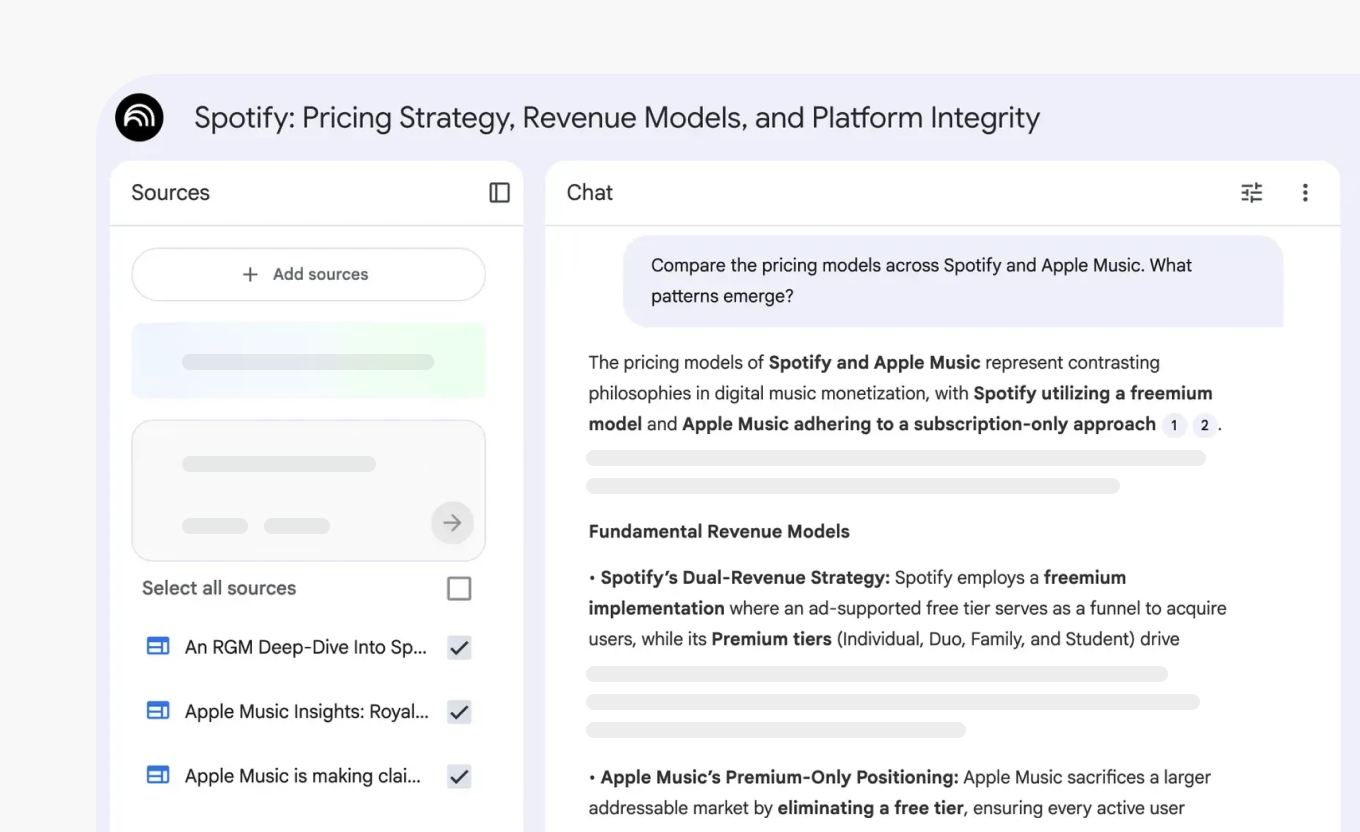
With NotebookLM, you upload competitor websites, product pages, and pricing sheets into one notebook. Simple setup.
Then ask targeted questions:
- "Compare the pricing models across all competitors. What patterns emerge?"
- "Which features do competitors emphasize most in their messaging?"
- "Where are the gaps in what they're offering?"
The tool analyzes everything simultaneously and gives you answers with direct links to specific competitor pages. One PM used this approach to compare Gmail and Outlook in under an hour. Work that typically takes half a day of manual research.
Speed matters, sure. But what makes this approach useful is that NotebookLM can spot patterns you might miss when analyzing documents sequentially, one at a time. Whether that's worth the setup time depends on how much competitive research you do.
User research synthesis that surfaces themes automatically
10 user interviews generate pages of notes. Lots of pages. Synthesizing them usually means color-coding, grouping quotes, building affinity maps — the kind of work that eats hours and makes you question why you didn't record less.
Upload those interview transcripts to NotebookLM. Ask something like: "What themes appear consistently across all customer interviews? Show me specific quotes for each theme."
The tool identifies patterns, groups related feedback, and provides exact customer quotes with citations. Instead of manually reading through 50 pages (which, let's be honest, you'd probably skim rather than actually read thoroughly), you get a synthesized analysis showing which pain points came up repeatedly, which features users requested most, and where their expectations didn't match what they experienced.
Let me be clear — it doesn’t replace human judgment. You still interpret findings, decide what matters, and determine priorities. And sometimes the AI groups things in ways that don't quite make sense, so you'll need to review and adjust. But it can eliminate some of the mechanical work of finding patterns in raw data.
Product discovery that reveals contradictions
Product discovery involves mapping what you know and what you don't. You're collecting information from customers, competitors, internal teams, and market research. The challenge? Spotting contradictions and gaps across all these sources, when your brain can only hold so much context at once.
Create a discovery notebook with customer interviews, competitive analysis, internal strategy docs, and market research. Ask NotebookLM: "What contradictions exist between customer needs and our current product direction?" Or try: "Where do customer pain points appear in interviews but not in competitor solutions?"
The tool cross-references information across documents — something you'd do manually if you had infinite time and a perfect memory, which you don't. It might reveal that customers consistently mention a problem your team hasn't prioritized, or that your positioning doesn't actually match how users describe their needs.
Of course, you could have found patterns manually by reading everything carefully and keeping detailed notes. NotebookLM just makes it faster, assuming you've uploaded the right documents and asked the right questions.
PRD and requirements documentation
Writing product requirements means pulling together context from multiple sources. Customer feedback from interviews. Competitive landscape analysis. Technical constraints from engineering. Business metrics you're targeting. The usual scattered collection.
Upload all relevant documents into one notebook and use it as your working memory while drafting requirements. Ask specific questions to pull relevant details: "What customer quotes support adding this feature?" Or: "How do competitors handle this workflow?"
PRD writing shifts from a scavenger hunt into a focused synthesis exercise. You're not bouncing between 12 documents trying to find information and losing your train of thought each time. You're querying your research, getting answers with sources you can reference. If your drafting starts from rules and context instead of a pile of sources, a Senior PM shows how to write a PRD with AI and stress-test it.
Stakeholder communication with defensible insights
Product decisions need real backing, not just conviction. When you propose a direction to executives or debate priorities with your team, evidence matters. Saying "users want this" doesn't hold up in meetings.
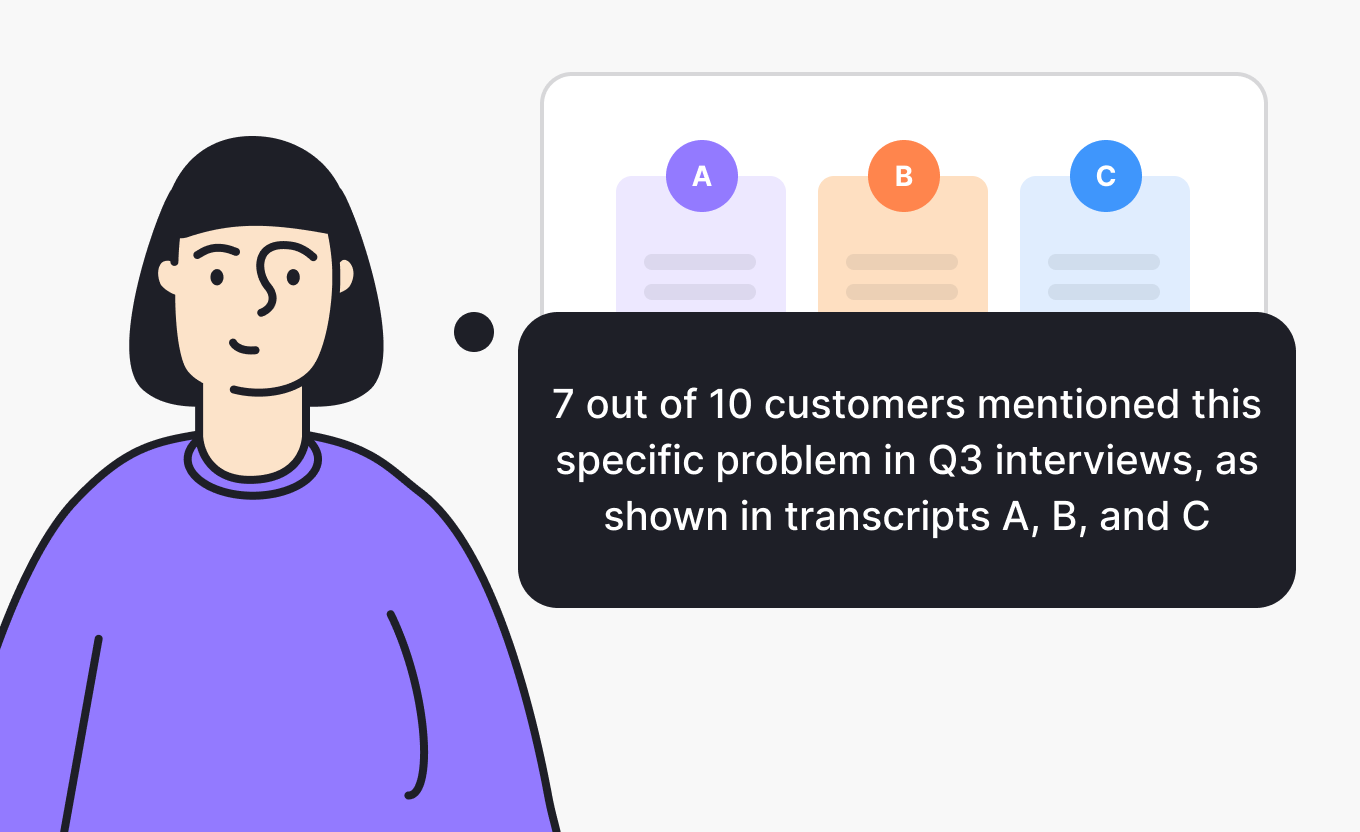
"7 out of 10 customers mentioned this specific problem in Q3 interviews, as shown in transcripts A, B, and C."? That holds up better.
NotebookLM can give you that specificity if you've uploaded your research sources. When preparing for a stakeholder presentation, ask: "What customer evidence supports prioritizing feature X?" The tool surfaces relevant quotes with citations you can click through and verify before the meeting.
Whether you save time compared to manually searching your documents depends on how organized your files already are.
How to use NotebookLM: Setup guide for product managers
Learning how to use NotebookLM effectively comes down to a few habits. Here's the setup that works best for product managers.
Start with one focused notebook per project or decision
Don't create one massive notebook for everything. The power comes from focus. Create a notebook called "Q4 Pricing Strategy" or "Onboarding Redesign Research." Upload only sources relevant to that specific decision.
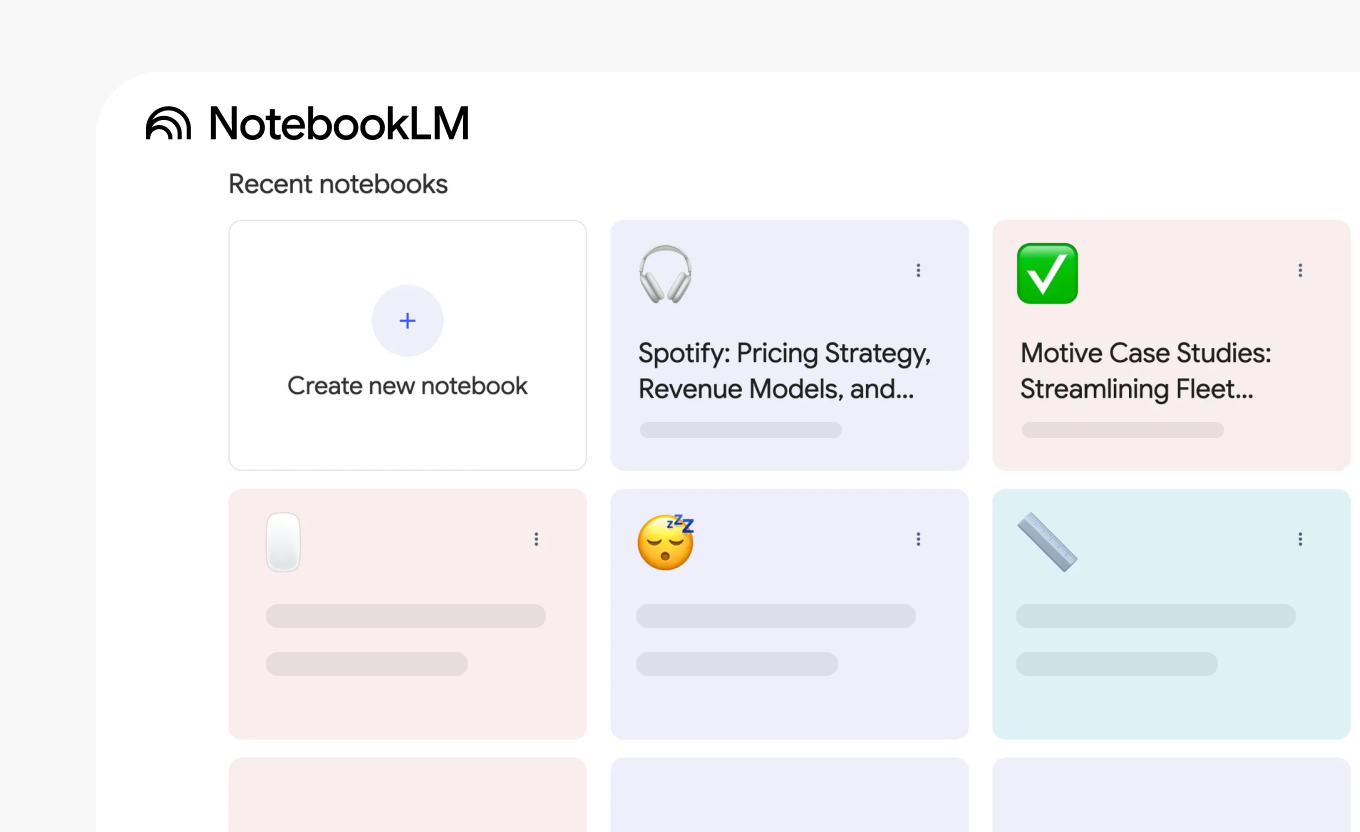
The reasoning: when you ask questions, NotebookLM searches only those sources. You get targeted insights and information that matter for your question without noise from unrelated documents.
Use selective source querying
Here's something useful: NotebookLM lets you toggle sources on and off when asking questions. If you need to compare pricing strategies, you select only competitor pricing pages and turn off everything else. If you’re researching customer pain points for a specific feature, then toggle off irrelevant interviews and focus on what matters.
Prevents the all-at-once approach, where every query searches every document. Sometimes you want insights from everything. Sometimes you need to isolate specific sources. Both options are available.
Ask synthesis questions, not just factual ones
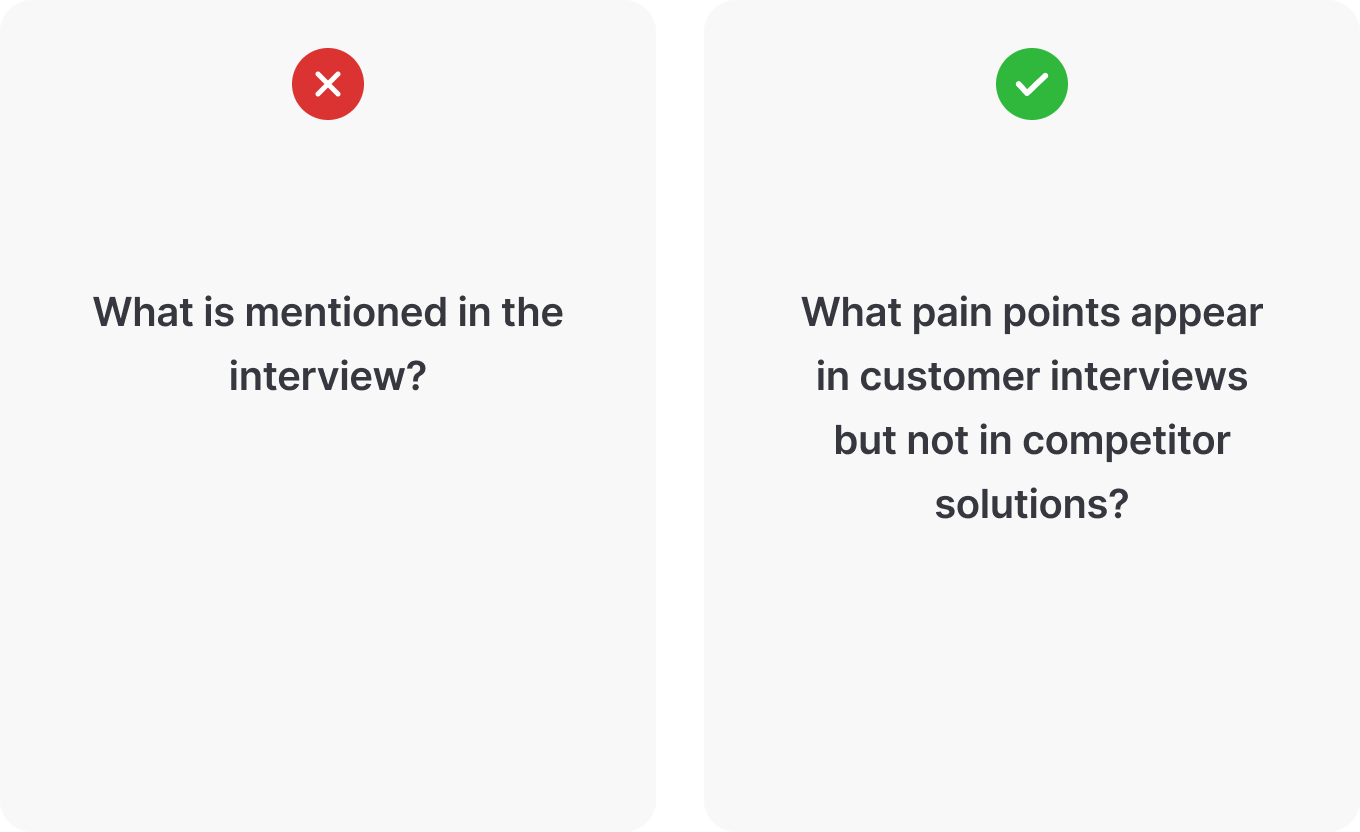
Bad question: "What is mentioned in the interview?" Better question: "What pain points appear in customer interviews but not in competitor solutions?"
Ask the tool to connect information across documents rather than just retrieve facts. NotebookLM excels at this kind of cross-referencing. It can compare customer needs with competitive offerings, identify contradictions between user feedback and internal assumptions, and spot themes that recur across different source types.
Frame questions that require analysis across sources: "Compare the conclusions from the Smith report and the Jones analysis," or "What differences exist between enterprise customers and SMB customers based on interview transcripts?"
Generate different formats for different audiences
NotebookLM creates various outputs from your sources:
- Briefing documents that summarize findings with citations
- Study guides organize key concepts
- FAQs for common questions
- Mind maps showing relationships between concepts
- Audio overviews that turn documents into podcast-style discussions
These formats help communicate insights to different stakeholders. An audio overview might work for executives who prefer to listen. A detailed briefing document might suit a team meeting. FAQs help support and sales teams. Pick the format that fits your audience or create multiple versions if you're presenting to groups with different preferences.
Build research notebooks that evolve
Don't treat notebooks as static repositories. At least, they work best when you use them as living research systems. Start with a few sources when exploring a problem. As you learn more, add new customer interviews, competitor updates, and market research. Ask new questions. Generate updated summaries.
Over time, each notebook becomes your institutional knowledge for that project: organized, searchable, always current.
What are the actual limitations?
It won't make product decisions for you
NotebookLM synthesizes information. Period. It doesn't judge which features to build or which customers to prioritize. You still need product judgment to interpret findings and make strategic calls. The hard parts remain hard.
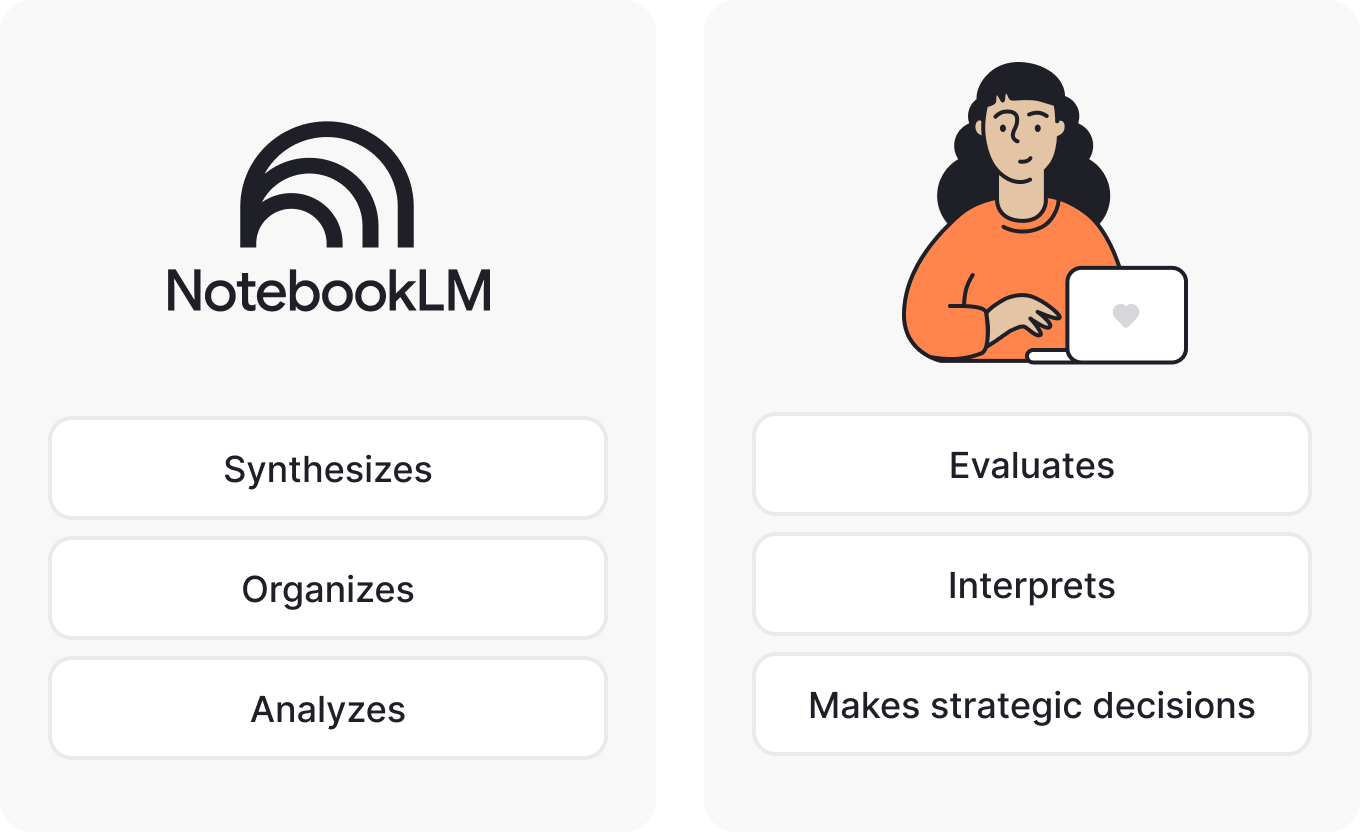
Think of it as research assistance, not product management automation. It speeds up some mechanical work of organizing and analyzing information, but the thinking part is still yours.
It only knows what you tell it
If you haven't uploaded relevant sources, NotebookLM can't help. In contrast to a web search tool, it doesn't pull information from the internet unless you specifically add URLs as sources.
This limitation is also its strength, though. You control exactly what information goes in, which means you know exactly what the AI is working with. It means you’re safe from surprises, invented details, and hallucinations about features that don't exist or customers who never said those things.
It needs good source material
Garbage in, garbage out still applies, and always has. If your customer interviews are poorly documented or your competitive analysis is superficial, NotebookLM will work with that limited information. The tool doesn't create quality from nothing or magically fix bad inputs.
The setup takes time
Uploading documents, organizing notebooks, and learning what questions work takes time. You're trading manual synthesis time for upfront setup time. Whether that trade makes sense depends on how often you need to do this kind of work.
Sometimes it misinterprets context
AI tools can group things in ways that technically make sense but miss nuance. A customer complaint might get categorized with feature requests because they both mention the same workflow. You'll need to review outputs and adjust, not just accept them as final.
When does this genuinely make a difference?
NotebookLM works best for product managers who deal with substantial documentation and need to synthesize information across many sources. If your work involves any of these patterns:
- Conducting frequent user research with multiple interview transcripts
- Tracking the competitive landscape across several competitors
- Synthesizing input from various stakeholders who all have opinions
- Building PRDs that pull from diverse sources
- Needing defensible insights for product decisions where "I think" doesn't cut it
It makes less difference if your product work is more execution-focused or if most decisions come from quantitative data rather than qualitative research. Not every PM drowns in documents. Some work primarily with dashboards, metrics, and A/B tests. For that context, NotebookLM doesn't solve much.
Also worth considering: the tool requires upfront time to upload documents and learn how to ask effective questions. If you only occasionally need to synthesize research, the setup cost might outweigh the benefit.
Every tool has its context. This one handles document synthesis when you’re overloaded with lots of documents, from different sources, with different formats.
Should you try this?
Getting started with NotebookLM for product managers takes about 5 minutes. Visit notebooklm.google.com, sign in with your Google account, and create your first notebook. The free tier lets you create up to 100 notebooks with 50 sources each, and this is more than enough for most product work.
Start small: pick one current project or decision, upload 3-5 relevant documents, ask a few questions, and see what happens.
You'll figure out quickly whether this fits your workflow or not. Some PMs find it useful and keep using it. Others realize they don't work with enough documents to justify the setup time, or they prefer their current system, or it just doesn't fit how they think. Both outcomes are fine.
The goal isn't to adopt every AI tool that comes along. Today, there are too many, and most solve problems you don't have. It's to figure out which tools, if any, genuinely simplify your work. For product managers dealing with lots of research documents who struggle to surface insights when needed and when it actually matters, NotebookLM might help.