


Designers now build and ship things that store data, whether through a no-code tool, an AI coding assistant, or a handoff conversation about why a field can't be added by Friday. The database is where a product's memory lives, and its shape decides what a screen can show, sort, search, and undo. Most "can the interface do this?" questions are really questions about how the data is stored, so the vocabulary of tables, records, keys, and queries has become part of the working language between design and engineering.
In this glossary topic:
- What is a database?
- How is a relational database structured?
- What are the main types of databases?
- How do forms and UI state map to database records?
- How do schema decisions constrain product design?
- Why do reads, writes, and latency matter for design?
- How does a database differ from a spreadsheet or a file?
- What do databases mean for designers and product managers?
- FAQ
What is a database?
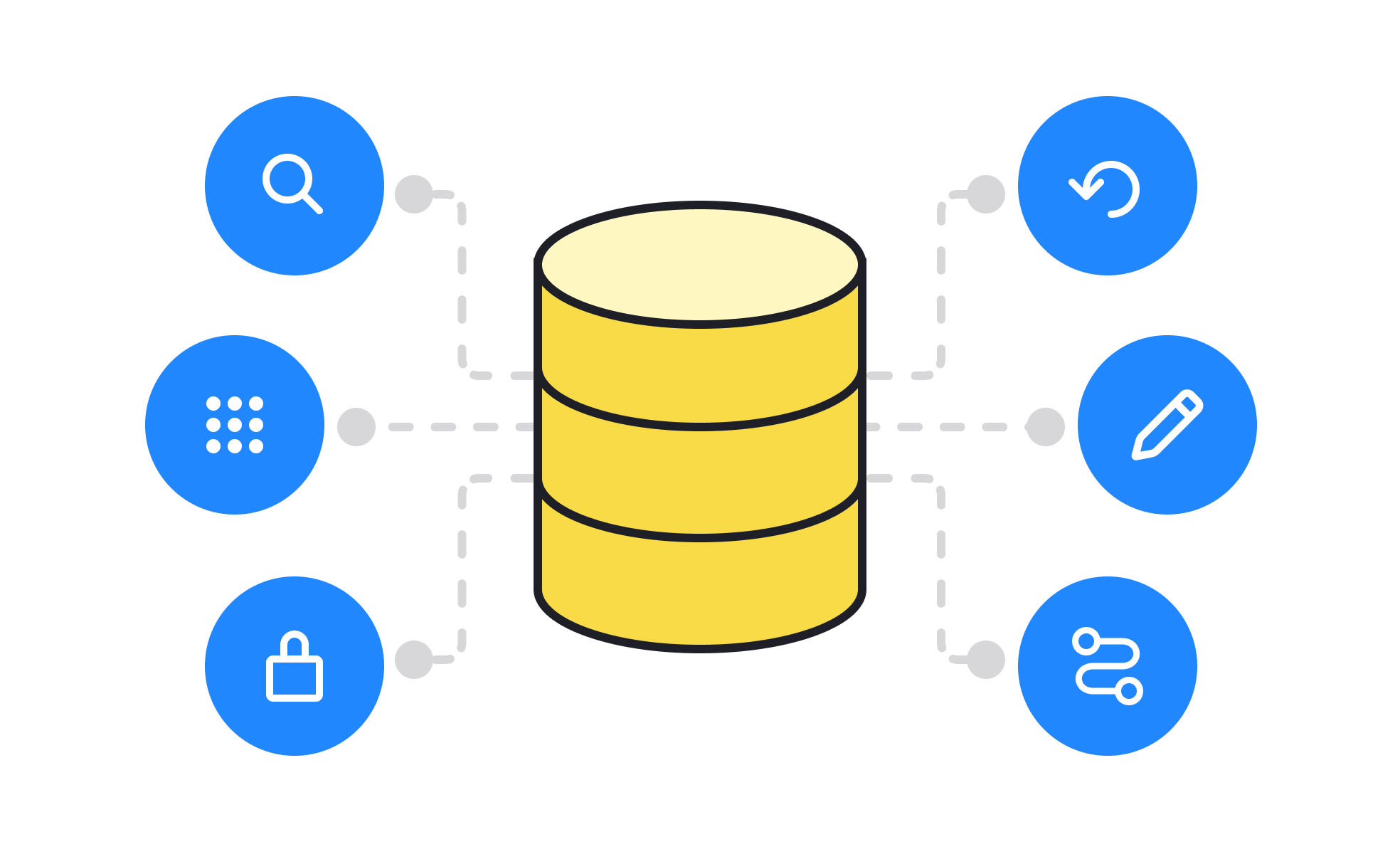
A database is an organized store of information that an application reads from and writes to, kept apart from the application's own code so that the data survives restarts, updates, and the loss of any single device.
Three properties set it apart from any other place data could be kept. It's structured, so every record of a kind has the same shape; it's queryable, so the application can ask for exactly the records matching a condition instead of reading everything; and it's shared, so many users and services read and change the same data at once without overwriting each other. A product's database is the memory the interface shows a view of, and most of what a screen can display, sort, or search is decided by what that memory holds and how. The lesson The Builder's New Vocabulary introduces the term alongside the other parts of an app.
How is a relational database structured?
The most common model is relational, in which data lives in tables. Each table holds one kind of thing, such as users or orders; each row is one instance; and each column is one attribute with a declared type, such as text, number, or date. Every row carries a primary key, a value unique within its table, and a row in another table can refer to it through a foreign key: an order row holds the id of the user who placed it rather than a copy of their details. The schema, the declared set of tables, columns, types, and keys, is the product's data model made explicit, and changing it is a project in its own right.
Queries, written in SQL for most relational systems, ask for rows matching conditions, join tables along their keys, and sort or group the result. The interface never sends queries itself: it talks to an application programming interface, and the backend behind it runs the queries.
What are the main types of databases?
Relational databases suit data whose shape is known and whose relationships matter. Document databases store each record as a self-contained document, usually in a JSON-like form, so two records of the same kind can have different fields; they suit content and profiles that vary from item to item. Key-value stores hold a value against a single lookup key and do nothing else, which makes them very fast for sessions, caches, and feature flags. Graph databases store relationships as first-class data, for social connections and recommendations.
Most products use more than one: a relational database for accounts, a key-value store for sessions, and a search index for full-text queries. The choice of model decides which questions are cheap to ask and which changes are cheap to make, which is why it belongs in a product conversation and not only an engineering one. The Software Architecture Basics lesson sets out the types and the trade-offs between them.
How do forms and UI state map to database records?
Nearly every form in a product is a record being created or edited. The fields of a sign-up form are columns in the users table, its required markers are not-null constraints, and the "email already in use" error is a unique constraint being enforced. A list view is a query whose filters and sort order became the query's conditions. The four operations an interface performs, creating, reading, updating, and deleting, are the same four the database exposes, which engineers abbreviate to CRUD.
The mapping runs the other way too. A field that isn't in the schema can't be saved, a relationship that isn't modeled can't be shown, and a value stored as free text can't be filtered as a date. A screen can only show what the data model lets it ask for, which is why a designer's question "can this list be sorted by that?" is really a question about whether that attribute is a column, an index, or a derived value nobody stored. When the validation rules of a form and the schema's constraints disagree, the database wins and the person sees an error the interface never explained.
How do schema decisions constrain product design?
Sorting, filtering, and searching all depend on how data was stored. Sorting millions of rows is fast only on columns with an index, a separate structure the database keeps for the purpose, so "sort by last activity" may need work beyond the interface. Full-text search usually needs a separate index or a separate system, which is why search often ships later than the list it searches.
Undo and history depend on whether old values are kept. A database that overwrites a row on every update can't restore yesterday's version; one that stores every change as a new record can, at the cost of storage and more complex queries. Soft deletion, where a deleted record is flagged rather than removed, is what makes "restore from trash" possible. Whether an action can be undone is settled when the schema is designed, not when the button is.
Why do reads, writes, and latency matter for design?
Reading from a database is usually cheap and writing is usually expensive, because a write has to be checked against constraints, recorded durably, and reflected in every index. Interfaces inherit that asymmetry: a page that shows data can be served from a cached copy and feel instant, while an action that changes data has to wait for the write to be confirmed, which is the pause after pressing save.
Scale adds more. Pagination exists because a query that returns everything is slow and the page that renders it slower, so lists arrive in chunks and the interface has to show that there is more. Distributed databases may show a change on one screen seconds before another, a property engineers call eventual consistency. Latency is a property of the data path, not the interface, and the interface has to be designed around it: loading, empty, and failure states are where the database shows through.
How does a database differ from a spreadsheet or a file?
A spreadsheet looks like a table, but it differs in the ways that matter once more than one person depends on it. A spreadsheet cell can hold anything, so nothing stops a date column collecting text; a database column has a type and rejects values that don't fit. A spreadsheet has one editor at a time, or last-save-wins conflicts; a database handles thousands of concurrent readers and writers with transactions that either complete entirely or not at all.
A file is simpler still: a document, image, or export read and written whole. Files are right for things that are naturally whole, such as an uploaded photo, and products keep them in object storage with a database record pointing at each one. A database earns its complexity when data has to be shared, queried, and trusted at the same time; below that threshold a spreadsheet or a file is the better tool.
What do databases mean for designers and product managers?
Neither role needs to write a query, but both need the vocabulary. Record, field, and key translate directly to the things a screen shows; schema is the data model; migration is the work of changing it, which is why "just add a field" can take a day or a month depending on what already references the table.
Databases are also where a product's obligations to its users live. Access is guarded by authentication and by credentials kept in configuration rather than in the interface's code, and most serious data leaks are a database reachable by someone who should not have reached it: an exposed connection string, an API key committed to a repository, or a query that returned more than the screen needed. The Secrets, Logins, and Leaks lesson covers the designer-facing side of that.
A designer who knows what the database holds about a person can design what the product should show, ask, and delete, and a product manager who knows what it can't easily answer can keep a roadmap honest about which features are interface work and which are data work.


