


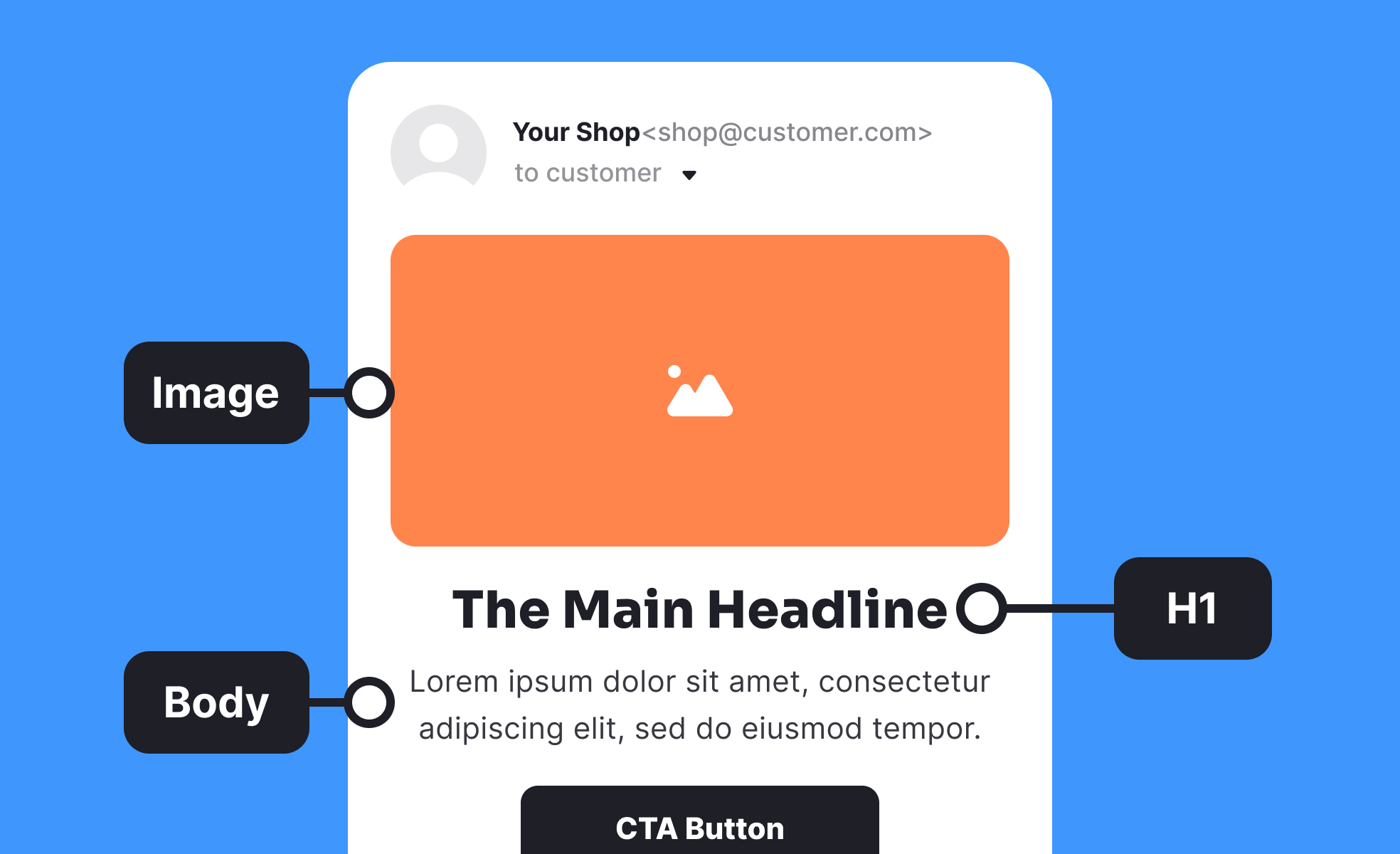
What is Email Design?
Email design creates visually appealing, functional email experiences that engage recipients while achieving business objectives through strategic layout, typography, imagery, and call-to-action placement optimized for various email clients and devices. It encompasses responsive design principles, accessibility considerations, deliverability optimization, and user experience design specifically adapted for the constraints and opportunities of email communication.
This discipline includes email template development, multi-client compatibility testing, mobile optimization, accessibility compliance, and performance measurement that ensure emails work effectively across diverse technical environments and user preferences.
Email Design in Product Communication
Product managers work with email designers to create communication that supports user onboarding, feature adoption, retention, and engagement through strategic email experiences integrated with overall product strategy.
User onboarding and activation email sequences
Email design supports new user success through welcome series, feature introduction, and activation encouragement that guides users toward product value while maintaining engagement throughout onboarding process.
Product update and feature announcement communication
Well-designed emails help users understand and adopt new features through clear explanations, visual demonstrations, and compelling calls-to-action that drive feature exploration and usage.
Retention and re-engagement campaign design
Email design enables effective win-back campaigns and engagement recovery through personalized messaging, compelling visuals, and clear value proposition communication that encourages inactive users to return.
Customer lifecycle and segmentation communication
Strategic email design adapts messaging and presentation for different user segments, usage patterns, and lifecycle stages creating relevant experiences that support long-term customer relationships.
Email Design Principles and Best Practices
Layout and visual hierarchy fundamentals:
- Single column layouts: Optimized for mobile viewing and consistent rendering across email clients
- Clear visual hierarchy: Strategic use of typography, color, and spacing to guide reader attention
- Scannable content structure: Headers, bullet points, and short paragraphs enabling quick comprehension
- Strategic white space: Appropriate spacing preventing cluttered appearance while improving readability
Mobile-first responsive design:
- Mobile optimization: Primary design for mobile devices with desktop enhancement rather than mobile adaptation
- Touch-friendly elements: Appropriately sized buttons and links for finger interaction
- Readable typography: Font sizes and line spacing optimized for small screen readability
- Progressive enhancement: Advanced features that gracefully degrade in limited email clients
Cross-client compatibility considerations:
- Email client limitations: Design approaches that work across Gmail, Outlook, Apple Mail, and other popular clients
- CSS support variations: Using supported styling techniques while providing fallbacks for unsupported features
- Image handling: Alt text and design approaches that work when images are blocked
- Font fallbacks: Web-safe font selections ensuring consistent typography across environments
Email Design Technical Considerations
Image optimization and alt text: Optimize images for fast loading while providing meaningful alt text ensuring content accessibility when images are blocked by email clients or user preferences.
Deliverability and spam prevention: Design choices affect email deliverability including image-to-text ratios, link density, and formatting that might trigger spam filters. Balance visual appeal with deliverability requirements.


