


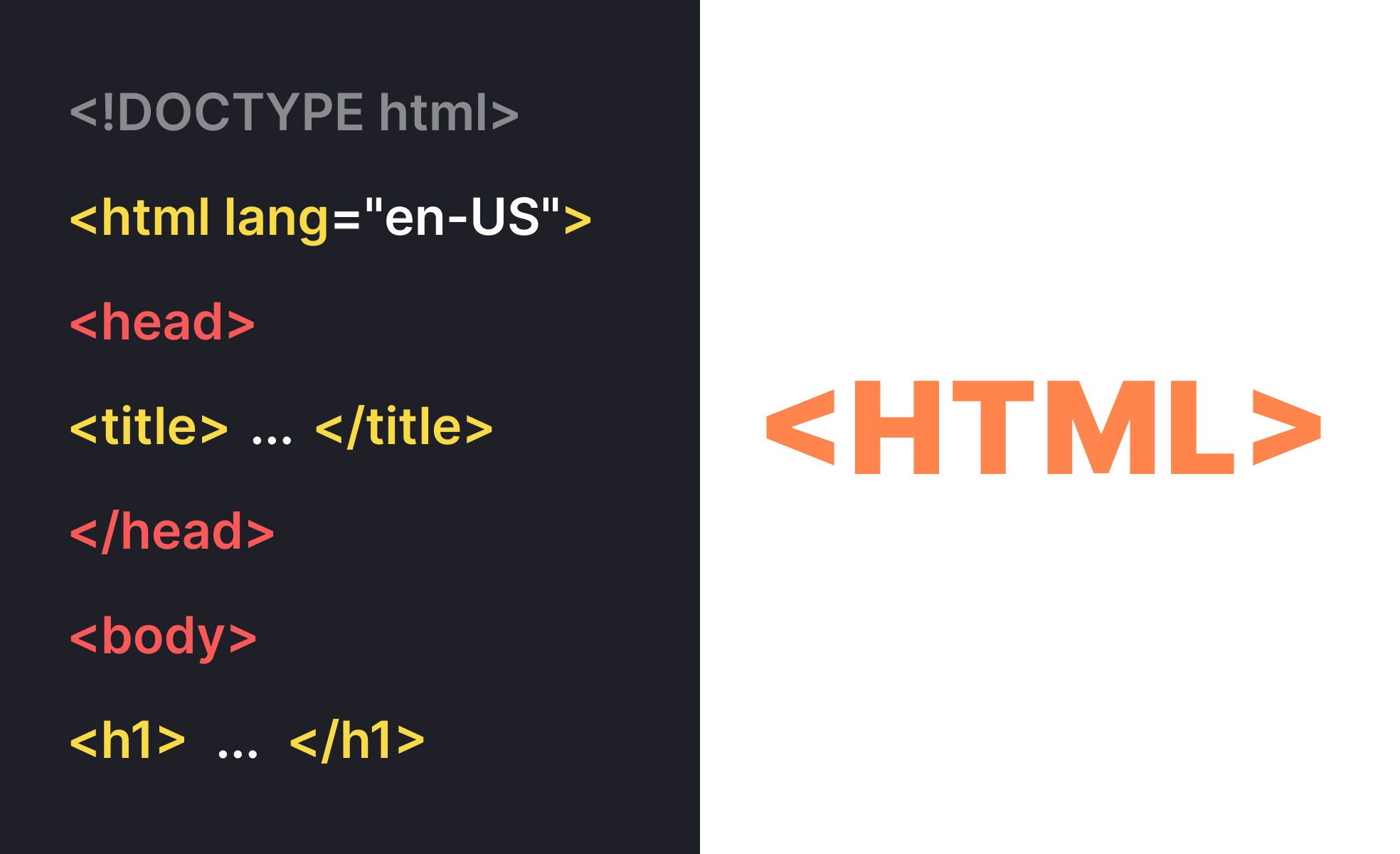
What is HTML?
HTML (HyperText Markup Language) is the standard markup language for creating web pages and web applications, providing the structural foundation that browsers use to display content on the internet. HTML uses tags and elements to define headings, paragraphs, links, images, forms, and other content types while establishing semantic meaning that search engines and assistive technologies can understand and process.
HTML in Web Development Context
Web developers and product teams use HTML as the foundation for all web-based products, ensuring content structure supports both user experience and technical requirements.
Content structure and information architecture
HTML provides the semantic foundation that organizes content logically for both human users and automated systems like search engines and screen readers to understand and navigate effectively.
SEO optimization and search visibility
Proper HTML structure with semantic elements, meta tags, and schema markup helps search engines understand and rank content, driving organic traffic and user discovery.
Accessibility implementation and inclusive design
HTML semantic elements and accessibility attributes enable assistive technologies to present content effectively to users with visual, auditory, or motor impairments.
Form functionality and user interaction
HTML forms enable user input, data collection, and interactive features that support e-commerce, user registration, feedback collection, and application functionality.
Semantic Elements for HTML Documents
- header: Site or section headers containing navigation and branding
- nav: Navigation menus and link collections
- main: Primary content area of the document
- article: Standalone content pieces like blog posts or news articles
- section: Thematic content groupings within articles or pages
- aside: Sidebar content related to main content
- footer: Site or section footers with copyright and additional links
- h1-h6: Heading hierarchy providing content structure and navigation
- p: Paragraphs for body text and content blocks
- ul/ol/li: Unordered and ordered lists for structured information
- blockquote: Extended quotations with proper attribution
- strong/em: Important text emphasis with semantic meaning
Semantic Elements for HTML Forms
- text: Standard text input for names, usernames, and general text
- email: Email input with built-in validation and appropriate mobile keyboards
- password: Secure password input with masked characters
- number: Numeric input with increment controls and validation
- date: Date picker interface for date selection
- checkbox/radio: Multiple choice and single choice selections
- file: File upload capability for images and documents
HTML Accessibility and Inclusive Design
ARIA attributes and accessibility:
- alt attributes: Descriptive text for images that screen readers can announce
- aria-label: Labels for interactive elements that don't have visible text
- aria-describedby: Additional descriptions that provide context for form fields
- role attributes: Explicit element roles when semantic HTML isn't sufficient
Keyboard navigation and focus management:
- tabindex: Control keyboard navigation order for interactive elements
- focus indicators: Visible focus states for keyboard users
- skip links: Navigation shortcuts for keyboard and screen reader users
- logical tab order: Intuitive progression through interactive elements
Screen reader optimization:
- heading hierarchy: Logical h1-h6 structure for navigation and content understanding
- semantic markup: Using appropriate elements for their intended meaning
- descriptive links: Link text that makes sense out of context
- form labels: Clear associations between labels and form controls


