


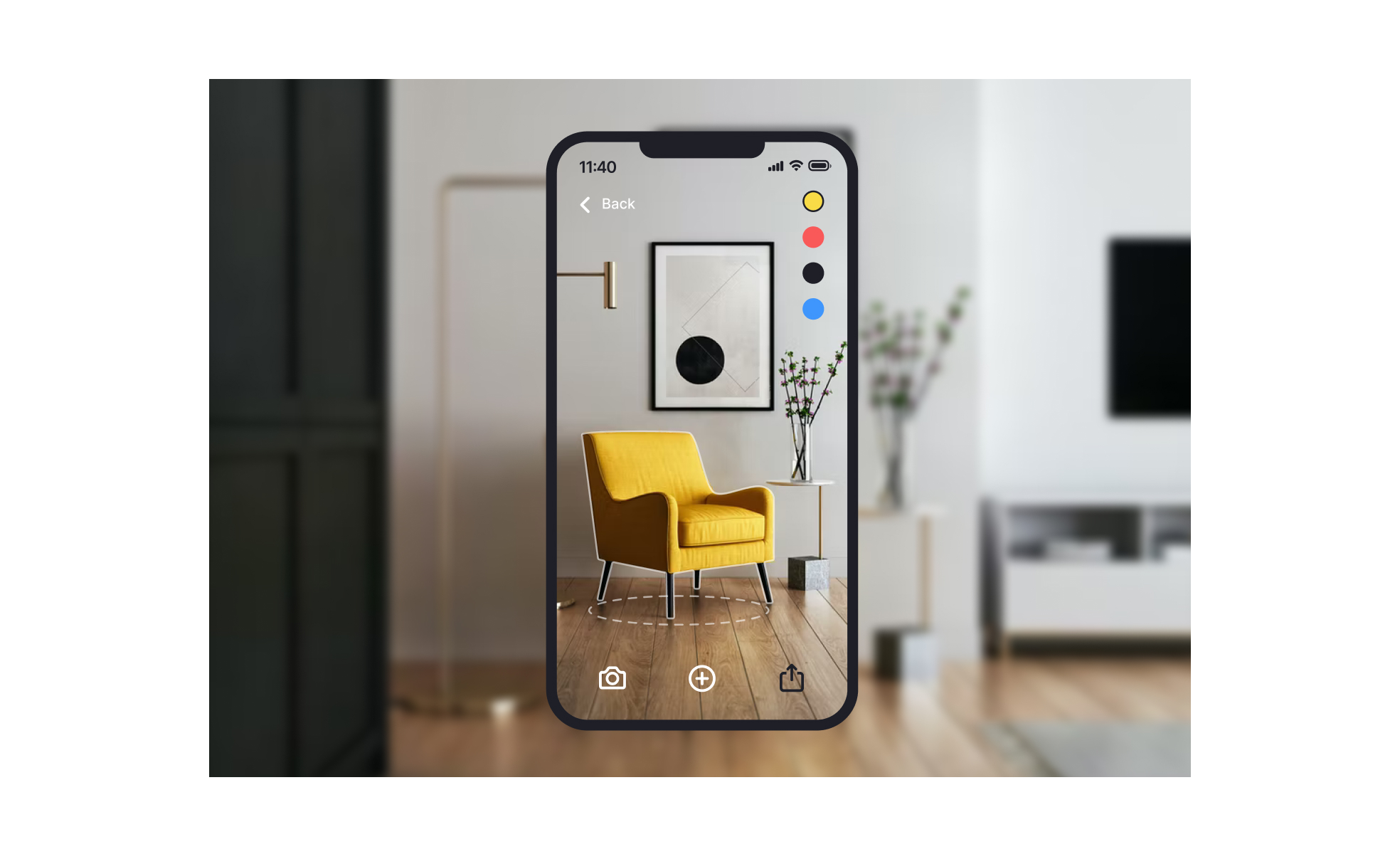
Augmented Reality (AR) is a technology that enriches the physical environment by layering digital information such as images, animations, or data onto real-world views. Unlike Virtual Reality, which replaces the environment entirely, AR enhances what already exists. This makes it particularly powerful in design and product management, where context is key to usability.
In UX/UI design, AR introduces a new dimension to interfaces. Instead of being limited to screens, designers must consider how digital objects interact with real-world spaces. This requires thinking about placement, visibility, accessibility, and user comfort. For example, designing AR navigation for a city street involves balancing clarity with non-intrusiveness so users can follow directions without being overwhelmed.
For product managers, AR brings both opportunities and challenges. It enables innovative features like AR shopping experiences, interactive learning, or virtual try-ons, which can increase engagement and conversion. At the same time, managers must address hardware constraints, user adoption, and the added complexity of integrating AR into existing systems. Balancing innovation with practicality becomes central to decision-making.
Examples highlight AR’s impact. IKEA’s AR app lets customers preview furniture in their homes, helping reduce returns by setting realistic expectations. Snapchat and Instagram filters apply AR to social interactions, driving user engagement and platform stickiness.
Accessibility and inclusivity remain crucial when designing AR. Designers must consider vision impairments, cognitive load, and interaction alternatives beyond gestures or touch. For example, AR features should adapt for users who cannot rely on depth perception or fine motor skills, ensuring that immersive technology does not exclude segments of the audience.
Technical considerations also shape AR experiences. Performance optimization is vital, as lag or misalignment between digital and physical layers can break immersion and cause frustration. Developers must account for varying device capabilities, from high-end headsets to entry-level smartphones, ensuring consistent quality across platforms.
Learn more about this in the What is augmented reality Exercise, taken from the Augmented Reality and Mobile Design Lesson, a part of the Mobile Design Course.
Key Takeaways
- AR overlays digital content onto real-world environments.
- Expands UX/UI design beyond screens into spatial contexts.
- Enables product innovation in shopping, training, and social apps.
- Requires performance optimization for smooth user experiences.
- Demands accessibility and inclusivity in interaction design.


