


Design tools used to live on one designer's machine; Figma moved the whole activity into the browser, where a file is a URL and everyone works in the same document at once. That single decision reshaped how product teams operate, which is why the tool's name became shorthand for modern design work. Knowing what Figma does is now baseline literacy for anyone working near a product team.
In this glossary topic:
What is Figma?
Figma is a browser-based design platform used to create and collaborate on digital product design. Designers use it to build everything from rough wireframes to polished high-fidelity mockups, interactive prototypes, and shared component libraries. Because it runs in the browser and syncs in real time, multiple people can work in the same file at once, comment on designs, inspect specs, and view prototypes without needing separate applications.
Figma launched in 2016 and became the dominant tool in UI and UX design partly by solving a problem that desktop-first tools like Sketch and Adobe XD hadn't fully addressed: collaboration. When multiple people need to work on designs, give feedback, or inspect specs, a single cloud-based file that everyone accesses from the same URL removes most of the friction that version control, file sharing, and export workflows create.
For product teams, Figma has become the primary environment where design work happens, gets reviewed, and connects to engineering.
What does Figma do?
Figma covers the full span of interface design work. Designers use it to draw and refine UI: screens, components, and the visual systems behind them. Prototyping turns those static frames into clickable flows for testing before code exists. Collaboration is the differentiator: multiple people edit the same file live, comment in context, and share work as a link rather than an export. Around that core sit FigJam for whiteboarding, developer handoff with inspectable specs, and an ecosystem of plugins and templates. Figma is used for the whole journey from first sketch to developer handoff, which is why teams standardize on it rather than adopt it one feature at a time.
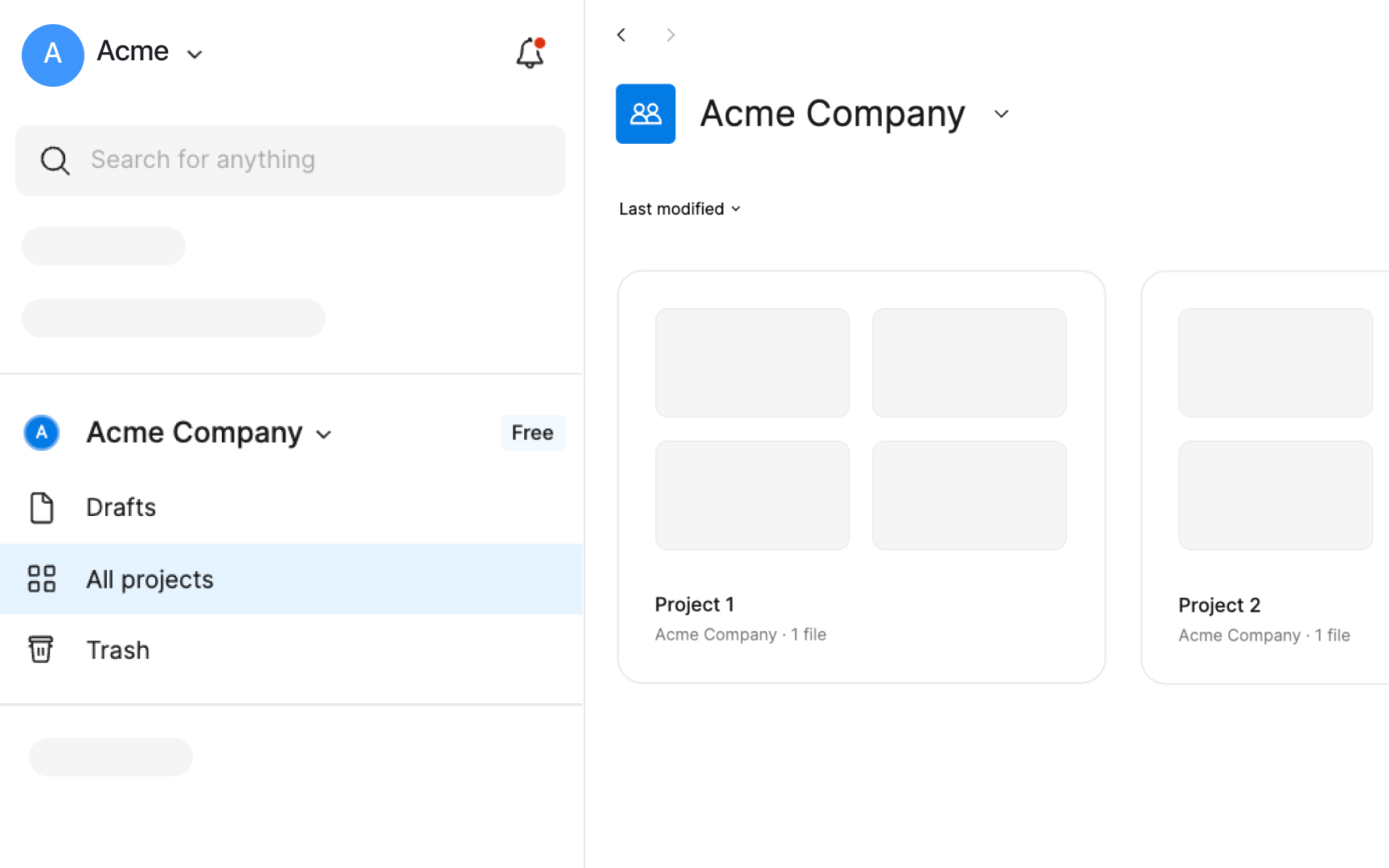
The Figma workspace: teams organize work into projects and files that anyone with the link can open in a browser. The plan badge in the sidebar marks a free-tier team. From the lesson Figma Vocabulary.
Is Figma free?
Yes, with limits. Figma's free plan covers individual designers and small teams: real files, real collaboration, and enough capability to learn the tool or run a small project without paying. Paid plans add the team-scale features, larger project organization, advanced library sharing, and administrative controls. Students and educators get expanded access free through Figma's education program. The practical answer for most people starting out: the free plan is a real product, not a trial, and upgrading becomes relevant when a whole team standardizes on it.
Who uses Figma?
Figma is used across multiple product team roles, not only by designers.
Designers use it for the full design workflow: sketching concepts, building component libraries, creating high-fidelity screens, and wiring up prototypes that simulate user flows. The ability to build and maintain a shared design system within Figma, where changes to a component propagate to every screen that uses it, is one of its most significant productivity advantages.
Engineers use Figma's Dev Mode to inspect the specifications of any element in a design: dimensions, spacing, colors, font properties, and exported assets. This replaces the manual process of annotating designs with specs or using separate handoff tools. With Figma's Code Connect feature and MCP server integration, engineers can also access design system context directly within their code editors, narrowing the gap between what's designed and what gets built.
Product managers use Figma to participate in design reviews, leave comments on flows, compare options, and experience prototypes before features are built. Figma's view and comment seats mean stakeholders can participate in design conversations without needing a full design license.
FigJam, Figma's collaborative whiteboard tool, extends the platform's reach into earlier-stage activities: brainstorming, user journey mapping, retrospectives, and workshop facilitation.
How does Figma support design systems?
Design system management is one of the areas where Figma provides the most structural value.
- A design system in Figma is built from shared libraries of components, variables (design tokens for colors, typography, spacing, and other values), and text styles. When a team publishes a library and other files subscribe to it, updates to library components and variables propagate to every file that uses them. A change to the primary button style applies across the entire product immediately, rather than requiring each screen to be manually updated.
- Variables are Figma's implementation of design tokens. They allow teams to define color, spacing, and typography values once and reference them across all components and screens. Variable modes enable light and dark theme switching, as well as multi-brand support, where a single component library can resolve to different visual values depending on the active theme or brand.
- Extended collections, introduced in 2025, allow teams with multiple brands to maintain a core design system that individual brand teams can extend with their own overrides, while still inheriting changes made to the parent system. This makes multi-brand design system management significantly more tractable for larger organizations.
How has Figma been evolving lately?
Figma has been expanding from a design tool into a broader product development platform, with AI-powered capabilities at the center of its recent evolution.
- Figma Make, launched at Config 2025, is an AI-powered prompt-to-app tool that turns written descriptions or existing Figma designs into working, interactive prototypes or functional web apps. Teams can bring their production React component libraries into Figma Make, generating prototypes that use the same components as the production codebase rather than design approximations. This collapses the distinction between prototype and implementation for many early-stage exploration use cases.
- Figma Sites allows designers to build and publish actual websites directly from within Figma, including responsive layouts, interactive elements, and CMS-managed content. Figma Buzz serves brand and marketing teams generating visual assets at scale from designer-created templates, with AI-assisted image generation and batch production.
- Figma's MCP server allows AI-powered code editors like Cursor and Claude Code to access Figma design context directly, enabling engineers to generate code that references the actual design system components and specifications rather than approximating them from inspection.
- Figma's 2025 AI report found that 85% of designers and developers believe learning to work with AI will be essential to their future success, and 33% are already using AI within Figma to generate design assets.[1] The broader trajectory is toward a platform where the line between designing, prototyping, and building has been significantly narrowed.
How does Figma compare to other design tools?
Figma's main differentiator has consistently been real-time collaboration and cloud-based access, but its competitive position has evolved as the tool has expanded.
Sketch pioneered the component library model for UI design but remains a Mac-only desktop application. Its collaboration features have improved via Sketch Cloud, but the desktop-first model limits participation from non-designers and makes file sharing more complex.
Adobe XD was discontinued as a standalone product in 2023, with Adobe moving its design tool investment toward Adobe Illustrator and integration with the broader Creative Cloud ecosystem.
Framer has positioned itself as an alternative for teams who want to combine design with publishable, code-driven websites, which overlaps with Figma Sites' positioning.
For most product teams, Figma is the default starting point. Its market dominance means that most designers, engineers, and product managers already know it, which reduces onboarding friction for new teams and makes it the common language of product design across the industry.


