


TL;DR
- Small, focused design elements in interfaces.
- Provide feedback and guide user actions.
- Include animations, toggles, and error cues.
- Improve usability, delight, and engagement.
Definition
Microinteractions are small, contained design elements in digital products that serve one purpose, such as providing feedback, confirming actions, or guiding users through tasks.
Detailed Overview
Microinteractions are the subtle details in digital interfaces that make products feel responsive and alive. They handle small moments of interaction, like showing a button press animation, displaying a typing indicator, or confirming that a setting has been saved. Although small in scope, they contribute significantly to usability and emotional connection.
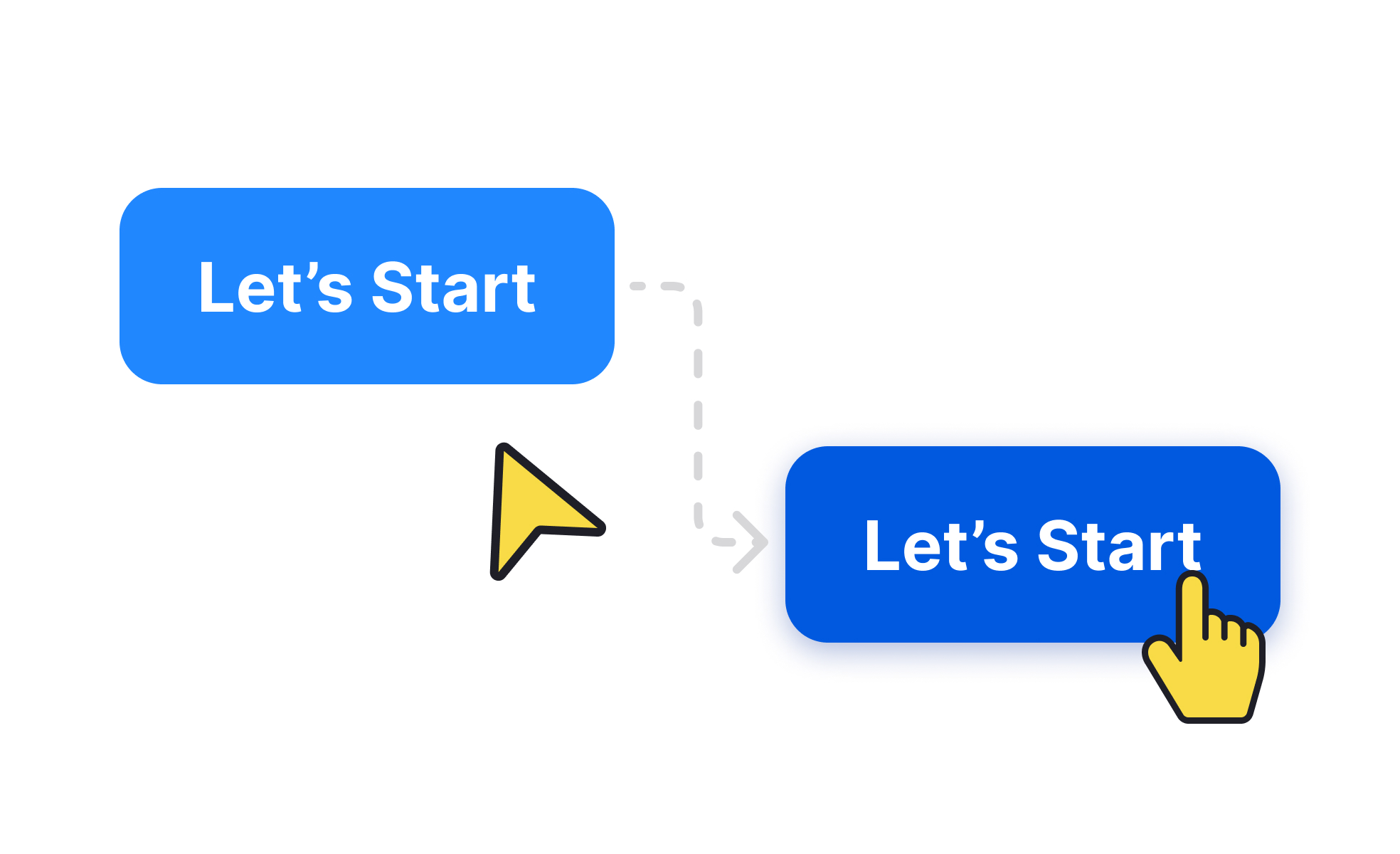
A frequent question is why microinteractions matter when they seem so minor. The answer is that they shape how users perceive responsiveness. Without them, interfaces feel static and unhelpful. For example, when a user presses a button and sees no visual feedback, they may wonder if the action worked. With a subtle animation or highlight, confidence and clarity are reinforced.
Another common query is how microinteractions affect user trust. By signaling that the system is processing or that input has been received, they reduce uncertainty. For instance, a loading spinner assures users that progress is happening, while a vibration confirms that a phone command was registered. These signals create reliability in the user’s mind.
Designers also ask about the role of delight. While functionality is critical, microinteractions often add personality to products. Small animations, sound cues, or playful transitions can create a sense of enjoyment. This emotional layer helps differentiate products in competitive markets, fostering loyalty and positive associations.
Another point of discussion is accessibility. Microinteractions should not rely on a single sensory channel. A system that only uses color changes to signal errors may fail users with color blindness. Effective microinteractions combine visual, auditory, and sometimes haptic cues to ensure inclusivity.
Finally, product teams often ask about balance. Overusing microinteractions can overwhelm or distract users, while too few make an interface feel cold. The best microinteractions are purposeful, quick, and consistent with the product’s overall design language. They support functionality first and layer personality only when it enhances the task.
Learn more about this in the Microinteraction Exercise, taken from the Common Design Concepts Lesson, a part of the Design Terminology Course.


