


TL;DR
- Visualizes steps users take to achieve goals.
- Clarifies paths across features and interfaces.
- Reveals friction points in journeys.
- Guides design improvements and decision-making.
Definition
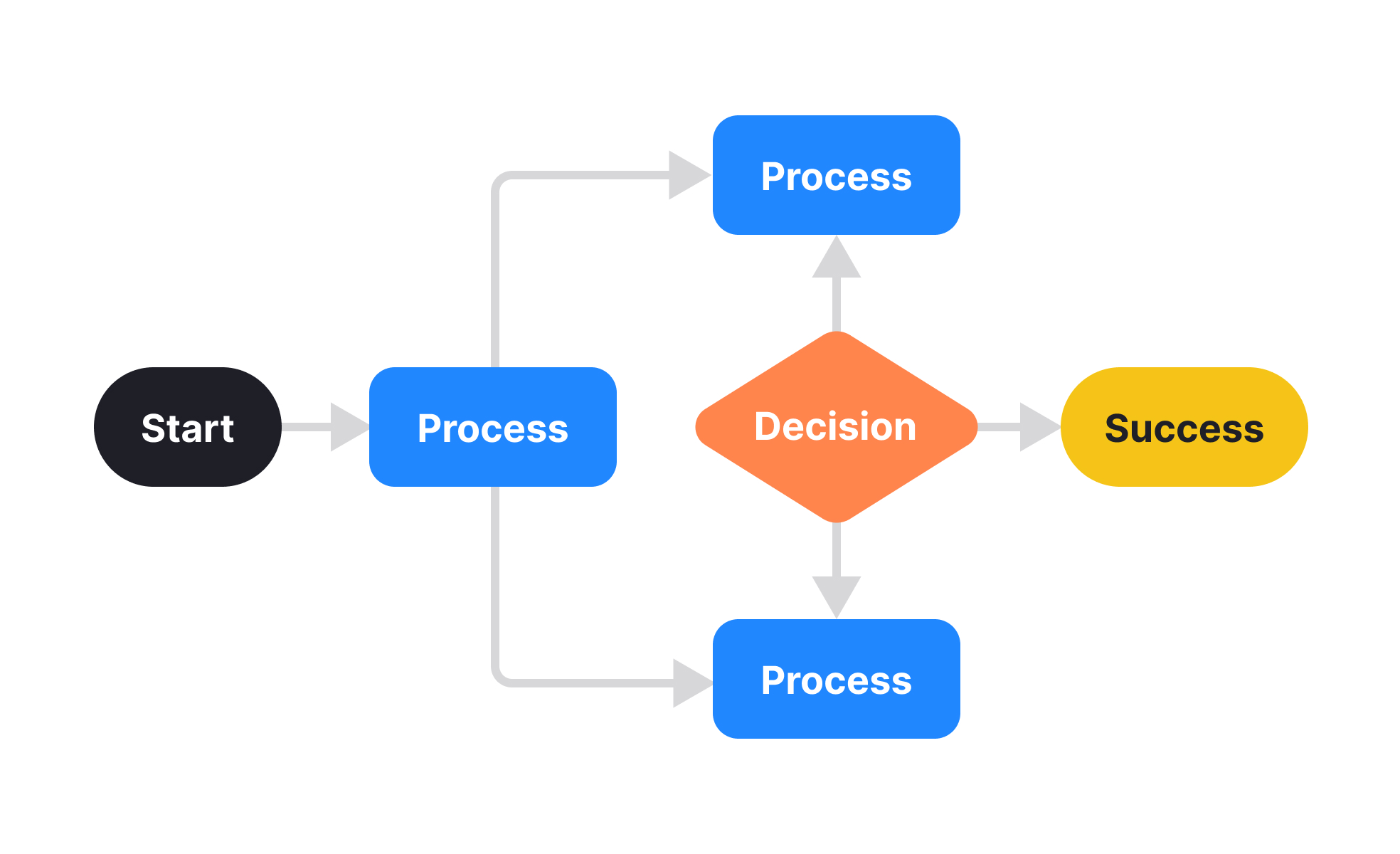
User flow mapping is the creation of diagrams that represent the sequence of actions users follow within a product, providing clarity on journeys, tasks, and decision points.
Detailed Overview
User flow mapping translates abstract journeys into visual representations, making it easier for teams to understand how people move through products. A user flow might chart how a person discovers a product page, adds an item to their cart, and completes checkout. By mapping these steps, teams see the pathways that succeed, where users drop off, and what improvements could reduce friction.
A frequent question is how user flow mapping differs from journey mapping. While journey maps focus on the emotional and contextual experience, flow maps emphasize the logical sequence of interactions. For instance, a journey map might highlight frustration when entering payment details, while a flow map shows exactly where that step occurs and how it connects to adjacent actions.
Another common query is how detailed user flows should be. High-level flows show broad stages like "search → select → purchase," while detailed flows include micro-interactions, like "click filter → select option → remove filter." The right level of detail depends on the project stage and team needs. Early flows provide strategic clarity, while detailed flows support testing and development.
User flow mapping also plays an important role in collaboration. Designers use flows to plan layouts and navigation, developers use them to understand logic, and product managers use them to explain decisions to stakeholders. The shared artifact reduces ambiguity and aligns disciplines around common goals.
Accessibility can also be considered during flow mapping. By visualizing interactions, teams can check whether critical steps are inclusive, such as whether all actions can be completed using keyboard navigation. Integrating accessibility into flows ensures inclusivity is designed in from the start.
Finally, user flow mapping supports iteration. By comparing flow maps before and after redesigns, teams evaluate whether changes improved efficiency or added complexity. Over time, this documentation becomes a valuable record of how product experience evolved.
Learn more about this in the User Flow Visualization Exercise, taken from the Customer Journey Analytics Lesson, a part of the Product Analytics Course.


