


Smartwatches, fitness bands, earbuds, rings, and glasses now ship with their own interfaces, and most mobile products are expected to show up on at least one of them. The wrist is the hardest screen a designer works on: a few seconds of attention, a display the size of a thumbnail, and a wearer who is walking, running, or in a meeting. Wearable interfaces fail when they are treated as small phone screens, and the discipline exists to stop that from happening.
In this glossary topic:
What is wearable design?
Wearable design is the design of the interfaces and interactions of devices worn on the body: smartwatches, fitness bands, earbuds, smart glasses, smart rings, and medical sensors, together with the phone and cloud companions they depend on. The term covers the software side of these devices, meaning the screens, sounds, vibrations, voice interactions, and notifications a wearer meets, rather than the industrial design of the hardware itself. A wearable interface has to work while the wearer is doing something else, because almost nobody picks up a watch the way they pick up a phone.
The discipline borrowed its vocabulary from mobile design before discovering that most of the rules did not carry over. Navigation hierarchies, forms, and long lists all assume a wearer who will stop and look; a wearable has to assume one who will not. The defining assumption of wearable design is that attention is borrowed, not given, and every other constraint follows from it.
What constraints define wearable design?
The first constraint is time. A wearable interaction is measured in seconds: a glance at the wrist to check a notification, a tap to dismiss it, a turn of the crown to scroll a list. Apple's and Google's platform guidance both describe wrist interactions in seconds, not minutes. Anything that takes longer belongs on the phone.
The second is the display. A watch face is a small fraction of a phone screen, often round, and read at arm's length, outdoors, in sunlight, and while moving. Earbuds and many fitness sensors have no display at all, so feedback arrives as sound or vibration. The third is input: touch on a small target, a physical crown or button, a wrist gesture, a voice command, and increasingly a pinch or tap sensed by the device, with no keyboard worth the name. The fourth is data. Wearables sense continuously, so heart rate, steps, location, and sleep are inputs the interface can draw on without being asked, which is both the richest material in wearable design and its main privacy liability. Battery, water, motion, and the wearer's other hand being occupied round out the list. The constraints combine rather than add, because a wearer who is running outdoors meets the small screen, the sunlight, the motion, and the single free hand at the same moment. Multi-sensory design is the body of practice that turns haptics and sound into channels a wearable can rely on when the screen cannot be looked at.
How does wearable design differ across device classes?
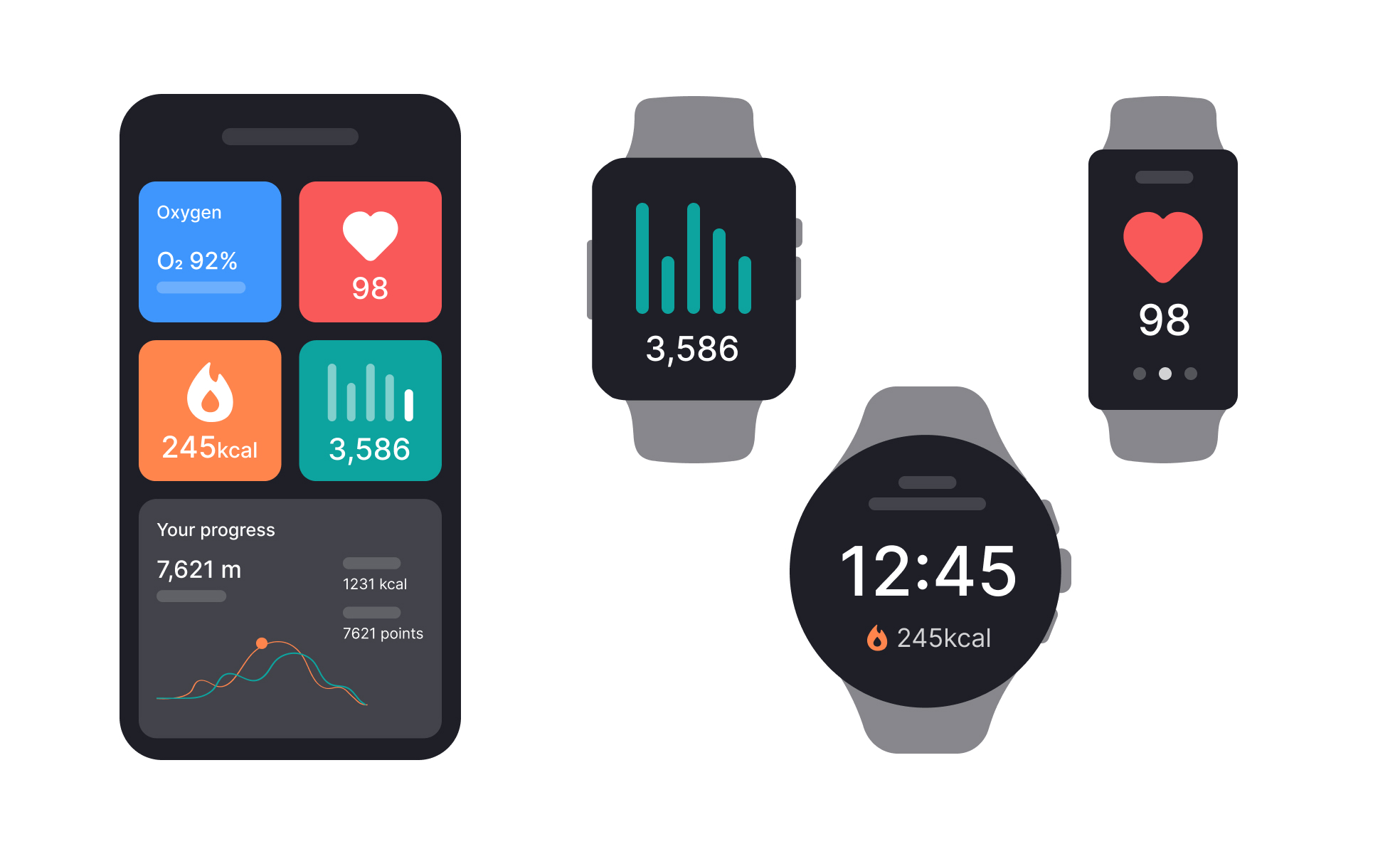
Each class of wearable settles into its own interaction model, and the screen sizes and contexts of each are surveyed in the Devices & Screen Sizes lesson. A smartwatch is the richest: it has a watch face that carries small live data elements called complications, a set of glanceable cards or tiles for the next most common tasks, a notification stream that mirrors and triages the phone's, and short app flows of a few screens each. Most third-party wearable design happens here, so its patterns, from one action per screen to the hand-off back to the phone, are the ones designers are expected to know.
A fitness band trades most of that for a single purpose. It shows a few metrics, buzzes for goals and alerts, and leaves configuration and history to the companion app. Earbuds are screenless, so their interface is a handful of taps, squeezes, and voice commands plus spoken or chimed feedback. Smart glasses add a display in the wearer's field of view and bring the hardest version of the attention problem, since the interface competes with the world itself. Rings and medical sensors have no interface of their own; their design happens entirely in the companion app and in how the data is explained. The smaller the device, the more of its design lives on the phone, and a designer's first job is to decide which class the product belongs to.
What belongs on the wearable and what belongs on the phone?
Almost every wearable ships with a companion app, and the split between the two is the central design decision. The wearable owns what is glanceable and what is urgent: the current metric, the next step, the incoming message, the timer, the pay-at-the-register moment, and the confirmation that something worked. The phone owns everything that needs reading, typing, choosing among many options, or reviewing over time: setup, account and permission settings, history and trends, long messages, and anything that involves a form.
The hand-off between them should be visible and cheap. A watch notification that cannot be acted on in one tap should open on the phone, not trap the wearer in a wrist flow; a workout started on the wrist should appear in the phone's history without any further action. The failure mode in both directions is duplication: a watch app that reproduces the phone's navigation, or a phone app that has to be opened to finish what the watch started. The wearable is a remote control and a readout for the phone, not a second copy of it, and the broader patterns of small-screen interaction it inherits are those of mobile design.
What does wearable design look like in practice?
Picture a runner checking pace mid-stride. The watch face shows distance, pace, and heart rate in large type that can be read in a single glance, a vibration marks each kilometer so the wearer does not have to look at all, and a swipe or a crown turn reveals the next screen of data. Pausing is one tap on a target large enough to hit while bouncing. Nothing on the screen asks for a decision, and nothing requires the second hand. Glanceability is a property that can be checked: if the wearer cannot get the one fact they came for in the time it takes to raise the wrist, the screen has too much on it.
The same test applies far from the track. A boarding pass on the wrist shows the gate and the QR code and nothing else; a message notification shows the sender, the first line, and two reply options; a smart home control shows one switch. In each case the designer has chosen the single piece of information or the single action that justifies looking at the wrist, and moved everything else to the phone.
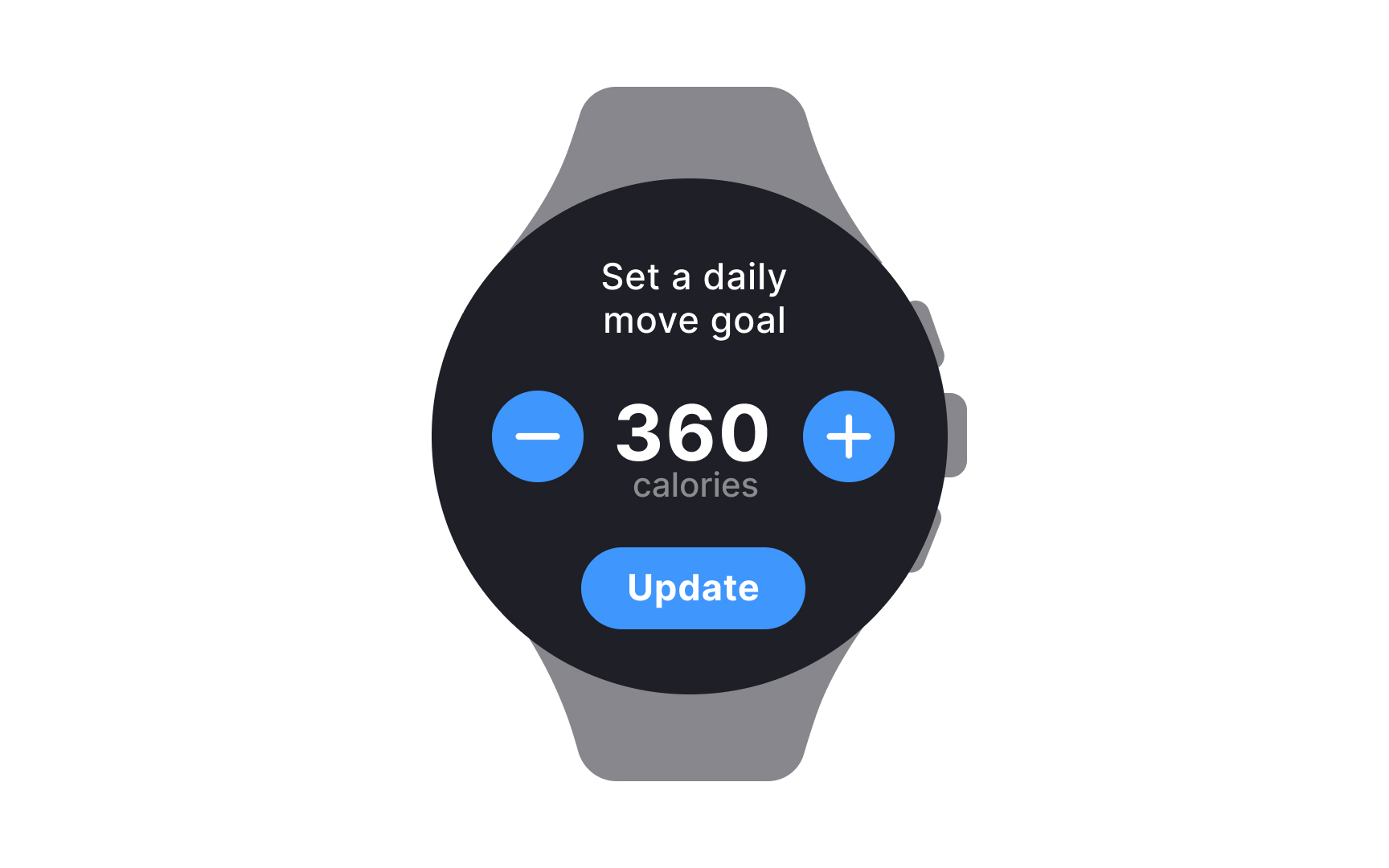
One decision per screen: a large value, a stepper to change it, and one button to confirm. Nothing on the face competes with the number, so the whole screen can be understood and acted on in the time it takes to raise the wrist. From the lesson Designing for Wearables.
What does wearable design mean for designers?
Designing for a wearable means designing for interruption. The wearer did not open the app; the app arrived, in the middle of a conversation or a run, and it has a few seconds to justify itself before the wrist drops. That shapes the rules designers follow: one action per screen, text sized to be read at arm's length, high contrast for sunlight, haptic and audio feedback that works when the screen cannot be seen, and a strong preference for notifications that can be handled without opening anything. Apple's Human Interface Guidelines for watchOS and Google's guidance for Wear OS each spell out these rules for their platforms, along with the shapes, sizes, and input methods a designer can assume.
Health data brings a further responsibility. It is sensitive and often regulated: a wearable that reads heart rhythm or blood oxygen is collecting information the wearer may not want shared, and in some markets certain readings are treated as medical functions, so the interface has to ask for consent clearly, explain what is collected, and avoid presenting an estimate as a diagnosis.
Accessibility matters more on the wrist, not less: a wearer with low vision, a tremor, or a single usable hand depends on large targets, voice input, and haptic-first feedback that lets the device be used without looking. A wearable that can only be used by someone standing still and looking at it has been designed for the wrong situation. How touch, voice, and haptic patterns are specified on Apple's platforms is covered in the Selection & Input Methods lesson.


