


Phones tap back, watches buzz at a milestone, and a payment confirms with a tone before the screen catches up. Multi-sensory design is the discipline behind those moments, and it has moved from exhibition halls and car interiors into the everyday interface kit. Sound and touch now carry meaning that screens alone used to carry, which makes them a design responsibility rather than an engineering default.
In this glossary topic:
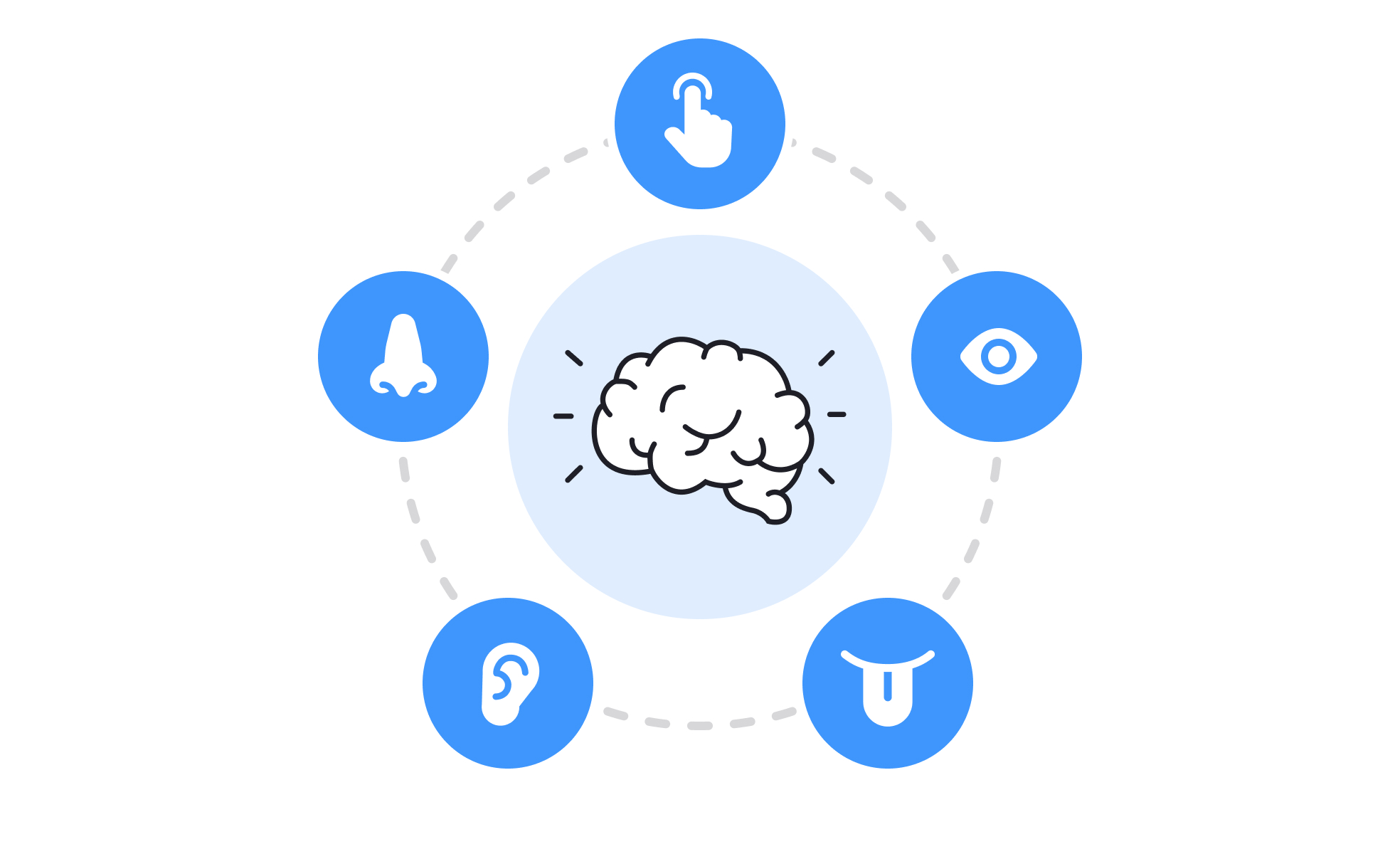
What is multi-sensory design?
Multi-sensory design is the practice of designing an experience so that it reaches more than one sense, most often sight, hearing, and touch, with smell and taste in physical settings, and so that the signals sent to each sense agree with one another. A product that happens to make a noise is not multi-sensory; a product whose sound, motion, and vibration say the same thing at the same moment is.
The idea is older than digital products. Retail and exhibition designers have long composed light, music, scent, and material texture into a single impression, and industrial designers have always cared how a switch clicks and how a car door sounds when it closes. Digital products joined once phones gained vibration motors precise enough to design with. In an interface, the available senses are sight, hearing, and touch, and the craft lies in how they are coordinated rather than in how many are used.
Which senses does multi-sensory design work with?
Sight carries most of the load in any screen-based product: layout, color, type, and motion. Motion design is the cross-modal bridge, because a toggle that slides, clicks, and ticks at the same instant reads as one event.
Hearing works through two kinds of sound. Functional audio is the short cue that confirms, warns, or notifies: the message-sent whoosh, the error buzz, the completion chime. Sonic branding is the longer, recognizable signature that identifies a company or product, played at startup or at the end of a transaction. Both are designed assets with the same discipline as icons: a small family, consistent in timbre, each sound tied to one meaning.
Touch reaches people through haptic feedback, the vibration patterns produced by a phone, watch, controller, or trackpad. Current devices can produce distinct taps and textures rather than a single buzz, and both major mobile platforms publish a vocabulary of named patterns, such as a light tick for a selection change and a heavier pulse for success or failure, so the same meaning feels the same across apps. Haptics are the only channel that reaches a user whose eyes and ears are elsewhere, which is why wearables lean on them so heavily. Smell and taste stay in physical environments such as stores and packaging.
Why does multi-sensory design matter?
The first reason is redundancy. A message carried on two channels reaches people who miss one: a vibration backs up a notification sound on a noisy street, a sound backs up a visual change for someone who is not looking at the screen. Redundancy also helps people who receive every channel, because the signals confirm one another and the event registers with more certainty.
The second reason is feel. The same action with and without a matching haptic tap feels different in a way users notice and struggle to name. Sound and touch are also closely tied to memory and emotion, which is why sonic logos exist at all and why a product's sounds become part of how people remember it. A product's non-visual cues do a large share of its emotional work while taking up no screen space, which is the trade that makes the work worth it.
The third reason is attention. Vision demands focus; hearing and touch work in the background. A watch that taps at each kilometer and a car that vibrates the wheel at a lane edge both deliver information without asking for eyes, which is often the only safe way to deliver it.
How does multi-sensory design relate to accessibility and inclusive design?
The three overlap but are not the same. Accessibility is about meeting defined needs: a person who cannot see the screen needs the information in sound or touch, and a person who cannot hear the alert needs it in light or vibration. Multi-sensory design often satisfies those needs as a side effect, but it is driven by richness rather than by requirement.
The difference shows in how each is judged. Accessibility has criteria and audits, and each channel has to be sufficient on its own. Multi-sensory design is judged on whether the experience feels whole, and a product can pass that test while leaving a deaf user or a blind user with half the message.
Inclusive design is the broader stance the two feed into: designing for the full range of ability and situation from the start, so the person on a loud factory floor and the person with hearing loss are served by the same decision. The rule that ties the three together is that no important meaning should live on one sense alone. Multi-sensory design supplies the extra channels, accessibility checks that each one works by itself, and inclusive design asks who was left out.
What are the risks of multi-sensory design?
More channels mean more ways to get it wrong. Sensory overload is the first risk: a product that chimes, buzzes, and animates at every tap becomes noise, and users turn the whole layer off, losing the cues that mattered along with the ones that did not. Inconsistency is the second: a success sound reused for an error, or a haptic pulse that fires for both a selection and a warning, teaches users to ignore the channel.
The third risk is that the channel may be absent. Many people keep phones muted and haptics off, desktop computers have no vibration motor, and browsers block audio until the person has interacted with the page, so a design that depends on sound or touch for meaning fails silently for all of them. The fourth is harm. Flashing visuals can trigger seizures in people with photosensitive epilepsy, large parallax and zoom effects can cause nausea in people with vestibular disorders, and operating systems now expose a reduced-motion setting that a product is expected to honor. The Designing for Epilepsy lesson covers the visual triggers. Every added sense is an added fallback to design, not a bonus layer to drop on top.
What does multi-sensory design mean for designers?
Haptic and sound design are now part of the interface kit, and they are specified the same way: a small set of tokens, each mapped to a meaning, documented in the design system. The platform vocabularies are the starting point. Apple's human interface guidance pairs system haptics with specific interactions, which the Selection & Input Methods lesson walks through, and Android's guidance does the same for its feedback constants. Custom patterns are reserved for brand moments, not for everyday feedback.
Fallbacks are a requirement rather than a refinement. Every sound needs a visible equivalent, every haptic needs a sound or a visual equivalent, and every animation needs a reduced-motion version that conveys the same state change with less movement. Silent mode and reduced motion are not edge cases, and a design is reviewed in those states first.
Microinteractions are the natural unit for this work, because each one has a trigger, a rule, and feedback, and the feedback is where the channels get chosen. Testing follows the same logic: a cue is checked with sound off, with haptics off, and with reduced motion on before it is checked with everything on. A cue that only works with every channel enabled has not been designed; it has been decorated.


