


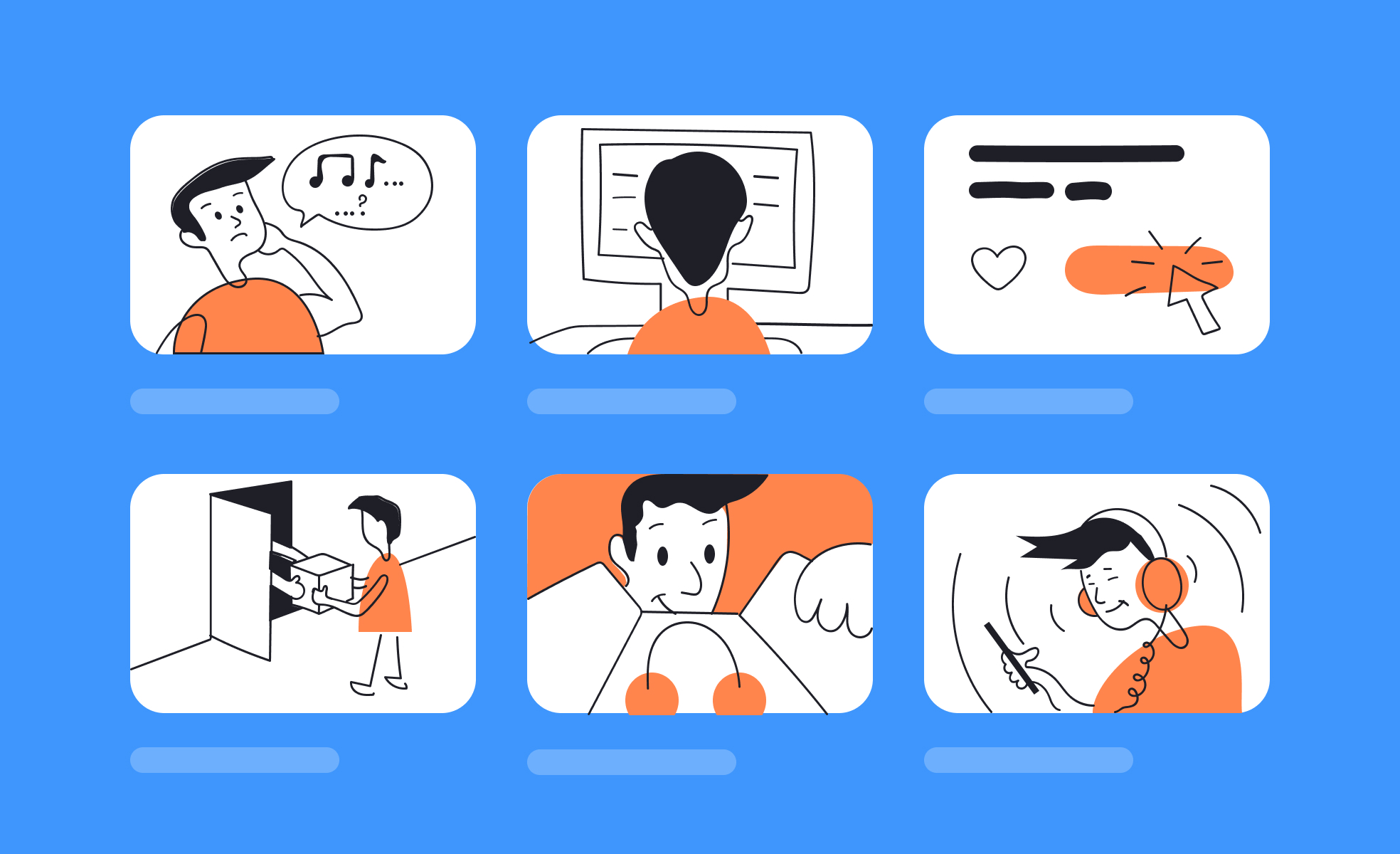
TL;DR
- Visual sequence showing steps or interactions.
- Used in design, film, and product development.
- Aligns teams on flow before production.
- Helps identify gaps or friction early.
Definition
A storyboard is a visual representation of a sequence, often through drawings or frames, used to plan user experiences, interactions, or narratives before full production.
Detailed Overview
Storyboarding has its roots in filmmaking and animation, but it has become a staple in product design and development. It allows teams to map out experiences visually, showing step-by-step how a user will interact with a feature or journey. By putting abstract ideas into a sequence of frames, storyboards make it easier for teams to understand intent and flow before investing in development.
A frequent question is why storyboards are useful in product design. They bridge the gap between abstract requirements and concrete design. Instead of just reading specifications, stakeholders can see how interactions unfold in context. This clarity reduces misinterpretation and highlights potential pain points early. For instance, storyboarding a checkout process may reveal unnecessary steps or confusing flows that written descriptions alone would miss.
Another common query is how storyboards differ from wireframes. Wireframes focus on the layout of individual screens, while storyboards emphasize sequence and user actions across multiple touchpoints. A storyboard answers the question “What happens next?” rather than “What does this screen look like?” Both tools are complementary, with storyboards providing narrative and wireframes providing detail.
Teams also ask about fidelity. Storyboards don’t have to be polished or artistic. Simple sketches, stick figures, or annotated screenshots can effectively convey meaning. The goal is communication, not perfection. By keeping fidelity low, teams can iterate quickly and focus on flow rather than aesthetics.
Accessibility and inclusivity are sometimes raised in storyboarding conversations. Including diverse users and scenarios in storyboards ensures designs reflect a wide range of needs and contexts. For example, storyboarding with accessibility in mind might include frames showing a user navigating with a screen reader or voice input, ensuring teams consider these needs early.
Learn more about this in the Storyboard Exercise, taken from the UX Design Deliverables Lesson, a part of the UX Design Foundations Course.


