


TL;DR
- System activity between user action and response.
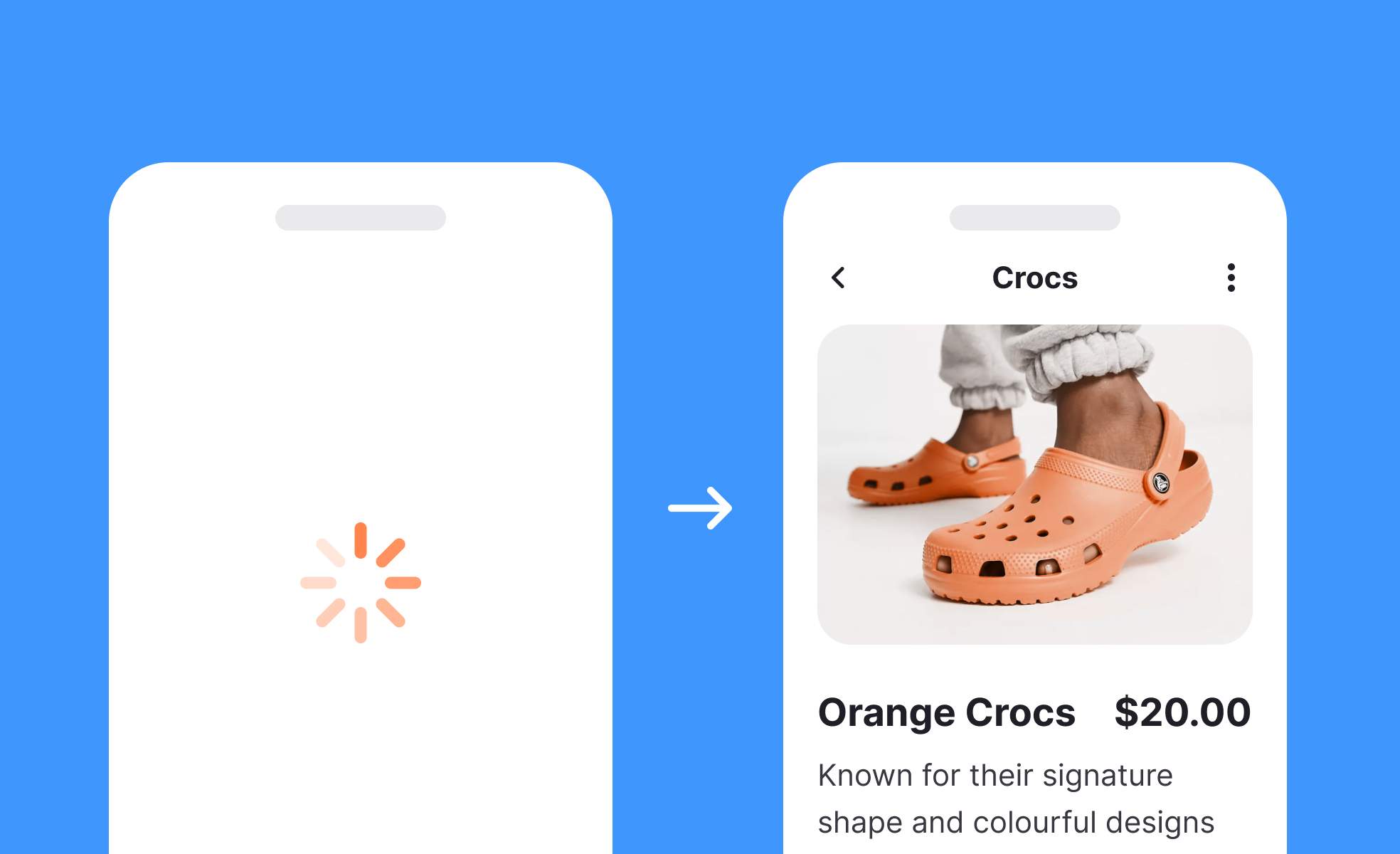
- Communicates progress with indicators like spinners or bars.
- Shapes perceived performance and user trust.
- Needs clear, accessible feedback to avoid frustration.
Definition
Loading refers to the time and process a digital system takes to fetch, process, or render requested content, usually communicated through visual or auditory signals to users.
Detailed Overview
Loading is an unavoidable part of digital products, as every system requires time to process data, fetch information, or render visuals. From opening a website to uploading a file, users often encounter loading moments. The quality of communication during this phase directly affects user satisfaction, trust, and perception of performance.
A frequent question is how loading differs from processing. While both involve system activity, loading is typically associated with retrieving content from a server or database, whereas processing involves computation or transformation of data. In practice, users do not care about the technical difference; they simply expect clear, reassuring feedback that the system is working.
Another common query is about best practices for handling loading states. Designers and developers use spinners, progress bars, skeleton screens, or simple text messages. Each choice influences perception. Skeleton screens, for instance, provide a preview of content structure, which makes the wait feel shorter. Progress bars help when tasks have measurable steps, while spinners are useful for short, uncertain waits.
Accessibility is a recurring issue in questions about loading. If loading states are not announced to screen readers or fail to maintain keyboard focus, some users may assume the system is unresponsive. Proper ARIA roles, live announcements, and predictable focus management ensure that everyone receives the same reassurance during loading moments.
Teams often ask how loading affects trust. If a system fails to communicate progress, users may think it is broken, leading to repeated clicks or abandonment. Consistent, clear loading states reassure users that their request is being handled. For critical tasks, such as financial transactions, this reassurance is especially important.
Learn more about this in the Intro to UI Loaders Lesson, a part of the UI Components II Course.


