


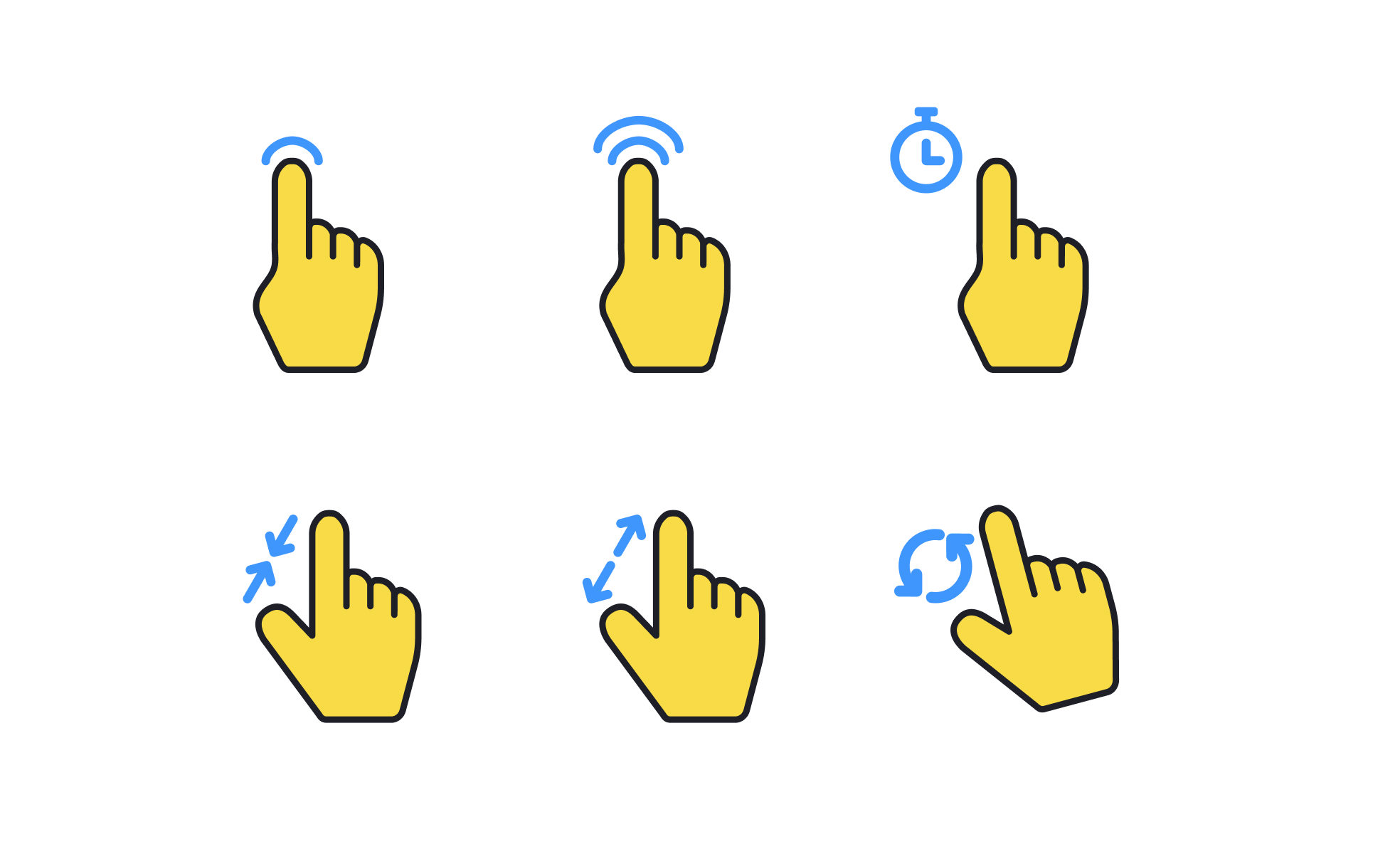
Gestures are physical actions performed on touchscreens or trackpads, such as tapping, swiping, dragging, or pinching, that translate into digital commands. They have become core interaction methods in mobile devices, tablets, and even desktop interfaces, replacing or complementing traditional input methods like keyboards and mice. By mimicking natural human motions, gestures create more intuitive ways of interacting with technology.
For UX designers, gestures represent a critical dimension of usability. A well-placed swipe can simplify navigation, while a pinch-to-zoom gesture makes images and maps feel natural and responsive. However, gestures also pose challenges, as not all users discover them easily. Invisible interactions, such as a hidden swipe action, risk confusing or alienating users if they are not paired with visual cues or onboarding guidance.
Real-world examples show the ubiquity of gestures in modern interfaces. Instagram relies on swiping for browsing stories and scrolling feeds, making interaction seamless and continuous. Google Maps uses pinching and dragging for zooming and navigation, replicating natural physical behaviors. Productivity apps integrate drag-and-drop gestures to simplify file management, mirroring the tangibility of physical workspaces.
Gestures also influence emotional perception of products. Smooth animations paired with responsive gestures make interfaces feel fluid and polished, increasing user satisfaction. Conversely, laggy or inconsistent gesture recognition frustrates users, making a product feel broken or unintuitive. Precision in gesture detection and animation timing is, therefore, as important as the gestures themselves.
Learn more about this in the Gestures Exercise, taken from the Designing for Mobile Interfaces Lesson, a part of the Mobile Design Course.
Key Takeaways
- Gestures are touch-based inputs like taps, swipes, and pinches.
- Designers use gestures to simplify navigation and create natural flows.
- Real-world apps like Instagram and Google Maps rely heavily on gestures.
- Smooth animations and hardware precision enhance satisfaction.


