


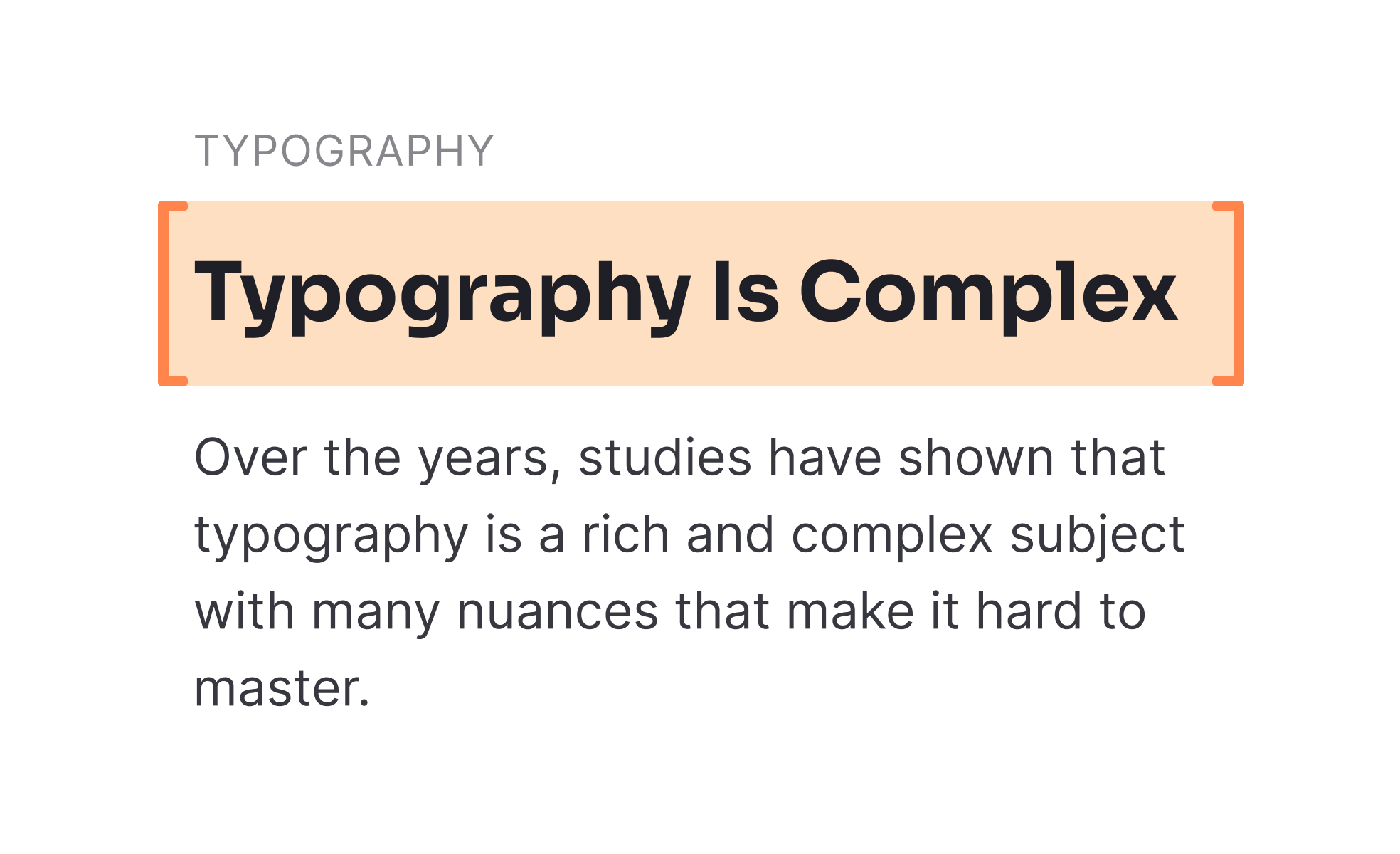
Headers are text elements that define and separate sections within digital products, websites, or documents. They serve as organizational anchors, telling users what content follows and helping them scan quickly. Headers are often larger, bolder, or differently styled than body text to distinguish their importance. They may also include semantic HTML tags, such as <h1> through <h6>, which provide both visual styling and structural meaning for accessibility and search engines.
For UX designers, headers are a key tool in shaping hierarchy. They help structure pages by breaking information into digestible sections. Clear headers reduce cognitive load, as users can identify relevant sections without reading every word. Designers also consider line length, font weight, spacing, and alignment to ensure headers feel visually balanced and easy to follow. Poorly designed headers, by contrast, lead to clutter and confusion.
Accessibility plays a crucial role in header design. Screen readers rely on semantic header tags to provide structure and navigation for visually impaired users. Proper hierarchy (with <h1> reserved for main headings, followed by <h2> and so on) ensures that content is understood in the right order. Headers also support readability for neurodiverse users by chunking content into predictable, scannable sections.
Real-world examples show their impact. Blogs and publishing platforms use headers to guide readers through long-form articles, ensuring that key points are easy to skim. SaaS dashboards rely on headers to separate key metrics, making data more approachable. E-commerce sites often use headers to highlight categories, filters, or product details, giving customers a faster path to decisions. Across contexts, headers serve as road signs, guiding navigation and comprehension.
Learn more about this in the Header Exercise, taken from the Common UI Component Definitions I Lesson, a part of the UI Components I Course.
Key Takeaways
- Headers define structure and guide content hierarchy.
- Designers use them to reduce cognitive load and improve scanning.
- Accessibility requires semantic tags and logical order.
- Examples span blogs, dashboards, and e-commerce platforms.
- Headers support SEO by clarifying structure for search engines.


