


TL;DR
- Connect users to pages, resources, or sections.
- Fundamental for navigation and information flow.
- Must be clear, descriptive, and accessible.
- Critical for usability, trust, and SEO.
Definition
Links are clickable elements, usually text or icons, that direct users to other destinations within or outside a digital product, enabling navigation and access to additional content.
Detailed Overview
Links are one of the most basic yet powerful building blocks of digital experiences. They form the backbone of navigation, allowing users to move between content, features, and resources. Whether in websites, applications, or documents, links create pathways that connect pieces of information into meaningful journeys.
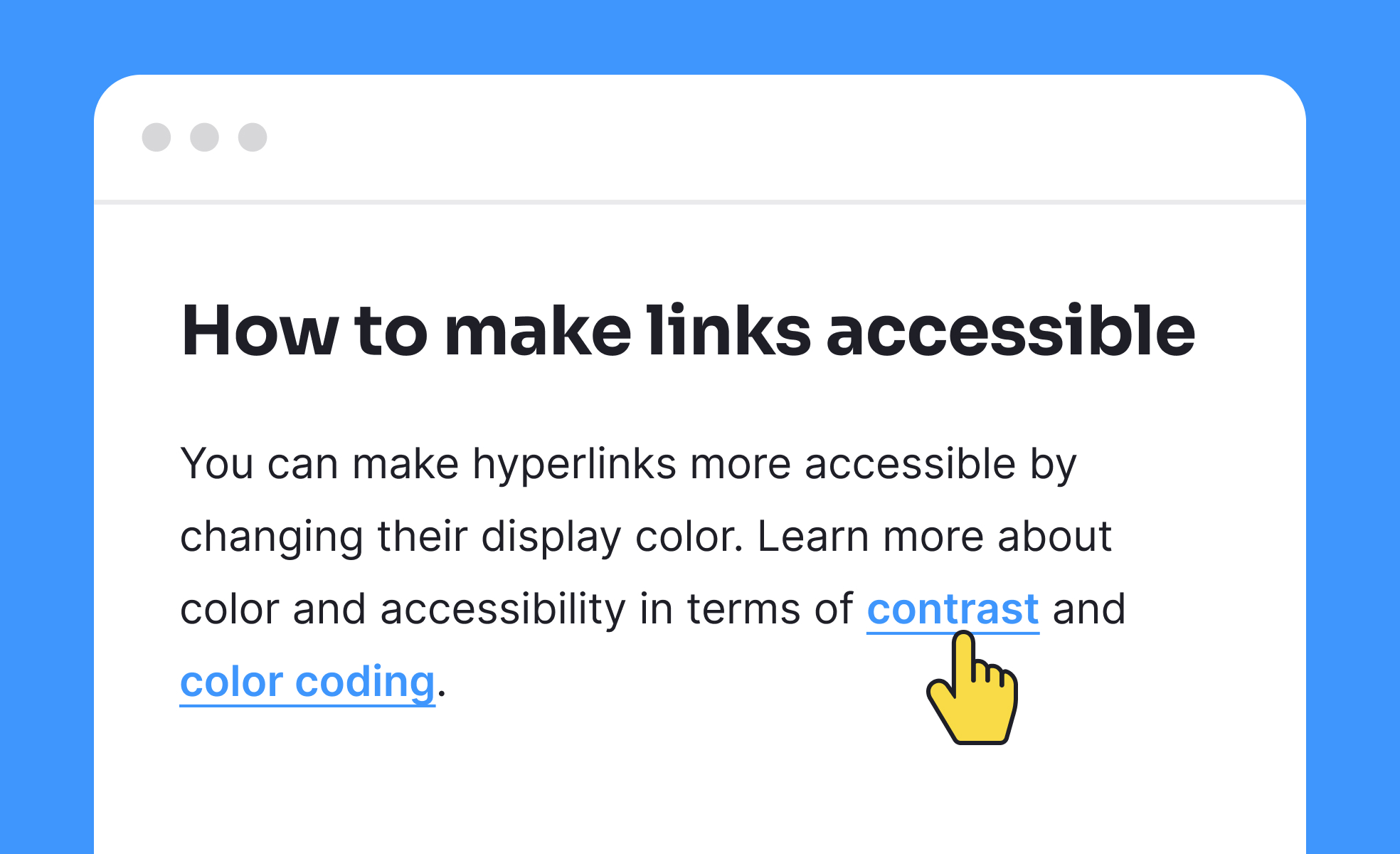
A frequent question is about link design. Links must be identifiable, typically styled with underlines, color changes, or hover states. If links are not visually distinct, users may not realize they are interactive, which reduces discoverability. Consistent styling across a product ensures users can predict and rely on interactions.
Another recurring query is about link wording. Effective links use descriptive, action-oriented text rather than vague prompts. For example, “View Pricing Plans” is clearer than “Click Here.” Descriptive links improve usability by setting expectations about what the user will see, while also improving accessibility for screen readers and supporting SEO.
Accessibility raises important considerations. Screen readers often allow users to skim through links out of context. If links are labeled vaguely, such as “Learn More,” the context is lost. Designers should ensure that links make sense when read independently. Keyboard navigation is equally important, as many users rely on tabbing through links to move efficiently across a page.
Another common discussion involves external versus internal links. Internal links guide users to content within the same product, while external links connect to outside resources. Both serve important roles but should be clearly differentiated. Indicating that a link will open a new tab or leave the product helps avoid confusion.
Finally, teams often ask about the role of links in trust and credibility. Broken or misleading links frustrate users and harm confidence in a product. Regular testing ensures that links remain functional, while transparent practices, such as marking affiliate or sponsored links, reinforce integrity. Links may appear simple, but they directly affect the credibility of the experience.
Learn more about this in the HTML Links Lesson, a part of the HTML Foundations Course.


