


TL;DR
- Real-time communication within a product or app.
- Provides onboarding help, updates, and promotions.
- Keeps users engaged without relying on email or push.
- Effective when targeted and non-intrusive.
Definition
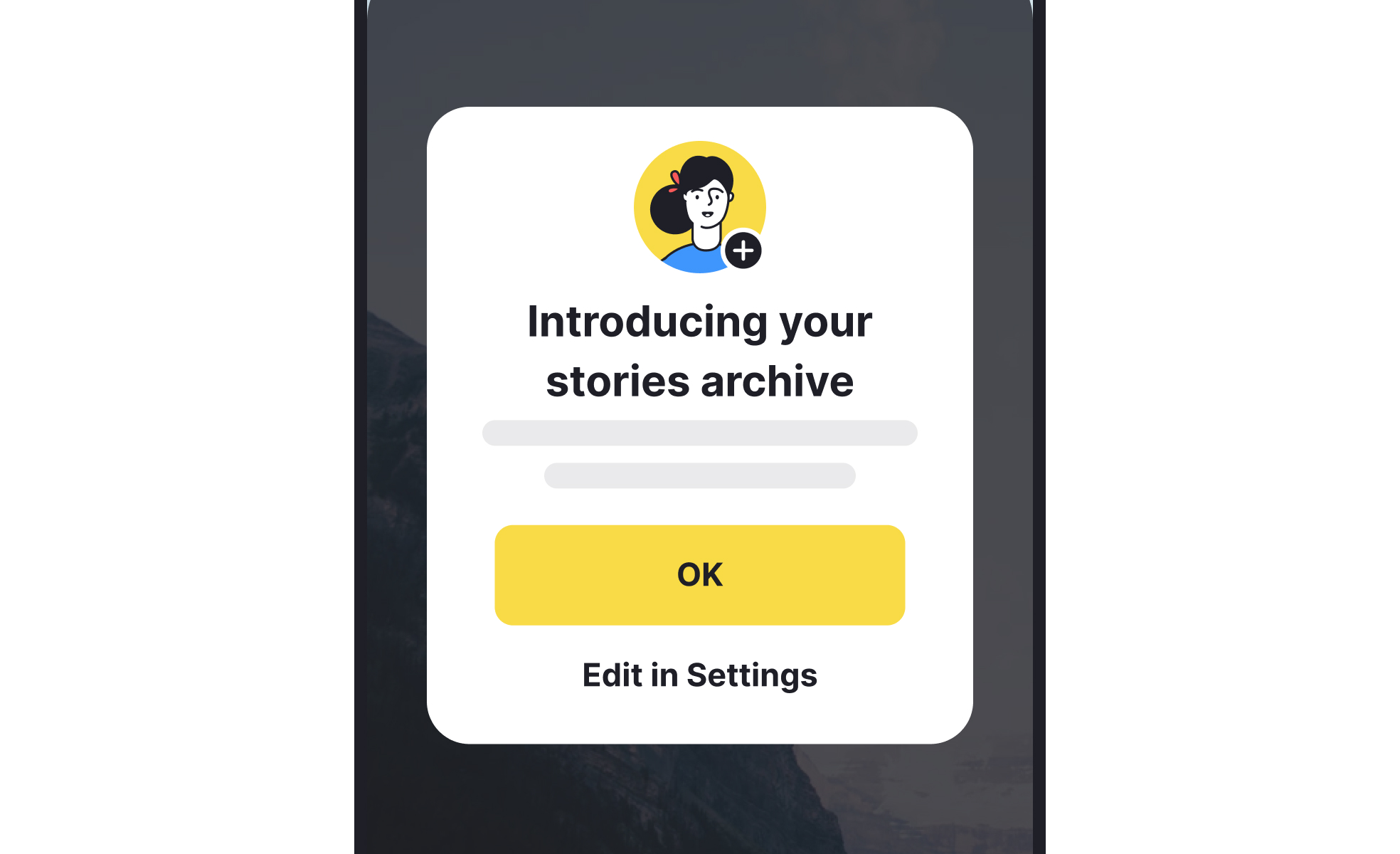
In-app messaging is the practice of sending targeted messages directly inside a product interface, used to guide, inform, or engage users as they interact with the application.
Detailed Overview
In-app messaging fills a critical gap between product functionality and user understanding. Unlike email or push notifications, which reach users outside the product, in-app messages engage them at the moment of use. This makes them ideal for onboarding, prompting feature adoption, or driving upgrades at the point of highest relevance.
A common question is how in-app messaging differs from push notifications. Push notifications pull users back into the app, while in-app messaging communicates with those already inside. The timing is significant: in-app messaging meets users while they are engaged, meaning the message has a higher chance of being acted upon.
Another frequent query concerns best practices. Effective in-app messaging should be contextual, targeted, and minimally disruptive. A banner suggesting a new feature makes sense after a user completes a related task, but would feel intrusive if shown randomly. The design and tone of the message should align with the product’s overall experience, avoiding an overly promotional feel.
Users also ask about personalization. In-app messaging works best when tailored to user behavior. For example, showing tips only to new users, or prompting power users about advanced features. Data-driven targeting ensures that the right messages reach the right people at the right time, which reduces frustration and increases engagement.
Teams often wonder about measurement. Key metrics include click-through rate, feature adoption, and conversion to desired actions (such as upgrading to a premium plan). These metrics provide direct feedback on whether messages are effective or if they are being ignored. Regular A/B testing helps refine messaging strategies and identify what resonates best.
Finally, there are questions about balance. Too much in-app messaging can overwhelm users, leading to message fatigue and decreased engagement. The best practice is to limit messages to moments where they add clear value, such as helping users overcome friction points or highlighting new opportunities relevant to their current task.
Learn more about this in the Mastering Email and In-App Messaging for Retention Lesson, a part of the Reducing User Churn Course.


