


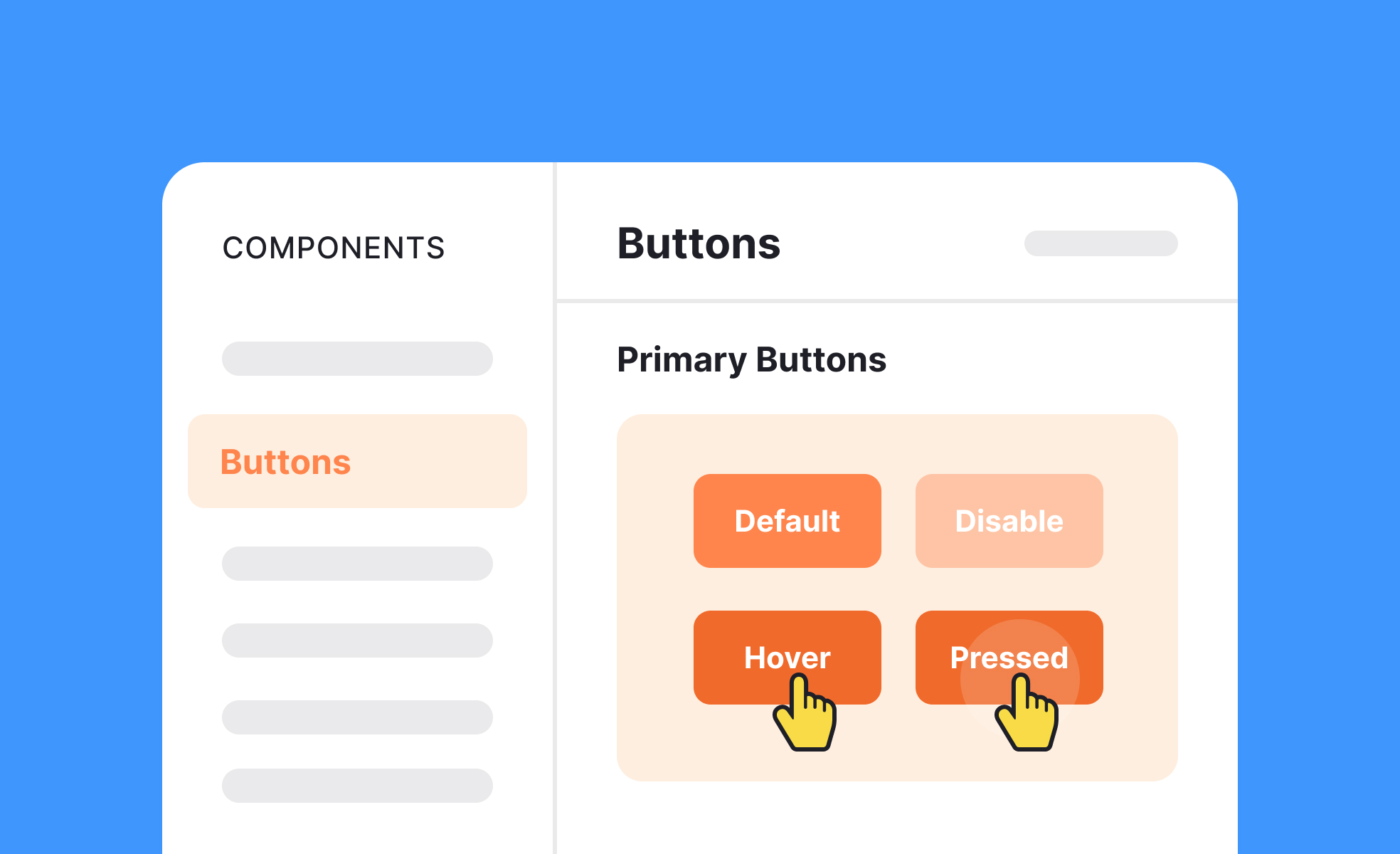
TL;DR
- A package of reusable UI components.
- Includes buttons, forms, icons, and patterns.
- Speeds up design and prototyping.
- Ensures consistency across products and teams.
Definition
A UI kit is a set of ready-made interface components and assets, designed for reuse, that helps designers build consistent and efficient digital products.
Detailed Overview
UI kits are widely used to accelerate design workflows. Instead of designing every component from scratch, teams can draw from pre-built buttons, icons, sliders, and form fields. This makes prototyping faster and ensures that final products follow established patterns rather than ad hoc decisions.
A frequent question is how UI kits differ from design systems. While both provide reusable components, UI kits are usually static collections of visual assets, while design systems include documentation, rules, and code libraries that enforce usage. UI kits are a starting point, but design systems provide broader governance and scalability.
Another common query involves team efficiency. By standardizing assets, UI kits reduce duplication of work and eliminate inconsistencies. For instance, every designer working on a product can use the same button component, ensuring visual coherence across screens. Without kits, teams risk spending time creating redundant elements and introducing subtle misalignments.
Customization is another important factor. UI kits often include base elements that can be adapted to brand identity. Teams may modify colors, typography, or spacing while retaining consistent structure. This balance between standardization and flexibility allows UI kits to serve both rapid prototyping and polished product development.
Accessibility also enters the discussion. A high-quality UI kit incorporates accessibility standards, ensuring that components have adequate contrast, legible typography, and interaction states for all users. Using accessible kits helps teams avoid costly redesigns and supports inclusivity from the start.
Finally, UI kits have educational value. Junior designers learn established design patterns by working with prebuilt components, while experienced teams use them to align across projects. Whether downloaded as templates or built internally, UI kits remain one of the most practical resources in modern design workflows.
Learn more about this in the UI Kits Exercise, taken from the Technical UI Terms Lesson, a part of the Design Terminology Course.


