.svg)


You have too many tabs open. Figma in one, Miro in another, a half-finished Maze test somewhere in a third. Maybe a Notion doc tracking which tools your team actually pays for versus which ones just auto-renewed without anyone noticing.
I get it. The product design tools landscape has exploded, and picking the wrong stack costs more than money. It costs momentum. A team locked into the wrong prototyping tool burns weeks migrating files. A startup paying enterprise rates for features nobody uses bleeds budget that should go toward hiring.
So I did the work. I’ve analyzed hundreds of reviews from G2, Capterra, Trustpilot, and ProductHunt published between January 2025 and February 2026. I’ve examined pricing structures across 20+ tools, tracked migration patterns showing which teams switch to what, and studied customer success stories with measurable outcomes.
This guide covers product design tools for specific purposes: design and prototyping, collaboration and whiteboarding, design systems and developer handoff, user research and testing, and wireframing and early-stage exploration. You’ll get an overview of all the tools available for each stage of the design workflow, highlighting the breadth of options and their respective pros and cons. For each tool, you’ll find exact pricing (with calculations for real team sizes), what designers who use it daily actually say, and clear guidance on when to pick it and when to skip it.
What you'll learn in this guide
- 20+ tools across multiple categories, from prototyping heavyweights like Figma and Framer to specialized research platforms like Maze and Hotjar
- Real pricing with team-size math. Not just “$16/month” but “a 10-person team with 5 designers, 3 developers, and 2 PMs pays $1,560/year on Figma Professional”
- Customization and pricing based on monthly active users. Learn how some product design tools adjust features or costs depending on your number of monthly active users, a key metric for product teams tracking engagement and scalability
- Dated community reviews from actual users. Pro quotes and con quotes pulled from G2, Capterra, and Trustpilot with enough context to judge relevance
- Clear “skip this if” guidance for every tool. No tool works for everyone. You’ll know exactly when to look elsewhere
- Migration patterns and switching costs. Which teams are leaving which tools, and why
- Skill foundations that make every tool more productive. The design principles behind the tools, and where to build them
What exactly are product design tools?
Product design tools are software platforms that help designers research, prototype, test, and ship design work across the full product development cycle. These tools support every phase of a design project, from initial ideation and brainstorming to prototyping, collaboration, user testing, and final delivery.
The categories covered here map to the core design workflow: you brainstorm and wireframe ideas (wireframing and early-stage tools), create visual designs and interactive prototypes (design and prototyping tools), collaborate with stakeholders (collaboration and whiteboarding tools), maintain consistency and hand off to developers (design systems and handoff tools), and validate your decisions with real users (user research and testing tools). These product design tools facilitate the entire UX design process, including ideation, wireframing, prototyping, and execution, helping teams streamline workflows from concept to final product. Some tools span multiple categories. Figma, for example, now covers design, prototyping, whiteboarding (through FigJam), and developer handoff. That overlap is intentional, and I’ll call it out when it matters for your purchasing decision.
Which design and prototyping tools actually deliver?
Design and prototyping tools are the backbone of any product designer’s workflow. This is where ideas take visual shape, interactions get tested, and the thing that eventually ships first starts looking like a real product. Using a rapid prototyping tool enables teams to quickly iterate on ideas and test user flows before development, streamlining the process of mapping and refining the user journey. The differences between tools in this category come down to collaboration models, platform constraints, pricing philosophy, and how tightly they integrate with the rest of your stack.
Figma
The basics:
- Pricing: Free (Starter, 3 files), Professional at $16/full seat/month (billed annually), Organization at $55/full seat/month, Enterprise at $90/full seat/month. Dev seats at $12-35/month, Collab seats at $3-5/month.
- Best for: Teams of 2-200+ designers and cross-functional collaborators
- Ideal use case: End-to-end product design, from wireframes through high-fidelity prototypes, with real-time team collaboration and built-in developer handoff.
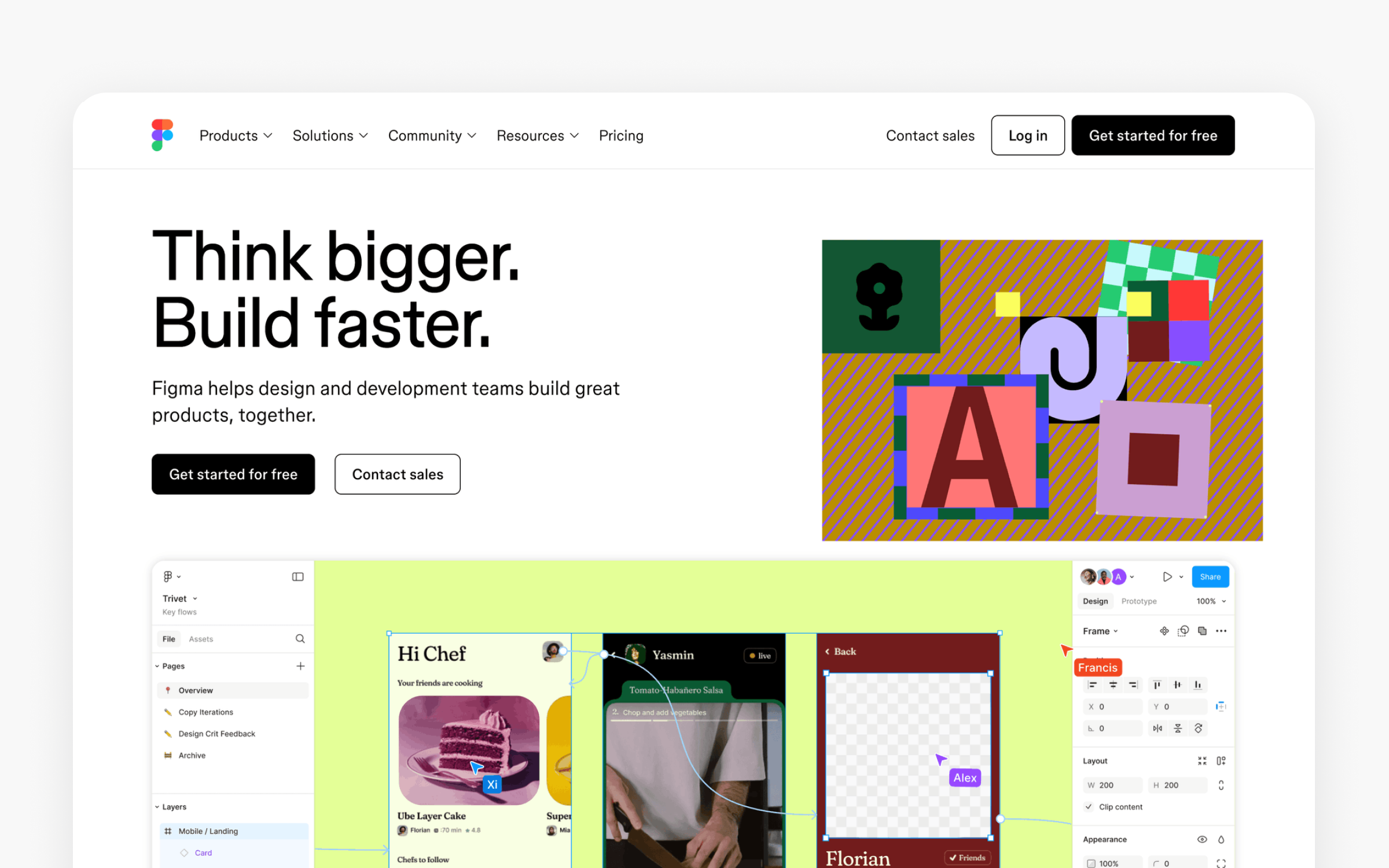
Figma remains the industry standard for product design in 2026, and the data backs that up. Across the reviews I analyzed, most positive mentions cite real-time collaboration as the primary reason designers chose Figma over alternatives. The browser-based approach eliminates platform friction entirely. Figma’s cross platform compatibility is a key advantage for teams using different operating systems, your developer on Linux, your PM on a Chromebook, and your designer on a Mac all open the same file simultaneously.
The March 2025 pricing overhaul introduced a new seat model (Full, Dev, Collab, and View seats) that replaced the simpler editor/viewer split. This change matters because it lets teams pay less for people who only need partial access. A 10-person product team with 5 designers (Full seats), 3 developers (Dev seats), and 2 PMs (Collab seats) would pay $122/month on Professional, or $1,464 annually. That’s competitive, but it’s a definite price increase from pre-2025 rates for teams where everyone was an editor.
Teams choose Figma primarily for its real time collaboration features, which enable seamless teamwork and simultaneous contributions. It consolidates what used to require three or four separate tools. Design, prototyping, developer handoff (via Dev Mode), whiteboarding (via FigJam), and even presentations (via Figma Slides) all live in one platform. The plugin ecosystem extends functionality further, with over 3,000 community plugins covering everything from accessibility checks to content generation.
Figma works best for teams that prioritize collaboration speed over specialized depth. Agencies managing multiple client projects, product teams shipping weekly, and startups where everyone wears multiple hats all benefit from the everything-in-one-browser approach. Solo designers on tight budgets can use the free Starter plan, though the 3-file limit becomes a constraint quickly.
Skip Figma if you work exclusively on macOS and prefer native app performance (consider Sketch), if your entire team has poor internet connectivity (Figma requires a connection for collaboration), or if your organization mandates self-hosted tools for security compliance (look at Penpot). Performance also degrades on extremely large files.
Multiple G2 reviewers from November and December 2025 mention lag on files with 100+ frames.
Community reviews paint a clear picture. On the positive side: “Figma solved the version control nightmare. No more emailing files back and forth” (G2, November 2025, Mid-Market). “Dev Mode changed our handoff process completely. Developers actually inspect designs now instead of guessing” (Capterra, October 2025). On the negative side: “The 2025 pricing increase hurt. We went from paying for editors to navigating Full, Dev, and Collab seats, and our bill went up 30%” (Trustpilot, August 2025). “Performance tanks on large design systems. We split our library across multiple files as a workaround” (G2, December 2025).
Figma is the safest choice for most product design teams. Not necessarily the cheapest or most specialized, but the one with the broadest capability and the largest talent pool of designers who already know it.
Sketch
The basics:
- Pricing: Standard at $12/editor/month (billed annually), Business at $24/editor/month, Enterprise at $44/editor/month. Mac-only license at $120 one-time. Free 30-day trial.
- Best for: macOS-focused teams of 1-25 designers, especially those valuing native performance
- Ideal use case: UI design and prototyping on macOS with a preference for lightweight, native app performance and a mature plugin ecosystem.
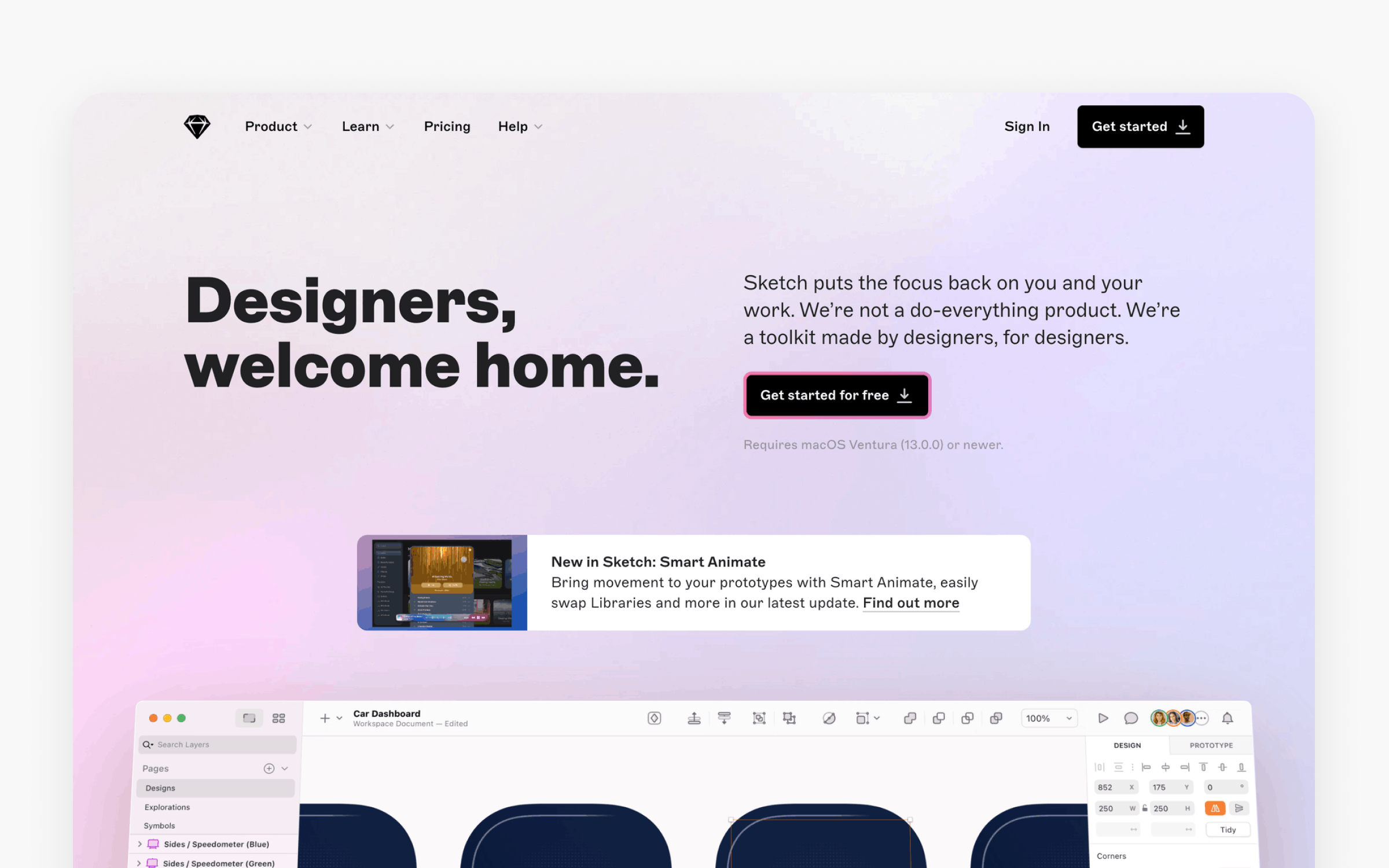
Sketch invented the modern UI design tool category. That matters more than nostalgia suggests. The native macOS app still outperforms browser-based tools on complex vector operations, and the design community that grew around Sketch built patterns that every competitor adopted.
The real story in 2025-2026 is Sketch’s aggressive effort to close the collaboration gap with Figma. The web app now supports real-time collaboration, version history, and free viewer access for unlimited stakeholders. The pricing reflects this positioning: at $12/editor/month for Standard, a 10-designer team pays $1,440/year. That’s roughly 8% less than equivalent Figma Professional seats.
Where Sketch excels is raw design speed on Mac. Designers working offline (on planes, in cafes with unreliable Wi-Fi, in secure facilities) can design at full capability. The plugin ecosystem, while smaller than Figma’s, includes essential integrations with Zeplin, Abstract, and other specialized tools. Sketch also supports a wide range of community built plugins, allowing users to extend functionality and streamline workflows. Additionally, Sketch offers an extensive library of pre made templates for icons, web pages, and more, helping users start projects quickly without designing everything from scratch.
Skip Sketch if your team includes Windows or Linux users (macOS only), if real-time cross-functional collaboration is a daily requirement, or if your primary need is advanced prototyping with complex animations. Sketch’s prototyping improved significantly, but Figma and Framer still offer more interaction options.
Reviews from G2 and Capterra mention Mac-only limitation as the primary reason teams migrate away. “We loved Sketch until we hired a developer on Windows. That single hire forced a migration to Figma” (G2, September 2025). On the positive side: “Sketch runs circles around Figma on my MacBook Pro. No lag, even with our full design system loaded” (Capterra, November 2025).
Sketch earns its place for macOS-native teams that value offline capability and design performance over browser-based collaboration breadth. Sketch does not require an internet connection for core design tasks, making it ideal for offline environments. Designers can also start with a blank canvas, giving them the flexibility to create custom layouts from scratch.
Penpot
The basics:
- Pricing: Free (fully featured, 1GB storage), Unlimited at $7/user/month (25GB storage, longer history, capped team billing), Enterprise with capped billing up to $950/month, and Private Server at $50,000/year. Self-hosting is available at no cost.
- Best for: Teams that want open-source tools, vendor independence, or self-hosting.
- Ideal use case: Product design and prototyping for teams that want open infrastructure, CSS-native layout systems, or full control over where their design data lives.
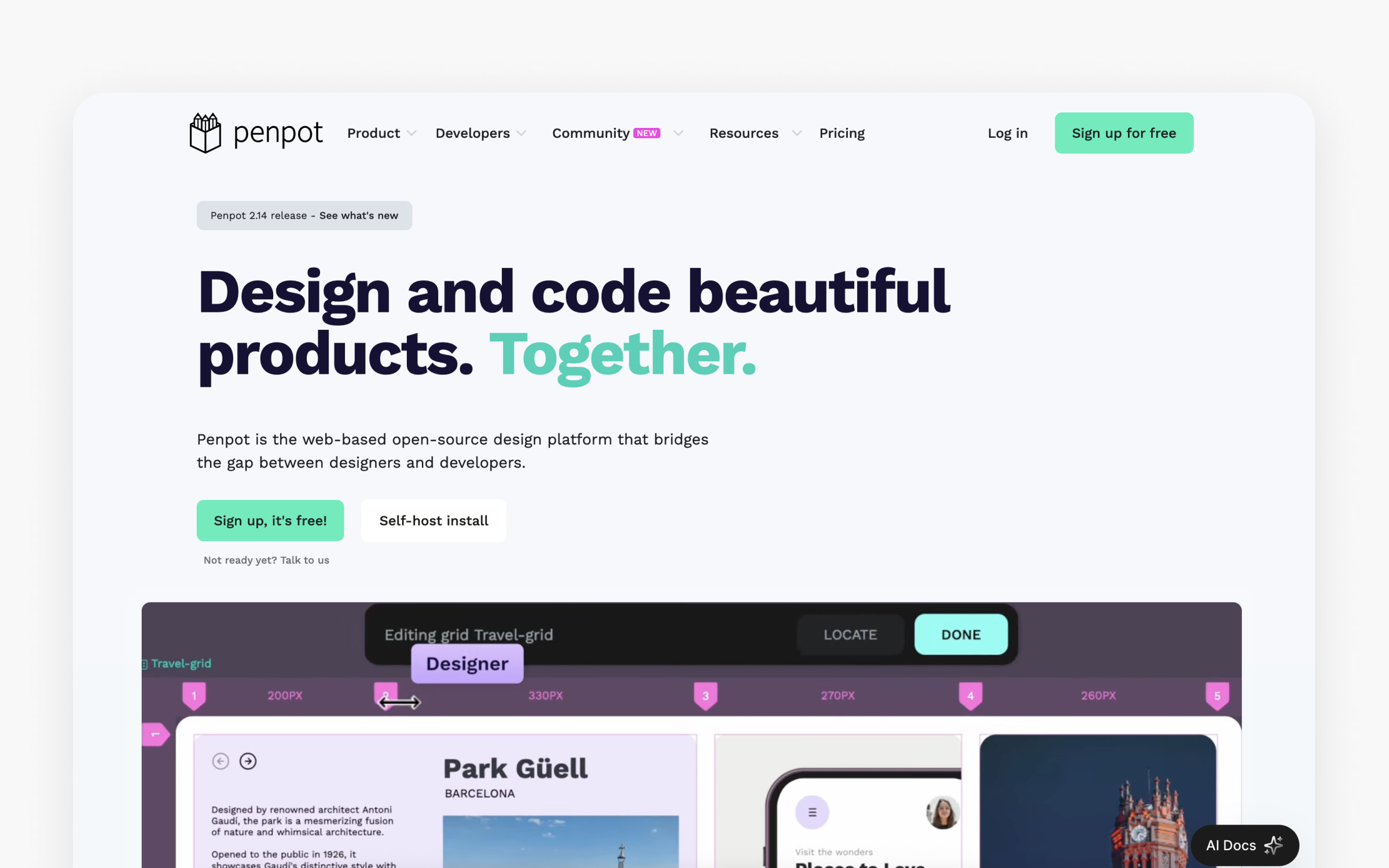
Penpot is one of the strongest open-source alternatives to Figma, and it keeps improving. The 2.0 release added CSS Grid Layout support, a rebuilt component system, and native design tokens. CSS Grid inside a design tool matters. Designers can build layouts that match the way developers code them. This reduces the gap between design and implementation.
The pricing model is simple. The free plan is not a limited trial. Teams get unlimited files, unlimited teams, plugins, and full design features. Paid plans mainly add more storage, longer version history, and team controls. Teams that want full infrastructure control can also run Penpot on their own servers at no cost.
There are trade-offs. Penpot’s feature set is still smaller than Figma’s. Penpot may also have a steeper learning curve for teams unfamiliar with open-source workflows or CSS-native layouts. Prototyping works but feels less refined. The plugin ecosystem is younger, and the user community is smaller. If your team needs many integrations or wants to hire designers who already know the tool, Figma still has an advantage.
Penpot works best for teams where open-source values matter, such as government groups, schools, and privacy-focused companies. It also works well for teams that require self-hosting or need to keep software costs low. If you want the largest feature set and talent pool, Figma remains the safer choice.
“Penpot’s CSS Grid implementation is brilliant. Our developers actually understand the layouts now.” (Product Hunt, March 2025). “Still missing some polish compared to Figma, but the open-source model and zero vendor lock-in make it worth the trade-offs.” (G2, July 2025)
Framer
The basics:
- Pricing: Free (3 sites, framer.website subdomain), Basic at $10/month (30 pages, custom domain), Pro at $30/month (150 pages, staging, analytics), Scale at $100+/month (300+ pages, premium CDN). Annual billing saves roughly 20%.
- Best for: Designers who want to publish production websites directly from their design canvas
- Ideal use case: Building and shipping responsive websites with advanced animations, without writing code or involving a separate development step.
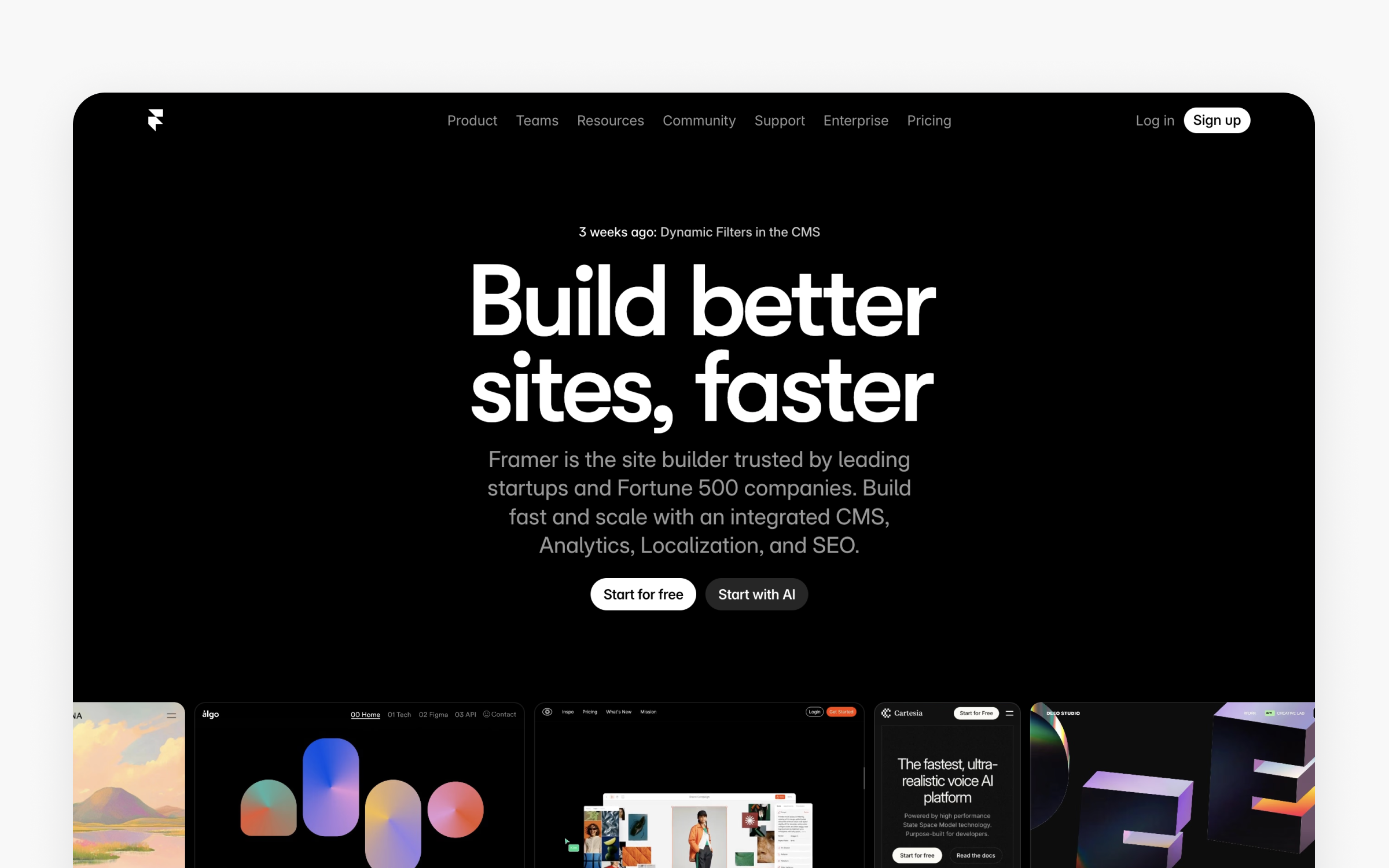
Framer occupies a unique position. It’s a design tool that publishes live websites. You design on a canvas that feels familiar to Figma users, add interactions and animations with visual controls, connect a CMS, and hit publish. Framer gives designers creative control over the look, feel, and functionality of their published websites, eliminating the need to rely on developers. Your site is live. No developer handoff, no code translation, no deployment pipeline.
This is powerful for specific use cases: marketing sites, portfolios, landing pages, and product microsites. The design-to-production pipeline collapses from weeks to hours. The built-in CMS, analytics, and localization features mean fewer external tools to manage.
The October 2025 pricing simplification replaced five tiers with 3 clearer plans. The CMS restrictions on the Basic plan (one CMS collection) drew criticism from designers who need both a blog and a projects section. Upgrading to Pro at $30/month addresses this, but it’s a meaningful jump from the $10 Basic tier.
Framer is not a replacement for Figma or Sketch in app design workflows. It’s designed for websites, not for designing mobile apps or complex product interfaces. Skip it if you’re building native applications, if you need deep prototyping for user testing (Figma or specialized tools handle this better), or if you need a traditional CMS with extensive plugin support (Webflow or WordPress offer more here).
“Framer cut our marketing site launch time from 3 weeks to 3 days. The design-to-live speed is unmatched” (G2, August 2025). “CMS limitations on the Basic plan are frustrating. You need Pro for anything beyond a single-page site” (Capterra, November 2025).
Webflow
The basics:
- Pricing: Free (Starter, webflow.io domain), Basic site at $14/month, CMS at $23/month, Business at $39-$249/month (varies by CMS items and bandwidth). Workspace plans are separate. Annual billing recommended.
- Best for: Designers and developers building production-grade, custom-coded websites without traditional development
- Ideal use case: Building complex, responsive websites with full CSS/HTML control, CMS functionality, and e-commerce capability, all without writing code manually.
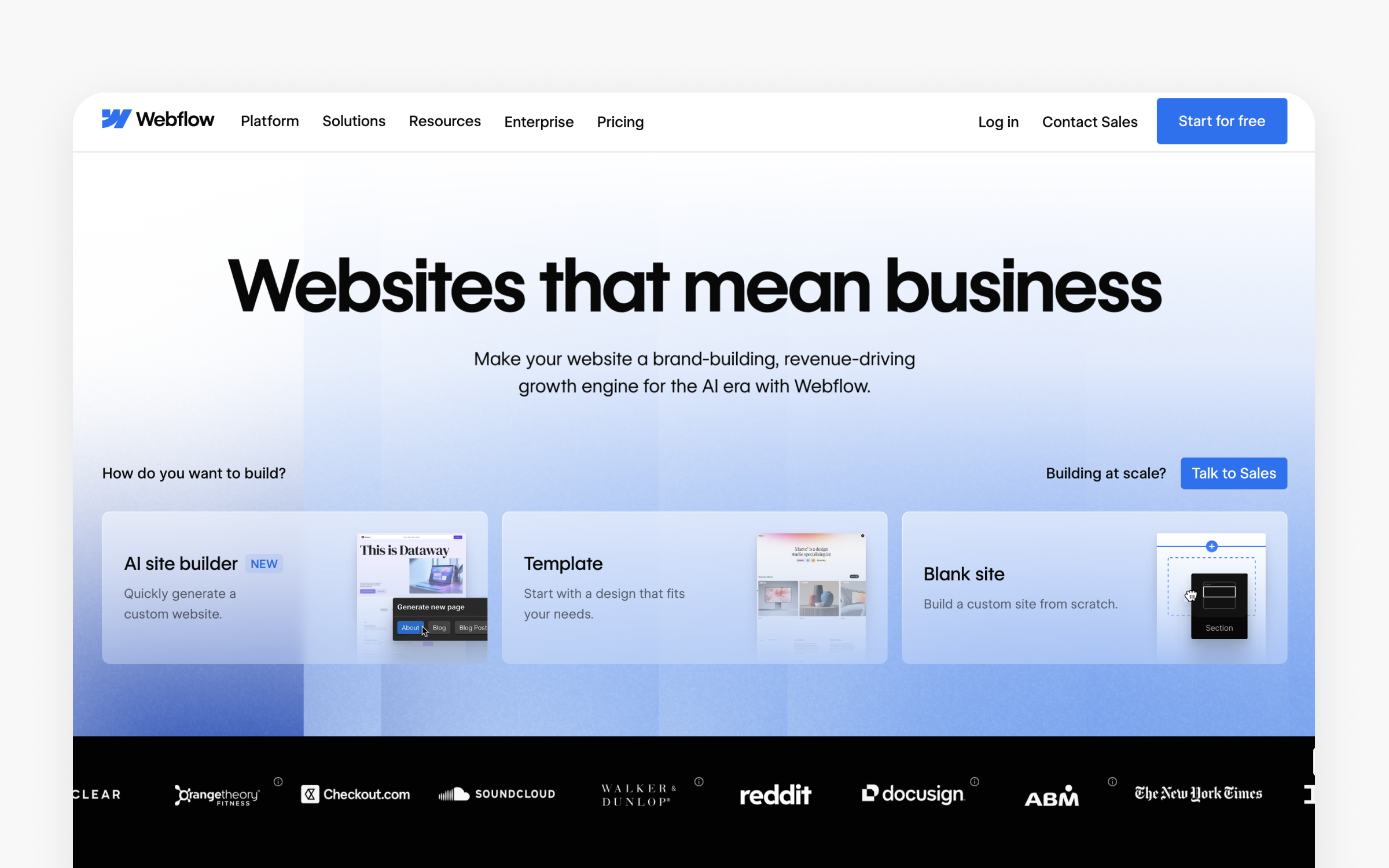
Webflow gives you more control than Framer at the cost of more complexity. Where Framer prioritizes design speed, Webflow exposes the full CSS box model, giving you the ability to build nearly anything you could code by hand. The learning curve is steeper, but the ceiling is higher.
The pricing structure is notoriously complex. You often need both a Site Plan (for hosting) and a Workspace Plan (for collaboration). A freelancer building client sites might pay $16/month for a Freelancer workspace plus $23/month per client site on the CMS plan. Costs scale quickly when managing multiple projects.
Webflow stands apart for e-commerce capability (Standard e-commerce starts at $29/month), sophisticated CMS features, and production-grade hosting with built-in CDN. Recent AI additions (AI site builder, AI content generation, AI-driven SEO suggestions) accelerated the design process further. Webflow also enables designers and developers to build and deploy web apps, not just static websites, making it a versatile tool for both frontend and full-stack app creation. Additionally, you can export designs and code from Webflow for integration with other platforms or workflows, supporting seamless collaboration and handoff.
Skip Webflow if you primarily design apps rather than websites, if you want a simpler pricing model, or if your team doesn’t need the granular CSS control Webflow provides. The complexity is a feature for power users but a barrier for teams that just need to ship a clean marketing site.
“Webflow is the most powerful no-code website builder I’ve used. The learning curve is real, but once you get it, you can build anything” (G2, October 2025). “Pricing is confusing. Site plans plus workspace plans plus add-ons. I spent an hour just figuring out what our team would actually pay” (Capterra, December 2025).
How do the best collaboration tools compare?
Collaboration tools connect the dots between design work and the people who need to see, discuss, and act on it. These tools help teams gather feedback efficiently during brainstorming, critiques, and alignment sessions, ensuring that user insights and stakeholder input are seamlessly integrated into the product design process. In product design specifically, these tools serve brainstorming sessions, design critiques, sprint planning, and cross-functional alignment.
Miro
The basics:
- Pricing: Free (unlimited members, 3 active boards), Starter at $8/member/month (annual), Business at $16/member/month (annual), Enterprise (custom).
- Best for: Cross-functional teams of 5-500+ needing visual collaboration beyond just design
- Ideal use case: Visual brainstorming, design workshops, user journey mapping, sprint retrospectives, and cross-functional planning on an infinite canvas.
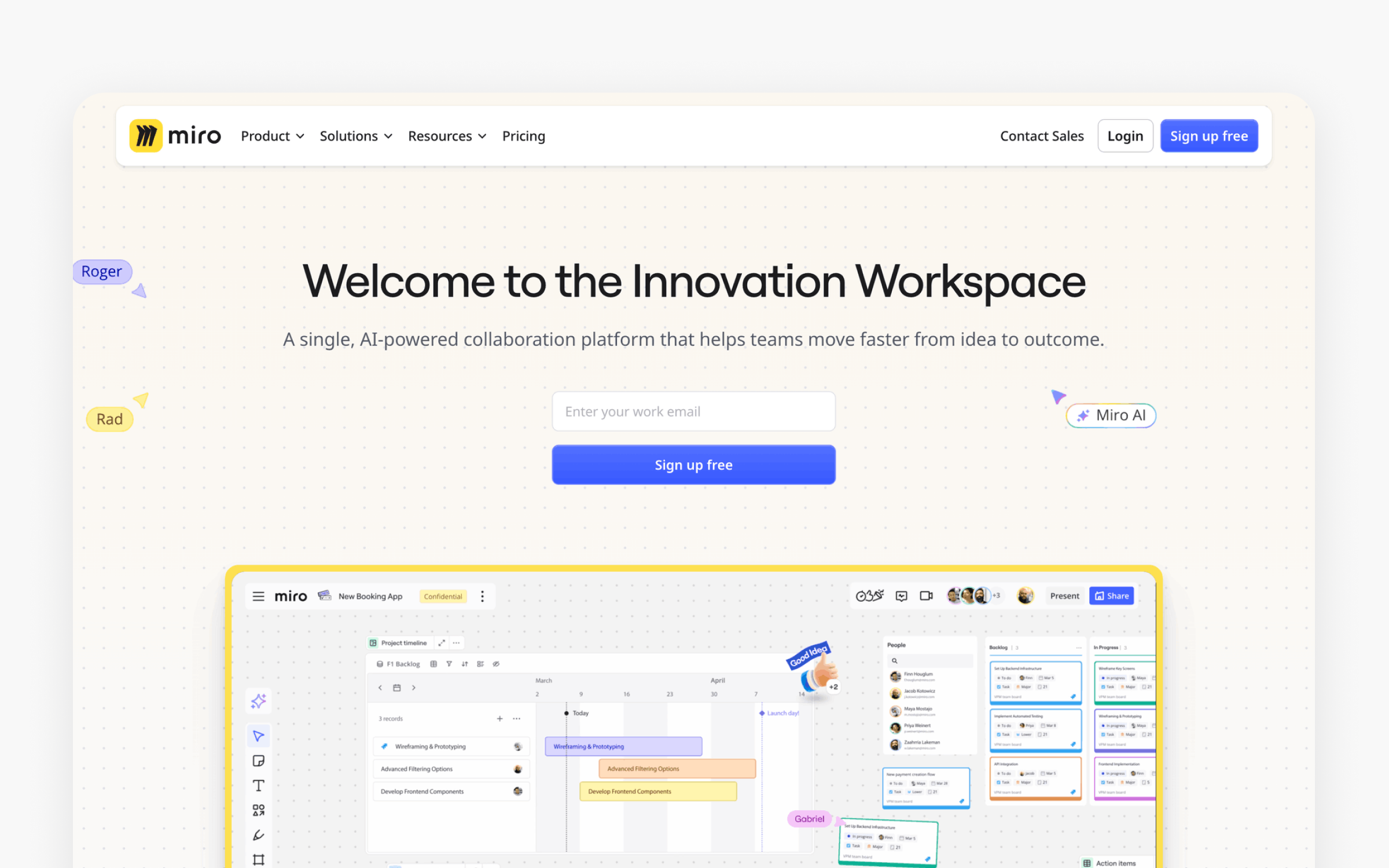
Miro dominates the whiteboarding category with 60 million+ users globally. For product designers, it fills the gap between design tools (where you create) and project management tools (where you track). Design workshops, user journey mapping, affinity diagrams, and stakeholder alignment sessions all happen naturally on Miro’s infinite canvas. Miro also supports the ideation process by enabling teams to collaboratively generate, explore, and develop new design concepts in real time.
The free plan is genuinely useful for small teams, with unlimited members and three active boards. The Starter plan at $8/member/month unlocks unlimited boards and private boards. A 10-person product team on Starter pays $960/year, which is competitive for the depth of functionality provided.
The AI features added in 2025 (AI Sidekicks, AI-powered clustering, mind mapping assistance) represent Miro’s bet on becoming a thinking tool, not just a drawing tool. These are available on paid plans and reduce the time spent organizing workshop outputs.
Skip Miro if your collaboration needs are limited to design feedback (FigJam handles that within Figma), if your team is under 5 people and the free plan’s 3-board limit doesn’t constrain you, or if you need deep task management (Miro visualizes work but doesn’t replace Jira or Asana).
“Miro replaced our physical whiteboard sessions completely. Remote design sprints actually work now” (G2, November 2025). “We use it for everything from user journey mapping to sprint retros. The template library alone saved us hours of setup” (G2, October 2025). On the negative side: “Navigation can be confusing. New team members always struggle to find the right board” (Capterra, October 2025). “We’d love enterprise security features, but they’re locked to the highest tier, which prices out small businesses” (Capterra, September 2025).
For a 10-person design and product team, the real decision is between Starter ($960/year) and Business ($1,920/year). Business adds SSO, guest editing access (free for external collaborators), and Jira integration. If your organization requires single sign-on, Business is the minimum viable plan. Otherwise, Starter handles most collaboration needs.
Miro earns its spot as the most versatile visual collaboration platform for product teams. The freeform canvas approach means you’re never limited by templates, and the integrations with Figma, Jira, Slack, and 160+ other tools make it a natural hub for cross-functional work.
FigJam
The basics:
- Pricing: Included with Figma Full seats, Collab seats at $5/month, or free for limited use within Figma Starter.
- Best for: Teams already using Figma who need lightweight whiteboarding integrated into their existing workflow
- Ideal use case: Quick brainstorming, design reviews, team retrospectives, and diagram creation within the Figma ecosystem.
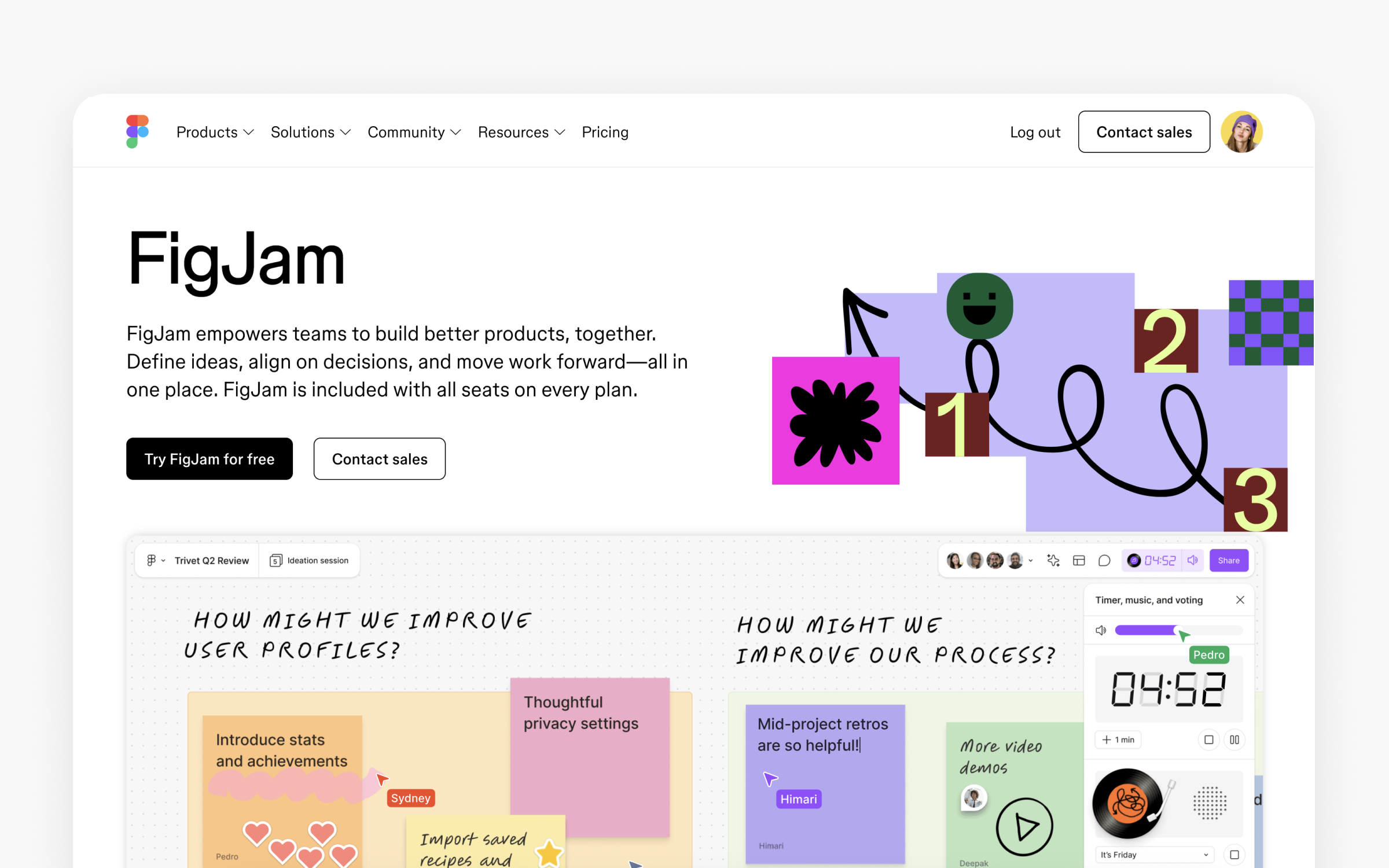
FigJam’s biggest advantage is also its limitation: it lives inside Figma. If your team already uses Figma, FigJam eliminates the context switch to a separate whiteboarding tool. Templates for design critiques, sprint planning, and brainstorming are available. FigJam offers a user friendly interface that makes it easy for team members of all experience levels to participate in whiteboarding sessions. Widgets and plugins extend functionality.
The value proposition is clear for Figma teams. No additional tool cost (included with Full seats), no additional login, no separate sharing permissions. For teams not on Figma, there’s no standalone reason to choose FigJam over Miro.
Whimsical
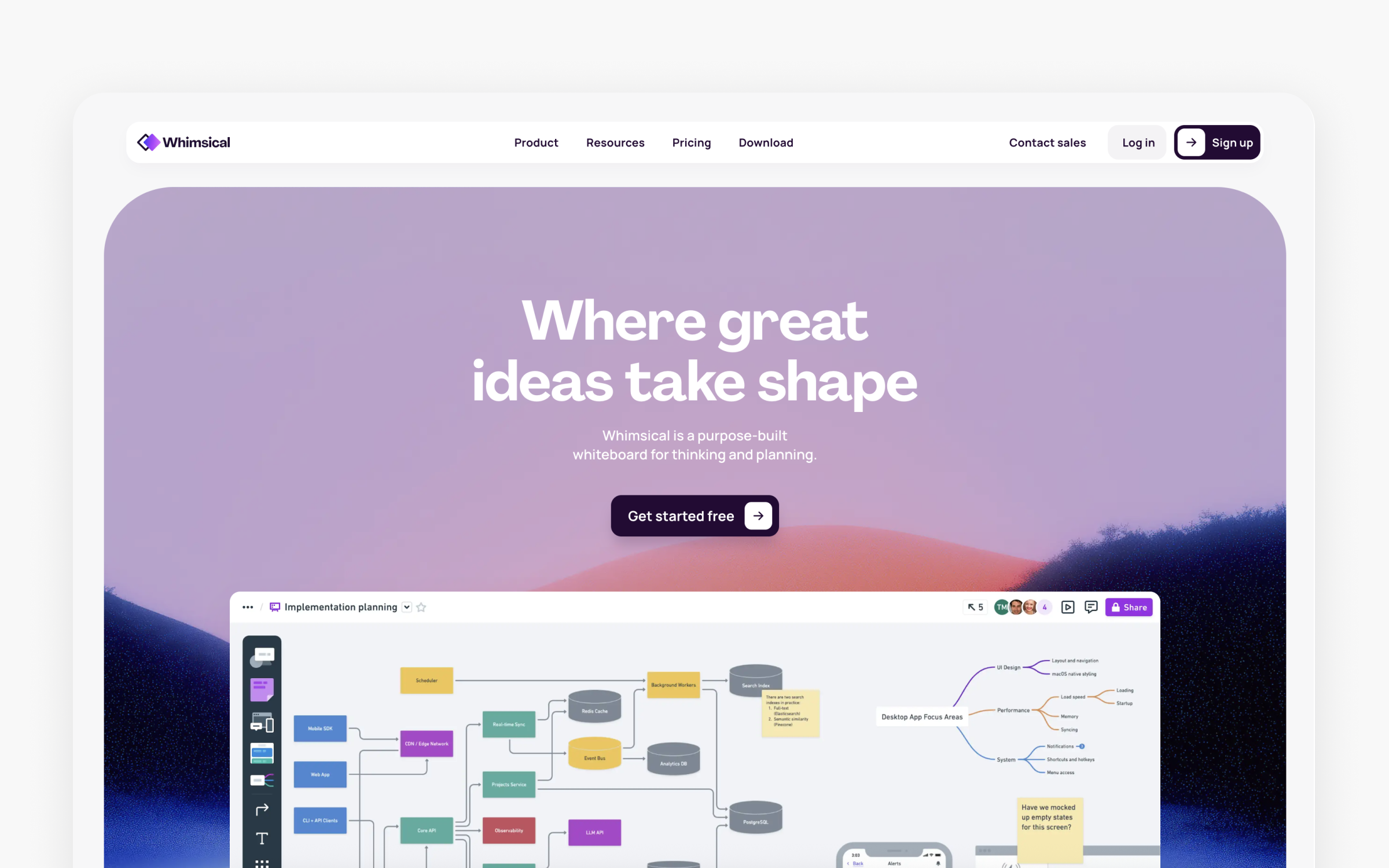
The basics:
- Pricing: Free (3 team boards), Pro $10/editor/month, Business $15/editor/month, Enterprise $20/editor/month
- Best for: Product teams needing clean, structured visual thinking tools (flowcharts, wireframes, mind maps, docs)
- Ideal use case: Structured visual thinking. Flowcharts, wireframes, mind maps, and docs that integrate into a single workspace.
Whimsical takes a different approach than Miro. Where Miro is an open canvas for anything, Whimsical provides structured tools for specific visual thinking tasks. The flowchart builder is faster than Miro's. The wireframe tool is quicker for low-fidelity concepts than Figma. The mind map and document features tie everything together.
This specificity is Whimsical's strength and constraint. It's excellent at what it does but narrower in scope. Skip it if you need the flexibility of a freeform canvas (choose Miro) or if you need high-fidelity design (choose Figma).
Notion
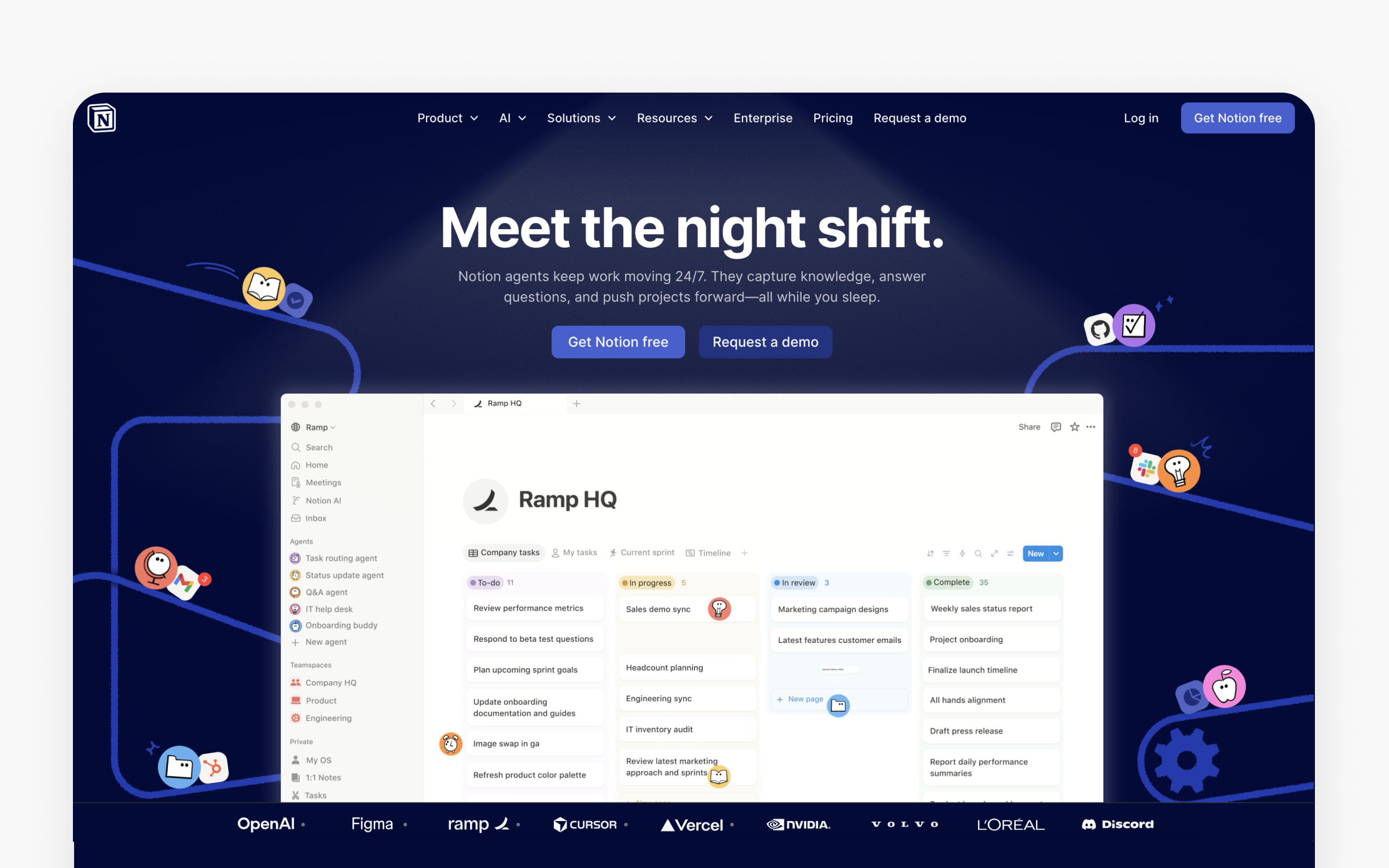
The basics:
- Pricing: Free (basic), Plus at $10/seat/month (annual), Business at $20/seat/month, Enterprise (custom).
- Best for: Product teams using Notion as their knowledge base who want lightweight design documentation alongside project management
- Ideal use case: Design documentation, project wikis, design system documentation, spec writing, and research repositories.
Notion isn't a design tool. But a significant portion of the product design teams I analyzed use it for design-adjacent work: documenting design decisions, writing product specs, managing research repositories, and maintaining design system documentation. The database features make it powerful for tracking design components, research participants, and competitive audits.
The connection to design tools happens through embeds (Figma frames embed directly in Notion pages) and integrations. Notion's strength is being the connective tissue between design decisions and the rest of the product development process. When a product manager asks "why did we design it this way?", the answer should live in Notion, linked to the Figma file, the research findings, and the sprint where the decision was made.
The pricing is straightforward for teams. Plus at $10/seat/month gives you unlimited file uploads and 30-day version history. Business at $20/seat/month adds SAML SSO and advanced permissions. For most product design teams, Plus is sufficient unless your organization requires enterprise authentication.
Skip Notion if you need real-time visual collaboration (use Miro or FigJam) or if your team already has a well-established knowledge base in Confluence or another wiki tool. Migration costs are real, and Notion's value comes from centralization, not from any single feature.
Design system and handoff tools worth your budget
Design systems reduce inconsistency at scale. When your product has 200 screens and 15 designers, a well-maintained design system prevents the “37 slightly different shades of blue” problem. Handoff tools bridge the gap between what designers create and what developers build. These tools can import, enhance, or build upon an existing design system, ensuring consistency and efficiency as teams generate or modify UI prototypes.
Storybook

The basics:
- Pricing: Free and open-source. Chromatic (visual testing SaaS by the Storybook team) starts at $179/month for teams.
- Best for: Development teams documenting, testing, and showcasing UI components in isolation
- Ideal use case: Component library documentation, visual regression testing, and creating a living reference for designers and developers.
Storybook is not a design tool in the traditional sense. It's a development tool where frontend engineers build and document UI components in isolation. But it's essential for product designers because it creates a living, interactive reference of what's actually built (versus what was designed). The Figma integration (via Storybook Connect) links design components directly to coded implementations.
Over 30,000 projects use Storybook, and design system teams at companies like Shopify, the BBC, and Airbnb rely on it as the bridge between design and code. The open-source core is free. Chromatic, the paid visual testing service by the same team, adds automated screenshot comparison across browsers.
Zeplin
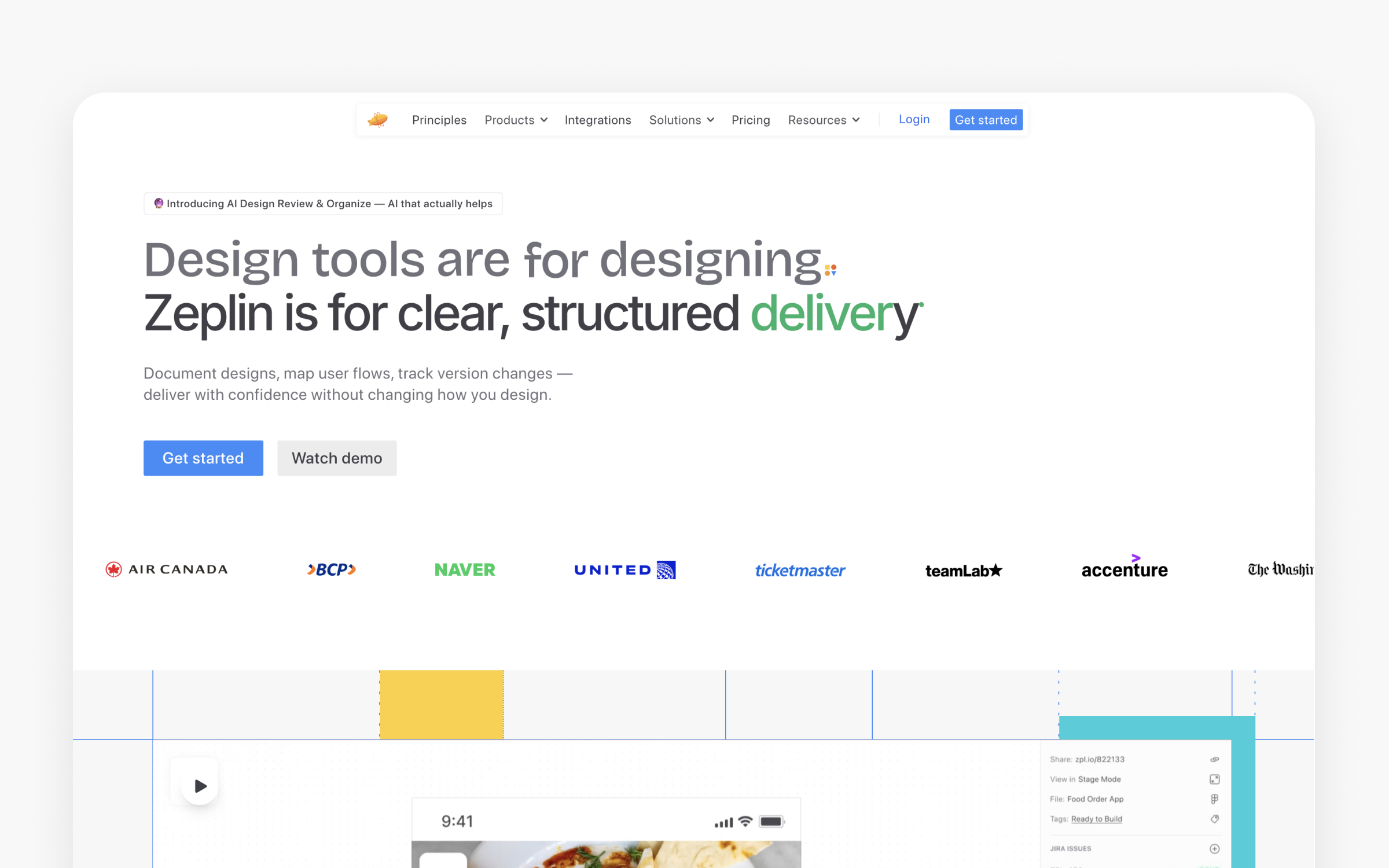
The basics:
- Pricing: Free (1 project, up to 100 screens). Basic from $15/month per project (or about $13.75/month billed annually) with unlimited users. Advanced at $12/seat/month (billed annually) with a shared workspace and up to 50 projects. Enterprise with custom pricing and advanced security features.
- Best for: Product teams that want a dedicated tool for design-to-development handoff.
- Ideal use case: Sharing finalized UI designs with developers, generating specs, exporting assets, and documenting design systems.
Zeplin positions itself as the workspace between design creation and development. You design in Figma or Sketch, then publish to Zeplin where developers inspect specs, download assets, and grab code snippets in their preferred language (CSS, Swift, Kotlin, and more).
The 2025-2026 updates strengthened Zeplin's position: AI Design Review catches consistency issues before developers see them, the MCP Server integrates with AI coding assistants like Cursor and Claude Code, and the Tailwind CSS extension generates utility classes directly from designs. These features address real pain points in the handoff process.
The question in 2026 is whether Zeplin is necessary when Figma's Dev Mode provides much of the same functionality within Figma itself. Zeplin's answer is separation of concerns: designers can keep working on in-progress files while developers access only approved, finalized designs in Zeplin. Teams managing complex design systems or multiple platforms (iOS, Android, web) still find this separation valuable.
Tokens Studio
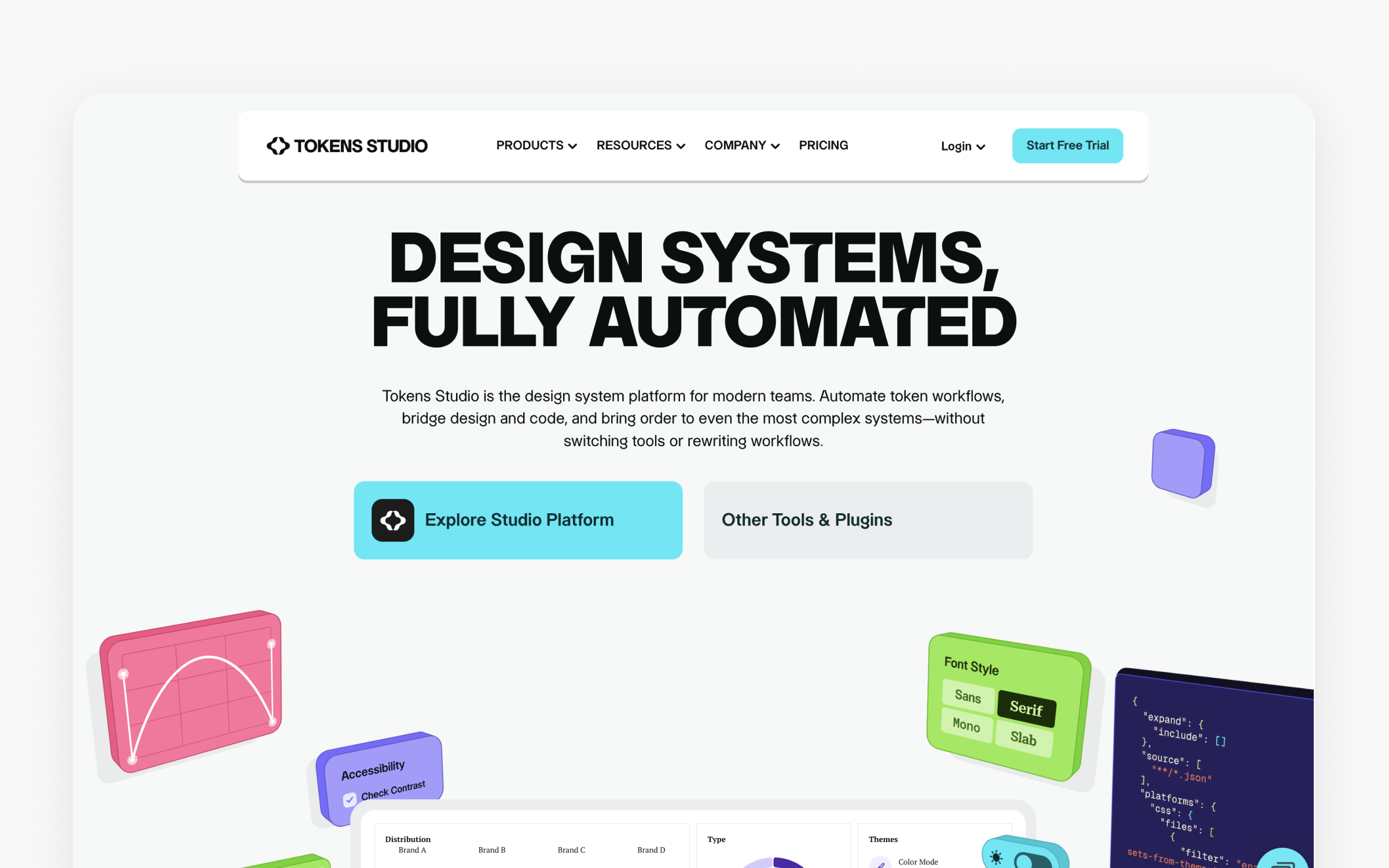
The basics:
- Pricing: Free Starter plan. Starter Plus: about $46/user/month. Essential: about $200/month (1 editor, 1 project). Organization: about $590/month (5 editors, up to 20 projects). Enterprise: custom pricing.
- Best for: Design system teams managing complex design tokens across multiple brands, themes, or platforms
- Ideal use case: Managing 23+ design token types (colors, typography, spacing, shadows, and more), syncing tokens to GitHub, and exporting to multiple code formats.
Tokens Studio extends Figma's native variables with deeper token management. Where Figma Variables handle basic design tokens, Tokens Studio adds GitHub integration for version control, multi-brand management, and export to CSS, JSON, CSS-in-JS, iOS, Android, and 10+ other formats.
Many teams start with the free Figma plugin and upgrade to the paid platform when they need automated workflows or cross-platform export at scale. The W3C Design Tokens Community Group published its first stable specification in October 2025, and Tokens Studio is fully compliant, giving teams confidence their token format won't become a dead end.
Are these user research tools worth the investment?
Research tools validate (or invalidate) design decisions with real user data. These tools help teams observe and analyze user interactions, allowing them to identify pain points and opportunities for improvement. The correlation between research frequency and product success is well-documented: teams that test prototypes before development catch issues that cost 10-100x more to fix after launch.
Maze
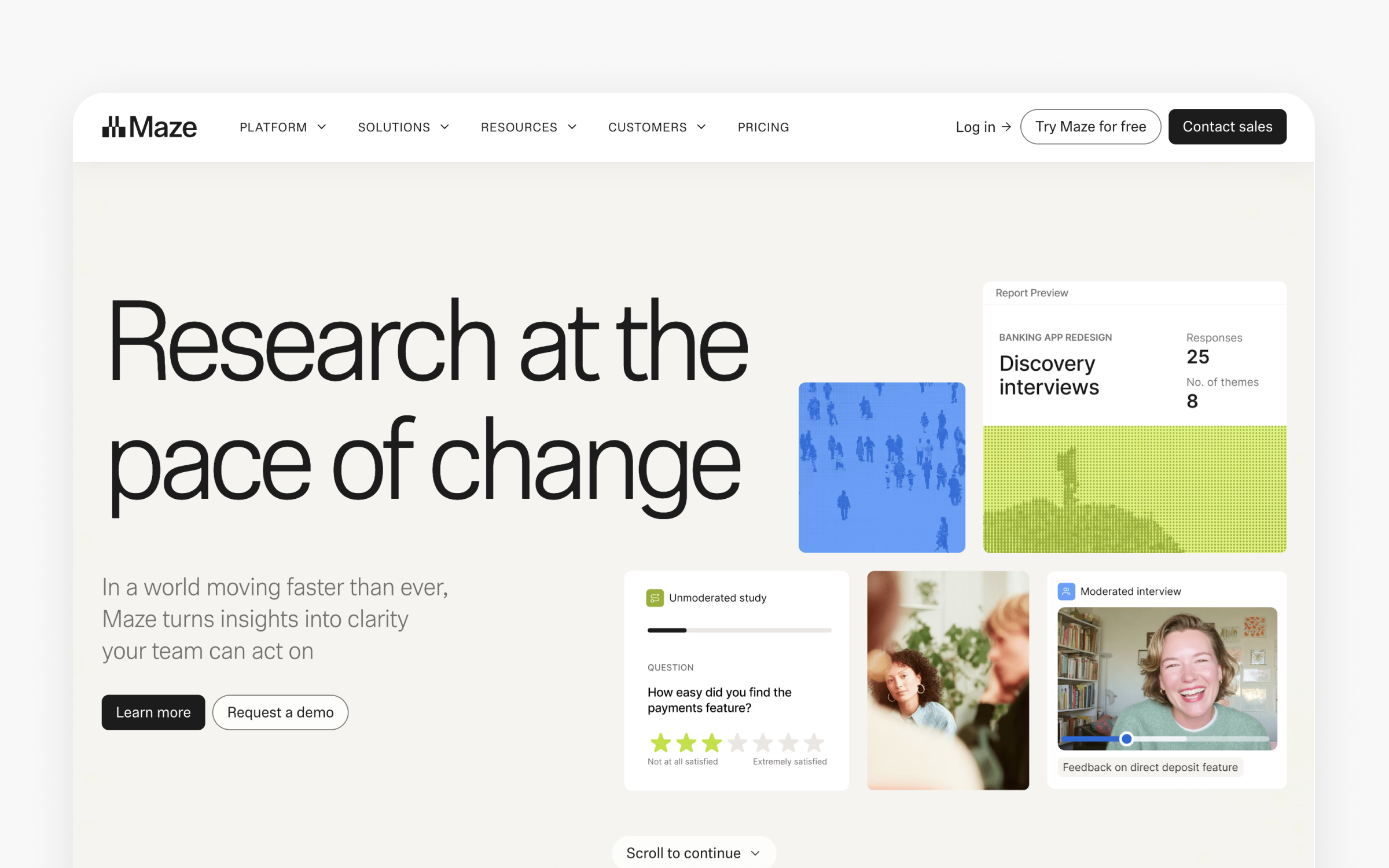
The basics:
- Pricing: Free (1 seat, 1 active test), Starter $99/month (3 seats), Enterprise custom.
- Best for: Product design teams wanting quantitative usability data integrated with their Figma workflow
- Ideal use case: Unmoderated usability testing of Figma prototypes, with automated analytics including heatmaps, success rates, and task completion metrics.
Maze built its reputation on Figma integration, and that bet paid off. You take your Figma prototype, import it into Maze, define tasks, and distribute to participants. Within hours, you get quantitative data: success rates, misclick rates, heatmaps, and time-on-task metrics. This data turns design reviews from opinion debates into evidence-based discussions.
The participant panel (6 million+ participants via partnerships with Prolific and Respondent) solves the recruitment problem that slows most research teams. The AI moderator feature, added in 2025, conducts follow-up questions dynamically based on participant responses. Maze’s AI capabilities also automate data analysis, generate actionable insights, and streamline the user research process, making it easier for teams to interpret results and iterate quickly.
Maze is strongest for iterative prototype testing during active design sprints. Skip it if you need deep qualitative research (moderated interviews are newer and less proven than Maze’s core unmoderated testing), if you need extensive analytics on live products (Hotjar or Sprig cover that better), or if budget is extremely tight and you need more than one free study per month.
UserTesting
The basics:
- Pricing: Not publicly listed, but typically $15,000-75,000/year based on team size and usage)
- Best for: Enterprise teams needing deep qualitative insights with video-based research at scale
- Ideal use case: Moderated and unmoderated video-based user research, including detailed qualitative analysis, sentiment tracking, and research repository management.
UserTesting provides the depth of insight that quantitative tools like Maze can't match. Watching a real user narrate their confusion, seeing the exact moment they hesitate, hearing why they abandon a flow. These qualitative insights shape design decisions differently than click data.
The platform's contributor network spans 30 countries with LinkedIn verification and AI quality checks. The AI insight summaries analyze verbal responses and on-screen behavior, reducing analysis time significantly.
The barrier is cost. UserTesting is an enterprise tool with enterprise pricing. Teams with annual research budgets under $15,000 should look at Maze, Lyssna, or Useberry instead. The pricing model also doesn't support per-test purchasing, which means startups or teams doing occasional research pay for capacity they may not use.
Hotjar

The basics:
- Pricing: Observe: Free (35 daily sessions), Plus $32/month, Business $80/month, Scale $171/month. Ask: Free (20 responses/month), Plus $48/month, Business $64/month, Scale $128/month. Engage: Free limited plan, Plus ~$280/month, Business ~$440/month. All prices billed annually.
- Best for: Teams analyzing user behavior on live websites through heatmaps, session recordings, and surveys
- Ideal use case: Understanding how users interact with your live product through heatmaps showing clicks and scrolls, session recordings revealing friction points, and in-context surveys gathering qualitative feedback.
Hotjar (now part of Contentsquare) gives designers visibility into how real users interact with shipped designs. Heatmaps show where users click, how far they scroll, and what they ignore. Session recordings reveal the full user journey, including rage clicks, confusion loops, and abandonment points.
The pricing model splits into three products (Observe, Ask, Engage), each with its own tiers. This modular structure means teams pay only for the tools they use, but calculating total cost requires combining multiple subscriptions. A team using heatmaps and surveys on the Plus tier would pay about $80/month with annual billing.
Hotjar is most valuable post-launch, complementing pre-launch testing tools like Maze. Skip it if you're in early design stages (you need prototyping testing, not live analytics) or if you need deep product analytics (Amplitude or Mixpanel cover that territory better).
Community sentiment is mixed on value. "Hotjar has been instrumental in solving several critical challenges for our e-commerce business. Session recordings revealed friction points we never knew existed" (G2, January 2026). "Hotjar is easy to install and get working on any website. I use it every week to check heat maps" (G2, November 2025). But several reviewers push back on cost: "The pricing model is confusing with three separate products, each with four tiers. Calculating what you'll actually pay takes real effort" (Capterra, October 2025). "For smaller businesses, the cost of paid plans can become expensive quickly" (GetApp, September 2025).
One thing surprised me in the data: Hotjar's free plan (with 35 daily session recordings and unlimited heatmaps) is more generous than most competitors' entry tiers. For small sites or teams just starting with behavior analytics, it's a genuinely useful starting point before committing to paid plans.
Sprig
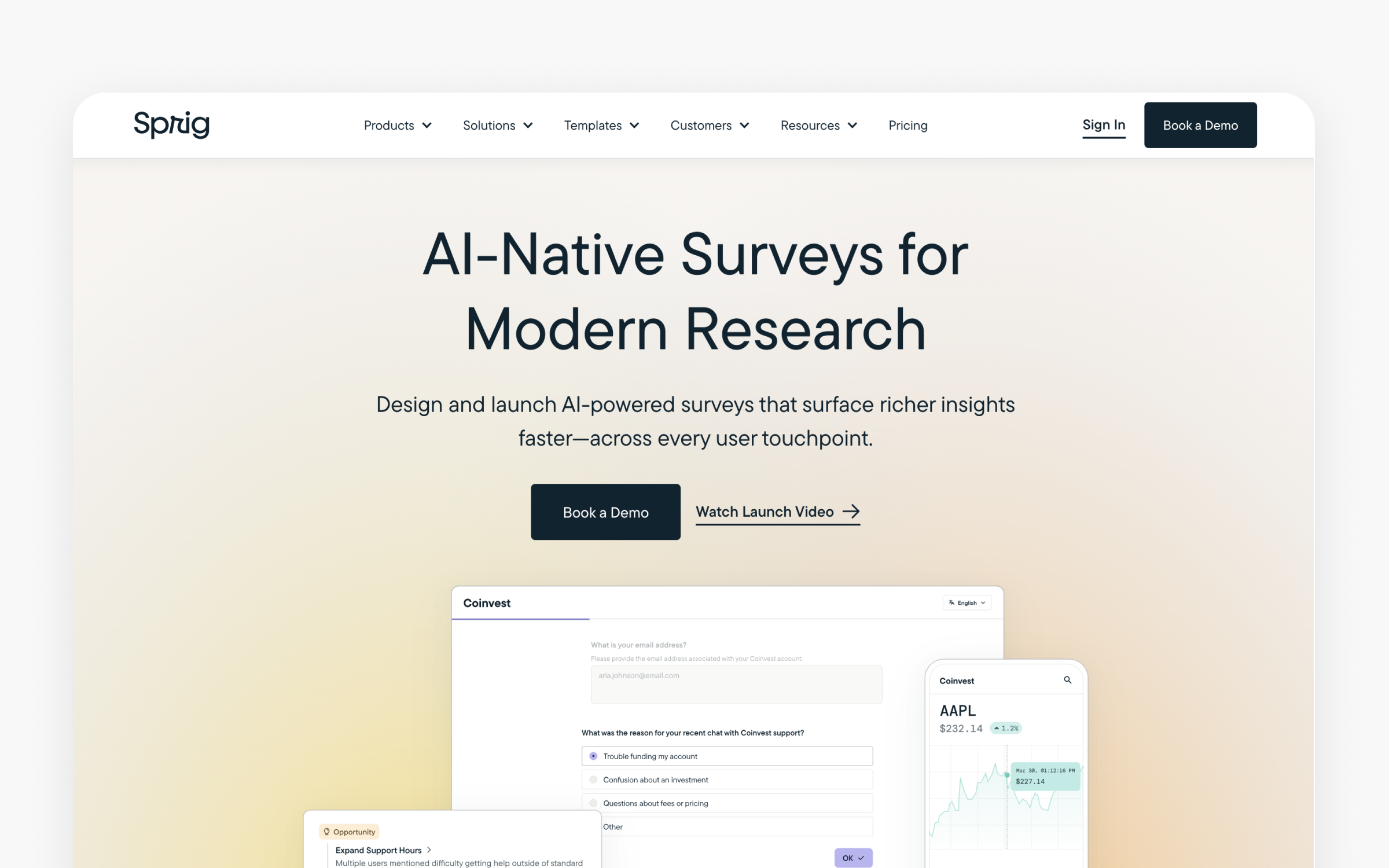
The basics:
- Pricing: Free (limited), paid plans via sales inquiry. Positioned for mid-market and enterprise.
- Best for: Product teams wanting to capture user insights within the live product experience
- Ideal use case: In-product surveys, user interviews triggered by specific behaviors, and continuous feedback collection tied to actual usage patterns.
Sprig differentiates from Hotjar by focusing on in-product research rather than website analytics. Surveys trigger based on user behavior (completed a flow, visited a specific screen, used a feature for the first time), capturing feedback at the moment of experience rather than asking users to recall it later. The AI analysis summarizes themes across hundreds of responses, making synthesis faster.
The positioning makes Sprig most valuable for product teams building SaaS applications or mobile apps where understanding in-product behavior drives feature decisions. If your design work centers on marketing sites or e-commerce (where Hotjar's heatmaps and session recordings provide more relevant data), Sprig won't add as much value. The pricing requires a sales conversation, which suggests enterprise-oriented costs. Teams exploring this category should compare Sprig, Hotjar, and Pendo before committing.
Best tools for wireframing and early exploration
Wireframing before high-fidelity design saves resources because it’s cheaper to rethink a layout in low-fidelity than to redesign a polished mockup. These tools prioritize speed and communication over visual polish. Many modern wireframing tools now include features for automating repetitive tasks, enabling designers to focus on structure and flow instead of spending time on manual adjustments.
Balsamiq
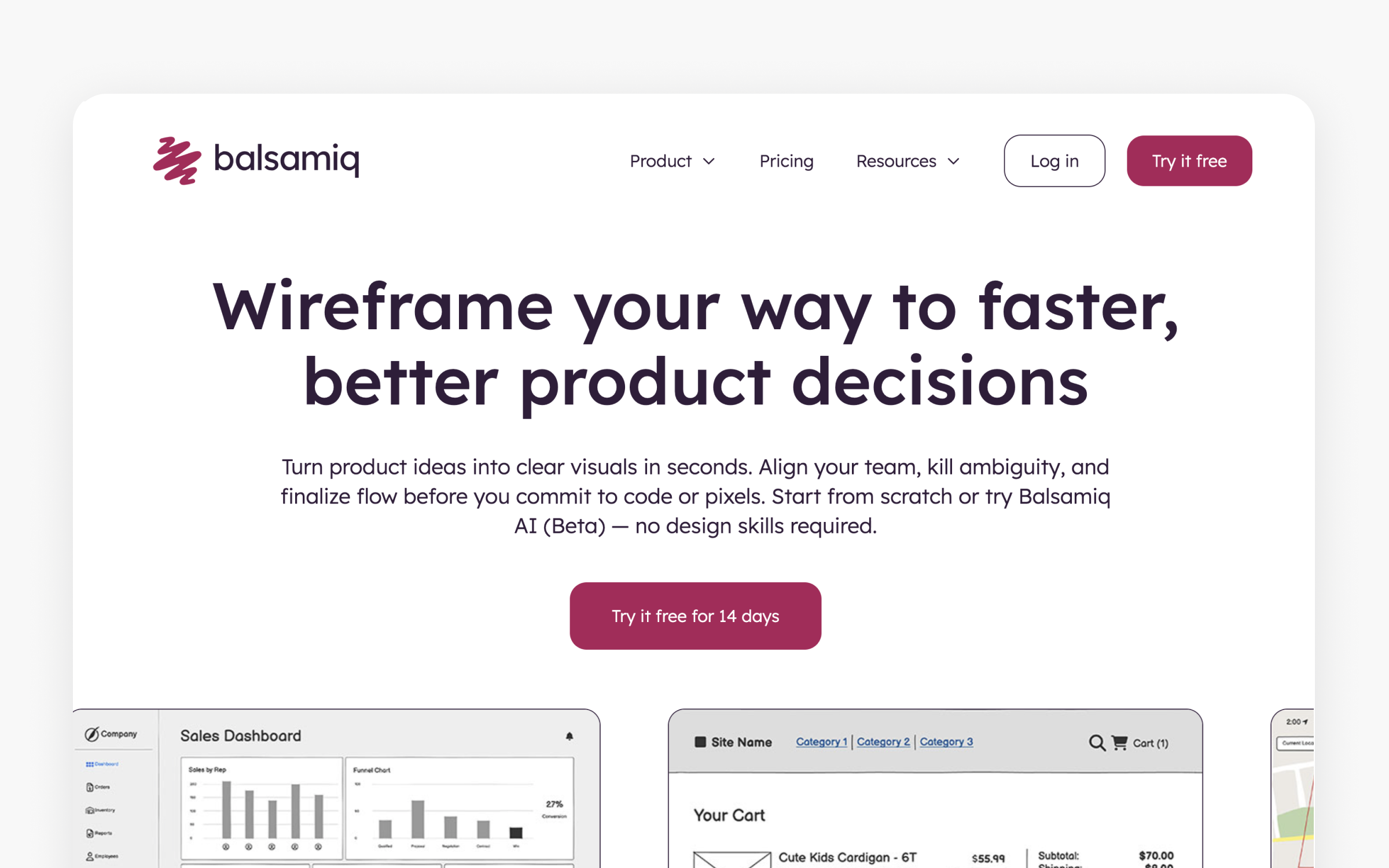
The basics:
- Pricing: Business at $12/month per project (unlimited users), Enterprise at $18/month per project (SSO, priority support). No per-seat fees. Free 14-day trial.
- Best for: Product teams and stakeholders needing fast, low-fidelity wireframes that invite honest feedback
- Ideal use case: Rapid wireframing for early-stage product concepts, requirements communication, and stakeholder review sessions where high-fidelity designs would distract from structural feedback.
Balsamiq's deliberately sketch-like aesthetic is its defining feature. The hand-drawn look signals "this is a draft" to stakeholders, which changes how people give feedback. They comment on layout, hierarchy, and flow rather than color choices and font sizes. That's exactly what you want in early design stages.
The per-project pricing (not per-user) makes Balsamiq accessible for teams of any size. A single project at $12/month with unlimited collaborators is among the most affordable options in the design tool space. The trade-off is clear: Balsamiq does one thing well and does not attempt to replace Figma or Sketch for visual design.
Excalidraw
The basics:
- Pricing: Free and open-source (browser), Excalidraw+ at $6/member/month for teams.
- Best for: Quick, informal diagramming and sketching during brainstorming or technical planning
- Ideal use case: Quick architectural diagrams, informal wireframes, technical sketches, and any situation where you need to visualize something fast without setup friction.
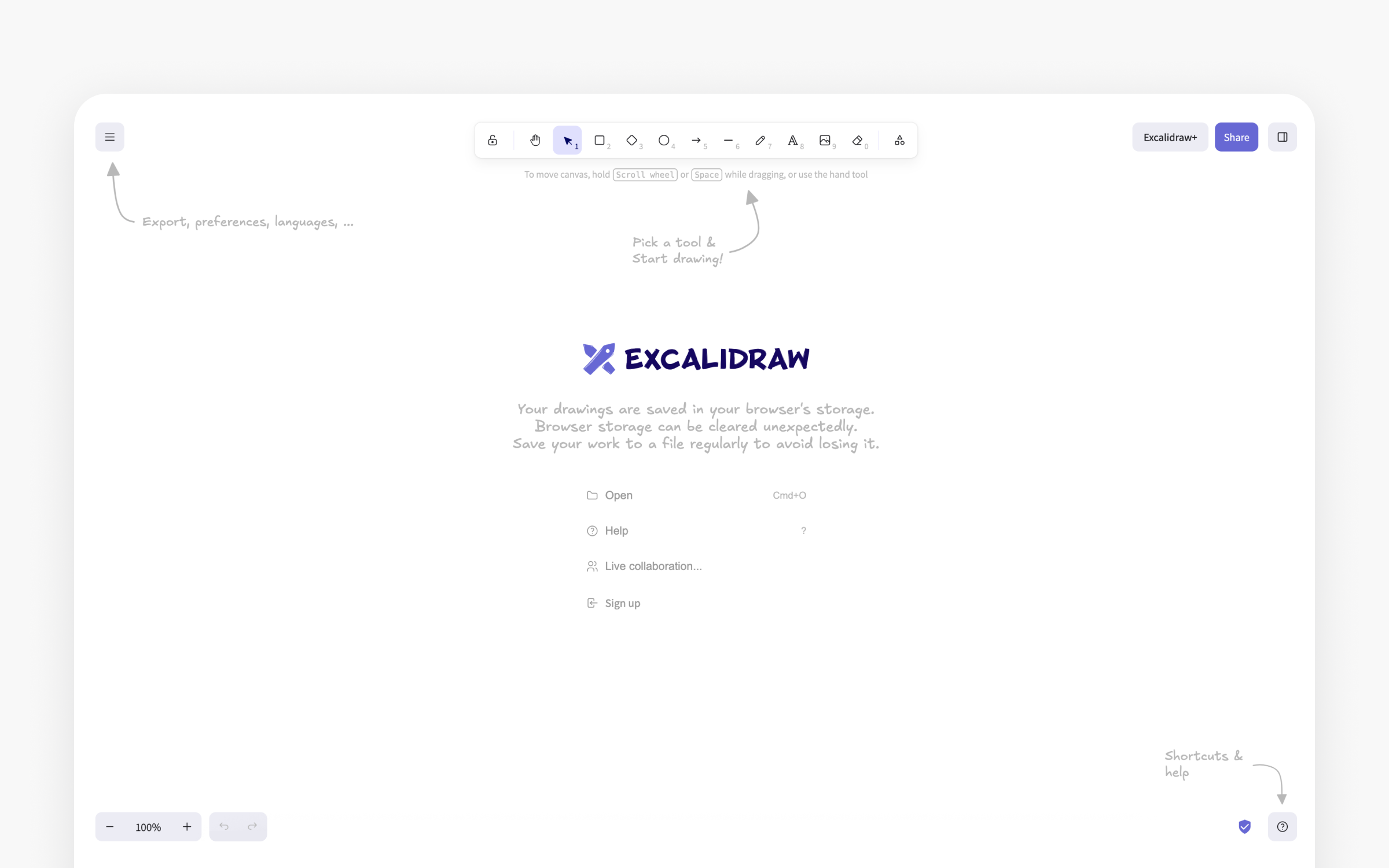
Excalidraw is the digital equivalent of sketching on a napkin. You open a browser tab and start drawing. No account required for the free version. The deliberately informal, hand-drawn aesthetic makes it perfect for throwaway sketches, architecture diagrams during meetings, and rough wireframes you'll refine elsewhere.
The team plan adds collaboration features and persistent storage. This tool isn't competing with Figma or even Balsamiq. It fills the gap between "let me quickly draw this idea" and "let me open a proper design tool."
Branding and visual asset tools
Product design work often runs ahead of the brand it belongs to. A startup needs a logo, a set of on-brand images, and a live page long before anyone writes a design system. These tools cover that early stretch, generating visuals and pages that stay consistent with each other.
Design.com
The basics:
- Pricing: Free to create images with no account required. AI editing is included for a set number of edits at no cost. AI Design Plan at $3/month, billed annually; AI Design Plan + Website at $5/month, billed annually.
- Best for: Entrepreneurs, marketers, and small business owners who need custom-branded visuals without design expertise
- Ideal use case: Generating custom AI images for marketing materials, social media, websites, and presentations, then turning them into finished branded assets within the same platform.
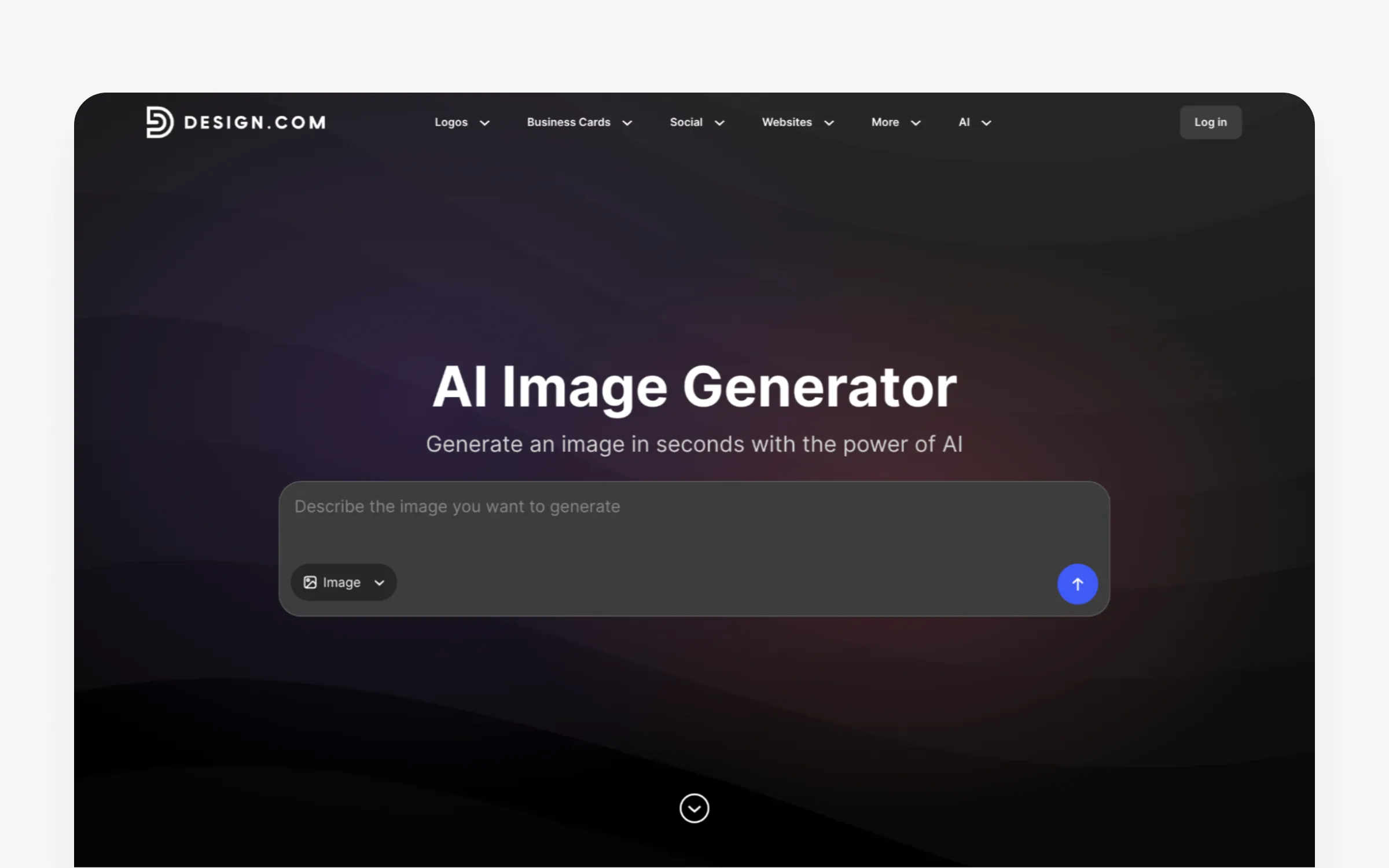
Design.com’s AI image generator answers the question most image tools leave open: what happens after you generate the image. You describe the subject, setting, mood, colors, and lighting in plain language, and the generator returns several polished options in seconds. From there the image moves into Design.com’s other design tools and drops into templates for flyers, social posts, presentations, and business cards. Your brand colors, fonts, and logo are already applied, so there’s no tool-switching and no manual branding work.
You don’t need an account to start generating, and AI editing is free for a set number of edits before you upgrade. The platform handles realistic scenes, product concepts, illustrations, abstract imagery, and backgrounds. That covers most marketing work. With the generator sitting next to your logo, colors, and fonts, visuals stay on brand across every channel.
Skip it if you need highly specialized artistic output like Midjourney-level aesthetics, advanced style-locking across large image sets, or SVG vector generation. It’s built for speed and brand consistency rather than fine-grained creative control.
BrandCrowd
The basics:
- Pricing: Free plan includes a basic website with hosting, up to 3 pages, a contact form, video embedding, and maps integration (BrandCrowd watermark applied). Paid plans from $3/month billed annually, with website included from $4/month billed annually.
- Best for: Entrepreneurs and small business owners building their brand and website at the same time
- Ideal use case: Launching a professional, mobile-optimized website alongside a logo and brand identity from one connected workflow, with no coding or design experience required.
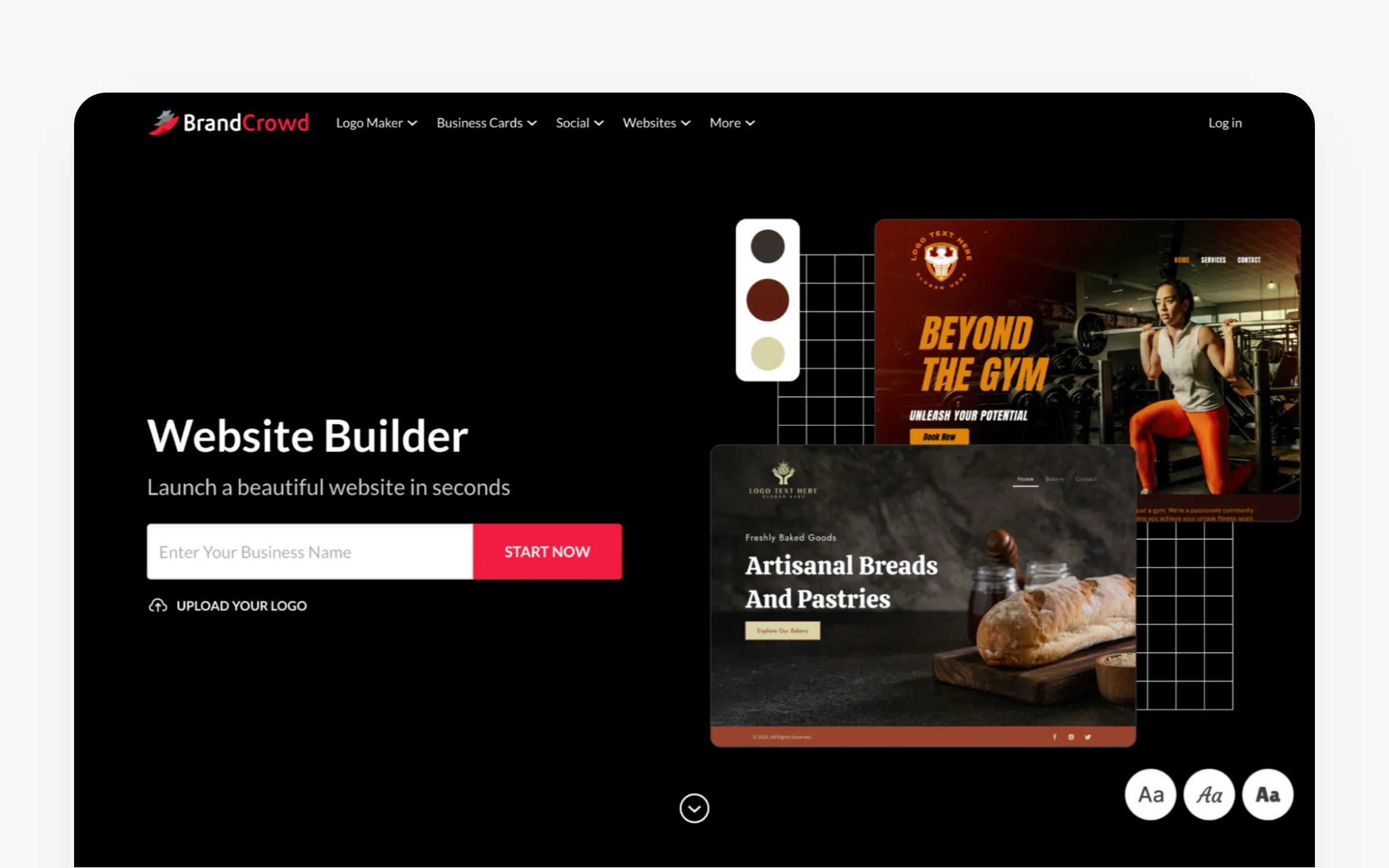
BrandCrowd’s website builder targets a problem most website tools ignore: building your brand and your site at the same time. It generates ready-to-edit layouts from your business name and industry. Any logos or brand assets you already made in BrandCrowd carry over automatically, so there is no importing files and no copy-pasting hex codes.
The visual editor needs no code and supports image uploads, video embedding, contact forms, and maps integration. Every template is mobile-optimized by default, and the free plan publishes a basic website with hosting at no cost. BrandCrowd also integrates with 50+ other design tools for business cards, social posts, and flyers, all of them consistent with the site.
Skip it if you need developer-level customization, complex CMS functionality, or pixel-level design control. It earns its place early in a project, when a client or startup needs a branded web presence fast. Getting something live matters more than technical sophistication at that stage.
What about feedback and design critique?
Feedback tools streamline the process of collecting, organizing, and acting on design feedback from stakeholders, clients, and team members. Some tools also offer video editing capabilities, enabling designers to create polished walkthroughs and presentations for more effective feedback.
Loom
The basics:
- Pricing: Free (25 videos, 5 min limit), Business at $18/creator/month (annual), Business + AI at 24/creator/month (annual).
- Best for: Async design reviews and walkthroughs that replace unnecessary meetings
- Ideal use case: Recording design walkthroughs, async design critiques, and explaining design decisions to stakeholders across time zones.
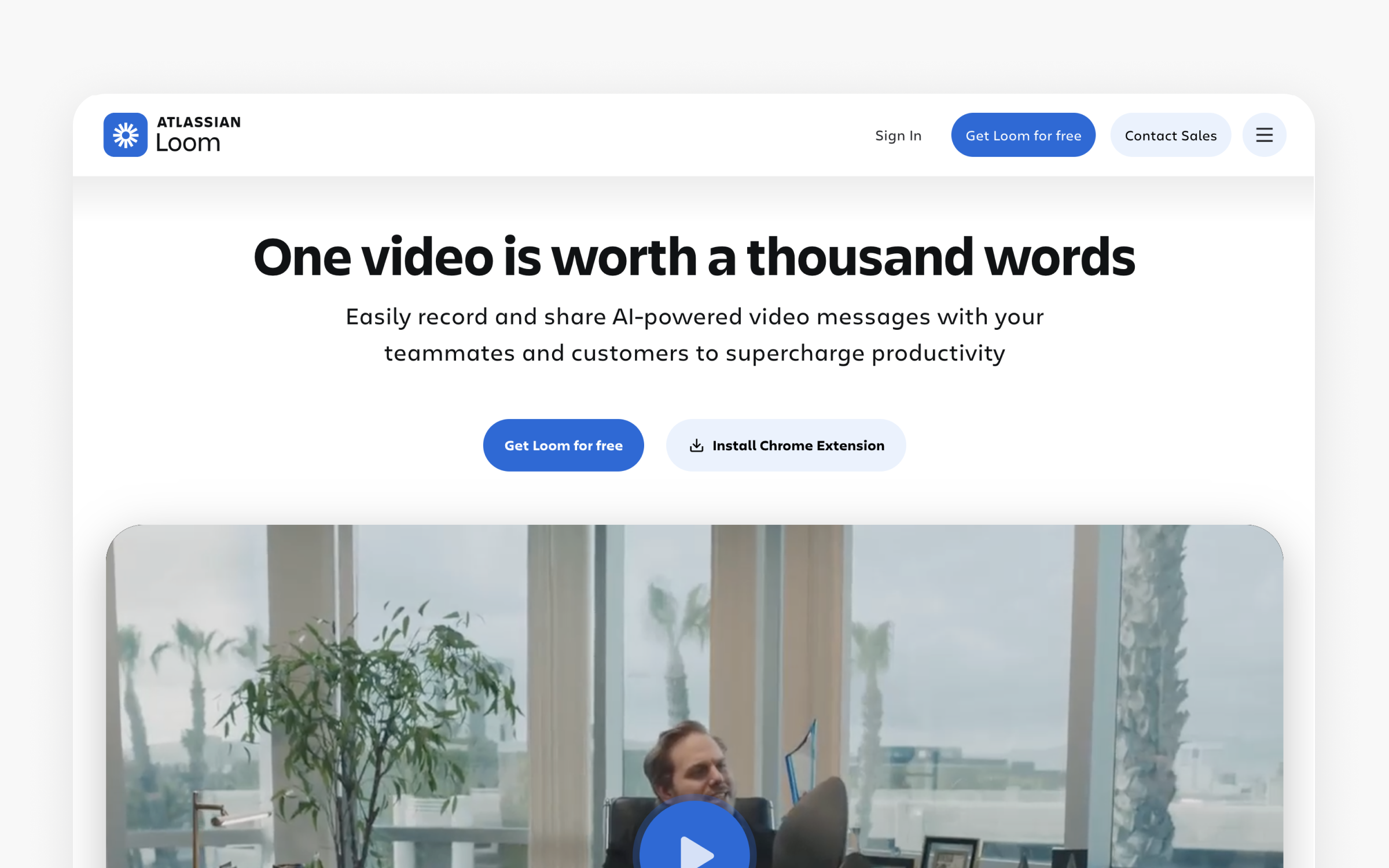
Loom isn't a design tool. It's a communication tool that product designers adopted because it solves a real problem: explaining design work asynchronously. Instead of scheduling a 30-minute meeting to walk through a prototype, you record a 3-minute Loom video showing your thinking, share the link, and get timestamped comments back.
Design teams report saving 3-5 hours per week by replacing synchronous design reviews with Loom recordings for non-critical feedback rounds. The AI-generated summaries and chapters make longer walkthroughs scannable.
Usersnap
The basics:
- Pricing: Starter $54/month, Growth $120/month, Professional $219/month, Premium $428+/month
- Best for: Teams collecting visual feedback directly on live websites or staging environments
- Ideal use case: Bug reporting, visual feedback collection, and stakeholder annotations directly on websites and web applications.
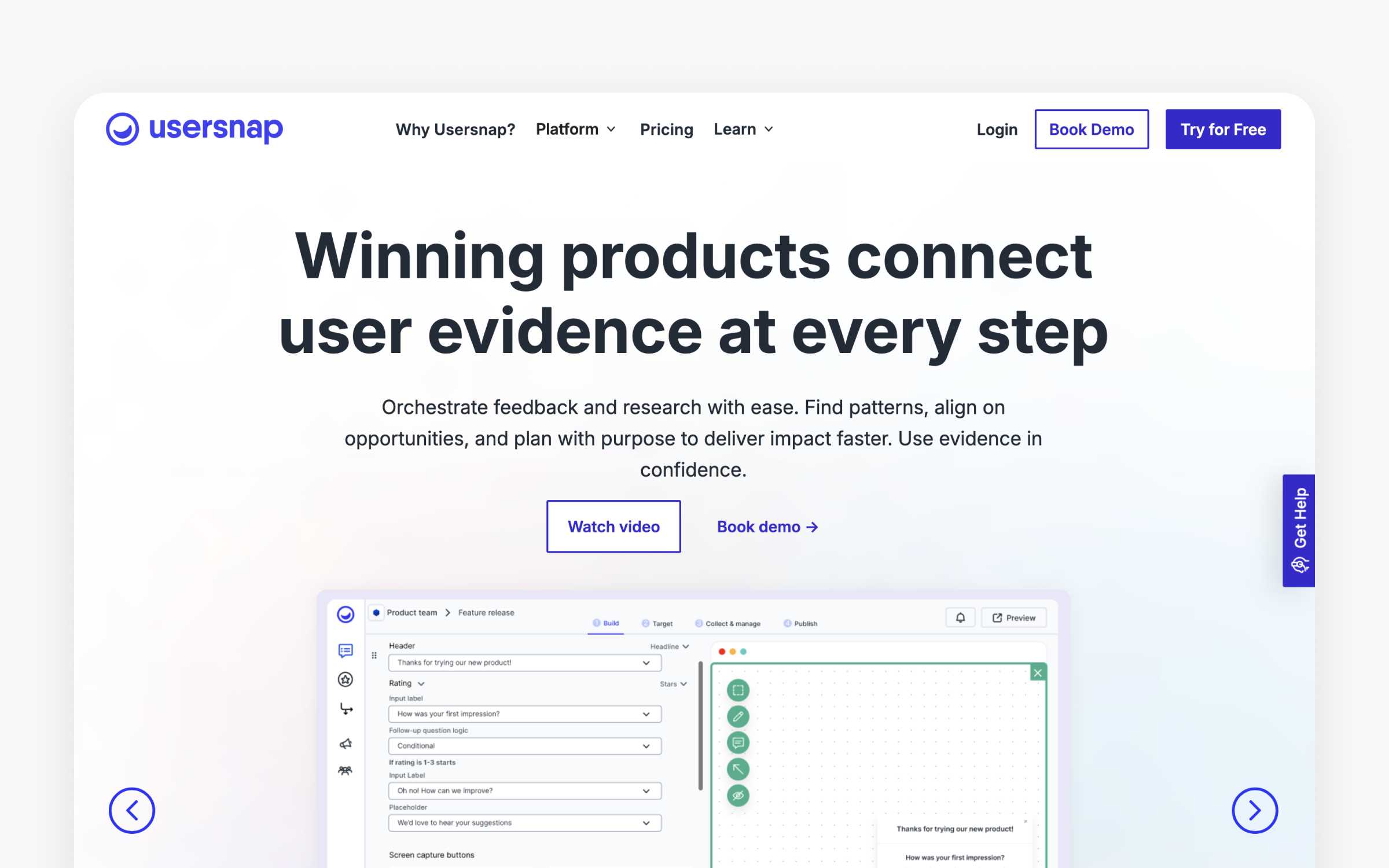
Usersnap lets anyone annotate directly on a website. Stakeholders click, draw, and comment on the actual page rather than describing issues in email. Each report automatically captures browser info, screen resolution, console errors, and a screenshot. For design teams managing QA cycles and client reviews, this eliminates the "can you describe what you're seeing?" back-and-forth.
Markup.io
The basics:
- Pricing: Free: Limited. Pro: $79/month (1 workspace, unlimited users, unlimited markups, 500GB storage). Enterprise: custom pricing with unlimited workspaces, unlimited storage, SSO, and enterprise support.
- Best for: Freelancers and agencies collecting visual feedback on design deliverables from clients
- Ideal use case: Client review and approval workflows for design deliverables, with point-and-click annotations on images, PDFs, and live websites.
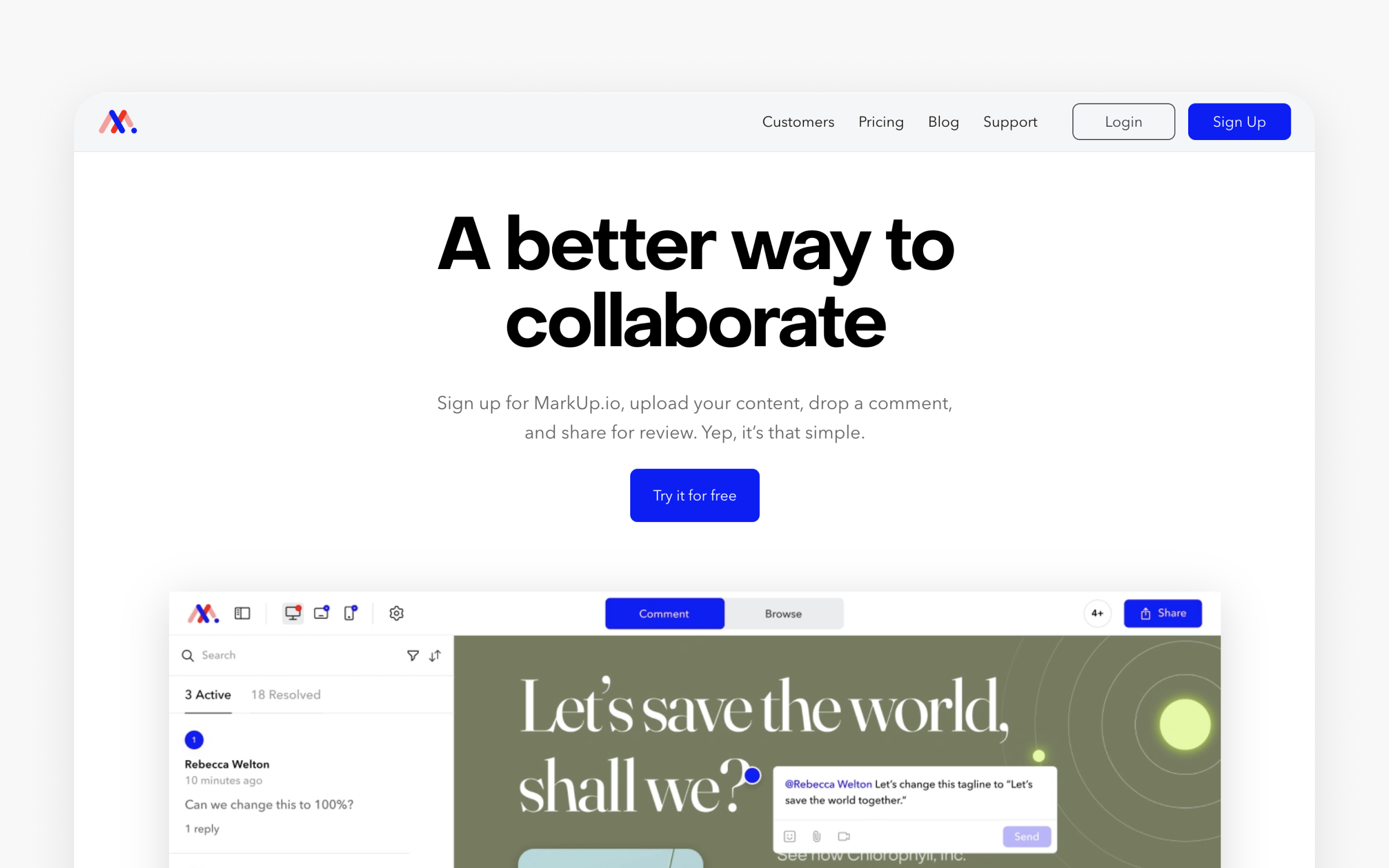
Markup.io simplifies the design review loop for agencies and freelancers. Upload a design, share a link, and your client clicks directly on the image to leave contextual feedback. No accounts required for reviewers. The approval workflow keeps track of revision rounds and sign-offs.
AI-powered design: What’s new and what matters?
AI-powered design is rapidly reshaping the product design landscape, bringing a new level of efficiency and intelligence to every stage of the design process. In 2026, AI tools are no longer just nice-to-have add-ons, they’re becoming essential for UX designers and product teams who want to stay competitive and deliver user-friendly, modern tools.
One of the most impactful changes is how AI features streamline repetitive tasks that used to eat up hours of a designer’s day. From automating layout adjustments with auto layout to generating dynamic panels for complex interactions, AI-powered design tools let you focus on the creative process instead of getting bogged down in manual tweaks. This means you can create designs and interactive prototypes faster, iterate more often, and spend more time solving real user problems.
Gathering user feedback and analyzing user behavior has also become much more efficient thanks to AI. Many design tools now include built-in analytics that help you understand how users interact with your prototypes, surfacing valuable insights without the need for separate analytics platforms. AI-powered user testing can automatically highlight friction points, suggest improvements, and even summarize user feedback, making it easier to act on what matters most.
Collaboration is another area where AI is making a difference. With seamless collaboration features, multiple users can work together in real time, share feedback, and co-create interactive prototypes, no matter where they are. This is especially valuable for distributed teams or organizations managing several projects at once. AI tools can also help automate version control, manage design systems, and keep everyone aligned throughout the product development process.
The Creative Cloud Suite, including staples like Photoshop and Illustrator, has integrated AI features for tasks like photo editing, background removal, and content-aware fills. But other tools, Figma, Sketch, Adobe XD, are pushing the envelope for UI design, rapid prototyping, and user testing, often with AI-powered suggestions, auto layout, and responsive design capabilities. These platforms offer a range of options, from free plans for individuals to custom pricing for large teams, so you can find the right fit for your workflow and budget.
For product teams, the ability to create high-fidelity prototypes and responsive websites with minimal coding is a game-changer. AI-powered design tools help you validate ideas early by enabling quick user testing and gathering actionable user feedback before you commit to full-scale development. This reduces risk, saves resources, and ensures your final product is both effective and user-friendly.
Key features to look for in AI-powered design tools include auto layout, dynamic panels, high-fidelity prototyping, and robust collaboration tools. Many platforms now offer unlimited cloud storage, real-time collaboration, and integrations with other tools in your stack. Whether you’re a solo designer or part of a large team, there’s likely a free plan or trial available so you can test out all the features before committing.
In short, AI-powered design isn’t just a trend, but a fundamental shift in how product teams create, test, and ship great user experiences. By leveraging AI tools to automate repetitive tasks, analyze user behavior, and streamline collaboration, you can focus on what really matters: building products that delight users and drive results. Stay curious, keep exploring new AI features, and make sure your toolkit evolves alongside the technology.
How do you actually get better at using these tools?
Here is something the tool comparison articles never tell you. The tool is only half the equation. A designer who understands visual hierarchy, information architecture, and interaction patterns will outperform someone using the same tool without that foundation. Tools amplify skill. They don't replace it. If you're still building that foundation, a structured program can speed it up. This product design bootcamp comparison breaks down which ones are worth it in 2026.
I noticed this pattern repeatedly in the review data. The designers leaving 5-star reviews for complex tools like Figma, Framer, or Maze consistently mention prior design knowledge as the reason the tool worked for them. The 1-2 star reviews? Often from users who expected the tool to teach them design. It won't. That's not what tools do.
Building visual design foundations
Before you get any real value from Figma or Sketch, you need to internalize principles of color theory, typography, layout, and visual hierarchy. A beautiful design tool can't tell you which font pairing communicates trust or why your button hierarchy confuses users. These are learned skills.
Uxcel's courses build this knowledge through interactive, bite-sized lessons that stick because you practice applying them, not just reading about them. According to Uxcel’s impact report, the platform serves 500,000+ designers across 140+ countries, and the 48-50% course completion rate (10x the industry average of 5-15%) suggests the gamified approach works where traditional courses fail. At $24/month for full access, it costs less than a single Figma Full seat.
Developing research and testing skills
Maze and UserTesting are powerful, but they produce garbage data if you write biased questions or misinterpret results. Understanding research methodology, question design, and synthesis techniques makes the difference between research that drives decisions and research that collects dust. This is where many product designers hit a wall. They have access to research tools but lack the research skills to use them effectively.
Understanding design systems
Storybook and Zeplin become transformative when you understand design system principles: token naming conventions, component API design, documentation standards, and governance models. The tool handles the mechanics. You need the thinking behind what goes into the system and why. Without that foundation, you end up with a design system nobody maintains because nobody understands why it was structured that way. Teams that invest in design system education before tooling report faster adoption and better cross-functional collaboration.
Prototyping and interaction design skills
Framer and Webflow reward designers who understand responsive design, animation principles, and interaction patterns. Learning CSS concepts (even without writing code) makes you faster and more precise in both tools. The skills compound. Every principle you learn makes every tool in your stack more effective.
Start building these foundations with a free Uxcel account and discover how quickly the right skills make your tools work harder.
Common questions about product design tools
Is Figma still the best product design tool in 2026?
For most teams, yes. Figma's combination of real-time collaboration, built-in prototyping, developer handoff (Dev Mode), and a massive plugin ecosystem makes it the default choice. But "best" depends on context. Sketch outperforms Figma on native macOS speed and offline work. Penpot wins for teams that need open-source or self-hosted infrastructure. And Framer beats Figma when the goal is shipping a live website directly from the design canvas. The safest answer: Figma is the most versatile option, but not always the most specialized.
Can I build a complete design workflow with free tools?
Yes, and it's more capable than you'd expect. Figma's free Starter plan (3 design files, unlimited drafts), Penpot's fully featured free tier, Miro's free plan (3 boards, unlimited members), Maze's free study, and Excalidraw's open-source whiteboard give you design, collaboration, research, and wireframing at zero cost. The constraints are real (Figma's 3-file limit, Miro's 3-board cap), but for solo designers, freelancers, or very small teams, this stack covers the full workflow. You'll hit the ceiling once your team grows past 3-5 people or your project complexity increases.
How much should a product design team budget for tools?
It depends on team size. A small team of 2-5 people can run an effective workflow for $50-$150/month using Figma Professional, Miro Starter, and a research tool. Mid-size teams of 6-15 typically spend $300-$600/month once you add documentation (Notion), async communication (Loom), and paid research plans. Enterprise teams of 50+ can spend $50,000-$100,000+ annually when accounting for Figma Organization or Enterprise seats, Miro Business, UserTesting, and design system tooling. The most common waste I found in the review data: paying for seats that nobody actively uses. Audit quarterly.
Should I use Figma or Sketch in 2026?
If your team is cross-platform (Windows, Mac, Linux, Chromebook users), choose Figma. Browser-based access removes platform friction entirely. If your team is entirely on macOS and values native app performance, offline capability, and slightly lower pricing ($12/editor versus Figma's $16/full seat), Sketch is a strong choice. The talent pool matters too. Far more designers list Figma experience on their resumes, which affects hiring. Sketch's free developer handoff (no paid Dev seats required) is a genuine advantage for cost-conscious teams.
Are open-source design tools ready for professional use?
Penpot is the most production-ready open-source design tool in 2026. Its 2.0 release added CSS Grid Layout, a rebuilt component system, and native design tokens. Teams at government agencies, universities, and privacy-focused organizations use it daily. The gap with Figma is still visible in prototyping polish, plugin ecosystem breadth, and community resources (templates, UI kits, tutorials). For teams where open-source or self-hosting is a requirement, Penpot is genuinely viable. For teams choosing purely on feature depth, Figma still leads.
So, what product design tools should you actually pick?
The product design tools landscape in 2026 rewards intentional choices over maximal ones. You don't need every tool. You need the right combination for your team's size, workflow, and budget.
After analyzing scores of reviews and pricing data across these tools, some patterns became clear. The teams that report the highest satisfaction aren't using the most tools. They're using fewer tools more deeply. A team with Figma, Miro, and Maze, used well, consistently outperforms a team juggling seven specialized tools with shallow adoption in each.
For most teams, the core stack is a design tool (Figma for most, Sketch for macOS-focused teams, Penpot for open-source needs), a collaboration tool (Miro for cross-functional workshops, FigJam if you're Figma-native), and a research tool (Maze for prototype testing, Hotjar for post-launch analytics). Everything else is contextual. Add Webflow or Framer if you ship marketing sites. Add Storybook and Zeplin if you maintain a design system at scale. Add Loom if async communication saves your team from meeting fatigue.
Here's what the real costs look like for different team sizes. Small teams (2-5 people) can build a complete workflow for under $50/month by combining Figma's free tier, Miro's free plan, and Maze's free study. That's not a compromise stack. It's genuinely capable.
Mid-size teams (6-15 people) typically spend $200-$500/month. Figma Professional ($16/seat for designers, $10/seat for devs), Miro Starter ($8/seat), and a research tool like Maze's paid tier. Add Notion ($12/seat) for documentation and Loom ($15/seat) for async reviews, and you have a complete, professional workflow.
Enterprise teams (50+ people) face the most complex decisions. Figma Organization or Enterprise ($45-$90/seat), Miro Business or Enterprise ($16+/seat), UserTesting for qualitative research, and design system tools like Storybook and Zeplin. Annual costs for a 50-person design org can reach $50,000-$100,000+. This is where tool audits matter most, because paying for unused seats is the most common waste pattern I found in the review data.
One more thing worth saying. The tools change every year. The skills behind them don't. Invest in understanding design principles, research methodology, and systems thinking, and the tools become interchangeable instruments rather than irreplaceable dependencies. That's not just advice. It's what the data shows. Designers who rated their own skill level as "advanced" in G2 reviews reported higher satisfaction with every tool category, regardless of which specific tool they used.
If you want to build those foundations, here are specific Uxcel courses that map directly to the tool categories covered in this guide:
- UX Design Foundations prepares you for Figma, Sketch, and Penpot by building fluency in layout principles, visual hierarchy, and interaction patterns. There’s even a specific course on using Figma effectively.
- Wireframing sharpens the thinking behind Balsamiq and Excalidraw work, so you're making structural decisions faster, not just drawing boxes.
- Color Psychology and Typography build the visual design fluency that separates competent Figma users from fast ones.
- Design Systems covers the component architecture and token thinking you need before Storybook, Zeplin, or Tokens Studio add real value.
- UX Research teaches question design, synthesis methods, and research planning that make Maze, Hotjar, and UserTesting dramatically more useful.
With 500,000+ designers learning on the platform and a 48-50% completion rate (10x the industry average for online courses), Uxcel's gamified, bite-sized approach actually works for busy professionals who've abandoned longer-form courses before.
Not sure where to start? Uxcel's Product Designer career path maps out the full learning journey from foundational skills through advanced specializations, so you're not guessing at what to learn next. It connects the dots between the skill areas listed above and organizes them into a structured progression that builds on itself.
Start developing those foundations with a free Uxcel account and discover how quickly the right skills make every tool in your stack more productive.
Disclosure: Our recommendations for all tools mentioned above are independent and based on publicly available review data. Pricing was verified in March 2026 and may have changed. We recommend confirming current pricing on each tool's official website before purchasing.