

.svg)


You can write a better PRD (product requirements document) with AI in four steps: set the rules once, give it context, let it ask questions before it drafts, then stress-test the result with reviewer personas. Rita Pais, a Senior Product Manager with seven years in B2B and SaaS, uses this flow to get most PRDs through review in a single discussion, often in under an hour. Before, she needed several one-hour meetings with stakeholders, and the back-and-forth kept going during delivery.
Rita walked through her method in our live webinar, and this is the short version. If you're following the product manager career path, the same four steps work for user stories, release notes, and research docs.
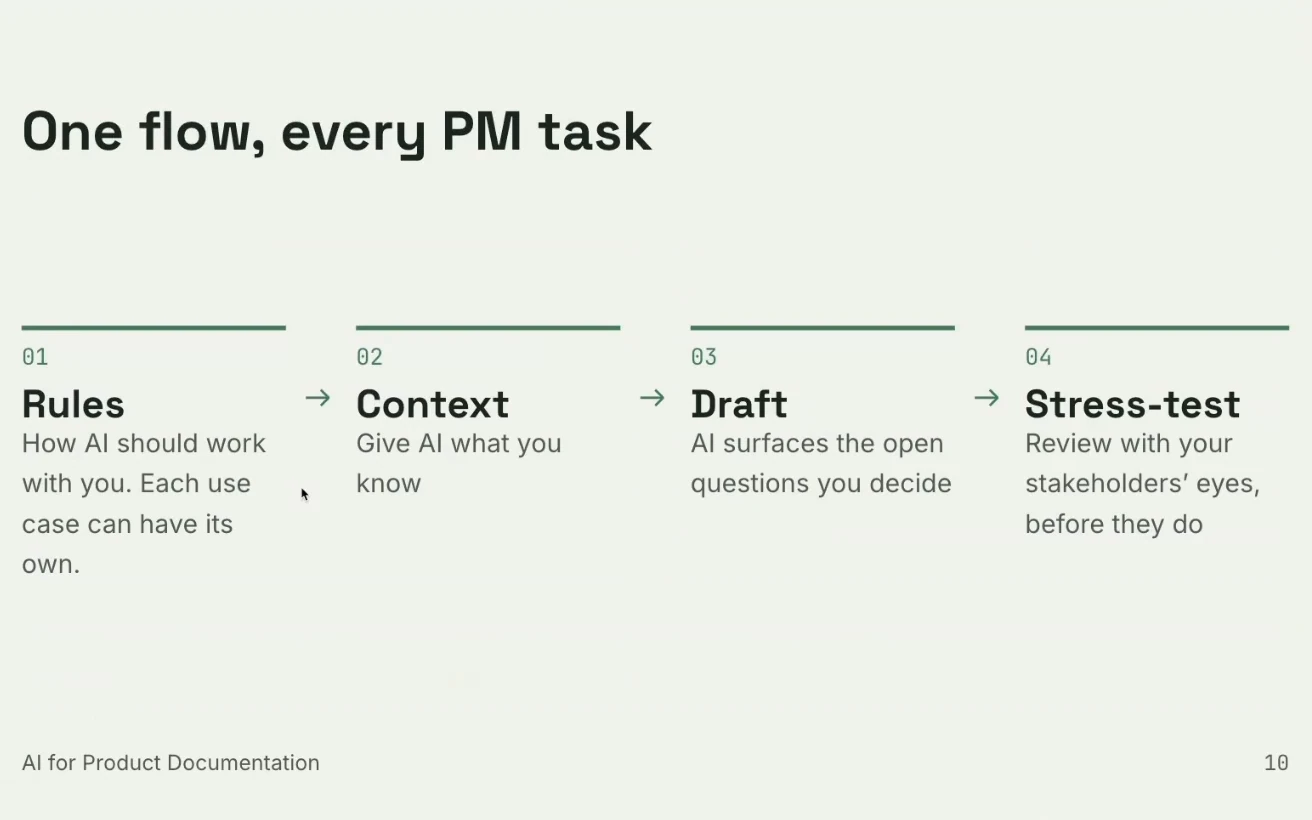
- Rules: write your process down once as a reusable skill.
- Context: brief AI on your product like a new hire on day one.
- Draft: let AI ask the questions, and you make the decisions.
- Stress-test: run the PRD past reviewer personas before your real team sees it.
The demo used a fictional fitness booking app, and Rita ran it all in Claude. To change the task, change the rules and the context. The four steps stay the same.
Why a one-line requirement leaves too much open
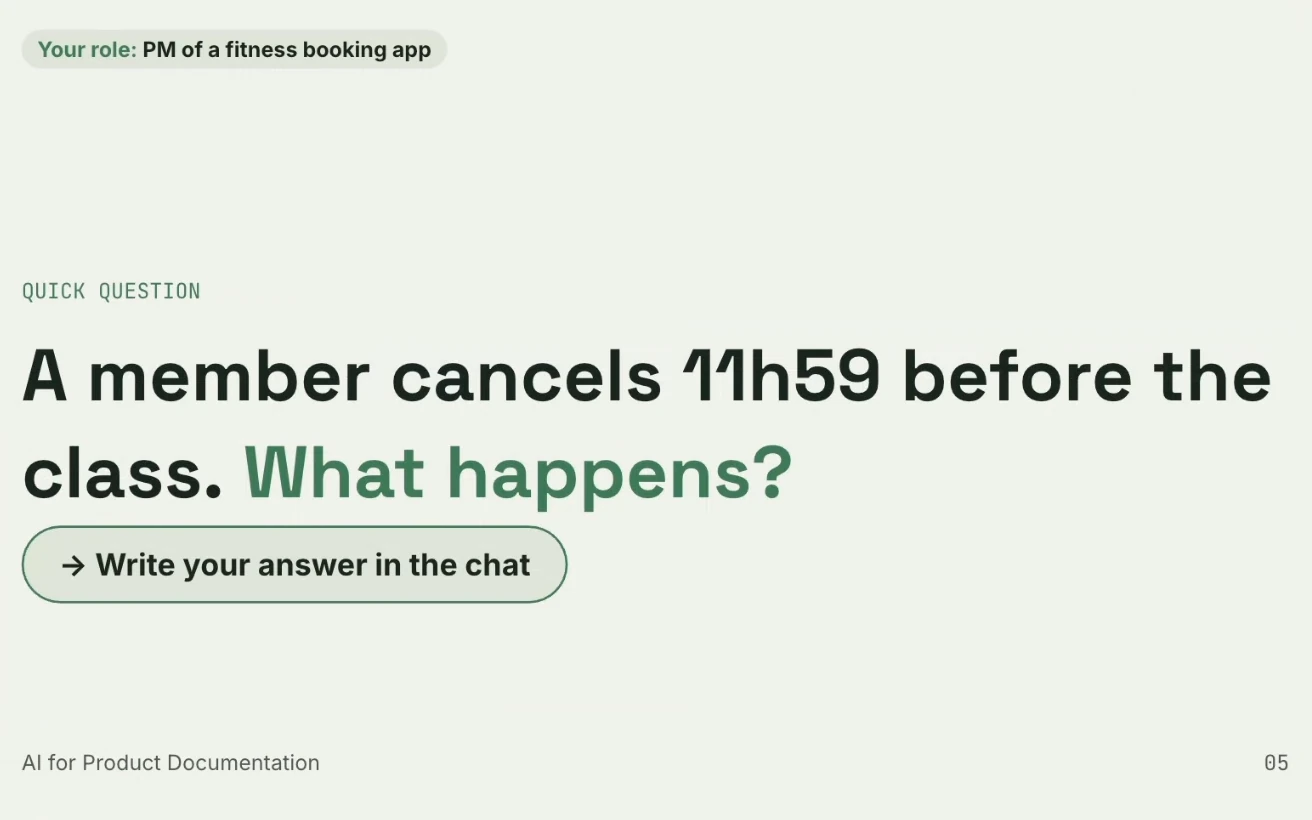
Early in the session, Rita ran a poll. You're the PM of a fitness booking app, and your requirement reads: Members can cancel a booked class up to 12 hours before the start. A member cancels at 11 hours and 59 minutes. What happens?
Viewers answered in the chat. Some said the cancellation should be blocked. Others said it should be accepted or come with a penalty. One suggested a friendly reminder plus a one-time concession. That spread was her point: one sentence, many readings.
One question opens many more. Is the class blocked or free to cancel? Does the member get a reminder? Do they pay a fee? Can each studio set its own rules? What about the waitlist? A vague requirement leaves each of those to whoever reads it first.
Rita sees two common reasons features fail. Teams fall in love with the solution and not the problem. And even with a well-defined problem, a loosely written solution leaves room for interpretation, so engineering, design, marketing, and customer success each fill the gaps differently.
Without AI, those questions usually surface in a grooming session with engineering. Worse, they surface when you present the finished feature to sales or train account managers, after the feature is already being built.
What AI adds to a PRD
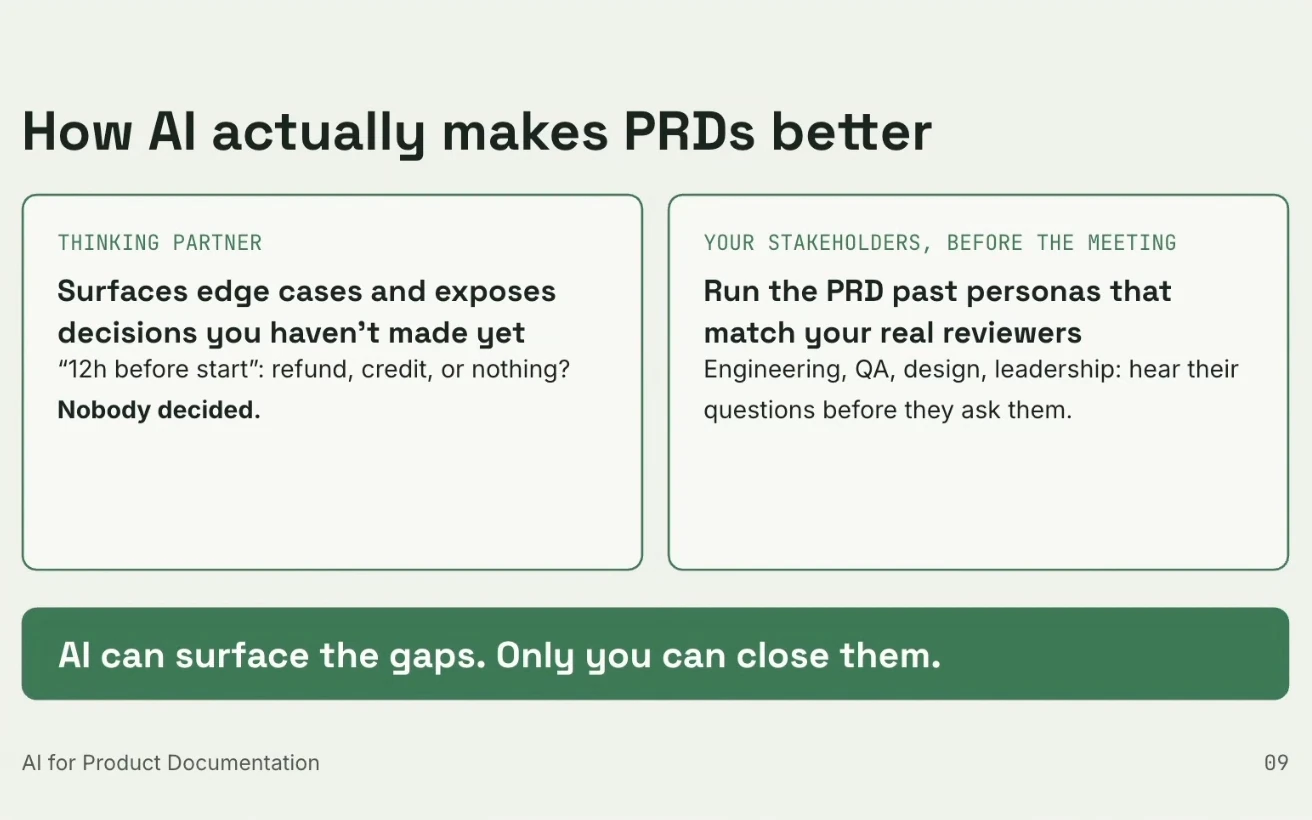
Most people use AI to write faster and clearer. Rita gives it two other jobs.
- Thinking partner. It surfaces edge cases and exposes decisions you haven't made yet.
- Stakeholder rehearsal. It runs the PRD past personas that match your real reviewers, so you hear their questions before the meeting.
Her slide put it in one line: "AI can surface the gaps. Only you can close them."
I added one point during the session. When each person drafts alone with AI, each gets answers that confirm their own view. A shared, written spec gives the team one place to check and disagree.
Step 1: set the rules once
Rules define how AI works with you. Rita sets three kinds:
- Steps: the process to follow, such as clarify first, then draft.
- Interaction: ask before assuming, one question at a time.
- Format: your own PRD template, so drafts land in your structure.
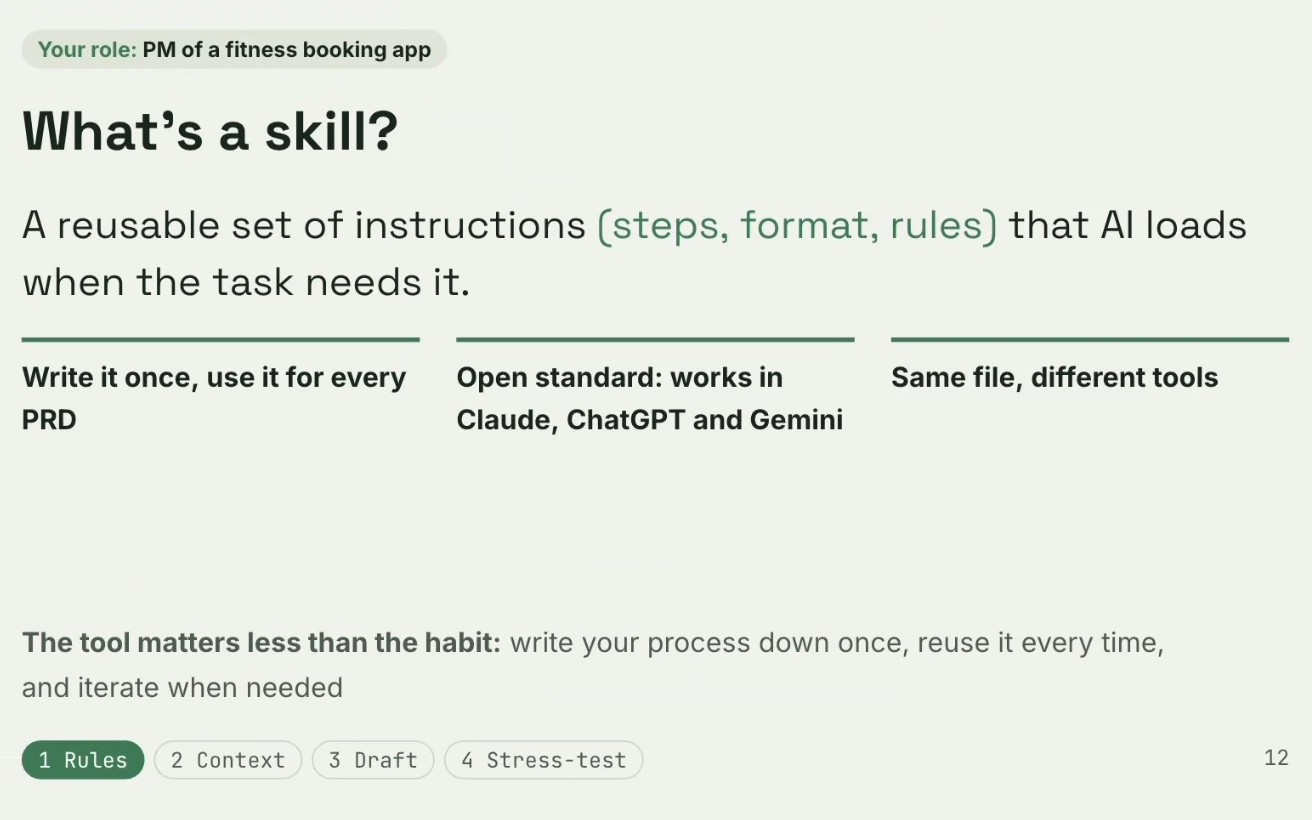
She packages them as a skill, a reusable set of instructions that AI loads when the task needs it. You write it once, and every PRD follows the same process and template. Skills work in Claude, and her slide notes they also work in ChatGPT and Gemini.
Her PRD skill starts with a context summary. Then it asks questions about the new feature, one at a time, until nothing is left open. Only then does it write the draft, using a template with problem and opportunity, business criteria, constraints, and specs. It never assumes, and when it can read your existing PRDs from tools like Confluence or Google Drive, it also flags contradictions with them.
To build one in Claude, open Customize, go to Skills, and choose to create a skill with Claude. Describe what you want, run the process once, see what's missing, and iterate. Need wording for a first version? Our ChatGPT prompts for product managers give you a starting point.
Personal rules matter. Rita likes one question at a time, because AI once sent her five at once. Others prefer them all in one go.
Step 2: give AI context first

Assume AI starts from a blank page. Rita's advice is to brief it like a new hire on day one: what the product is, how it works, who the users are, and what they're trying to do.
She splits context in two. Product context is set up once and covers the product and its users. Feature context is new for each PRD. It covers the request (what was asked, by whom, and why), who it's for, the metrics you want to move, and what's out of scope. In her demo, rescheduling, membership and credit rules, the payment provider, and new waitlist features were all out of scope for cancellations.
Find the sweet spot. Too little context makes AI assume a lot, and too much can make it hallucinate and invent things that don't exist today.
Where the product context lives depends on your setup:
- A project in a chat app: Claude Projects, ChatGPT Projects, or Gemini Gems.
- A .md file in a coding tool: CLAUDE.md, AGENTS.md, or GEMINI.md.
- Connectors to your existing tools: Confluence, Google Drive, or Notion.
Connectors don't load by themselves. Add a rule such as load existing PRDs from [source] to your skill or your prompt.
Step 3: let AI ask, then you decide
To trigger a skill in Claude, type a slash and its name. Rita pasted her context, and Claude restated the request and asked why the team was building this now. She answered as the PM: interviews showed that gyms spent too much manual work handling cancellations. Later she told Claude to write the PRD and leave the remaining questions as open questions at the end.
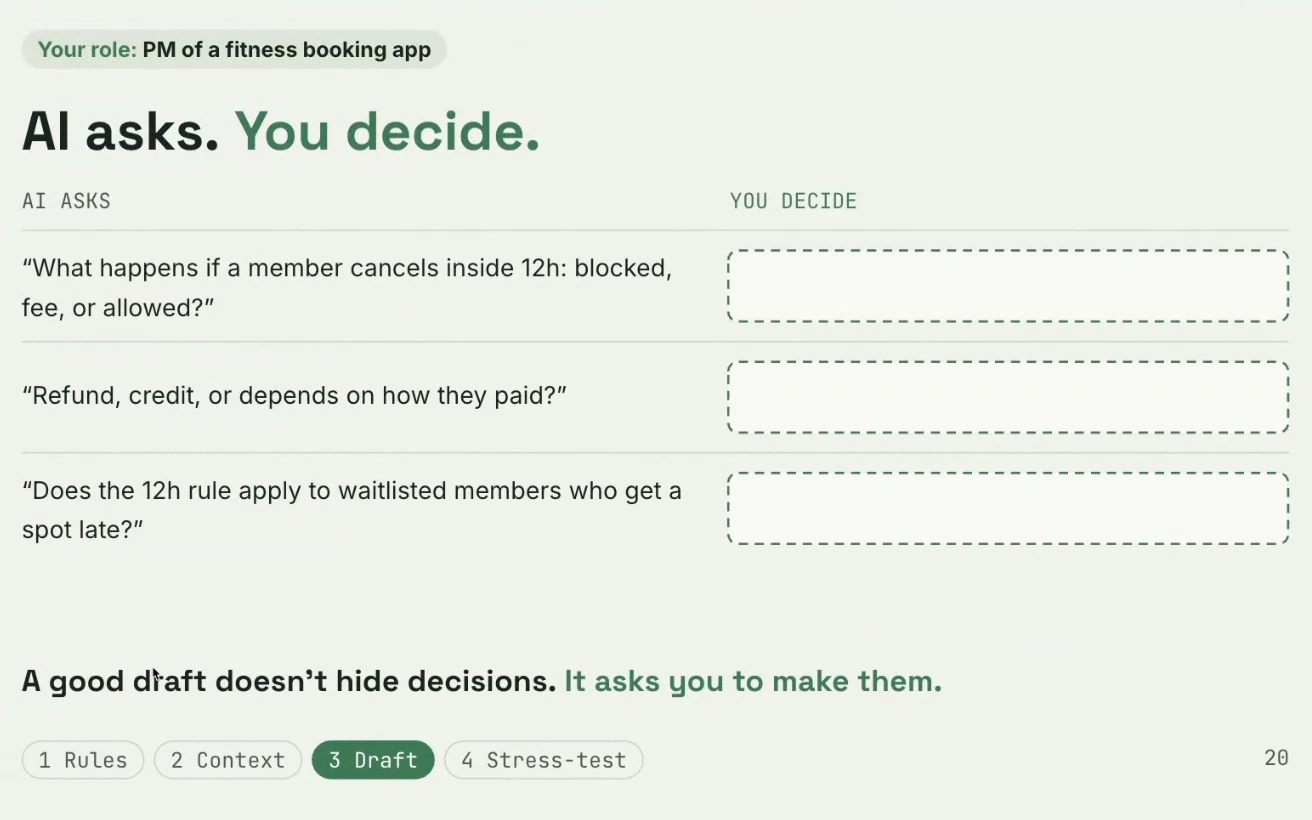
The finished PRD followed her template: problem and opportunity, business criteria, constraints, out of scope, a spec for each requirement, and the open questions to settle before the next step. Here are three questions AI raised in one of Rita's trial runs:
- What happens if a member cancels inside 12h: blocked, fee, or allowed?
- Refund, credit, or depends on how they paid?
- Does the 12h rule apply to waitlisted members who get a spot late?
AI asks, but you make every decision. Some answers you won't have. You may need to talk to another PM, your manager, or the legal team, or run more discovery with customers. In Rita's words, the goal is not to have all the questions answered but to have all the questions raised. Her slide says the same thing: "A good draft doesn't hide decisions. It asks you to make them."
Prefer a dedicated tool? Our roundup of AI product management tools includes ChatPRD, which turns a rough idea into a PRD and then critiques it.
Step 4: stress-test with reviewer personas
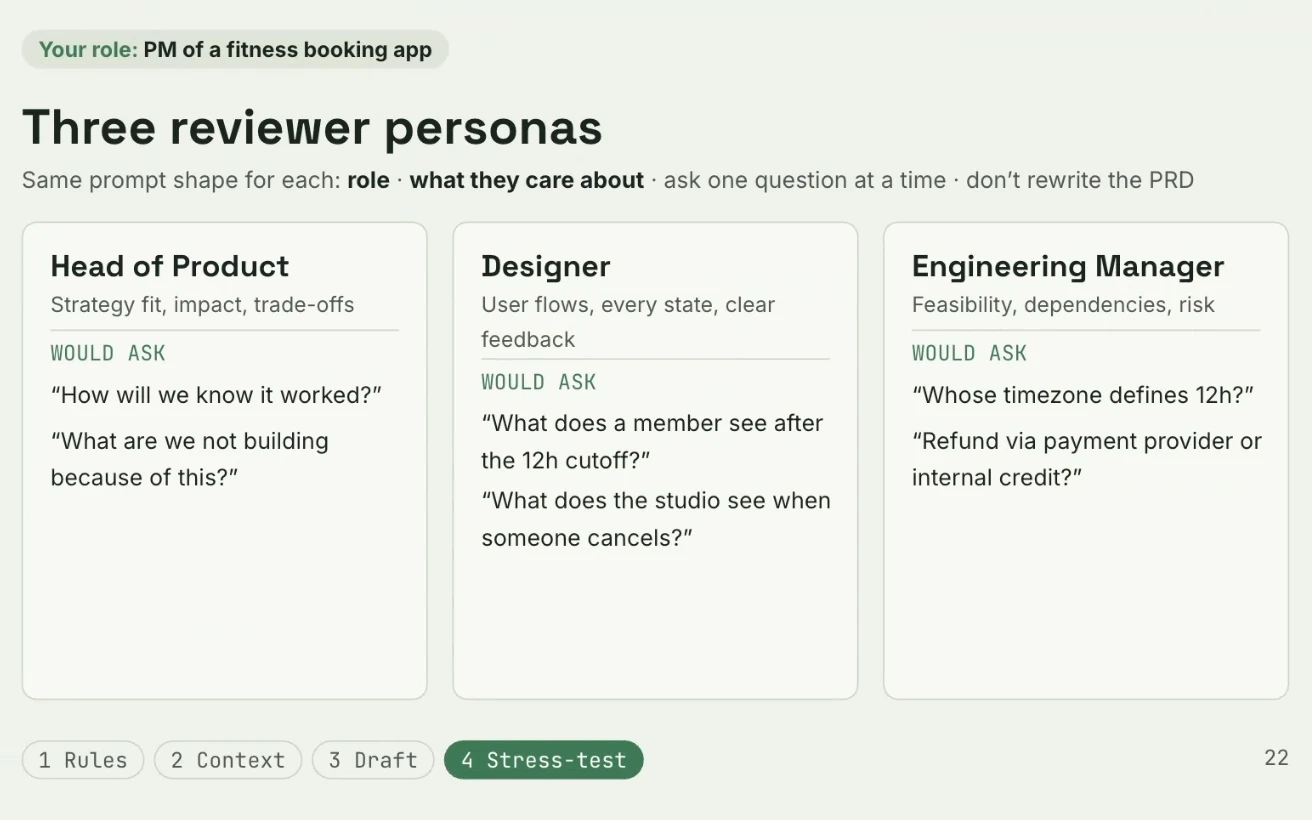
Once you have a draft, review it through the eyes of the people who will read it. Rita builds a persona for each reviewer with the same prompt shape: a role, what they care about, a rule to ask one question at a time, and a rule not to rewrite the PRD. Otherwise the persona bends the document toward its own view.
Her three examples:
- Head of Product (strategy fit, impact, trade-offs) asks How will we know it worked? and What are we not building because of this?
- Designer (user flows, every state, clear feedback) asks What does a member see after the 12h cutoff? and What does the studio see when someone cancels?
- Engineering Manager (feasibility, dependencies, risk) asks Whose timezone defines 12h? and Refund via payment provider or internal credit?
In the live demo, Rita ran the PRD past the Head of Product. The persona asked how many studios were complaining and what share of revenue they represented. Rita answered as the PM: the three biggest studios, more than half of revenue, and they were considering a switch to competitors. At the end she asked the persona to summarize what the PRD should make clearer or change.
You can build personas as skills, as agents in Claude Code, or as plain prompts, which is what she used. Add personality for sharper pushback, such as strong opinions or a focus on wording. Keep the panel small: more than 10 reviewers is already a lot, and every run spends tokens.
What changed in the PRD
Before the exercise, the requirement was a single line: Users can cancel a booked class up to 12h before start. After it, Rita had a PRD with edge cases covered, decisions made, and open questions flagged for the right people. She said getting to that depth would normally take a two-hour meeting with engineering, and it surfaced items to align with legal and marketing early.
Questions from the audience
Is the main goal to anticipate stakeholder questions? It's one goal. The bigger one is shortening the time from the first idea to a feature that's ready for development. It can also cut the back-and-forth during development.
How do you create personas? Rita uses three routes. Describe the person to Claude's skill creator. Or paste the real questions a team asked about a past PRD and ask Claude to build a persona from them. You can mix both. If you're new to a company and don't know people yet, start from generic personas you find online and adapt them. My take: build them from real team data whenever you have it.
How much has AI changed your PM workflow? I asked Rita to rate it from one to ten. Her answer was a seven. The biggest shift: she stopped waiting for engineering and started prototyping herself. Where she once wrote requirements for dashboards, she now builds a proof of concept first. She expects the path from requirement to feature to shrink from weeks or months to days.
What if AI reviews AI forever? Deciding when to stop is your job, so weigh the return on your time and tokens. If the conversation goes in circles and repeats the same questions, stop or change your approach. Rita also expects product, engineering, and design to merge over time, with people acting as reviewers who make the calls.
Will AI replace PMs and designers? I think roles get reshaped. PMs will design and ship simple code, and designers will deliver near-perfect front end for simple work. You still need engineers to keep code safe as projects grow. Rita sees product and design gaining time for discovery: understanding problems and why something is worth building.
The final call stays with you
Rita's last warning: let AI ask, but never let it decide. It will always be your reputation, and no one will accept AI as an excuse for bad work. I made the same point at the end of the session: you can be fooled easily if you trust AI blindly without systems like these in place.
Her closing advice was to try it and iterate whenever you have time. A little effort lets you shape the process around your own needs. For the story-writing basics before you add AI, read our guide on how to write user stories.
The recording has the live Claude demo, Rita's full slides, and the complete Q&A: watch the PRD webinar on YouTube.
If you want to build the product skills behind a strong PRD, Uxcel offers short, practical courses such as Introduction to Product Management, plus the Uxcel Certified Product Manager exam.
---
Thanks to Rita Pais for the session. Hosted by Uxcel Events.



