


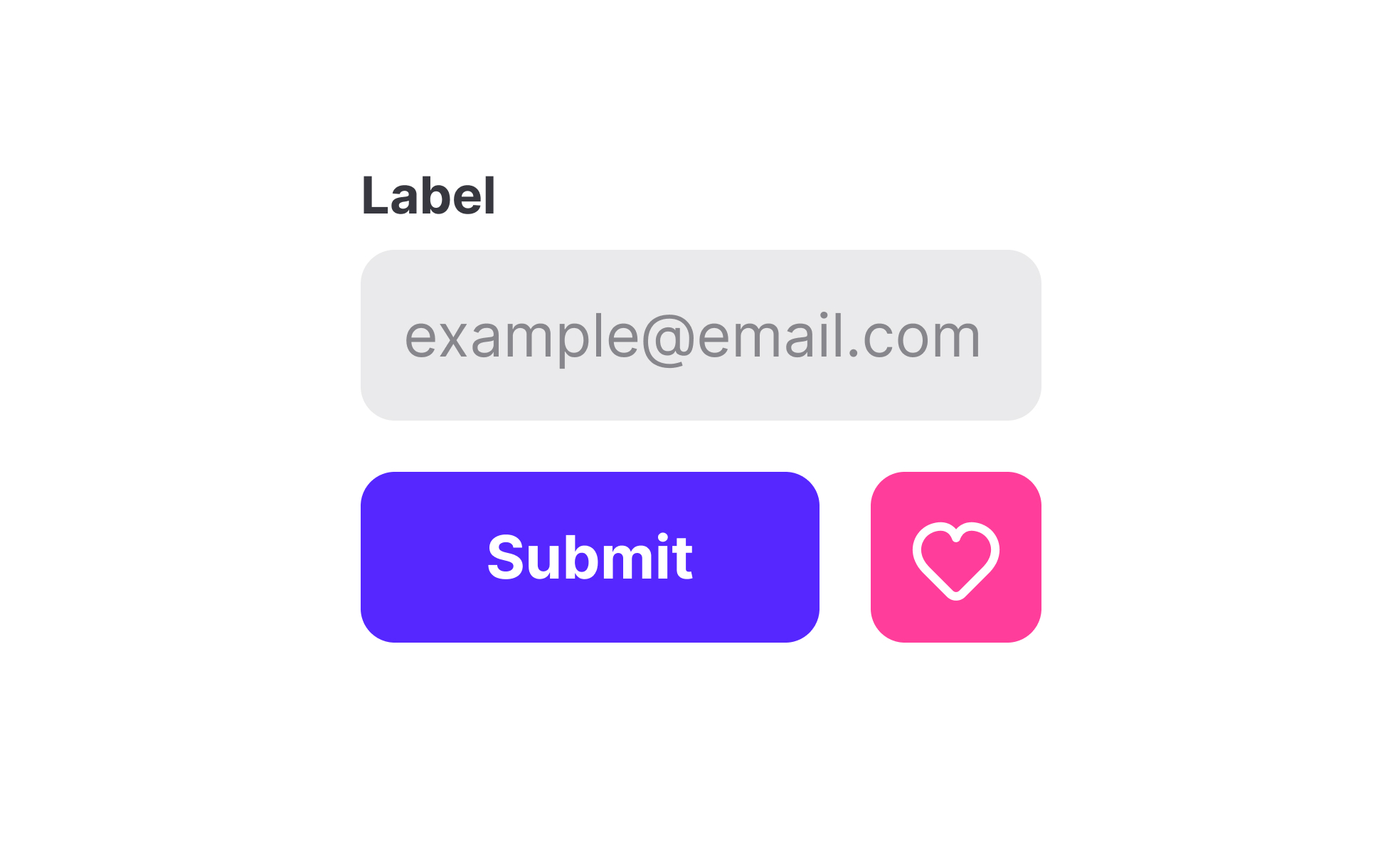
A command represents a direct way for users to interact with digital systems. Whether typed in a console, selected from a menu, or issued through voice, commands translate intent into action. They are foundational to both technical workflows and everyday digital experiences, linking human input to machine response in a clear and actionable form.
In UX and UI design, commands often appear in the form of buttons, shortcuts, or contextual menus. For example, clicking “Save” in a text editor issues a command that stores the file, while pressing “Ctrl+Z” executes an undo action. These command-driven interactions shape usability, as they must be intuitive, consistent, and responsive to ensure user trust and efficiency.
Real-world examples demonstrate how commands impact user engagement. Slack’s slash commands streamline workflows by letting users quickly trigger actions like creating reminders or joining channels without leaving the chat interface. Similarly, design software like Figma relies heavily on keyboard commands to help professionals move quickly between tools and tasks. In both cases, well-crafted commands save time and encourage deeper engagement.
Commands also extend to modern technologies such as voice and gesture. Virtual assistants like Alexa or Google Assistant rely on spoken commands to perform tasks ranging from playing music to controlling smart homes. Gesture-based commands, such as swiping or pinching on mobile devices, represent another evolution of the concept. These new forms of interaction expand accessibility while maintaining the core principle of translating intent into action.
Accessibility also plays a critical role in command design. Keyboard navigation, voice input, and screen reader support ensure that commands are available to users with diverse needs. Offering multiple input methods means that commands are not limited to a single type of user, expanding inclusivity while improving the overall usability of the product.
Learn more about this in Label commands Exercise, taken from the Intro to UI Selection Controls Lesson, a part of the UI Components I Course.
Key Takeaways
- A command is an instruction that translates intent into system action.
- UX design uses commands in buttons, menus, and shortcuts.
- Product managers map commands to align with business goals.
- Real-world tools like Slack and Figma show commands in action.
- Voice and gesture commands expand accessibility and interaction.
- Consistent, accessible commands improve trust and inclusivity.


