


Every product has to solve the same handful of problems: how people get around, how they enter data, what they see before there is anything to see. Design patterns are the industry's shared answers, and the reason a brand-new app can feel familiar within seconds. Most of an interface should be unremarkable, and patterns are how it gets that way, which frees design effort for the few places where a product needs to be different.
In this glossary topic:
What is a design pattern?
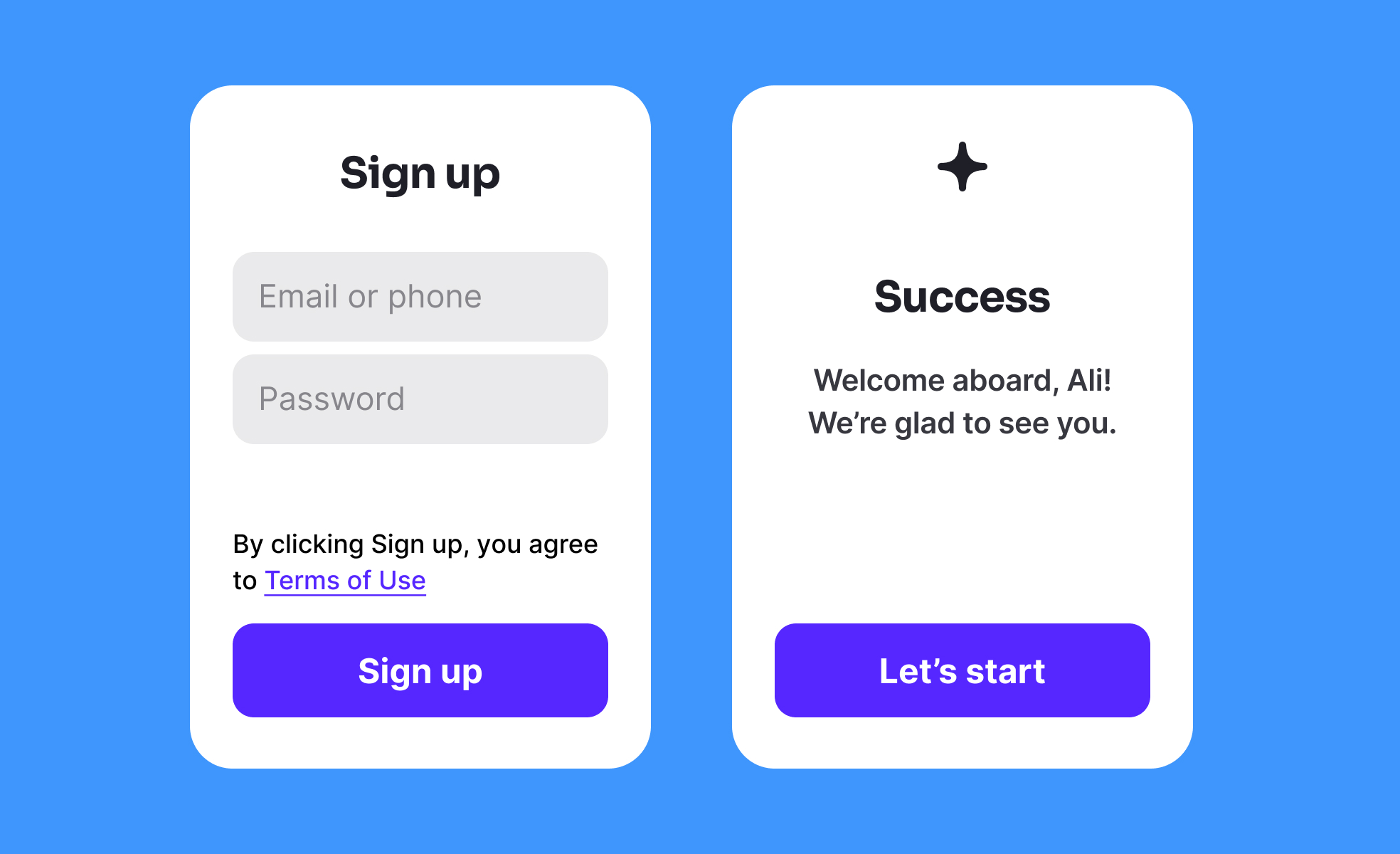
A design pattern is a reusable solution to a problem that recurs in interface design: moving between sections of a product, collecting an address without errors, showing a list that has nothing in it yet. The pattern records the shape of the solution rather than a finished screen. A wizard pattern says that a long task should be split into ordered steps with visible progress; it does not say how wide the progress bar is.
The idea reached interfaces from software engineering, which had borrowed it from architecture. Christopher Alexander described a "pattern language" for buildings in the 1970s, and the 1994 book Design Patterns by Gamma, Helm, Johnson, and Vlissides, the Gang of Four, applied the format to object-oriented code. Interaction designers adopted it soon after, and in design conversation today the term almost always means a UI or UX pattern.
Patterns work because people carry expectations from one product to the next. Someone who has used one shopping cart expects every cart to hold items, show a total, and lead to a checkout. A pattern is the documented form of an expectation users already hold, which is why following one brings the learning cost of a screen close to zero.
How do design patterns differ from design systems and components?
The three terms describe different layers of the same work and get swapped for each other more often than they should. A component is a built thing: a button, a date picker, a card, with its own code, tokens, and states. It is one concrete implementation. A pattern is the solution logic above it, independent of any single implementation.
Progressive disclosure shows the difference. It is a pattern that says to reveal complexity only when someone asks for it, and it can be implemented with an accordion, a "show more" link, a stepped form, or a tooltip. The pattern stays the same while the component changes.
A design system is the container for both. It holds the foundations (color, type, spacing, motion), the component library, the pattern documentation that explains how components combine into flows, and the governance that decides how any of it changes. A component is one implementation of a pattern, and a design system is where both are written down. A design system without a patterns section is a parts catalog with no assembly guide.
What are common UI design patterns?
Pattern libraries group patterns by the job they do, and a handful of groups cover nearly every product.
Navigation patterns decide how people move: tab bars, side navigation, hamburger menus, breadcrumbs, mega menus, and the back-and-forward conventions of each platform. Navigation is where pattern choice shows first, because it shapes every other screen.
Form patterns handle data entry: inline validation next to the field that caused the error, input masks for dates and card numbers, multi-step wizards for long tasks, and smart defaults that remove a decision entirely.
Onboarding and content patterns cover the first minutes of use and the moments when there is nothing to show. Walkthroughs, progressive onboarding that teaches a feature at the moment it is needed, and setup checklists belong to the first group. Empty states that explain what will appear and offer the first action, skeleton screens, and pagination or infinite scroll belong to the second.
Feedback patterns tell people what happened: toasts for low-stakes confirmation, modal dialogs for decisions that cannot wait, inline status for background work, and undo in place of blanket confirmation prompts. Search and filtering patterns, including autocomplete, faceted filters, and recent searches, round out the common set. Each group exists because a problem recurred often enough that solving it fresh stopped making sense.
When should a designer break a pattern?
Rarely, and only on purpose. A pattern carries the expectations of everyone who has used products that follow it, so breaking one spends attention users did not plan to spend. The cost is justified in three situations. The first is when the pattern was built for a different context: a desktop data table squeezed onto a phone screen usually fails, and a mobile list pattern is the fix, not a cleverer table. The second is when the core action is the differentiator and a conventional treatment would hide it; a camera app that opens on a settings screen follows a pattern and loses the point. The third is when research shows the pattern itself causes the failure, as when a hamburger menu hides destinations that most users need on every visit.
Breaking a pattern is a hypothesis, and it should be tested like one. Consider a checkout that replaces the standard form with a conversational flow. It might be better; it also asks every customer to learn a new way to pay. Usability testing against the conventional version, with completion time and error rate measured, separates a deliberate departure from a decorative one. When the result is inconclusive, the pattern wins, because familiarity is a benefit the new design has to beat.
How are design patterns documented?
A pattern library is the written record of a team's or an industry's patterns, and its entries follow a format that has changed little since Alexander. Each pattern gets a name people will actually say in meetings, a statement of the problem it solves, the context in which it applies, the solution described in terms of behavior rather than pixels, examples from real screens, and a list of related patterns and known trade-offs. Good entries also say when not to use the pattern, the part most teams skip and most readers need.
Public libraries show the range. Platform guidelines from Apple and Google document the patterns native to their systems, government design systems publish patterns for tasks like asking for an address with the research attached, and independent collections catalog screens from many products so the same pattern can be compared across them. Inside a company, the patterns section of the design system plays the same role, and the test of a pattern entry is whether a designer who has never met the problem can solve it correctly from the page alone. Components can be documented from the code; patterns have to be documented by someone who understands why the solution works, because the why is the only part that transfers.
What does a design pattern look like in practice?
The hamburger menu is a navigation pattern nearly everyone recognizes: three stacked lines that open a hidden list of destinations. Its familiarity is also the source of its main trade-off, since what is hidden is also out of mind, and the pattern suits secondary destinations better than primary ones.
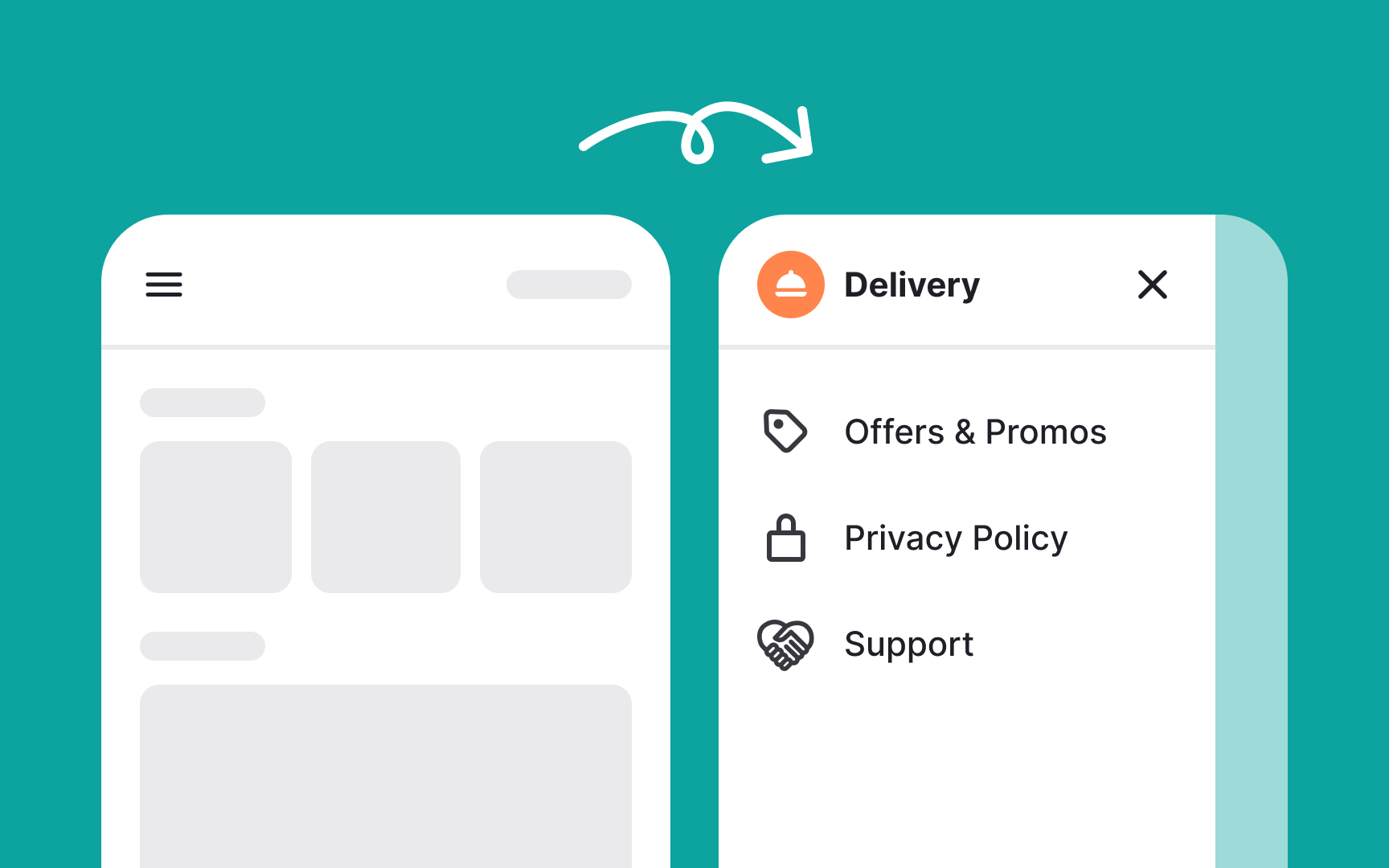
The hamburger menu as a pattern: the icon is the same across products, the drawer behind it holds destinations that do not need to be visible on every screen, and the trade-off is discoverability. From the lesson Common Navigation Patterns.
What happens when patterns are misused?
The familiarity that makes patterns useful also makes them exploitable. A dark pattern is a pattern turned against the user: a cancellation flow that makes leaving far harder than the sign-up pattern made joining, a pre-checked consent box that borrows the form pattern, a countdown timer that fakes urgency. The mechanics are identical to legitimate patterns, which is why they work and why consumer regulators in several jurisdictions now treat some of them as unfair practice. A pattern is only as ethical as the outcome it steers people toward, and the pattern library is a reasonable place to record which uses a team will not ship.


