


TL;DR
- Represents one view of content or interface.
- Structures information in a defined layout.
- Can be static or interactive.
- Core building block of digital products.
Definition
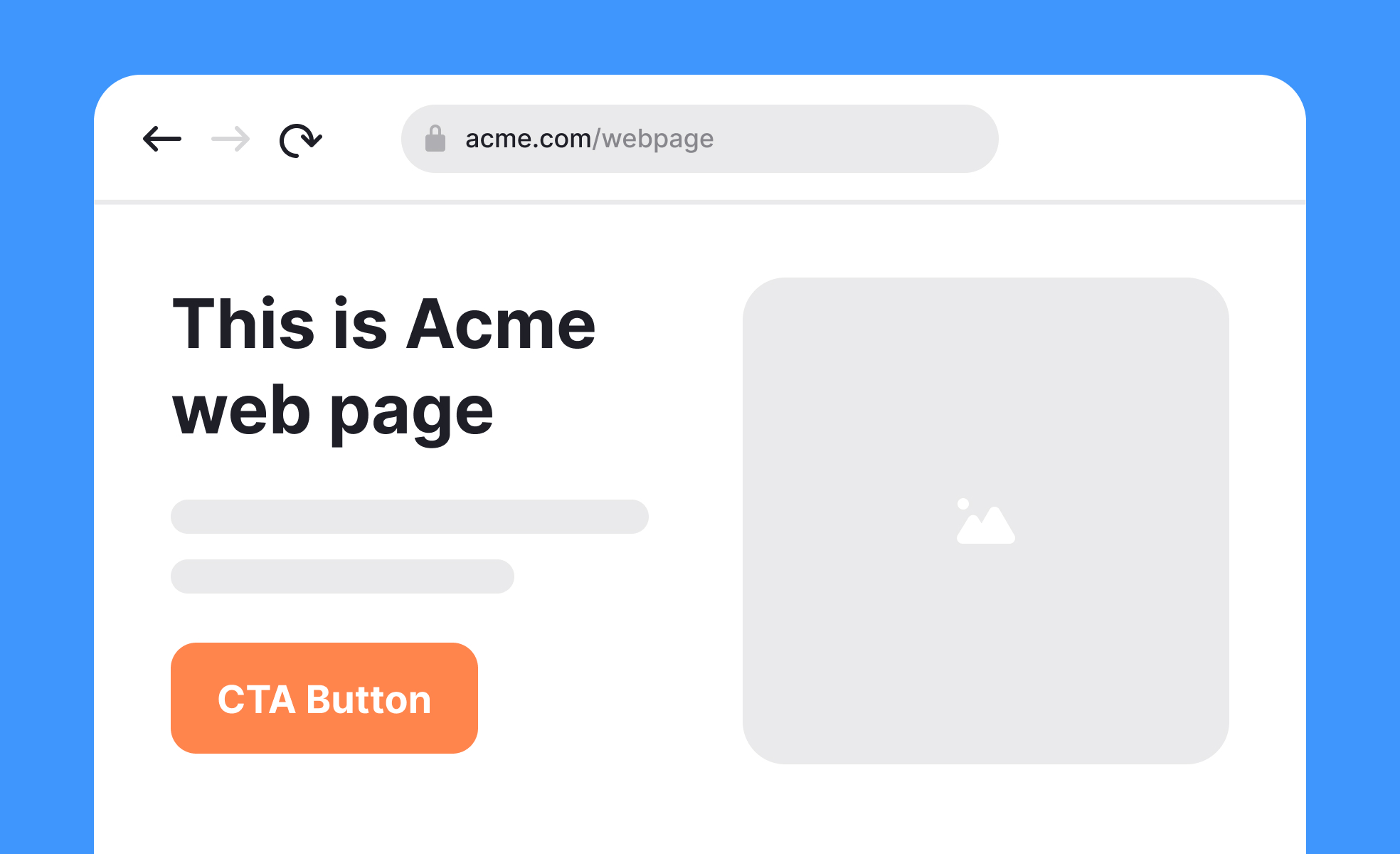
A page is a self-contained unit of content or interaction within a product, website, or document, serving as a framework for presenting information, navigation, and functionality.
Detailed Overview
Pages are the foundational units of both digital and print experiences. In digital contexts, a page is a screen or view that organizes information and interactions into a structured format. On websites, each page addresses a topic, task, or user goal. In applications, pages are often modular, guiding users through workflows. Pages shape how people consume information and navigate systems.
A frequent question is how digital pages differ from traditional print pages. Print pages are static and finite, defined by paper size and layout. Digital pages, in contrast, can be scrollable, interactive, and adaptive. They expand and contract depending on content, screen size, and orientation, offering far more flexibility while still retaining the concept of a bounded unit of content.
Another common query concerns the role of pages in usability. Pages organize content into manageable chunks that align with user expectations. Clear labeling, logical structure, and visual hierarchy help users find information quickly. Poorly designed pages, cluttered with disorganized content, increase cognitive load and frustrate users. Good page design balances density with readability, making navigation straightforward.
Teams also ask about page structure in responsive design. Pages must adapt across devices and orientations while maintaining function and clarity. A desktop page might present a multi-column layout, while the same content on mobile must reflow into a single column. Designers ensure consistency through flexible grids, scalable typography, and adaptable components.
Accessibility is another frequent topic. Pages must be navigable by screen readers, operable with keyboard inputs, and structured with semantic HTML to support assistive technologies. Logical headings, alt text, and clear focus states ensure that pages are not just visually coherent but also inclusive.
Learn more about this in the Ensure Your Page Loads Quickly Exercise, taken from the Landing Pages Lesson, a part of the Common Design Patterns Course.


