


The password is the oldest security mechanism most users touch, and the industry has spent a decade announcing its replacement while shipping new password fields. Both facts matter to designers: passwords are fading, and they are everywhere. Design for the password's decline without pretending it has already happened.
In this glossary topic:
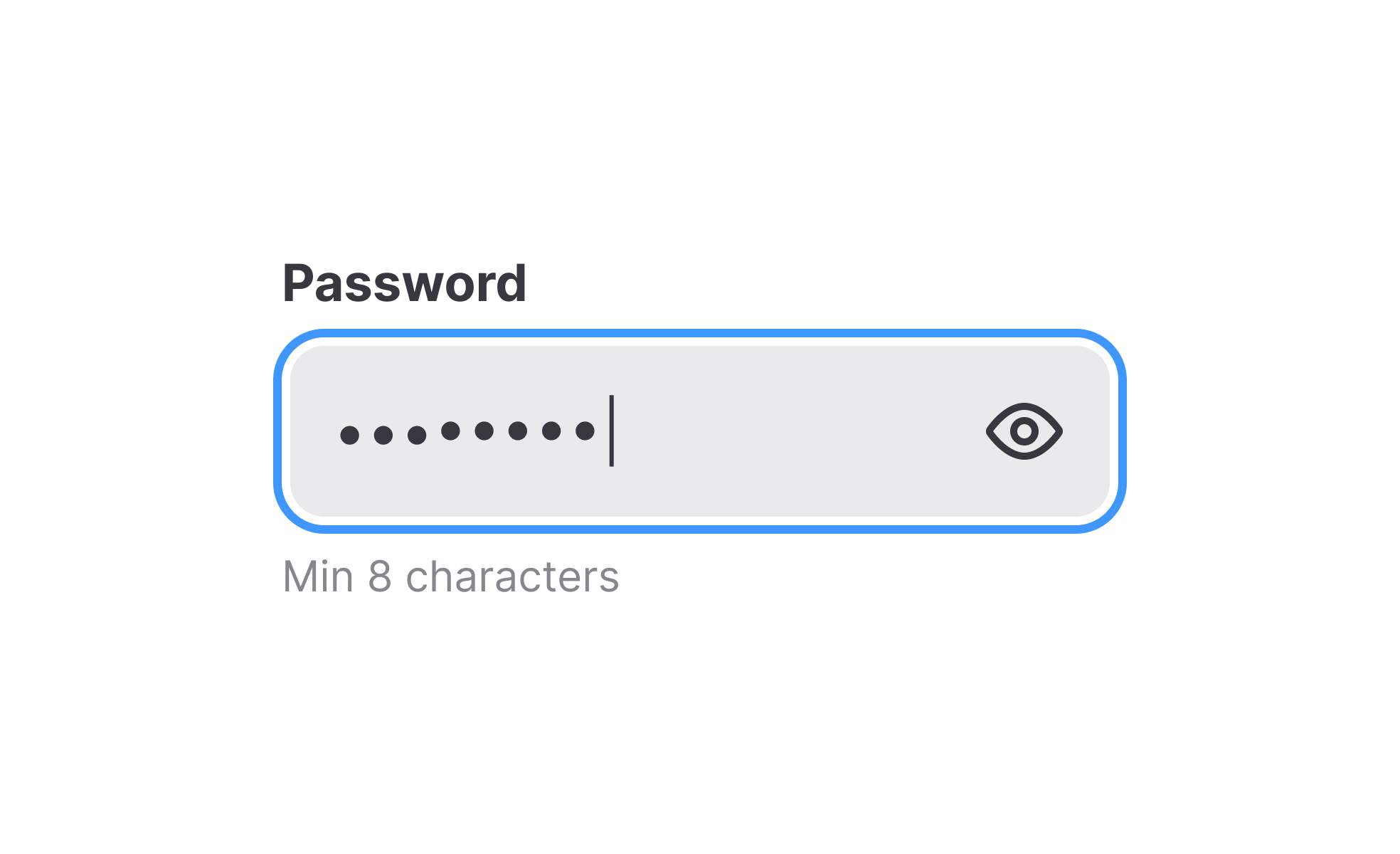
What is a password?
A password is a secret string of characters that a user presents to a system to prove they are who they claim to be. The system compares the submitted string against a stored credential, and if they match, access is granted. It's one of the oldest mechanisms in computing and still the most widely deployed method of authentication in consumer and enterprise software.
Despite their age and well-documented weaknesses, passwords persist because they are simple to implement, require no special hardware, and are understood by essentially every user of digital products. The problems with passwords are equally well understood: they're forgotten, reused across multiple services, exposed in data breaches, and vulnerable to phishing attacks where users are tricked into entering them on fraudulent sites.
For designers and product teams, passwords are not just a security concern. They're an interaction design problem. Every password field, password creation requirement, strength indicator, reset flow, and error message is a design decision with direct consequences for both security and usability.
What makes a password secure?
The security of a password is primarily a function of length and unpredictability. A longer password with random characters takes exponentially more time to guess or crack through automated means than a shorter, predictable one.
Complexity rules, the requirements many products enforce about including uppercase letters, numbers, and symbols, were intended to increase unpredictability. In practice, users respond to these requirements by following predictable patterns: capitalizing the first letter, adding a number at the end, replacing certain letters with symbols. Password123! satisfies most complexity requirements and provides very little actual security.
Length is a more reliable indicator of strength than complexity. A passphrase made of several random common words, such as "carpet-tuesday-violin-seven," is both easier to remember and substantially harder to crack than a shorter string meeting complexity requirements. Security guidance from NIST has moved in this direction, recommending that services prioritize length over character class requirements, stop forcing frequent password rotation unless there's evidence of compromise, and not prevent users from using spaces or special characters in passwords.
What matters most for security at the product level isn't just individual password strength but whether the system hashes passwords correctly, whether it enforces re-authentication for sensitive actions, whether it provides MFA, and how quickly it can detect and respond to credential stuffing attacks.
What does good password UX look like?
The design of the password experience significantly affects both security behavior and user satisfaction, and the two are often in tension.
Clear requirements at the point of creation prevent the frustrating cycle of rejected passwords. If a product requires passwords to be at least 12 characters with specific characteristics, stating those requirements clearly before the user attempts to create the password is more effective than explaining what went wrong afterward. Inline validation that updates as the user types, telling them whether each requirement is met in real time, reduces errors and removes uncertainty.
Password strength meters give users feedback on the quality of their chosen password in context rather than forcing compliance with a fixed rule set. A well-designed strength meter responds to actual password entropy, not just whether the password contains a capital letter.
The show/hide toggle on password fields reduces errors caused by blind typing. Allowing users to see what they've entered before submitting it prevents the frustrating failure mode of entering a password incorrectly and having to start over. On mobile especially, where typing accuracy is lower, this is a meaningful quality-of-life improvement.
Error messages in password flows should be specific and actionable. "Incorrect password" is minimally helpful. A message that distinguishes between a wrong password and an unrecognized username, or that offers a reset path when repeated failures suggest the user doesn't remember their credentials, is more useful without compromising security.
What is replacing passwords?
The shift away from passwords as the primary authentication mechanism has been building for years and accelerated significantly in 2025.
Passkeys are the most significant development. Based on the FIDO2 and WebAuthn standards, passkeys use public-key cryptography to authenticate users without a shared secret. Instead of a password stored on a server, authentication uses a private key stored on the user's device, verified by biometrics or a device PIN. Because the private key never leaves the device and is unique to each service, there is nothing to phish, steal through a breach, or reuse across accounts.
The transition isn't instantaneous. Passwords and passkeys will coexist for some time as existing accounts are migrated and users build familiarity with the new pattern. For product teams, the practical question is how to design a migration path that encourages passkey adoption while maintaining password fallback for users who need it, and how to design passkey enrollment and recovery flows that are clear for users who haven't encountered the method before.
How does password design intersect with accessibility?
Password fields and authentication flows have specific accessibility considerations beyond what applies to other form fields.
Show/hide toggles on password fields are particularly important for users with motor difficulties, who may make more typing errors, and for users with cognitive differences, who benefit from being able to verify their input. Without this option, blind typing increases error rates and frustration for users who are already more likely to need to re-enter.
Requirements and error messages must be communicated through text, not only through color. A strength meter that turns green for a strong password and red for a weak one conveys nothing to users with color blindness unless the color change is accompanied by a text label or icon.
Autofill compatibility is an accessibility-relevant design consideration. Browsers and password managers rely on correctly marked-up form fields (using autocomplete attributes) to offer to fill in saved credentials. When fields aren't marked up appropriately, users who rely on password managers must switch between applications to copy credentials, which creates friction that disproportionately affects users who can't easily memorize or type complex passwords.


