


Login is where a product's security promises and its patience for friction collide, several times a day, for every user. Nobody praises a good login; everyone remembers a bad one. The best login designs are the ones users cannot describe, because nothing went wrong.
In this glossary topic:
What is login?
Login is the authentication step that separates a product's public experience from its private, personalized one. It's the moment where a user asserts who they are, the system verifies that claim, and access is granted or denied.
For users, login is a threshold: a moment of friction that precedes whatever they came to do. For product teams, it's one of the highest-stakes interaction points in the product. A login experience that's slow, confusing, or error-prone drives abandonment before the product has even delivered any value. A login experience that's fast and reliable creates a first impression of competence and trustworthiness that carries through the rest of the session.
For security teams, login is the primary attack surface for credential-based threats: phishing, credential stuffing (using leaked username-password pairs from other breaches to attempt access), and brute-force attempts. The design of the login system, not just its visual implementation, determines how resilient it is against these threats.
What are the main authentication methods used in login?
The landscape of authentication has changed significantly in recent years, and the options now available range from traditional credentials to fully passwordless approaches.
- Username and password remains the most widely supported baseline. Its weaknesses are well-documented: users choose weak passwords, reuse them across services, and lose them frequently. It's the method with the lowest barrier to implement and the broadest device compatibility, which is why it persists as a fallback even as alternatives mature.
- Social sign-in, logging in through a Google, Apple, or other identity provider account, reduces friction by eliminating the need to create and remember separate credentials for each product. It delegates authentication to a platform the user already trusts and maintains. The trade-off is dependency on the identity provider's availability and the user's continued access to that account.
- Magic links send a one-time login link to a verified email address. The user clicks the link to authenticate without entering a password. This is genuinely passwordless and phishing-resistant within the email channel, though it depends on the user having access to their email and the link reaching them quickly.
- Passkeys, based on the FIDO2 and WebAuthn standards, use public-key cryptography tied to the user's device and verified by biometrics or a device PIN. Because no shared secret is transmitted, passkeys are phishing-proof: there is nothing to steal and nothing to reuse across services. Passkey adoption reached a significant inflection point in 2025, with over 800 million Google accounts and 175 million Amazon customers using them, and Microsoft making passkeys the default for new accounts. For products building new authentication flows, passkeys should be the primary design target rather than an optional addition.
- Multi-factor authentication (MFA) adds a second verification step beyond the primary credential. Authenticator app codes are more secure than SMS codes, which are vulnerable to SIM-swapping attacks. Hardware security keys provide the strongest MFA but require the user to own and carry one.
What makes a login experience well-designed?
Login is fundamentally a task the user wants to complete as quickly as possible so they can get to the product. Every design decision should serve that goal without compromising security.
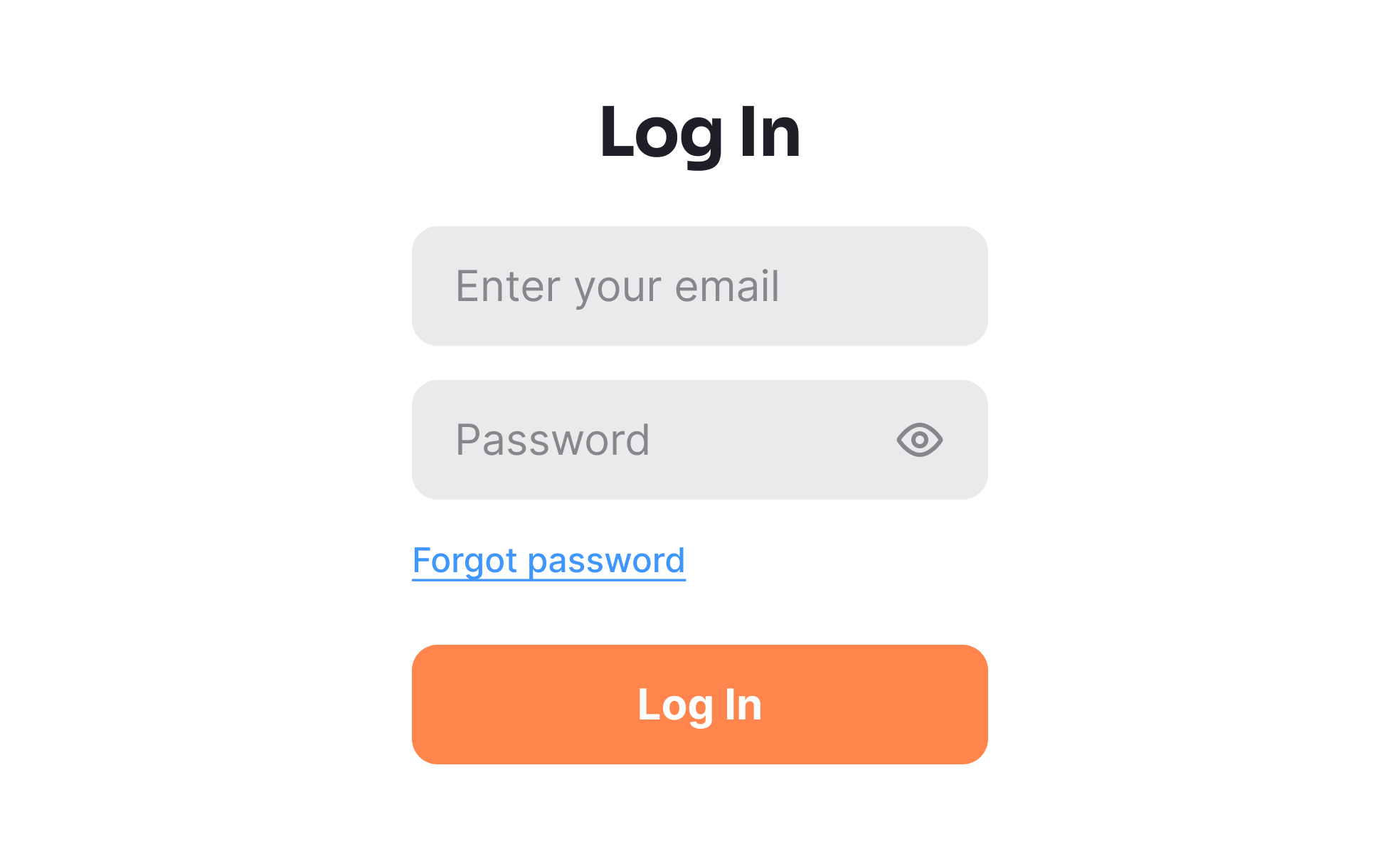
- Form clarity is the starting point. The login form should have the minimum fields necessary: typically email and password, nothing more. Labels should be visible and persistent, not replaced by placeholder text that disappears on input. The show/hide toggle on the password field reduces entry errors, particularly on mobile where typing accuracy is lower.
- Error messages should be specific and actionable without being a security liability. "Incorrect password" is useful. "No account found with that email" tells an attacker whether the email address is registered. The standard recommendation is a message like "Incorrect email or password" that doesn't confirm which field is wrong, combined with a recovery path that doesn't leak account existence.
- The "remember me" or persistent session option should be present and clearly labeled. Users who log in from a personal device expect not to repeat authentication on every visit. Forcing re-authentication at every session on a non-sensitive product creates unnecessary friction.
- Password manager compatibility requires correct
autocompleteattribute values on the email and password fields (autocomplete="email"andautocomplete="current-password"). Without these, many password managers can't reliably fill in credentials, and blocking paste into the password field defeats autofill entirely.
How does login design affect trust?
Login is one of the moments where users are most directly aware that they're interacting with a security-sensitive system, and how that moment feels shapes their confidence in the product.
Products that handle failed login attempts gracefully, with clear explanations and a visible recovery path, signal that they've thought about this scenario and prepared for it. Products that show cryptic error codes or leave users without a clear next step signal the opposite.
Transparent communication about why authentication is required, particularly for sensitive actions that trigger re-authentication mid-session, reduces the anxiety that unexplained credential prompts create. Users who understand why they're being asked to log in again are less likely to assume something has gone wrong.
Account lockout policies balance security and usability. Locking an account after a small number of failed attempts prevents brute-force attacks but can also lock out legitimate users with faulty memory. Rate limiting attempts without full lockout, combined with a visible recovery path, is generally a better trade-off for consumer products.
What accessibility considerations apply to login?
Login flows have a specific set of accessibility requirements that are sometimes given less attention than they deserve, given their role as the entry point to the entire product.
- All form fields must have programmatically associated labels, not just visible labels. An
<input>element with a visible label above it needs that label connected via aforattribute matching the input'sid, so screen readers announce the label when the field receives focus. - CAPTCHA challenges used for bot prevention create significant accessibility barriers. Audio CAPTCHAs must be provided as an alternative to visual challenges. Invisible CAPTCHAs that operate in the background based on behavior signals (like Google's reCAPTCHA v3) are more accessible than those that require user interaction to complete. Any CAPTCHA that only one sensory modality can solve is a barrier.
- Error messages must be announced to screen reader users, not just displayed visually. Using
aria-liveregions orrole="alert"ensures that errors are read aloud when they appear, rather than requiring screen reader users to navigate back to discover them. - Social sign-in buttons need accessible names that describe their function: "Sign in with Google," not just a Google logo with no text.


