


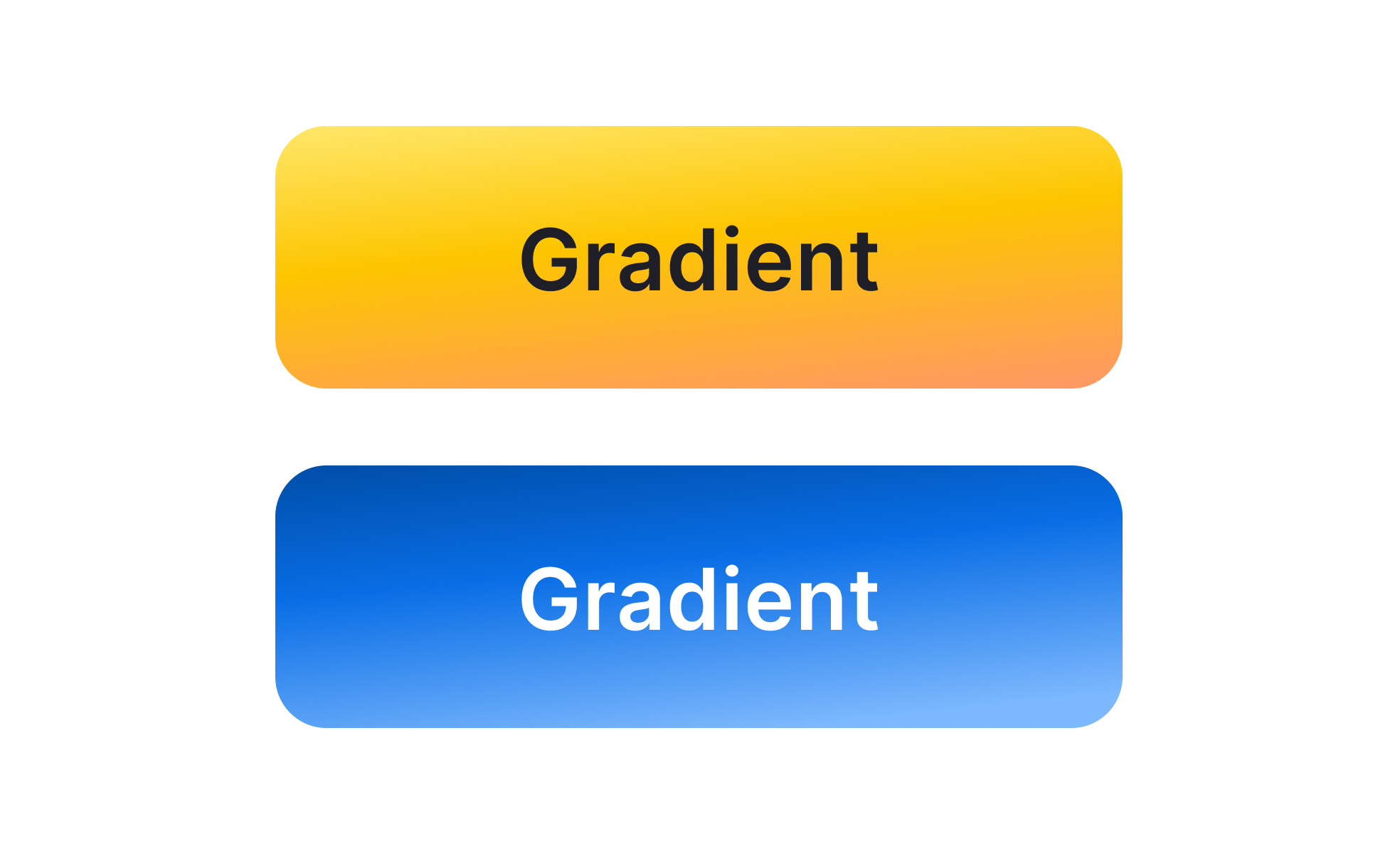
A gradient is a visual effect created by blending two or more colors seamlessly across a shape, background, or interface element. Gradients can be linear, radial, angular, or custom, and they allow designers to move beyond flat color fills by adding subtle transitions that create depth and energy. Once considered outdated in early web design, gradients have re-emerged in modern design systems as powerful tools for both function and aesthetics.
For UX designers, gradients influence hierarchy and attention. A button with a gradient fill often stands out more than a flat color, guiding users toward calls-to-action. Background gradients help create focus by transitioning from darker tones at the edges to lighter tones in the center, naturally drawing the eye. Designers also use gradients to express brand identity, combining signature colors into distinctive blends that make interfaces recognizable.
Accessibility is an important factor in gradient usage. Text placed on gradients must maintain sufficient contrast across all areas of the transition to remain legible. Poorly designed gradients can cause readability issues, especially for users with low vision or color blindness. Designers mitigate this by testing contrast ratios, using overlay techniques, or reserving gradients for decorative rather than functional contexts.
Real-world applications highlight gradients’ versatility. Instagram’s brand identity is built around its iconic multi-color gradient, creating immediate recognition across digital and physical touchpoints. Spotify uses gradients in backgrounds to create dynamic, mood-driven experiences that align with playlists. Productivity tools like Slack use subtle gradients in interface elements to add polish without overwhelming functionality.
Gradients also add depth in flat design systems. When digital interfaces shifted away from skeuomorphism, gradients offered a middle ground—keeping interfaces clean while reintroducing depth through color. This balance evolved into “flat 2.0” or “semi-flat” design, where gradients give life to otherwise minimalistic layouts. Motion design further extends their impact by animating gradient transitions, producing dynamic, engaging effects.
Learn more about this in the Gradient Exercise, taken from the Color Terminology Lesson, a part of the Design Terminology Course.
Key Takeaways
- Gradients are smooth color transitions used in UI and branding.
- Designers use gradients to emphasize hierarchy and guide attention.
- Accessibility requires maintaining contrast for readability.
- Examples include Instagram, Spotify, and Slack.
- Modern design uses gradients to add depth in minimal systems.


