


TL;DR
- Defines characteristics of elements.
- Controls appearance, layout, or behavior.
- Common in design systems and coding.
- Essential for consistent styling and interaction.
Definition
A property is an attribute assigned to an element in design or code that determines how it looks or behaves, such as color, font size, padding, or interactivity.
Detailed Overview
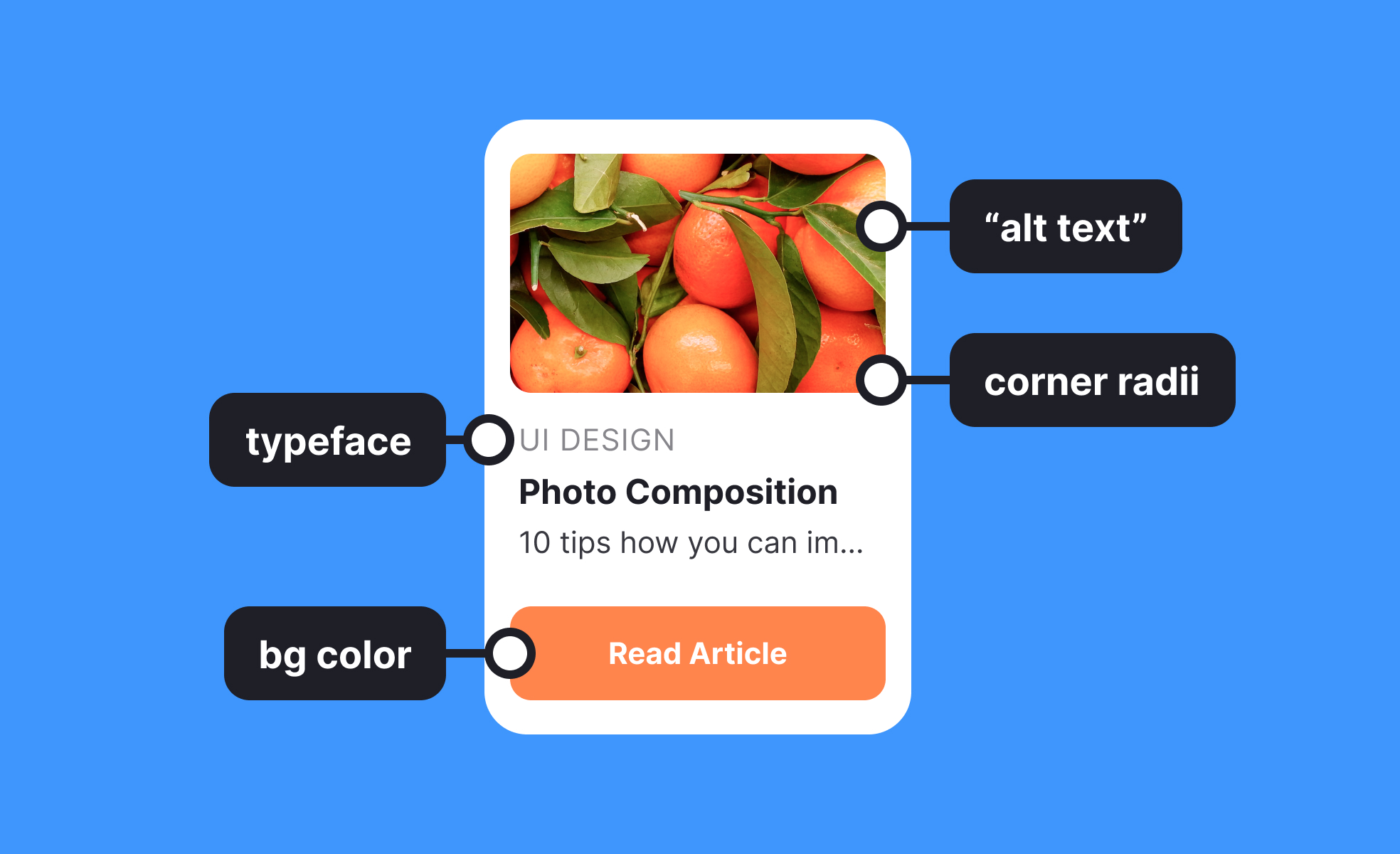
Properties are fundamental in both interface design and software development. In design contexts, they describe visual or behavioral attributes that shape how elements appear on a screen. For instance, a button’s properties might include background color, border radius, or hover state. These properties define how users perceive and interact with the element, ensuring clarity and consistency across a product.
In coding, properties are instructions or values that define an object’s characteristics. For example, in CSS, properties like font-size, margin, and color control presentation. In object-oriented programming, properties represent attributes of objects, such as a user object having a name, age, or email address. This flexibility makes properties a core concept that bridges design and development.
A frequent question is why properties matter in design systems. Properties allow components to be consistent and reusable. By defining rules for typography, spacing, or color, properties ensure that every element aligns with the broader system. Designers and developers can then apply these attributes uniformly, reducing inconsistencies and speeding up workflows.
Another common query is how properties affect collaboration. When properties are clearly defined in a design system or codebase, communication improves. Designers can specify properties in tools like Figma, and developers translate them into CSS or other code environments. This shared vocabulary minimizes misinterpretation and prevents visual or functional drift.
Properties also play an important role in customization. Users often expect products to adapt to their preferences, such as adjusting font sizes or toggling between light and dark modes. Properties make these adjustments possible by defining values that can be modified dynamically without rebuilding components.
Finally, properties highlight the relationship between flexibility and control. Too many adjustable properties can overwhelm teams and complicate maintenance, while too few can limit creativity.
Learn more about this in the Font Size Property Exercise, taken from the HTML Styles Lesson, a part of the HTML Styles Course.


