


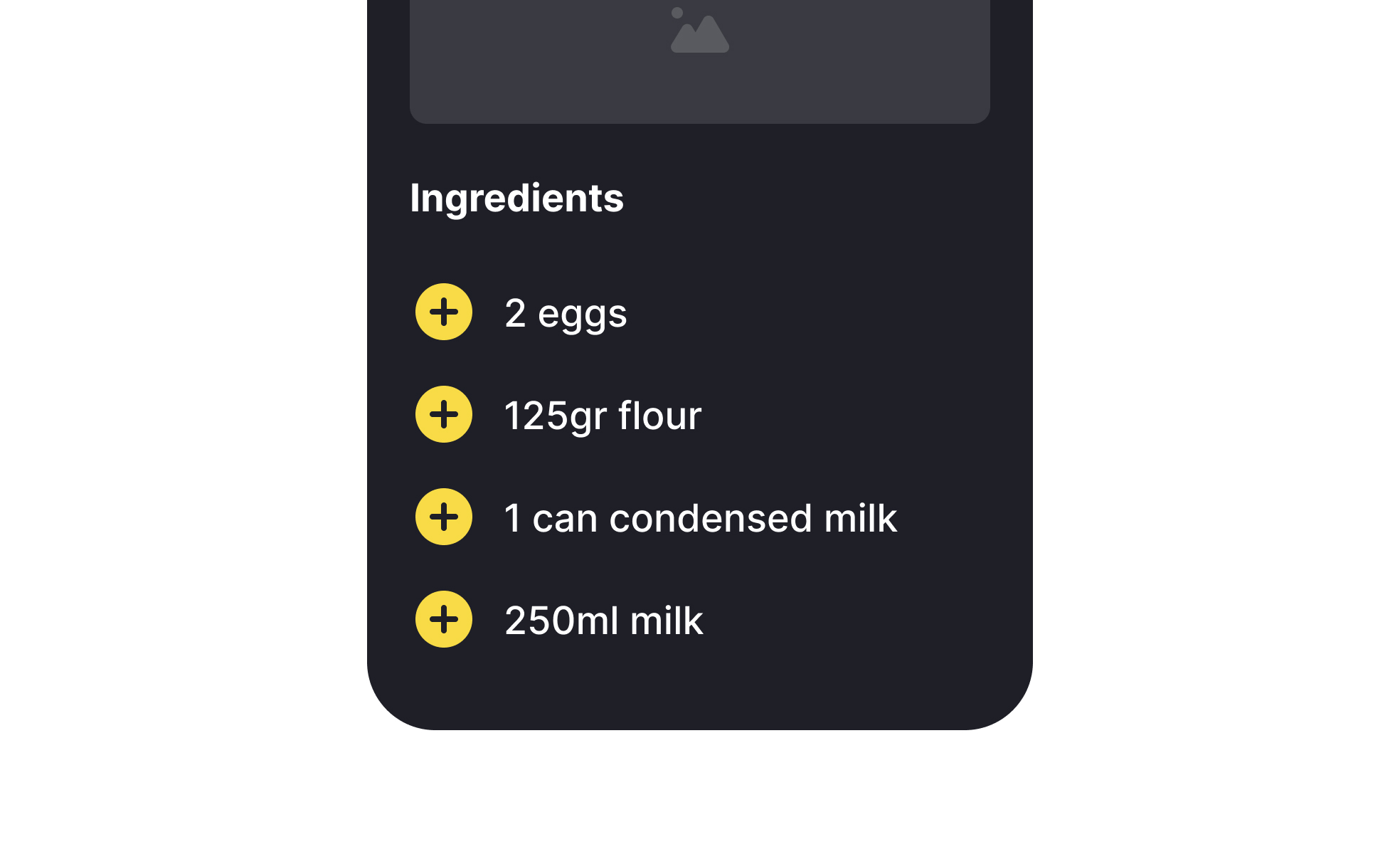
TL;DR
- Organizes items in structured layouts.
- Can be vertical or horizontal.
- Used for navigation, data display, and grouping.
- Supports scanning and efficient interaction.
Definition
A UI list is a design pattern that displays related items in a structured order, often with accompanying icons, images, or actions, to improve clarity and navigation.
Detailed Overview
UI lists are one of the most common ways to present content in digital products. They group related items into structured layouts, helping users scan and interact efficiently. Lists appear in navigation menus, contact directories, product catalogs, task managers, and countless other interfaces. Their versatility makes them essential in both mobile and desktop design.
A frequent question is why lists are so widely used. Human perception is well-suited to scanning linear structures. Lists reduce cognitive effort by presenting information in a predictable format, letting users quickly find what they need. For example, email apps use lists to display messages with sender, subject, and time metadata for easy scanning.
Another common query involves the difference between simple lists and more complex list components. A simple text-based list may be enough for short menus, but data-heavy contexts often include supporting visuals, actions, and metadata. A music streaming app, for example, lists songs with album art, play buttons, and duration to enrich user understanding and interaction.
Designers also ask about visual hierarchy in lists. Consistency in spacing, alignment, and typography helps users distinguish primary from secondary information. For instance, bold text might highlight item titles, while lighter text provides secondary details. Without a clear hierarchy, lists become cluttered and harder to parse.
Accessibility is a key consideration. Lists must maintain legible text sizes, adequate spacing for touch interactions, and semantic HTML markup for screen readers. Inconsistent or inaccessible list structures make navigation difficult, particularly for users relying on assistive technologies.
Finally, lists support interactivity and engagement. Interactive lists allow sorting, filtering, or reordering, giving users control over how they view and organize content. This adaptability makes lists a powerful tool for both simple navigation and complex data presentation.
Learn more about this in the Intro to UI Lists Lesson, a part of the UI Components II Course.


