


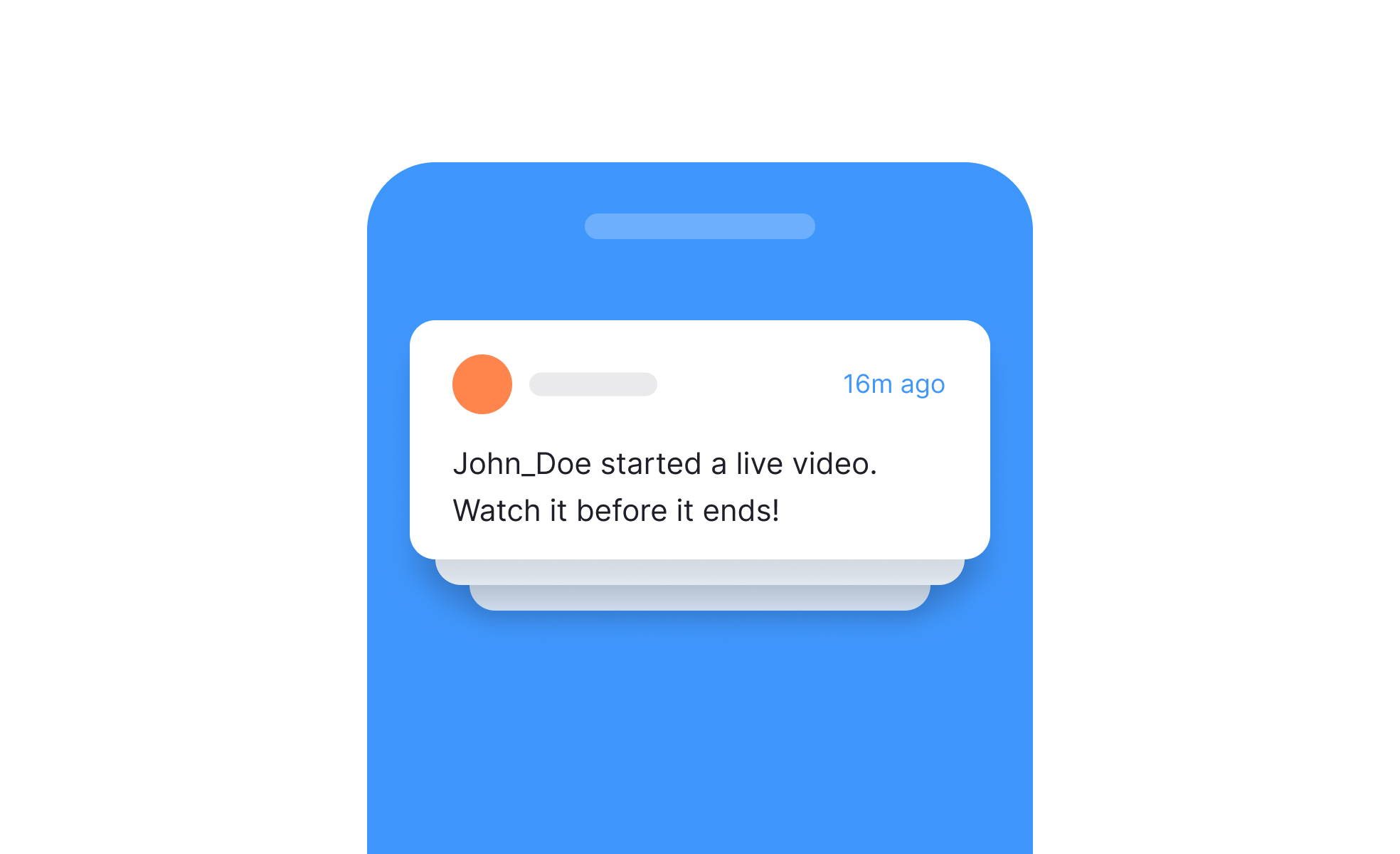
TL;DR
- Real-time messages delivered outside the app.
- Drive engagement with reminders and updates.
- Must balance usefulness with user control.
- Common in mobile apps, browsers, and platforms.
Definition
Push notifications are short, actionable messages delivered to a user’s device or browser, even when they are not actively using the app, typically used for updates, reminders, or promotional alerts.
Detailed Overview
Push notifications are one of the most direct ways products communicate with users. Unlike in-app messages or emails, they appear immediately on a user’s device screen, drawing attention to updates, reminders, or calls to action. Their immediacy makes them powerful, but also risky if overused.
A frequent question is why push notifications are so effective. They are visible, time-sensitive, and can bring users back into a product. For example, a fitness app might send a notification reminding a user to log today’s workout, or an e-commerce app might notify a user when an item in their cart goes on sale. These nudges extend the product’s presence into the user’s daily routine.
Another common query is about best practices. Notifications should always provide value, whether through relevant information, personalized reminders, or urgent updates. Overloading users with frequent or irrelevant alerts leads to notification fatigue, where users either ignore messages or disable them entirely. Successful products strike a balance, ensuring each notification justifies the interruption.
Teams also ask about personalization. Personalized notifications, such as recommendations based on past activity, perform significantly better than generic blasts. For instance, a music streaming app that suggests songs based on listening history is more engaging than one sending the same playlist to all users. Personalization builds trust and reinforces product relevance.
A key concern is user control. Modern platforms require apps to request permission before sending push notifications, and many users are selective. Allowing users to set preferences for frequency or type of notifications builds trust and reduces opt-out rates. Transparency about why notifications are sent is equally important.
Finally, push notifications play a role in business outcomes. They boost retention by encouraging return visits, support conversion through promotions or reminders, and improve customer experience with helpful alerts. When designed responsibly, they act as a bridge between user needs and product goals, maintaining engagement without harming trust.
Learn more about this in the Push Notifications Exercise, taken from the Mobile Information & Container Components Lesson, a part of the Mobile Design Course.


