


TL;DR
- Temporary notifications in digital interfaces.
- Provide feedback on user actions.
- Appear briefly at the bottom of the screen.
- Minimize interruption while maintaining clarity.
Definition
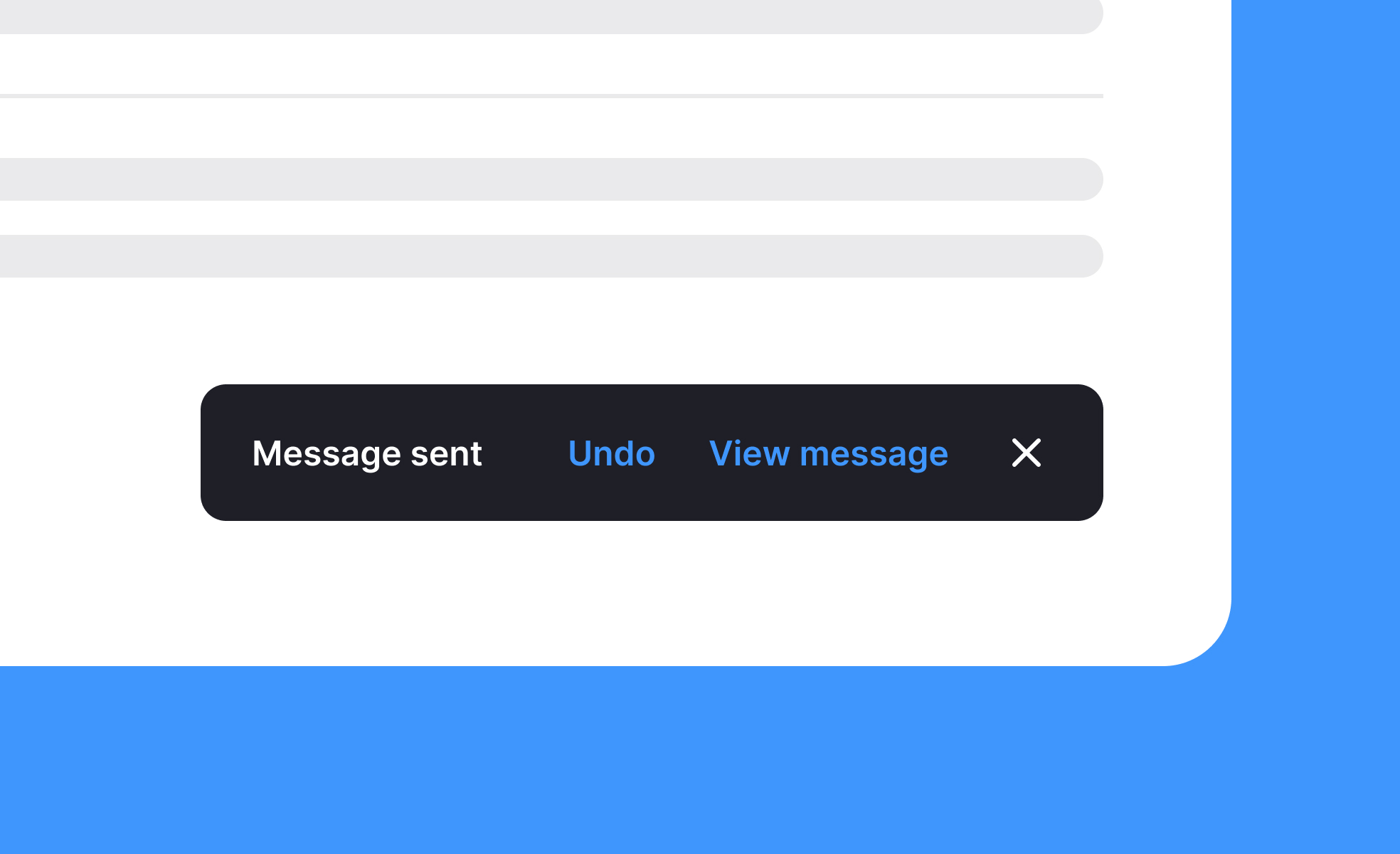
A snackbar is a lightweight UI element that delivers short, informative messages about actions or system events, typically appearing at the bottom of the screen for a limited time.
Detailed Overview
Snackbars are an important part of feedback systems in digital products. They serve to confirm or notify users of actions without requiring them to leave their current context. For example, when a file is saved or an email is archived, a snackbar may briefly appear to confirm success. Unlike modals or alerts, snackbars are intentionally unobtrusive.
A frequent question is how snackbars differ from notifications or dialogs. Notifications are often persistent and may live outside the product itself, such as in a device’s system tray. Dialogs, on the other hand, interrupt workflows and require user action to dismiss. Snackbars occupy a middle ground; they are visible and informative but fade automatically, demanding little effort from the user.
Another common query involves duration. Snackbars must stay long enough for users to notice and read, but disappear quickly enough to avoid clutter. Standard timing ranges between three to six seconds. Many designs also allow users to dismiss them early if desired.
Teams often ask about interactivity. Snackbars can include actions, such as an “Undo” button after deleting an item. This gives users reassurance and control without requiring a full alert. However, designers must avoid overloading snackbars with too many actions, as their purpose is to remain simple.
Accessibility is another important topic. Snackbars must be coded so screen readers can announce them, ensuring that users with visual impairments receive the same feedback. Designers should also test placement and timing carefully to avoid excluding slower readers or users with attention challenges.
Finally, snackbars are part of building user trust. By providing clear, timely confirmations, they reassure users that the system has recognized their actions. This reduces uncertainty and improves overall experience, making snackbars an essential but understated design tool.
Learn more about this in the Snackbars Exercise, taken from the Intro to UI Notifications Lesson, a part of the UI Components II Course.


