


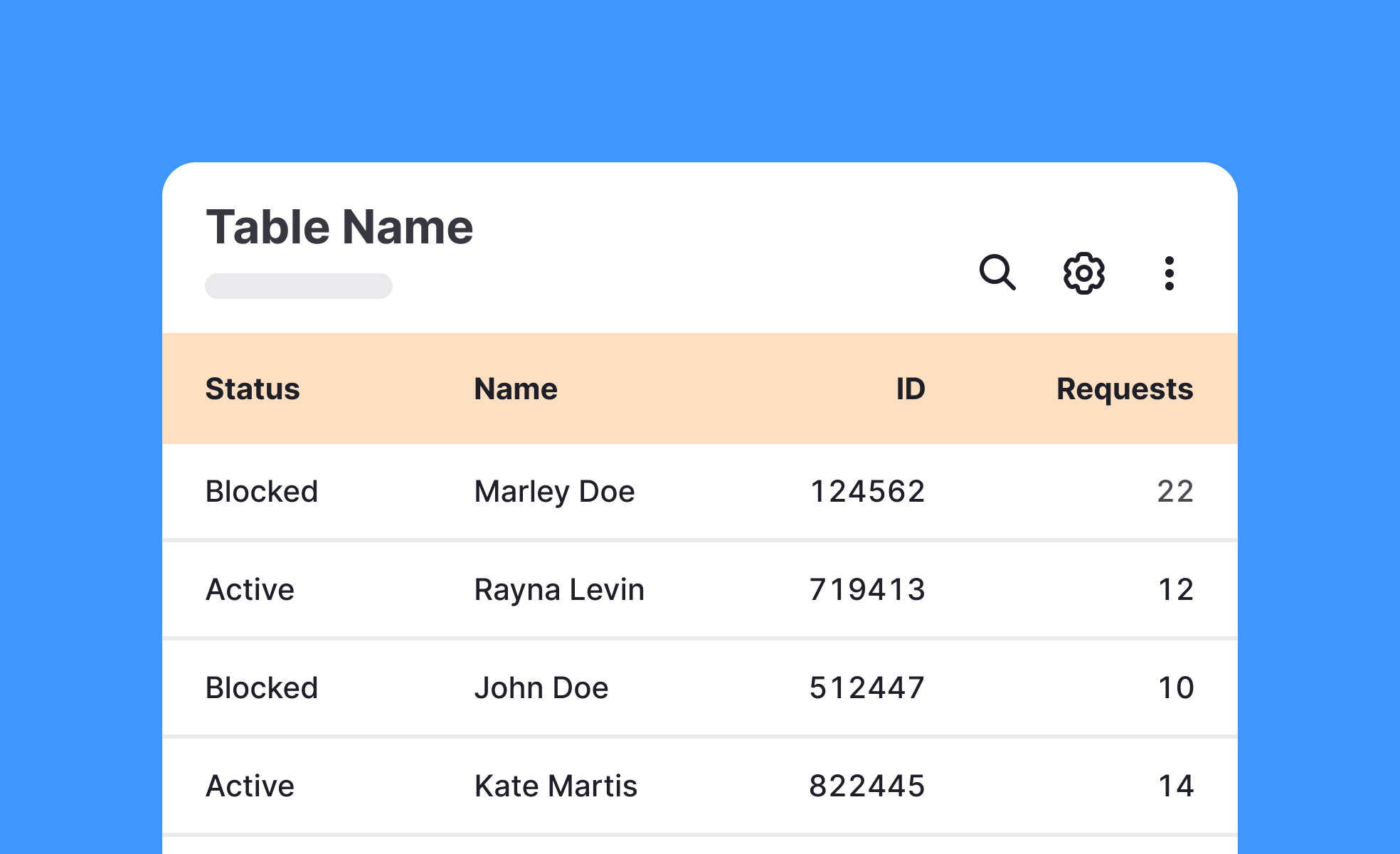
TL;DR
- Organize data into rows and columns.
- Facilitate comparison and analysis.
- Common in dashboards, reports, and apps.
- Must balance clarity, readability, and accessibility.
Definition
A table is a user interface component that arranges data in rows and columns, making structured information easier to navigate, compare, and interpret.
Detailed Overview
Tables are one of the most practical ways to present structured data. By arranging content into rows and columns, they allow users to quickly compare information and identify patterns. Whether in spreadsheets, dashboards, or reports, tables provide a familiar format for working with data-heavy content.
A frequent question is why tables are used when charts or visuals exist. Charts are excellent for identifying trends or communicating insights at a glance, but tables are better for detail. When users need to see exact numbers, sort specific fields, or cross-reference items, tables provide the granularity that visuals often lack.
Another common query involves usability in digital interfaces. Tables must remain readable across devices. On larger screens, tables can show many columns, but on mobile, they require a responsive design. Designers may collapse less critical columns, use horizontal scrolling, or reformat data to preserve usability.
Teams often ask about functionality. Interactive tables include features such as sorting, filtering, and pagination. These enhance usability when dealing with large datasets. Without such features, tables can overwhelm users, reducing clarity and efficiency.
Accessibility is another critical area. Tables must use semantic markup so screen readers can announce headers and values correctly. Proper contrast, spacing, and clear labeling ensure that all users can interpret table content. Poorly designed tables create barriers, especially for users with vision impairments or cognitive challenges.
Finally, tables are strategic. Businesses use them to highlight comparisons, showcase metrics, and support decision-making. A well-designed table not only communicates data but also guides users toward insights. Thoughtful design transforms tables from static grids into tools for action and understanding.
Learn more about this in the Intro to Tables in IU Lesson, a part of the UI Components II Course.


