


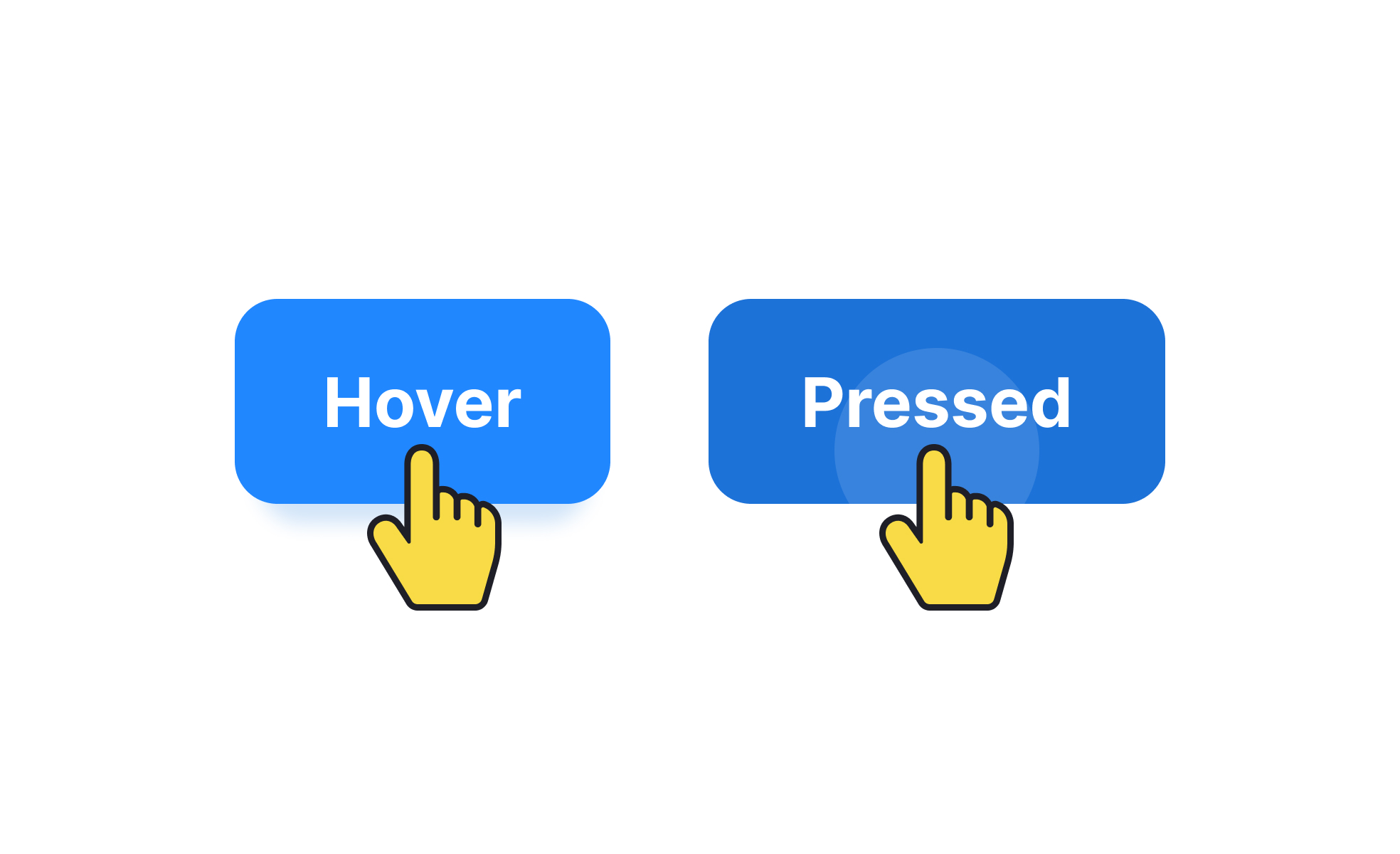
TL;DR
- Describes specific interactions within an interface.
- Includes clicks, taps, swipes, and keystrokes.
- Forms the basis of user flows and task completion.
- Essential for usability testing and product analytics.
Definition
User actions are the measurable steps individuals take to interact with a product, such as pressing buttons, submitting forms, or navigating menus, in order to achieve specific outcomes.
Detailed Overview
User actions are the building blocks of all digital interactions. Every product, whether a simple app or a complex enterprise tool, is defined by how effectively users can perform these actions to achieve their goals. Examples range from entering login credentials to swiping through a carousel of images. Without well-structured and intuitive actions, user journeys collapse into confusion and frustration.
A frequent question is why teams track user actions so closely. Monitoring actions gives teams insights into usability and engagement. If users consistently abandon a form halfway through, this indicates a friction point. If they repeatedly click on non-interactive elements, it suggests misaligned expectations. Studying these actions reveals how design supports or hinders real-world use.
Another common query is how user actions differ from user flows. Actions are the individual steps, like clicking “Add to Cart,” while flows describe the sequence of actions that make up an entire journey, such as browsing products, adding items, and completing checkout. Actions provide the micro-level detail that flows build upon.
User actions are also central to usability testing. Observing how users attempt to complete actions highlights barriers. For example, if many users fail to locate a submit button, the design likely lacks clear visual cues. Testing actions helps teams refine interactions before release.
Analytics tools add another layer of insight by logging user actions at scale. Heatmaps show where users click, while funnel analysis tracks drop-offs in multi-step processes.
Finally, accessibility ties directly to user actions. If an action like “selecting a menu item” is not accessible via keyboard or screen reader, entire groups of users are excluded. Ensuring that all core actions can be completed inclusively is essential for both ethical and practical reasons.
Learn more about this in the Building Service User Actions Exercise, taken from the Basic Journey Mapping and Service Blueprinting Lesson, a part of the Government Design Foundations Course.


