


Nobody reads a page; everyone scans one, and headings are the handholds the scan grabs. They do triple duty, structuring the content for readers, for assistive technology, and for search engines, all through the same short lines of text. A page's headings, read alone, should tell the whole story in miniature.
In this glossary topic:
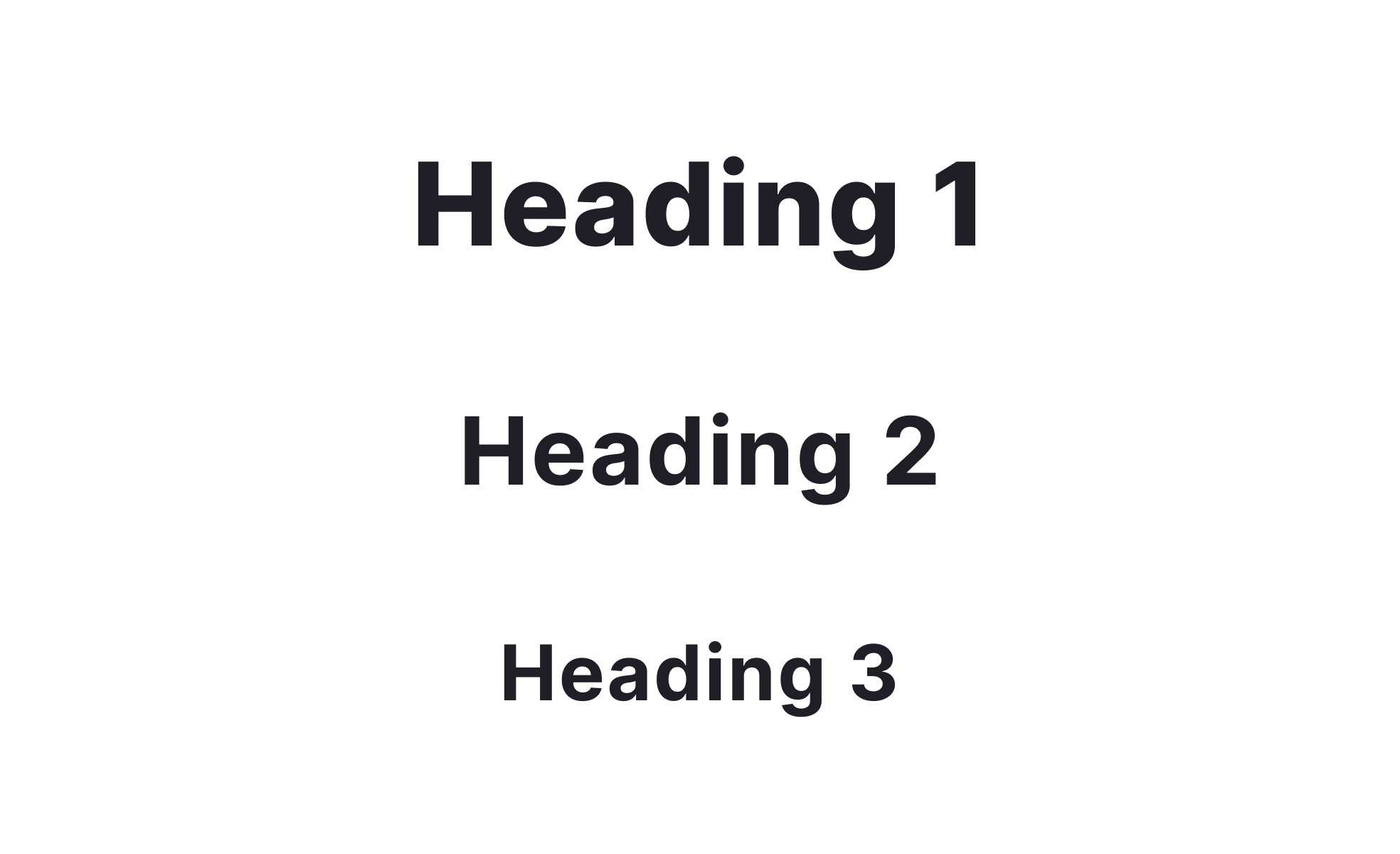
What is a heading?
A heading is a piece of text that titles or labels a section of content, marking where a topic starts and how it relates to the sections around it. In interfaces and documents alike, headings form the skeleton readers navigate by, whether by eye, by screen reader shortcut, or by a search engine's parser.
How do headings differ from headers?
The words get swapped constantly, and they name different things. A heading is content: the title of a section. A header is structure: the region at the top of a page or screen, the strip that carries the logo, navigation, and account controls. A page has one header and many headings, and the confusion matters in practice because accessibility and SEO rules apply to headings, while layout patterns apply to headers.
How should headings be structured?
Headings work as a nested outline: one top-level heading naming the page, then levels beneath it that never skip downward. The hierarchy is semantic, not visual, meaning a heading's level should reflect its place in the outline, with its size set separately by the design system. Choosing a heading level for its font size is the classic mistake, because it breaks the outline that screen readers and search engines actually navigate.
Why do headings matter?
Three audiences read the same heading. Scanning users decide from headings whether a section deserves attention, which makes headings the most-read text on the page. Screen reader users navigate by heading jumps, so a sound hierarchy is the difference between browsing and hunting. And search engines treat headings as structure signals, which is why heading quality shows up in both accessibility audits and SEO audits, usually with the same findings.


