


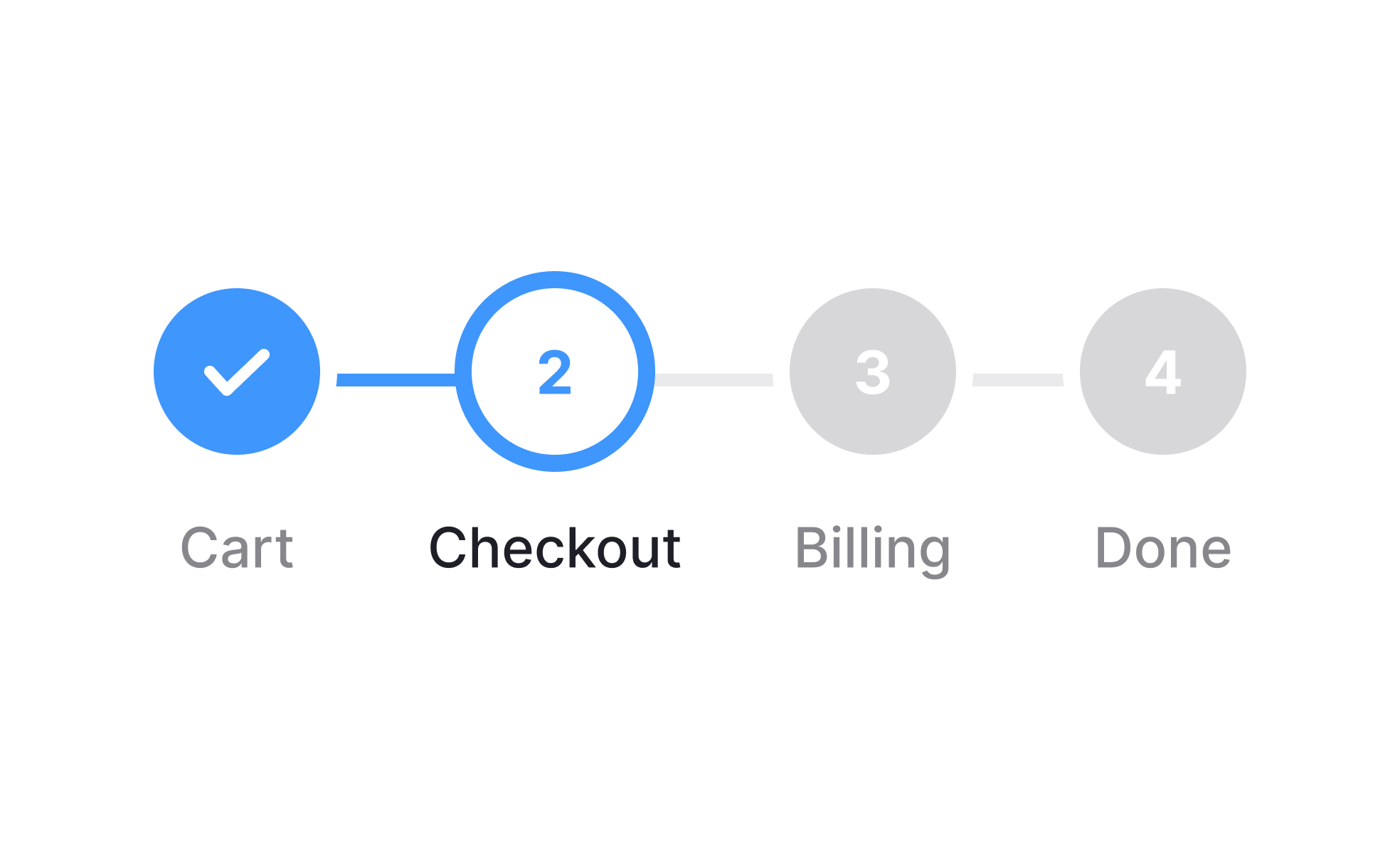
TL;DR
- Visual indicators of task or process completion.
- Improve clarity by showing steps and current status.
- Reduce confusion in multi-step workflows.
- Increase user motivation and task completion rates.
Definition
Progress trackers are UI components that display a user’s current stage in a task or process, showing completed steps, the current position, and what remains to be done.
Detailed Overview
Progress trackers are commonly used in digital products to help users understand where they are in a process and what comes next. Whether it is an online checkout, account setup, or survey, these trackers provide context and reassurance by breaking the process into steps. Without such cues, users often feel lost or uncertain about how long a task will take.
A frequent question is why progress trackers are effective. The answer lies in human psychology. People are more likely to complete tasks when they can see their progress. By visually dividing a process into clear stages, trackers make the task feel manageable and predictable. This increases motivation and reduces abandonment, especially in longer or more complex workflows.
Another common query is about design styles. Progress trackers can take the form of linear step indicators, percentage completion bars, or checklists. Linear trackers are ideal for structured processes with defined stages, such as onboarding. Percentage trackers work well for open-ended tasks like profile completion. The choice of style depends on the nature of the task and the level of detail required.
Teams also ask how progress trackers fit into product strategy. They are not just visual elements but drivers of completion and retention. For example, e-commerce checkouts with clear progress indicators often see higher conversion rates because customers feel more confident about how many steps remain. Similarly, onboarding flows with trackers encourage users to finish setup, improving activation rates.
Another important aspect is accessibility. Progress trackers should use clear labels, icons, or text alongside visuals to ensure they are understandable to all users, including those relying on screen readers. Without proper accessibility design, progress trackers risk excluding users and reducing clarity rather than improving it.
Finally, progress trackers must remain honest. Inflating progress or skipping steps can backfire, eroding trust. The best trackers provide accurate signals about where users are in the process and avoid surprises.
Learn more about this in our Intro to Progress Trackers in UI Lesson, a part of the UI Components I Course.


