


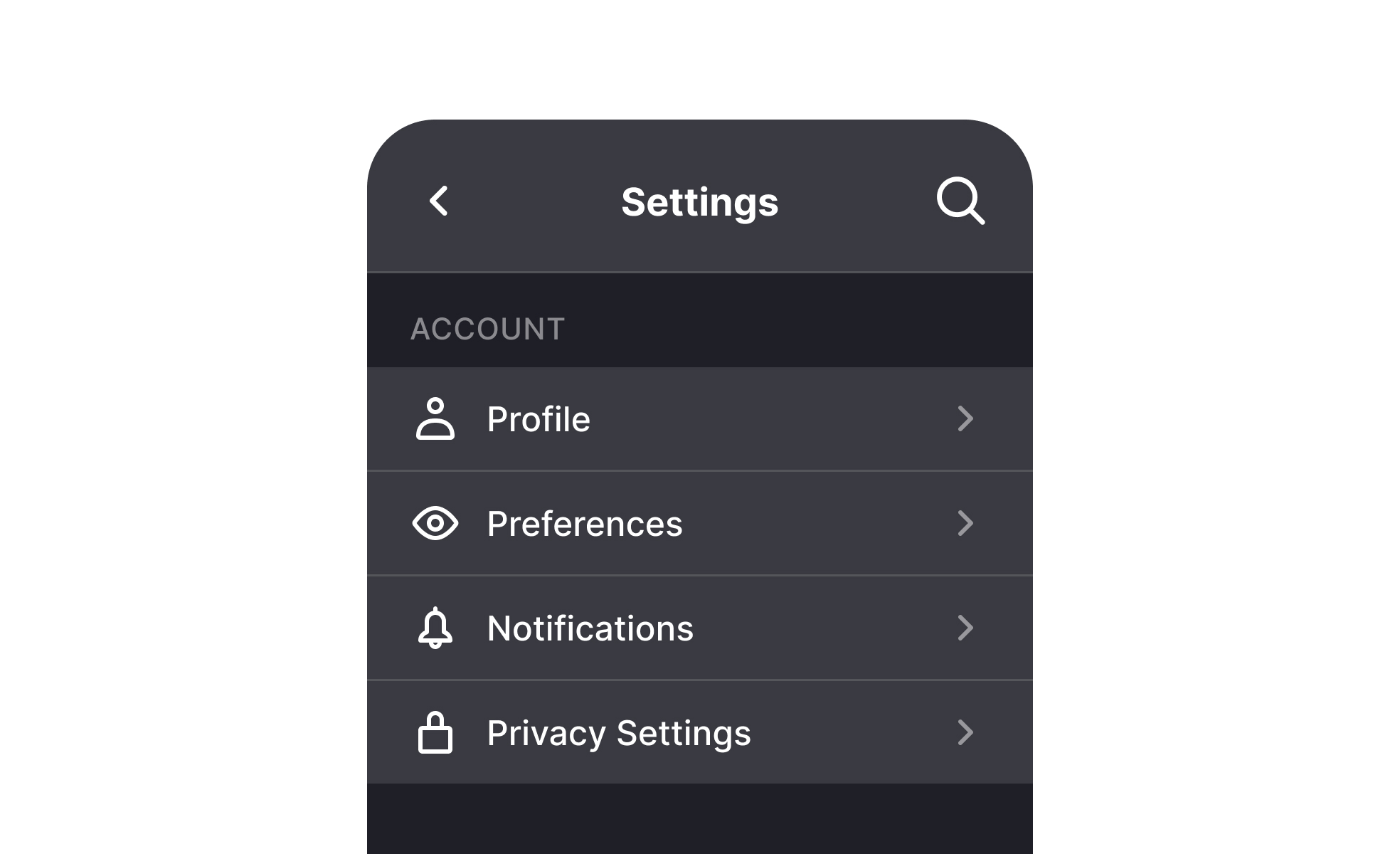
TL;DR
- Provide customization of product behavior.
- Cover preferences, privacy, and accessibility.
- Support both functional and personal control.
- Influence usability, trust, and satisfaction.
Definition
Settings are configurable options in digital interfaces that let users adjust features, functionality, or appearance to match personal needs and usage contexts.
Detailed Overview
Settings are an essential component of any digital product because they provide users with control. Instead of being forced into a one-size-fits-all experience, users can tailor aspects of the product to meet their preferences. This includes adjusting themes, setting notification preferences, enabling accessibility features, or modifying privacy controls.
A frequent question is why settings matter for usability. Products with thoughtful settings empower users to take ownership of their experience. For example, turning on dark mode, adjusting text size, or controlling push notifications ensures that the product aligns with both practical needs and comfort. Without this flexibility, products risk alienating diverse audiences with different expectations.
Another common query involves organization. Poorly structured settings menus can overwhelm users, hiding critical options or cluttering the interface with low-priority features. Best practices recommend grouping settings logically, such as account, privacy, notifications, and accessibility, so users can easily find what they need.
Teams also ask about defaults. Defaults play a powerful role in user behavior because many users rarely adjust settings. Selecting responsible, user-friendly defaults for privacy, accessibility, and usability ensures that even passive users benefit from strong design decisions. Bad defaults, on the other hand, risk damaging trust and satisfaction.
Accessibility is another frequent topic. Settings often provide
accommodations that broaden usability, such as adjustable text sizes, high-contrast modes, or screen reader compatibility. These options are critical for inclusion, but only if they are easy to discover and activate. Accessibility should be designed into settings with as much care as primary functionality.
Another dimension is personalization. Settings enable products to reflect individuality, whether through customizing dashboards, controlling layout preferences, or adjusting alerts. Personalization enhances engagement by making the product feel like it belongs to the user, not just the company.
Learn more about this in the Settings Lesson, a part of the Common Design Patterns Course.


