


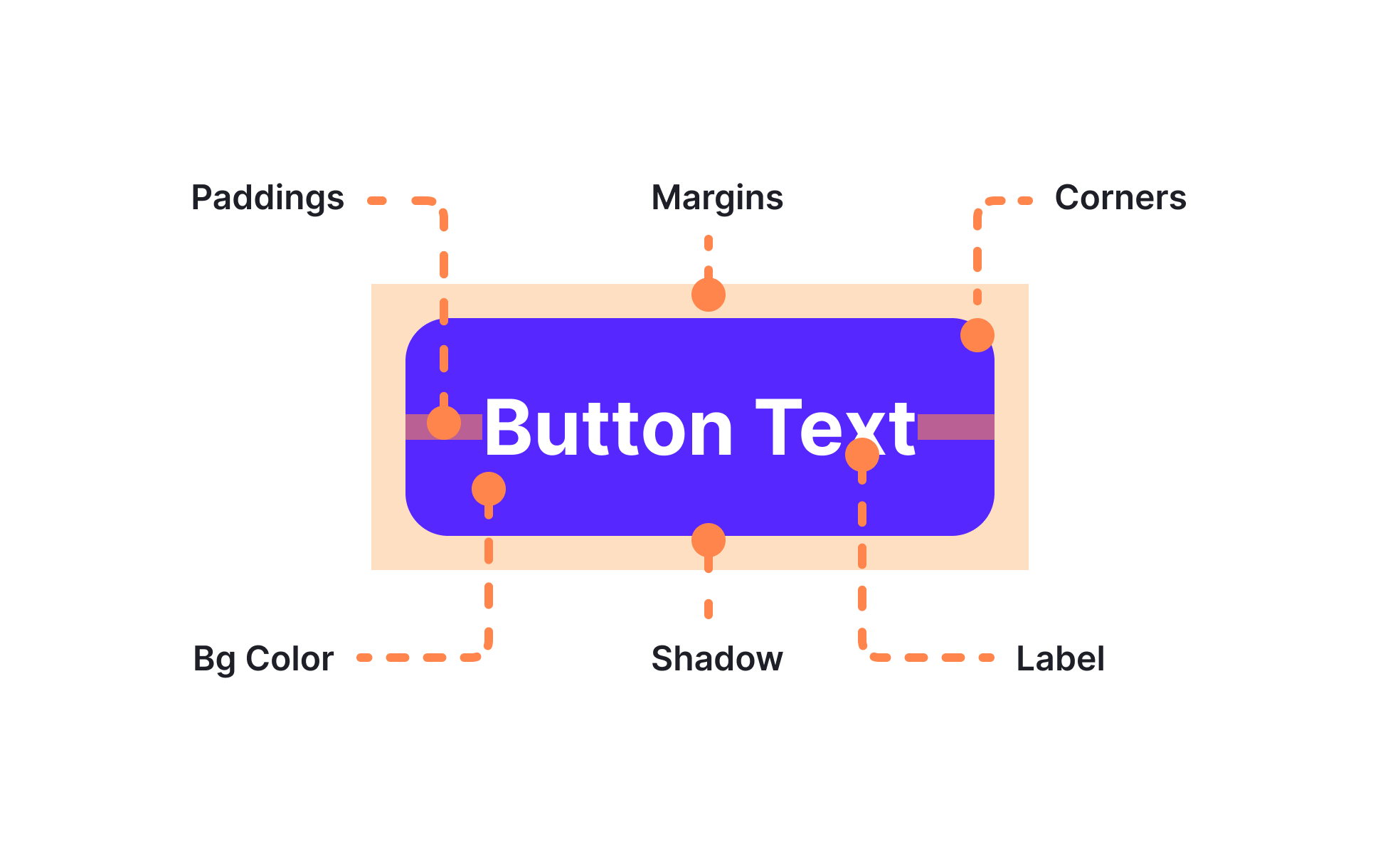
Anatomy in design and product development refers to the detailed breakdown of components, layouts, or workflows. It outlines how parts fit together to create a complete and functional system.
For UX/UI designers, understanding anatomy means knowing the individual parts of interface elements. For example, a button might include a label, background, border, and interactive states. Knowing each part ensures consistent design across all uses.
For product managers, anatomy can help clarify processes or features. Mapping the anatomy of a checkout flow shows every step and possible branch, making it easier to spot weak points or unnecessary complexity.
Anatomy plays a central role in design systems. Documenting the structure of elements means that any designer or developer can recreate them accurately without guessing. This saves time and reduces inconsistencies.
Real examples highlight its value. Google’s Material Design guidelines provide precise component anatomy so teams across products maintain a unified look and function.
Consistent anatomy improves usability by making interactions predictable. When users encounter familiar patterns, they can navigate products with less effort and confusion.
It also supports accessibility. Understanding the structure of elements ensures they can be read and navigated properly by assistive technologies.
By making anatomy part of both design and product workflows, teams maintain a shared language and a higher standard of quality across releases.
Learn more about this in the Anatomy of UI Components Lesson, a part of the UI Components I Course.
Key Takeaways
- Defines the parts of components or workflows.
- Promotes consistency in design and development.
- Forms a foundation for design systems.
- Improves usability and predictability.
- Supports accessibility standards.


