


TL;DR
- Visual assets that support communication and storytelling.
- Can be photos, illustrations, or graphics in interfaces.
- Improve comprehension, branding, and emotional impact.
- Require optimization for performance and accessibility.
Definition
Images are visual elements embedded in digital products, ranging from photographs to illustrations, used to communicate ideas, enhance usability, and create an engaging visual identity.
Detailed Overview
Images play a central role in how users perceive and interact with digital products. Beyond decoration, they communicate messages, set tone, and provide cues that text alone cannot deliver. A single photo can establish context, convey trustworthiness, or guide a user’s attention to a key action. This makes images both a functional and emotional layer of design.
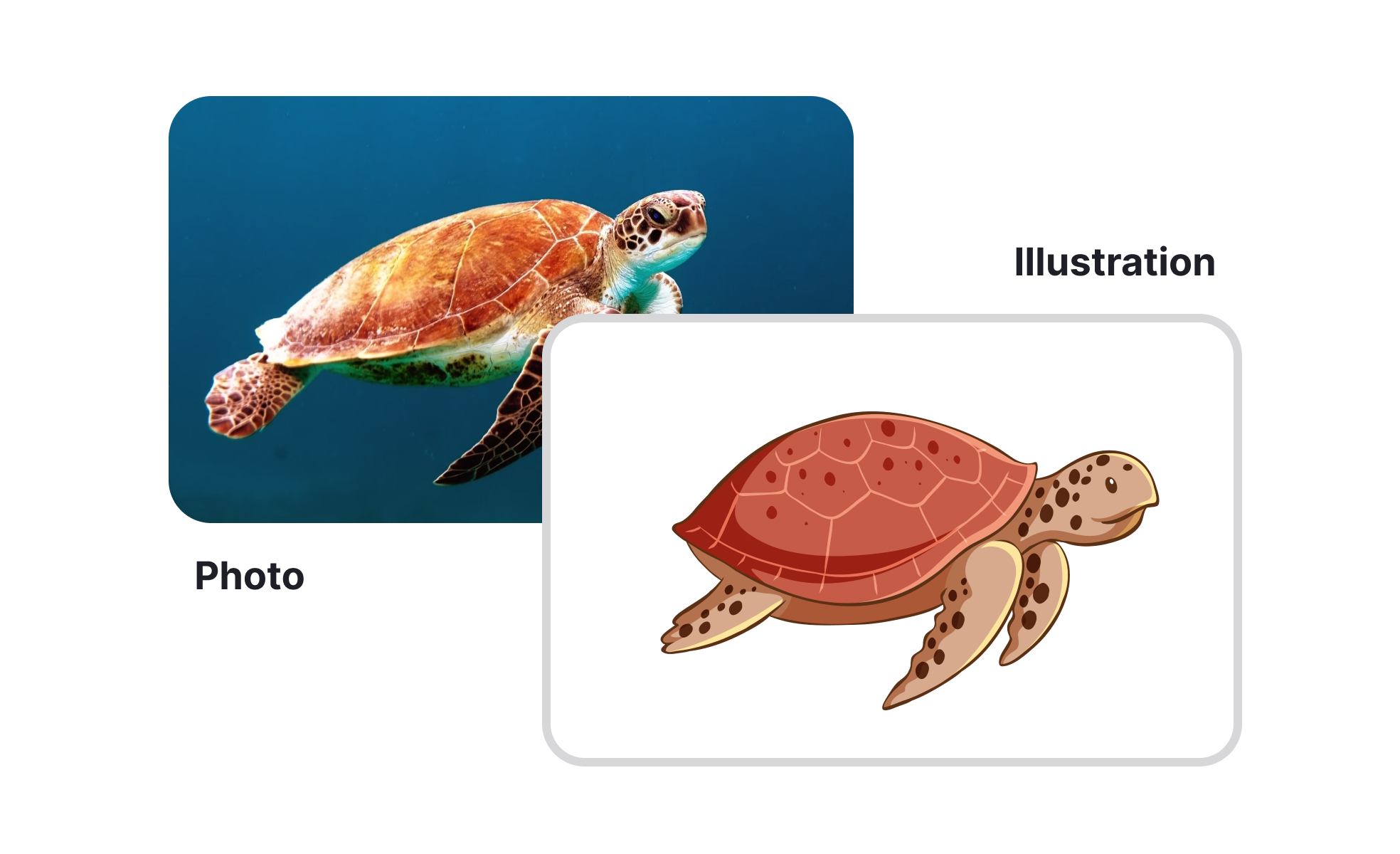
A frequent question is how images differ from other visual elements like icons or illustrations. Icons are minimal symbolic cues for specific actions, while illustrations are custom visuals that often add storytelling or branding value. Images, in contrast, include photography, stock photos, or graphics used to represent reality or set context. Each has a different role, and together they create a balanced visual system.
Another common query is about optimization. Images can slow down performance if not managed carefully, especially on mobile. Teams often ask how to balance quality with speed. The solution is to compress images, use modern formats like WebP or AVIF, and load only what is necessary. Lazy loading, where images load as users scroll, prevents delays and improves performance without sacrificing visuals.
Accessibility also comes up often in relation to images. Screen readers cannot interpret visuals without descriptive text, so alt attributes are critical. Users also ask about decorative images: these should be marked as such to avoid cluttering assistive technology. Effective use of alt text ensures inclusivity, allowing all users to benefit from image-driven communication.
Cultural sensitivity is another area of concern. Images carry context and symbolism that may not translate across regions. A gesture, style, or scenario in one culture may confuse or even offend in another. Teams that design for global audiences must carefully select or localize imagery. Testing with diverse user groups helps ensure visuals communicate as intended.
Learn more about this in the CSS Images Lesson, a part of the CSS Foundations Course.


