


Flat design taught a generation of products that a surface could be a plain color field and nothing more; the current wave of frosted glass, grain, and simulated materials is the correction. Texture is back on the list of decisions a team makes deliberately, with a cost attached: every grain overlay and blurred panel changes the contrast underneath it and the frame budget behind it. Texture is the design element that most directly decides whether an interface feels made or merely assembled.
In this glossary topic:
- What is texture in design?
- How has texture been used across design eras?
- What is glassmorphism and how does it relate to texture?
- How does grain and noise texture work in digital design?
- How does texture serve brand identity?
- What does texture look like in practice?
- What are the performance and accessibility considerations for texture?
- FAQ
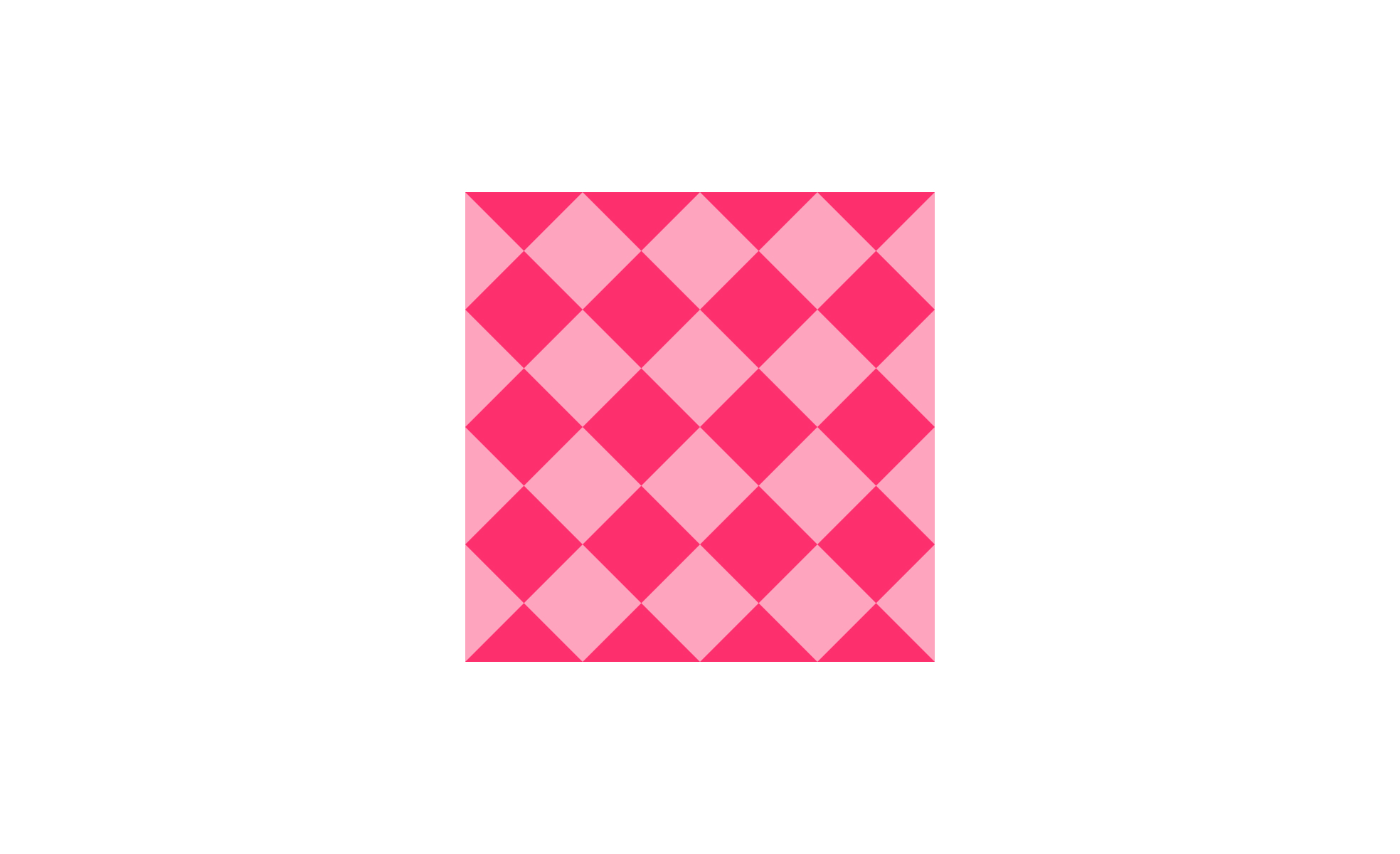
What is texture in design?
Texture is the perceived surface quality of a design element. In physical products, it's felt as much as seen: the roughness of a rubberized grip, the smoothness of an aluminum casing, the softness of a fabric control surface. In digital design, texture is entirely visual: it's the quality of a surface as represented through imagery, patterns, gradients, noise, or material simulation rather than through anything a user can physically touch.
The purpose of texture in digital design is to convey material character and add depth to surfaces that would otherwise be flat. A card with a subtle grain feels more substantial than a perfectly flat white card. A background with a fine noise pattern has warmth that a pure solid color doesn't. A frosted glass overlay communicates translucency and depth through visual cues that reference physical materials users have encountered in the real world.
Texture is one of the design elements that operates primarily below the level of conscious processing. Users rarely notice good texture use. They notice its effects: the interface feels premium, warm, considered, or polished in ways that flat surfaces without texture sometimes don't.
How has texture been used across design eras?
The history of texture use in digital design tracks closely with the major aesthetic movements of the past two decades.
Skeuomorphic design, which dominated consumer software through the late 2000s and early 2010s, used texture extensively and literally. iOS apps simulated leather-stitched bookcovers, wooden shelves, green felt card tables, and metallic toggles. The intention was to use familiar physical textures to help users understand digital interfaces by analogy: this looks like a real notebook, so it behaves like one. Apple's iOS 7 in 2013 largely abandoned this approach in favor of flat design, which stripped away most texture in favor of clean color fields, thin typography, and minimal decoration.
Flat design's dominance through the mid-2010s represented a reaction to skeuomorphism's perceived complexity and artificiality. Texture was reduced to near zero. The aesthetic was clean and modern but, critics argued over time, could feel sterile and undifferentiated.
Since then, texture has returned in more nuanced forms. Subtle grain and noise overlays became popular as a way to add warmth and handcrafted character without the literalism of skeuomorphism. Gradients with depth returned. And more recently, glassmorphism and Apple's Liquid Glass design language have made material simulation a primary aesthetic strategy again, this time through transparency and blur rather than through surface detail.
What is glassmorphism and how does it relate to texture?
Glassmorphism is one of the most significant recent developments in how texture functions in digital UI. It creates the visual impression of frosted glass through a combination of background blur, semi-transparency, subtle borders, and soft shadows. The effect references physical glass as a material, using the layering, depth, and light-interaction qualities of glass to create hierarchy and visual character.
Apple's macOS and iOS have used glassmorphic elements for years, with macOS Big Sur marking a significant expansion of the approach. At WWDC 2025, Apple announced Liquid Glass as the design language for iOS 26 and macOS Tahoe, taking the material simulation further toward glossy, dynamic glass surfaces with lighting effects that respond to content behind them. Microsoft's Fluent Design System similarly uses materials called Acrylic and Mica that create similar depth effects through translucency.
Glassmorphism is an example of how material texture can function structurally in an interface, not just decoratively. A frosted glass panel that partially reveals the content beneath it creates depth and communicates hierarchy: this element is in front of that one. The texture is doing usability work alongside aesthetic work.
The accessibility challenge with glassmorphism is that semi-transparent backgrounds reduce the contrast between text and its surface. Text on a lightly frosted panel may fail WCAG contrast requirements if the background color behind the blur is light. The standard fix is adding a semi-opaque tint to the glass panel (10 to 30% opacity solid color) to ensure that text contrast meets requirements regardless of what appears behind the blur.
How does grain and noise texture work in digital design?
Grain and noise textures add fine-scale visual variation to otherwise smooth surfaces. A background filled with a subtle noise pattern has a different perceptual quality from the same background as a flat solid: it feels slightly warmer, less synthetic, and more reminiscent of printed or natural materials.
Grain became widely used in the mid-2010s as a reaction to the sterility of flat design. Designers applied it to gradients, backgrounds, and illustrations to add tactile character without introducing representational texture that might feel dated. It's lightweight to implement (often a single SVG pattern or CSS filter) and has minimal impact on performance.
The design decision around grain is primarily one of intensity. A very subtle noise that's barely perceptible at normal viewing distance adds warmth without drawing attention to itself. A heavy grain that's immediately visible becomes a statement about the design's character, common in handcrafted, editorial, or vintage-influenced aesthetics. The appropriate level depends on the product's visual identity and the surface it's applied to.
How does texture serve brand identity?
Texture is one of the tools through which a product's visual character is communicated. The choice of textures, or the deliberate absence of them, signals something about what the product is and who it's for.
A finance product with polished, glass-like surfaces and minimal texture signals precision and modernity. A creative tool with paper-like textures and grain signals warmth and handcrafted quality. A wellness app with soft, organic textures signals calm and naturalness. None of these associations are inherent to the textures themselves; they come from the cultural context in which those textures appear and the other design choices they're paired with.
Consistency in texture use contributes to brand recognition in the same way that consistent color or typography does. A product that uses a distinctive grain style across its marketing materials, product interface, and physical packaging creates a more cohesive identity than one where texture choices are made independently at each touchpoint.
What does texture look like in practice?
Texture is the element that gives a flat surface a material to be read as. A grain, a weave, or a simulated glass works as texture only while it stays subordinate to the content sitting on top of it; the moment it competes with the text, it has become a pattern or an illustration instead.

A fine grain applied to a flat pale-blue field: the speckle is barely visible at reading distance, yet it is enough to make the surface read as material rather than as a plain color, which is the whole job of texture as an element. From the lesson 9 Core Visual Design Elements.
What are the performance and accessibility considerations for texture?
Texture in digital products carries both performance and accessibility implications that need to be managed deliberately.
On the performance side, textured backgrounds and material effects implemented through images can significantly increase page weight if not handled carefully. High-resolution texture images should be compressed and served in modern formats (WebP, AVIF). CSS-based textures, SVG patterns, and backdrop-filter effects are generally more performant than equivalent raster images. The backdrop-filter: blur() property that powers glassmorphism is relatively inexpensive on modern devices but can cause performance issues on older hardware, particularly mobile devices with limited GPU resources. Providing a non-blur fallback for devices that don't support backdrop-filter or that indicate reduced performance capability is good practice.
On the accessibility side, the primary risk is contrast. Textured or patterned backgrounds reduce the effective contrast between foreground content and the surface it sits on, because the texture creates local variation in the background color. Text placed over a textured background needs sufficient contrast against the lightest parts of the texture, not just the average color. Patterned backgrounds can also create readability problems for users with certain cognitive differences. The general principle is to test actual rendered contrast rather than calculating against a theoretical background color.
For users with visual sensitivities, some textured backgrounds, particularly high-frequency patterns or rapidly repeating motifs, can cause discomfort. Heavy use of blur effects may affect users with vestibular disorders. These are edge cases but worth testing in contexts where texture is used prominently.


