.svg)


Planning and recruitment set up a good interview. The facilitation determines whether it delivers. A participant can be perfectly matched to the research goal and still share little of value if the interviewer talks too much, steers toward expected answers, or fails to follow up when something interesting surfaces.
Skilled facilitation involves learnable techniques. Building rapport before the interview starts lowers defensiveness and produces more candid responses. Active listening, including deliberate use of silence, signals genuine interest rather than working through a checklist. Asking about specific past events rather than general habits surfaces real behavior instead of idealized self-reports. Avoiding compound questions ensures participants can answer what is being asked.
This lesson also covers the practicalities that affect data quality: taking notes without disrupting conversational flow, deciding when and how to record sessions, keeping interviews within agreed time limits, and using AI tools to support preparation and transcription without replacing the judgment an interviewer brings to the session.
Read body language cues during user interviews

Non-verbal communication shapes every user interview, often more than the questions you ask. Paying attention to both your own body language and the participant's gives you a fuller, more honest picture of what's being shared.
As an interviewer, how you carry yourself signals whether you're truly engaged. A few practices make a real difference:
- Position yourself at the same level as the participant, so if they're sitting, you're sitting too. Standing above someone, even unintentionally, can feel patronizing and put them on edge before the interview even begins.
- Show you're engaged through natural eye contact, the occasional nod, and a relaxed, open expression.
- Avoid empathetic phrases like "I understand how you feel" or "something similar happened to me." Your role is to hear and document what the participant shares, not to relate to it.
The participant's body language is equally telling. Non-verbal cues often surface what words alone don't capture, revealing when someone feels uncomfortable, rushed, or uncertain. Use these signals to decide when to follow up, ask for clarification, or shift direction.
Common cues to watch for:
- Crossed arms
- Fidgeting or twitching
- Avoiding eye contact
- Rushing through answers[1]
Use silence to deepen user interview responses
In an interview, your job is to listen. Let participants do most of the talking, and resist the urge to jump in the moment they pause. Cutting someone off, even with good intentions, signals that you're driving the conversation rather than following it.
Silence feels uncomfortable, but it's one of your sharpest tools. Most people instinctively fill a quiet moment, and that instinct works in your favor: participants will often follow a pause with something more considered and revealing than their first response.
When someone stops talking, don't rush to the next question. Give them 5-10 seconds of space. That pause pushes participants past their surface-level answer and into something more honest and specific.
Pro Tip! If you see a certain path of questioning is giving you shorter and shorter answers, move on to something else and circle back later.
Practice active listening in user interviews
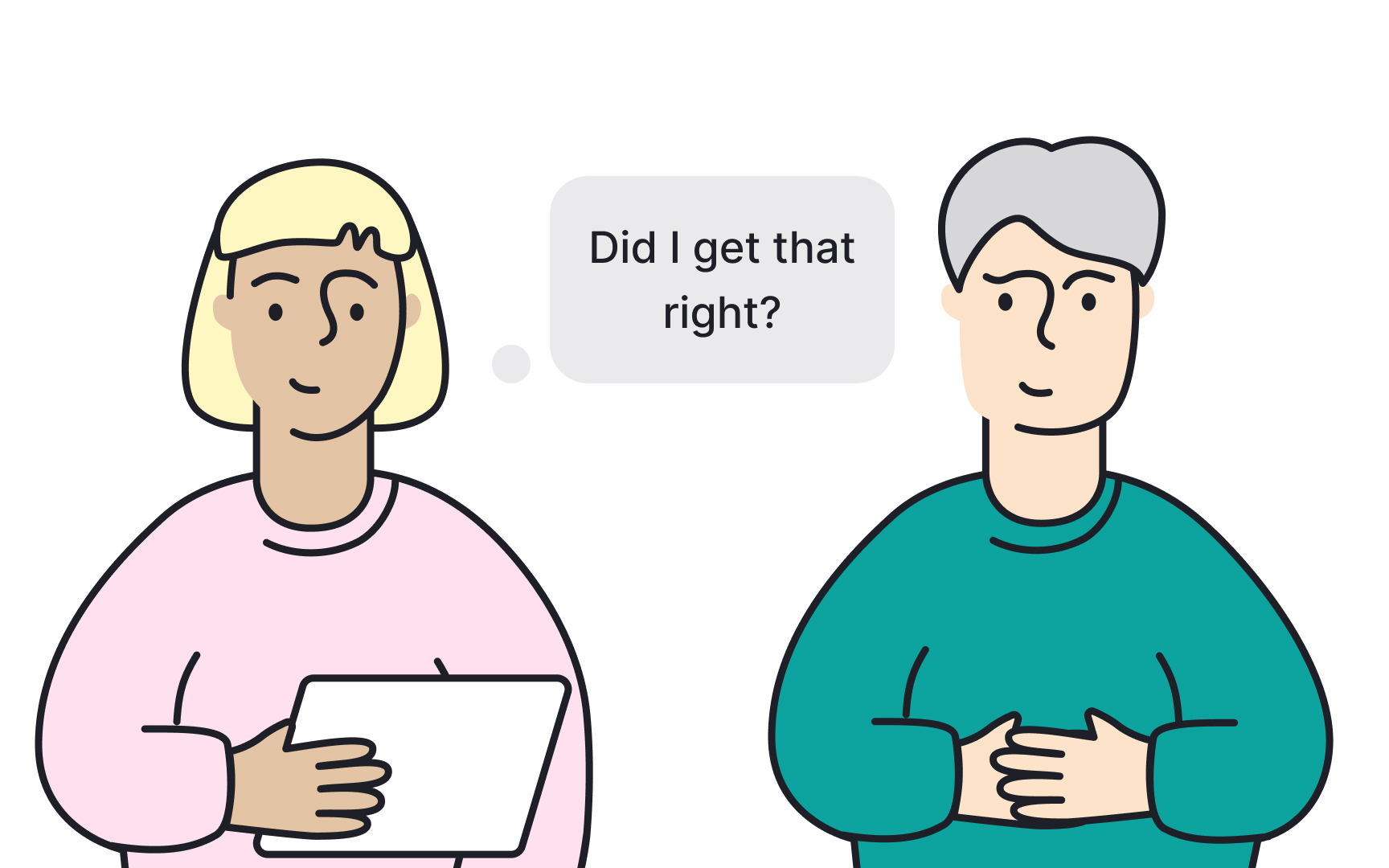
Listening is more than just hearing words. Active listening means fully taking in what someone is saying, processing it, and responding in a way that shows you understood. Like most skills, it gets better the more you practice it.
Here are some techniques to help you listen actively during interviews:
- Focus your attention: Resist the urge to multitask. Give the participant your full, undivided attention.
- Show you're engaged. Make eye contact, nod, and use small verbal cues like "yes" or "uh-huh" to signal you're following along.
- Ask relevant questions: Open-ended, personalized questions build rapport and encourage participants to go deeper.
- Clarify as you go. If something isn't clear, ask. A simple "Sorry, what do you mean by that?" prevents misunderstandings before they compound.
- Paraphrase to confirm. Restate what you heard in your own words. Phrases like "Did I get that right?" invite the participant to correct you if needed, which often surfaces more detail.
- Hold your questions. Jumping in too early frustrates the speaker and cuts off the thought. Let them finish before you respond.
- Summarize at the end: Close the session by briefly restating the key points and any conclusions you reached together.[2]
Build rapport before a user interview starts
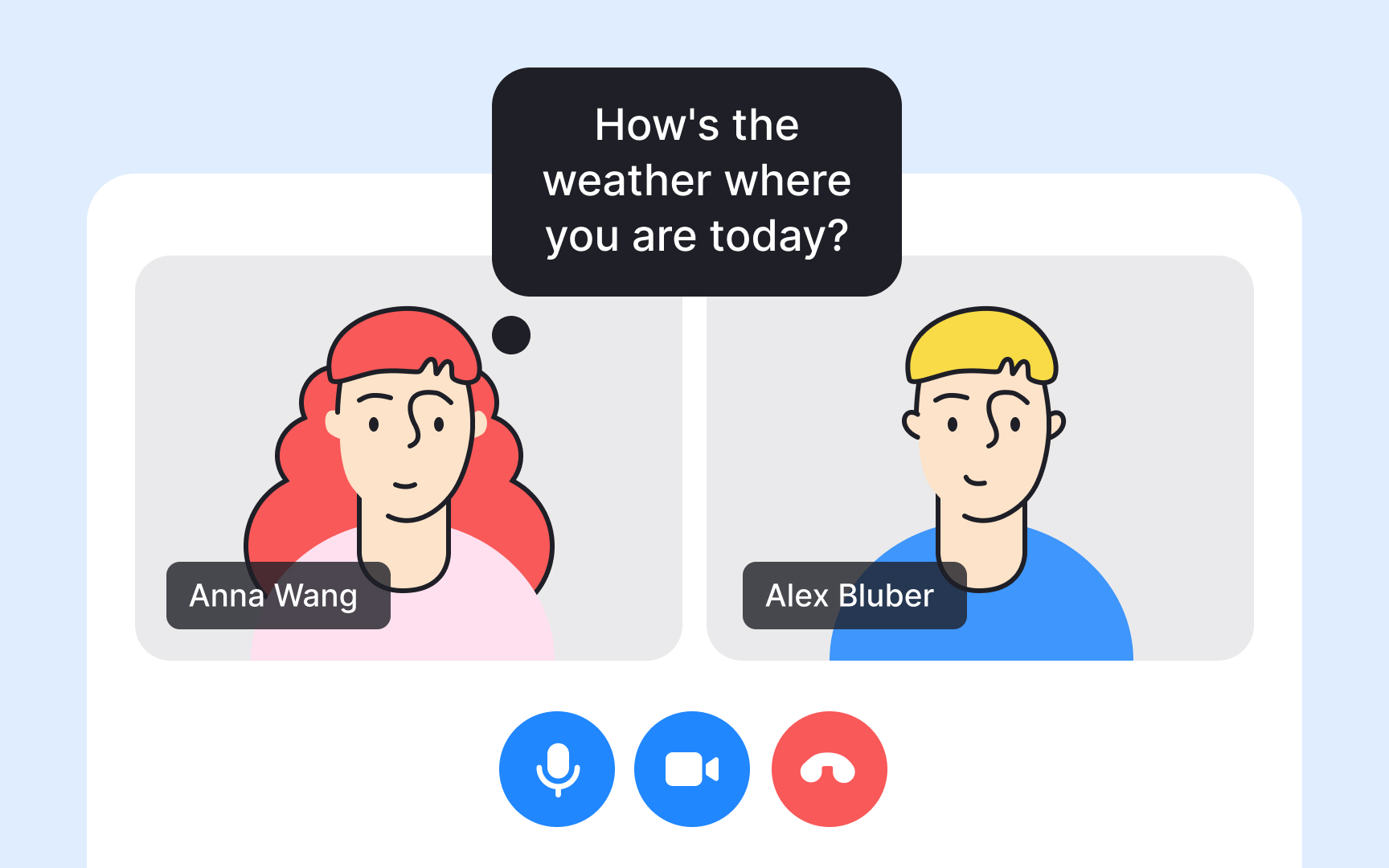
The first few minutes of an interview set the tone for everything that follows. When participants feel at ease, they're far more likely to give honest, detailed answers rather than polished, guarded ones.
A few things that help:
- Smile and bring a positive attitude. It sounds simple, but warmth is contagious. A relaxed interviewer makes for a relaxed participant.
- Introduce everyone present. If you have a notetaker or observer in the room or on the call, make sure the participant knows who they are and why they're there. Walking into a session with unintroduced strangers is unsettling.
- Break the ice with small talk. Before jumping into the interview, take a minute to connect as people. Comment on something they mentioned in their screener, compliment something they're wearing, or simply ask how their day is going. Small moments like these lower the guard faster than any formal opener.
- Confirm consent to record. Even if the participant signed a consent form earlier, ask again now. It shows respect and gives them a clear moment to say yes.
- State your objectives. Tell them what you're trying to learn and how the session will run. Participants who understand the purpose tend to engage more openly.
- Set time expectations. Let them know how long the interview will take so they can relax into it rather than watching the clock.
- Start with easy personal questions. Ask about their background, technology habits, or what drew them to your product. Keep it to 3-5 short questions. This eases them into the conversation before you get to the core of the interview.[3]
Avoid compound questions in user interviews
Even experienced researchers fall into the trap of asking compound questions, ones that bundle two separate things into a single question. It happens naturally when you're thinking ahead: "Tell me how you discovered this feature, and how you decided to start using it" feels like one question, but it's actually two. The participant now has to hold both parts in their head while answering, and will almost always address only one of them, often the last thing they heard.
The fix is to split compound questions before they leave your mouth. Ask the first part, wait for the full answer, then ask the second. This gives each question the space it deserves and keeps you in control of where the conversation goes.
A good check is to scan your interview guide before the session and look for "and" or "or" connecting two ideas within a single question. If you find one, break it in two. For example, "What made you start using this tool, and have you tried any alternatives?" becomes two separate questions: "What made you start using this tool?" followed later by "Have you tried anything similar before?"
Pro Tip! If a compound question slips out during a session, you can recover by simply picking one part and asking it again clearly: "Actually, let's start with just the first part. What made you try it in the first place?"
Record and transcribe user interview sessions
Recording your interviews is one of the most practical habits you can build as a researcher. Knowing the session is captured lets you stay fully present in the conversation rather than scrambling to take notes.
Recordings also give you something to return to. Memory is unreliable, and even detailed in-session notes can miss the nuance of how something was said. A recording lets you revisit exact moments, catch things you missed, and quote participants accurately when presenting findings.
Where possible, record video rather than audio only. Facial expressions, hesitations, and body language carry meaning that words alone don't capture, especially when a participant's reaction to a question tells a different story than their answer.
Consider transcribing your recordings, too. A transcript lets you scan and search through a session in minutes rather than rewatching the whole thing. Most researchers today use AI-powered tools like Otter.ai or Grain for speed, then review the output for accuracy. Human transcription is more reliable but comes at a higher cost.
Always confirm consent to record at the start of the session, even if the participant has already signed a consent form.[4]
Minimize note-taking during user interviews

Taking notes while conducting an interview feels productive, but it works against you. When your attention is split between writing and listening, you inevitably miss things: a hesitation, an unexpected detail, a thread worth following. Research consistently shows that dividing attention between two demanding tasks reduces performance on both.
There's also a social cost. Participants who watch you type or scribble can feel like they're being documented rather than heard, which makes them more guarded.
The most effective solution is to bring a dedicated notetaker. With someone else handling capture, you can give the participant your full attention. Make sure to introduce the notetaker at the start so their presence doesn't feel strange.
If a dedicated notetaker isn't an option, record the session and keep your notes minimal. Jot down keywords and timestamps to flag moments you want to revisit. The recording does the heavy lifting.[5]
Pro Tip! Even with a notetaker present, take a few minutes after the session to write down your immediate impressions. Fresh observations often surface insights that transcripts alone don't capture.
Keep user interviews within the agreed time
User interviews usually last between 30 minutes and an hour. When you need to explore a topic in depth, sessions can stretch to 90 minutes, but that's the exception rather than the rule. Attention fades over time, and so does the quality of what participants share.
Aim for 30-45 minutes per session. This is long enough to warm up at the start, cover your core questions, and close properly, while short enough to feel manageable for both you and the participant.
Respect the time you agreed on. Ending on schedule signals to participants that you take their commitment seriously, which matters for your reputation as a researcher and for any follow-up work you might need from them. If you run out of time before covering everything, ask whether they'd be open to a brief follow-up call rather than pushing past the agreed-upon end time.
Use AI to prepare interview questions
Writing a discussion guide from scratch takes time, and it's easy to miss questions that would have been obvious in hindsight. AI tools like ChatGPT or Claude can generate a first draft quickly, giving you something concrete to react to rather than a blank page.
To get useful output, your prompt needs three things:
- Your research goal. What are you trying to understand? For example: "We want to know why users abandon the onboarding flow before completing their profile."
- Your participant profile. Who are you talking to? New users, power users, people who churned?
- The type of questions you need. Warm-up questions, behaviorally focused questions, follow-up probes?
A prompt like "Write a 12-question discussion guide for semi-structured interviews with new users of a budgeting app, focused on understanding their first-week experience" will produce a far more usable draft than "generate interview questions for my app."
Once you have the draft, use AI as a reviewer. Paste your questions back in and ask it to flag anything leading, closed-ended, or assumption-heavy. This is particularly useful for researchers newer to the field, who may not immediately spot bias in their own phrasing. That said, AI is not infallible here. Review its feedback critically and always have an experienced researcher do a final check.
What AI cannot do is tell you whether you're asking about the right things. It has no context about your product, your users, or what your team actually needs to decide. The strategic direction of the guide is yours to define.[6]
Pro Tip! Ask AI to generate follow-up probes for each main question. Prompts like "What else were you thinking?" or "Can you walk me through that?" are easy to forget under pressure.
Topics
References
- How to Run Better User Interviews (Remotely and In-Person): A Step-By-Step Gu... | Planio | Planio
- The art of active listening | Medium
- How to Run Better User Interviews (Remotely and In-Person): A Step-By-Step Gu... | Planio | Planio
- How to Get More Value Out of Your User Research Recordings
- The Science is Clear: Why Multitasking Doesn't Work | Cleveland Clinic
- How a UX Researcher Uses AI in Their Daily Workflow | User Interviews