

.svg)


Users have been trained to say no. Years of apps demanding access to contacts, cameras, and locations for unclear reasons have created reflexive denial. The system permission dialog appears and the finger moves to "Don't Allow" before the brain fully processes what's being asked. This learned distrust is the obstacle every permission request faces. It doesn't matter how legitimate your reason is if users never hear it. The request itself has become the problem.
Breaking through requires more than good intentions. It requires timing that feels natural, context that makes the benefit obvious, and language that respects users enough to explain rather than demand. Permission requests are trust tests. Pass them, and users engage more deeply. Fail them, and features stay locked forever.
Avoid asking for permissions too soon
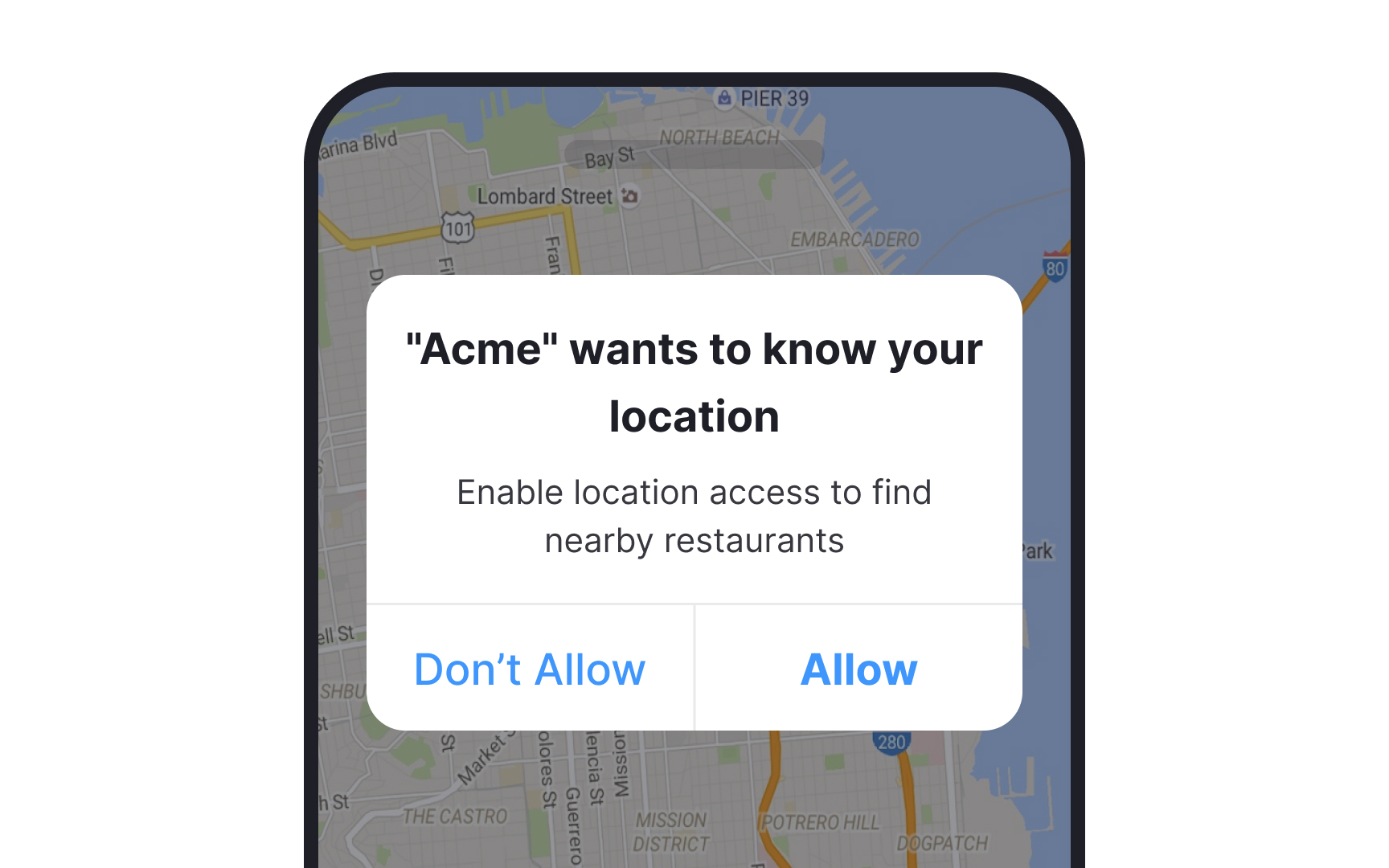

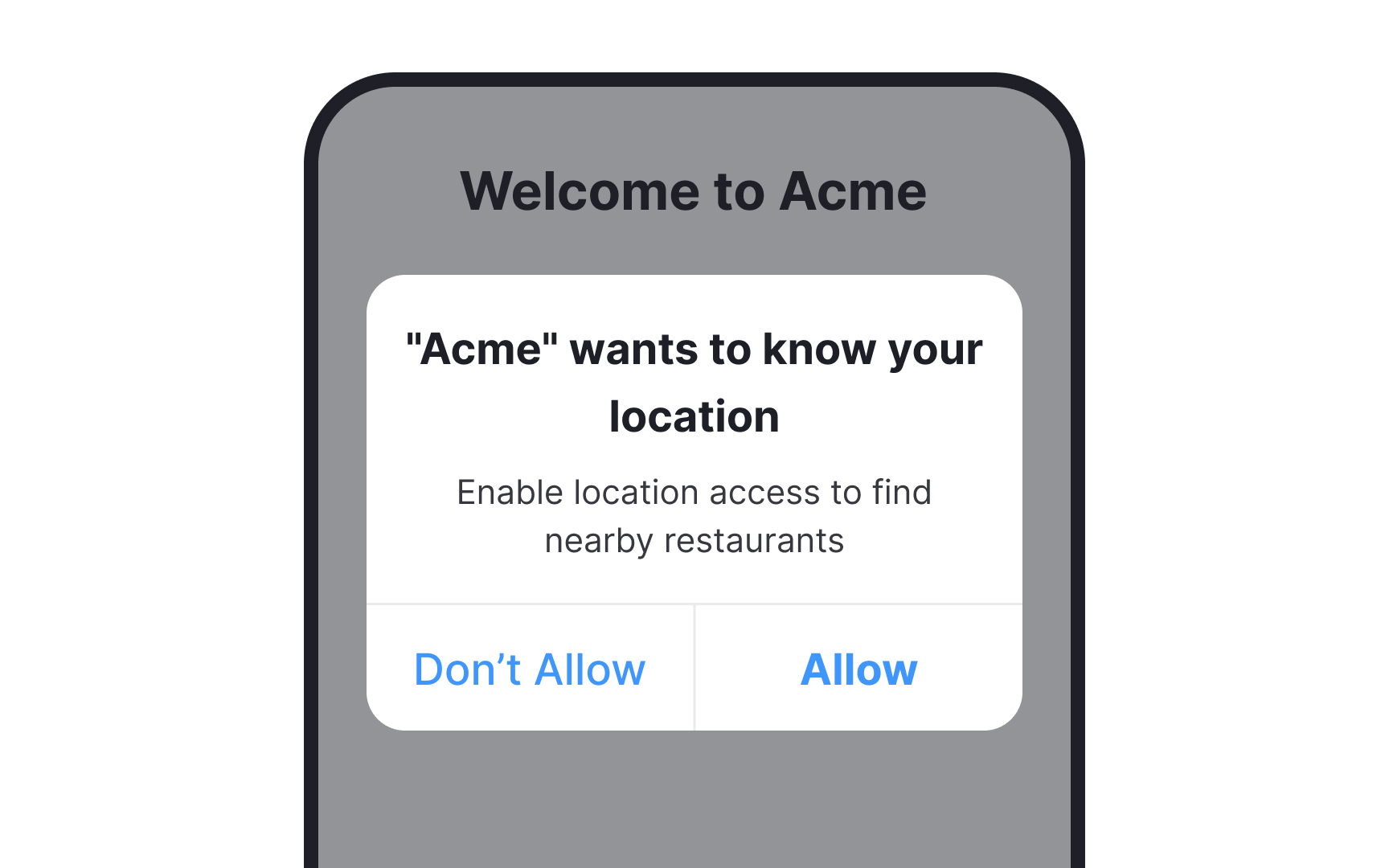

This might be obvious but don’t bombard your users with permissions as soon as they open your app for the first time. Instead, ask for permissions only when they’re necessary for the action the user is trying to take. Users are significantly more likely to grant the necessary permissions when asked for in this manner.[1]
Use modals to ask for permission
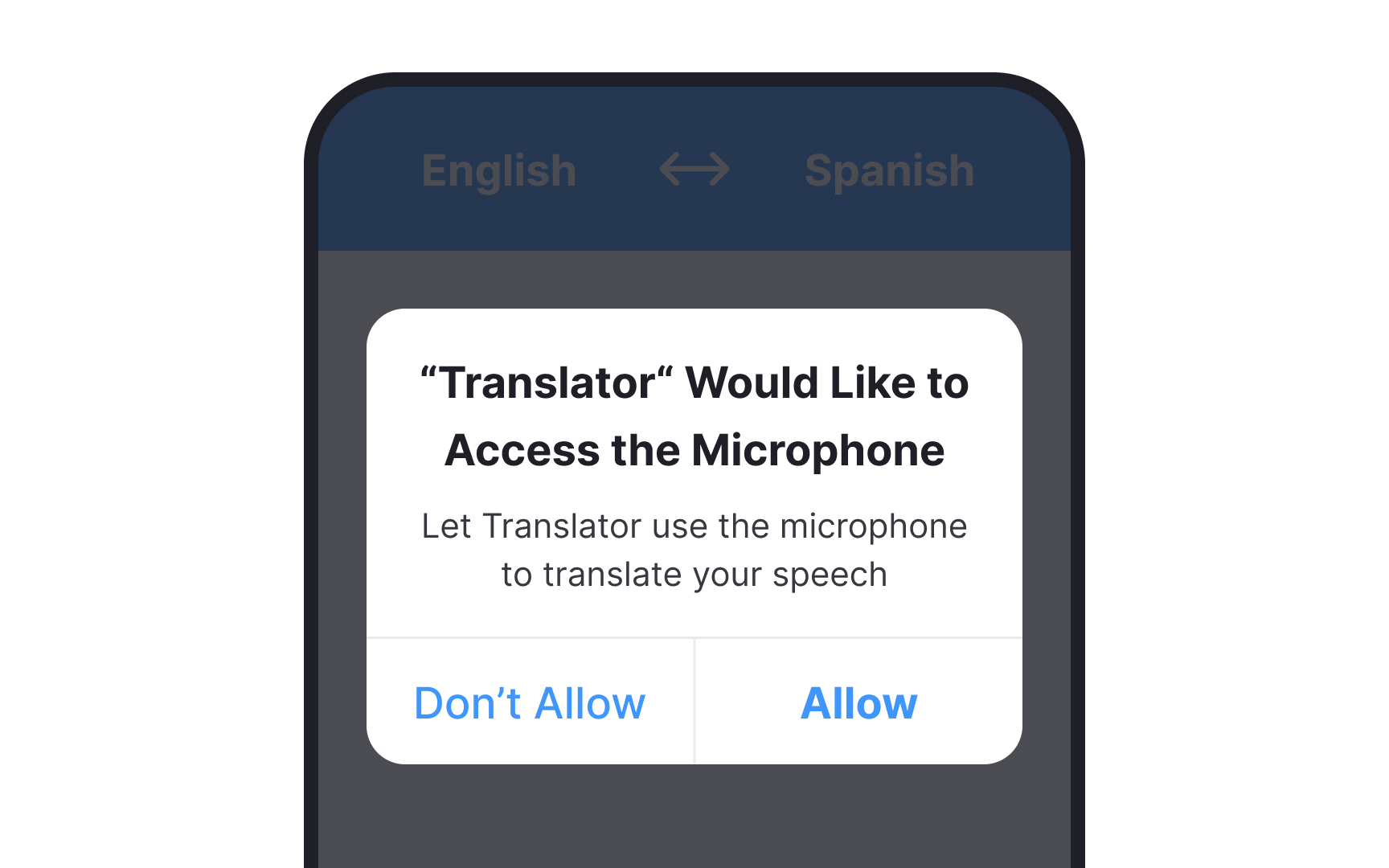
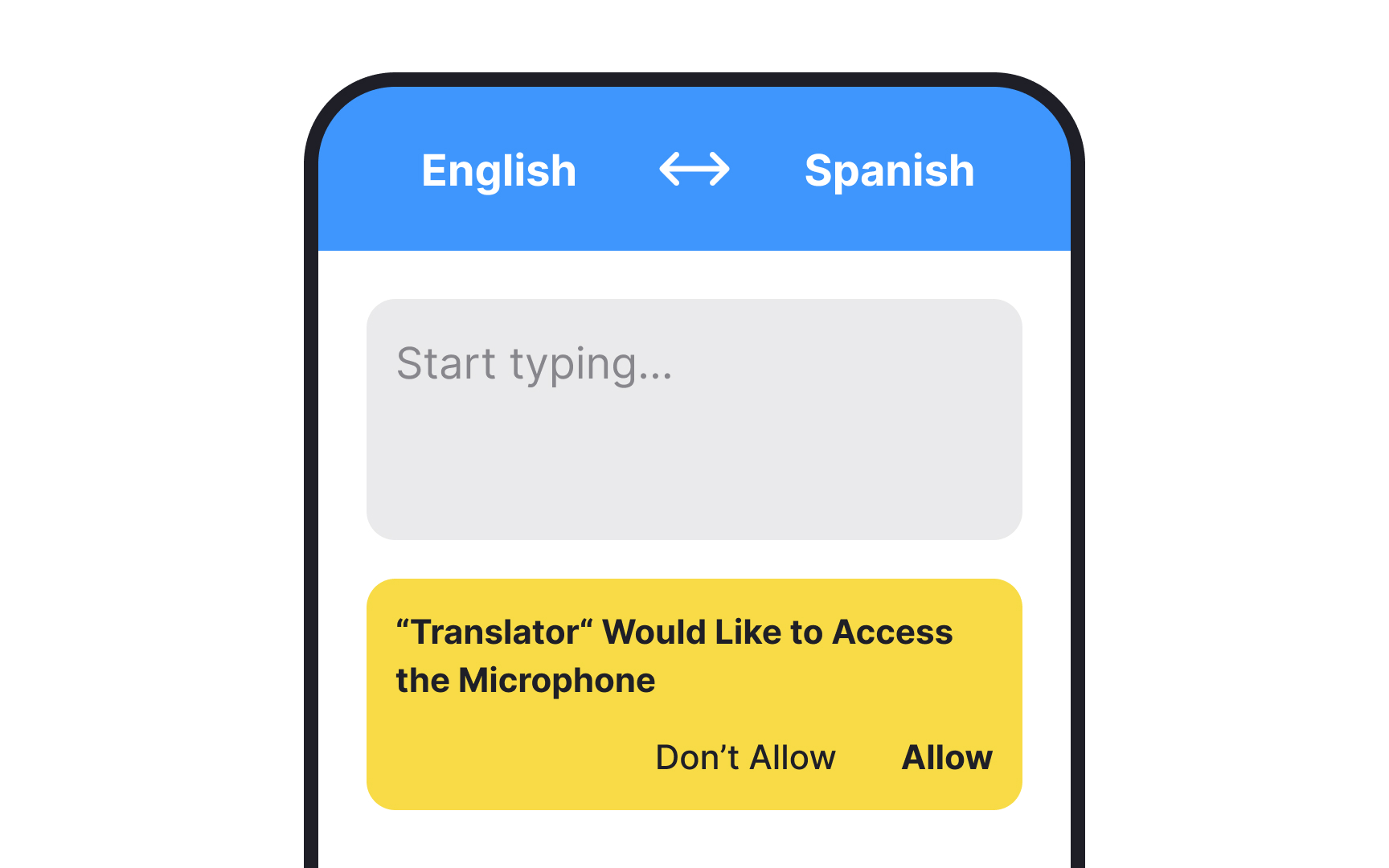
Modal windows are the optimal choice for requesting permission. They are assertive, but in a positive manner that ensures users will take notice. Inevitably, users will have to grant permission for a particular feature to function properly. For instance, Google Maps will only provide limited functionality without location permission.
While you could direct users to the Settings page to locate the necessary permission, it is far more effective to present them with a modal window that allows them to grant permission instantly.
Prime users
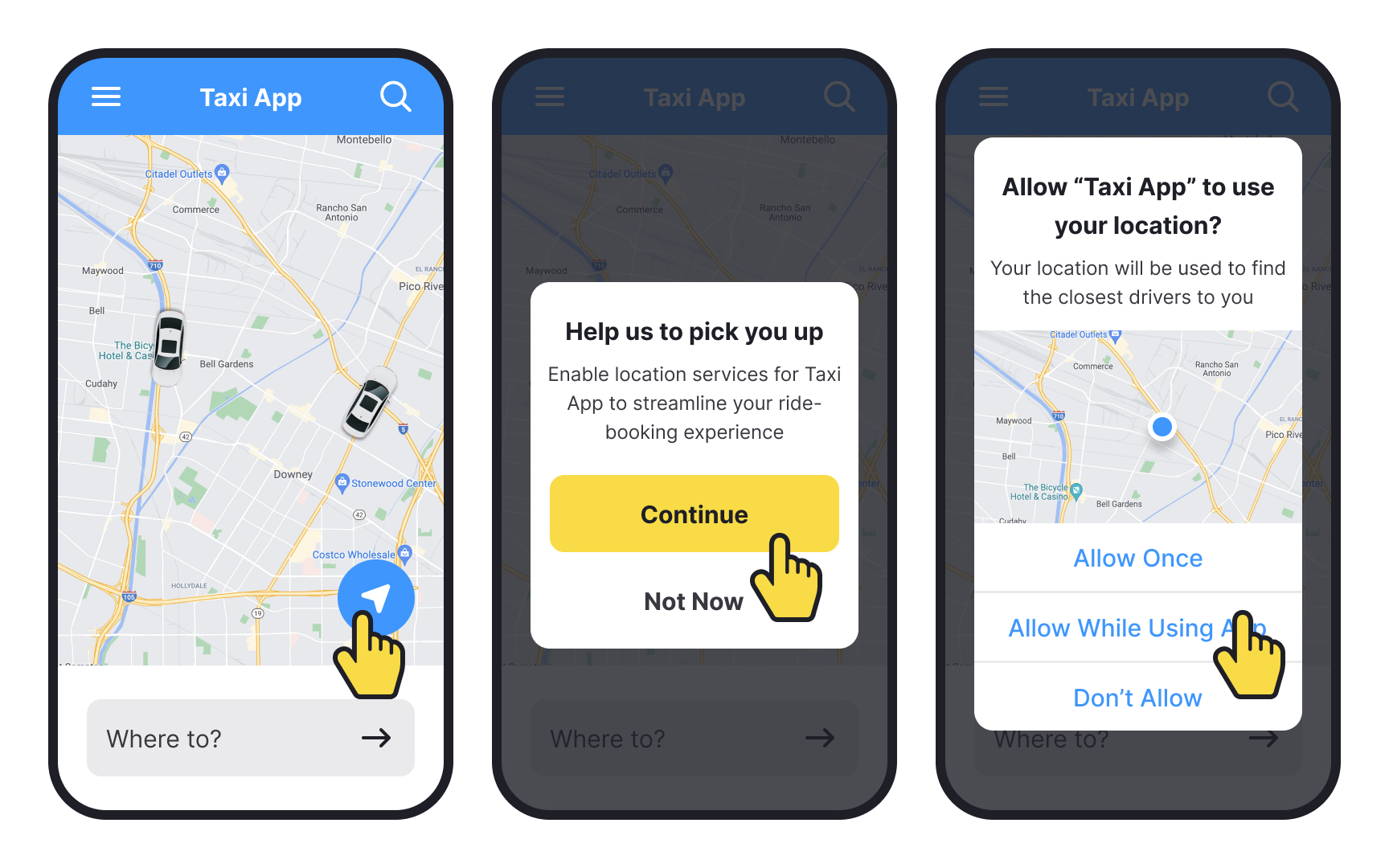
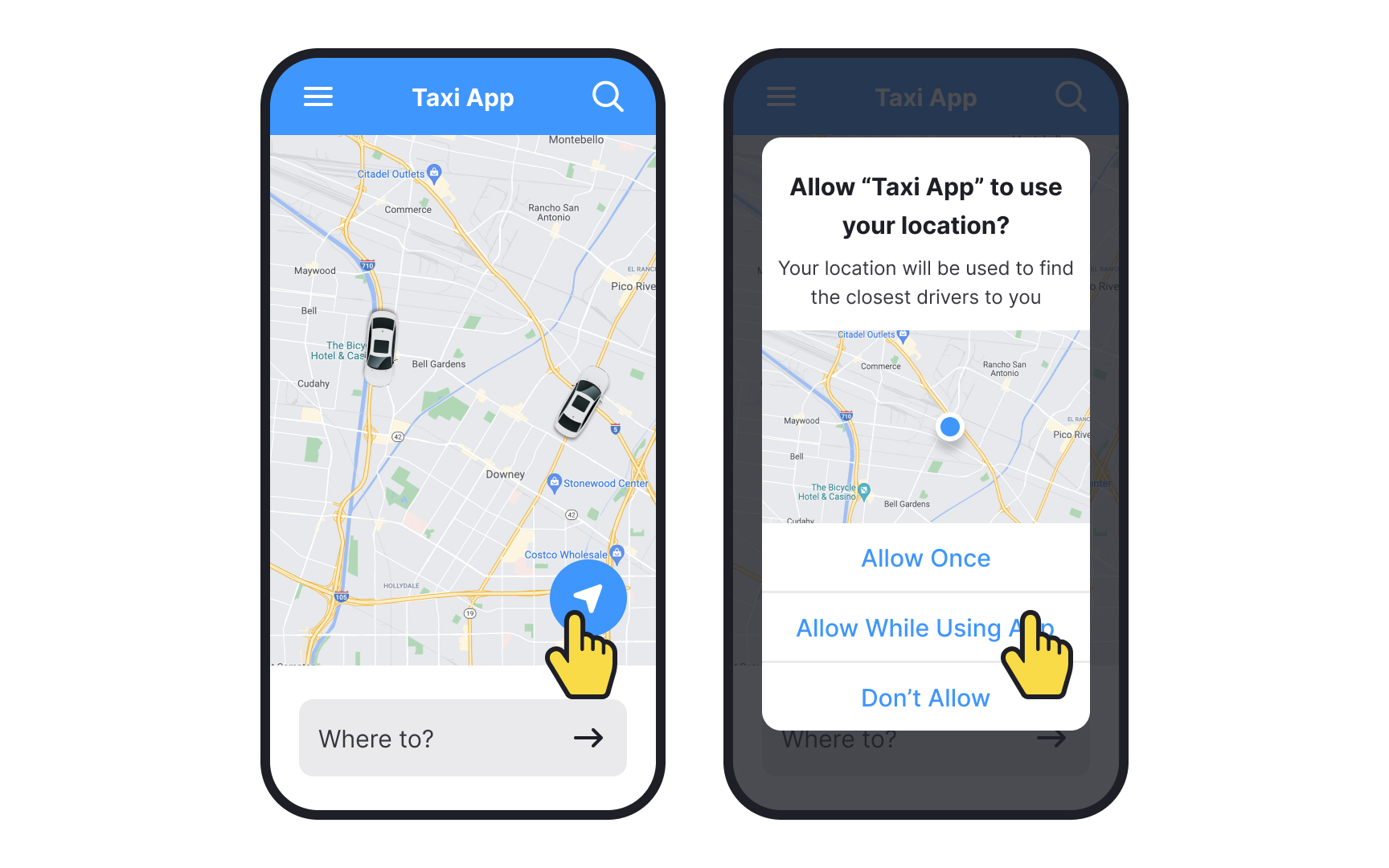
Permission request screens usually don’t give users much insight into why their permission is being asked. And considering 82% of users want to know why an app is asking for information from them, that’s a problem.[2] They’re likely to deny the permission if they don’t immediately understand what it’s for.
Before asking users' permission for anything, show them a primer. Primers explain why the app needs the permission and how it will benefit users before they’re actually asked for that permission.
Pro Tip! A primer screen should always be in context — for example, ask for access to the camera only when users try to take a picture.
Give users a reason to grant permissions
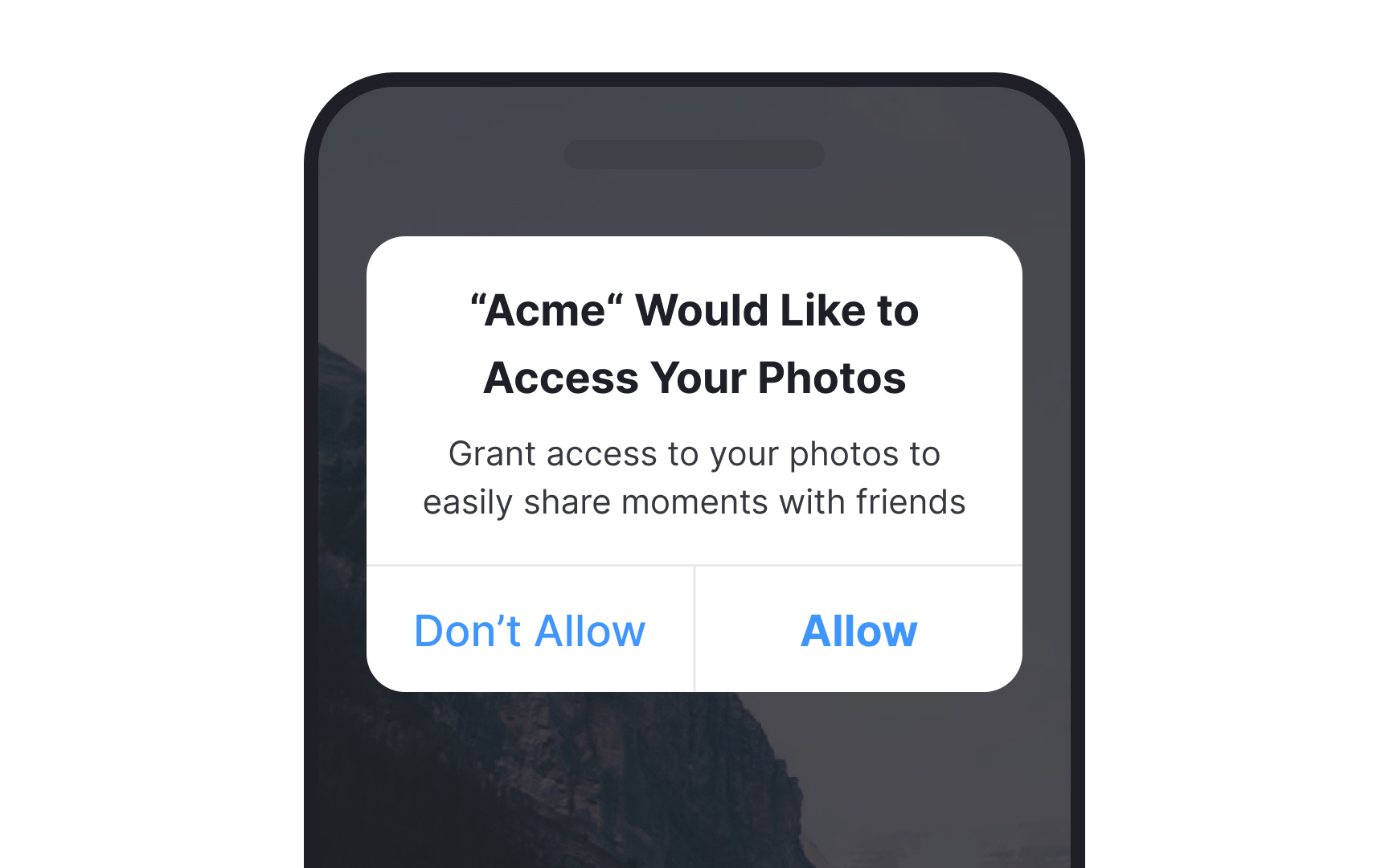
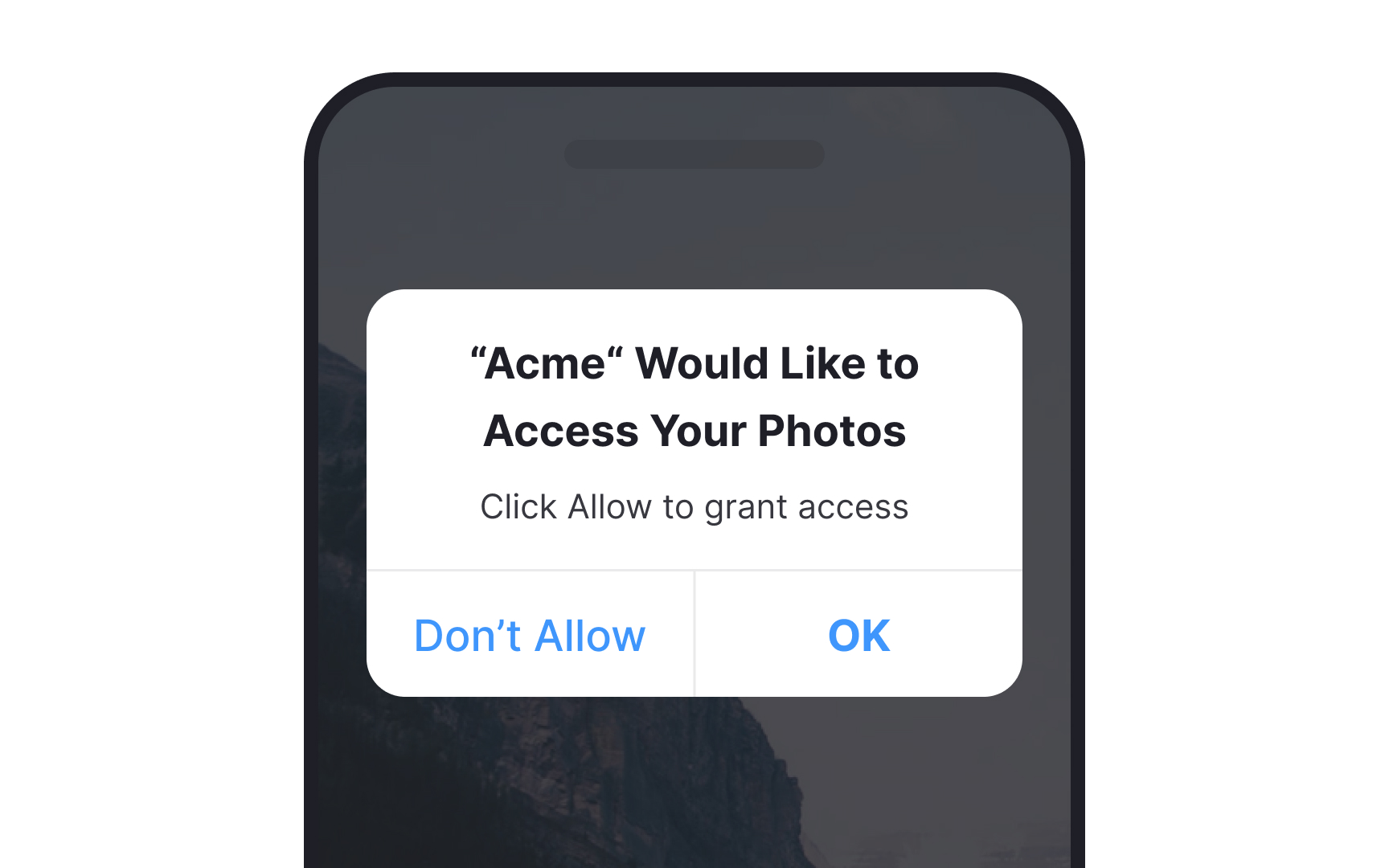
According to a study from the Nielsen Norman Group, users are 12% more likely to provide permissions when given a reason to do so (even if that reason isn’t particularly clear). And when that reason is compelling? It can increase the likelihood by 81%.[3]
Clearly, giving users a compelling reason to grant your app permissions is vital to having them do so. Use plain, descriptive language to tell them exactly what the most important benefits are to granting permissions, and assure them the privilege won’t be abused.
Pro Tip! Stick to the most important 1–2 reasons instead of giving them a long list.
Use plain language
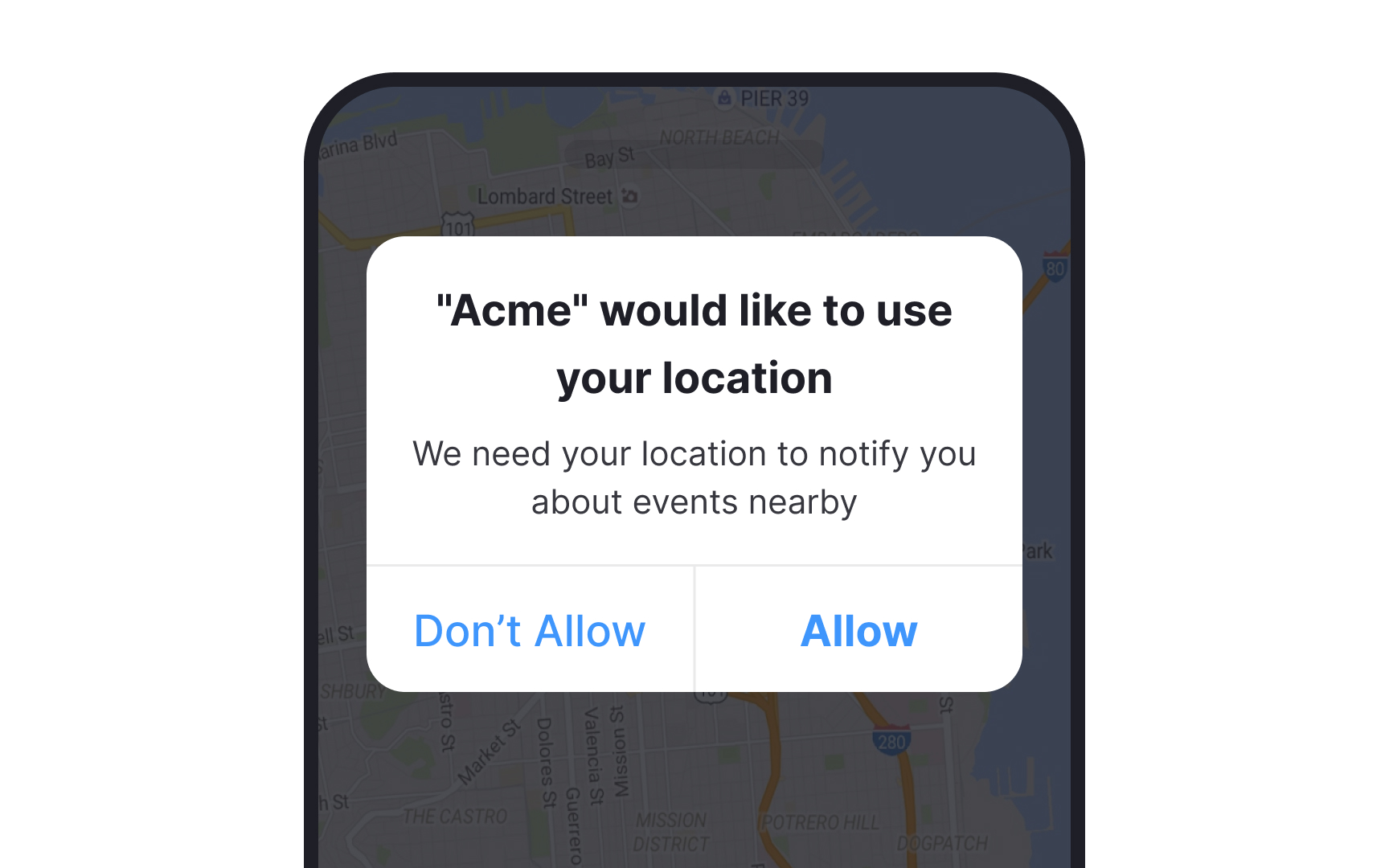
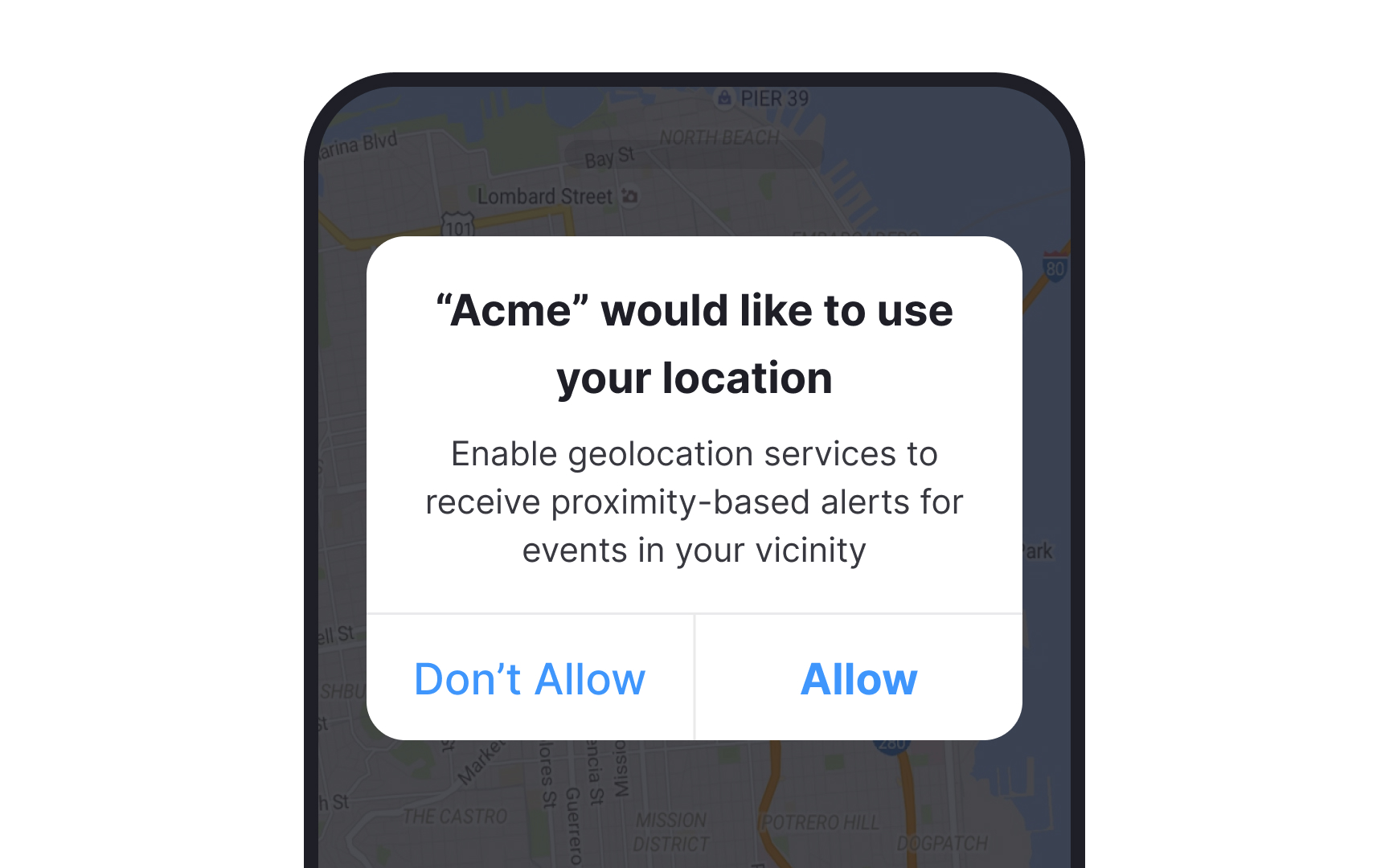
Users are more likely to grant permission if they’re given the reasoning behind why the app needs that permission and how it will use it.[4] And yet so many developers don’t take advantage of the ability to create custom permission requests that explain that reasoning.
Take the time to write microcopy that provides a clear and straightforward explanation. Users usually don't fully read permission text — they scan. So use plain language and keywords that capture attention and provide meaning.
Pro Tip! Write in active voice as it implies action and helps users more intuitively understand who should act: you or them.
Ask for permissions contextually
An app that asks users for permission to access their location, gallery, or camera out of the blue is less likely to get that permission, even with an explanation. In-context permissions, on the other hand, are logical to users and are more likely to be granted.
For example, if you ask users for permission to access their microphone as soon as they open the app, they may automatically deny the request without giving it much thought. If you ask when they tap on a microphone icon in order to record audio, they can immediately make the connection to why it’s necessary and will be more likely to grant permission.
Ask for one permission at a time

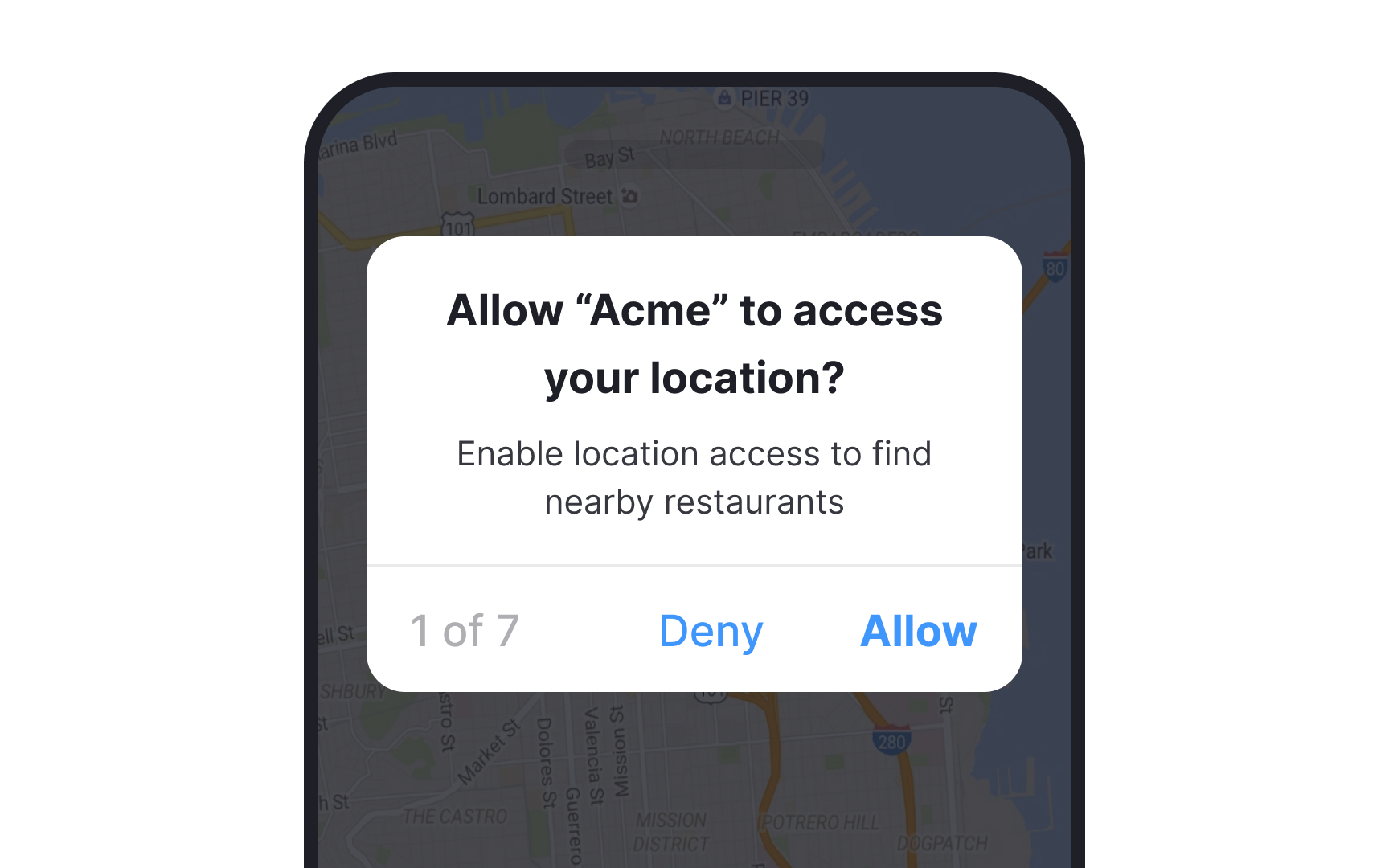
Asking for too much from users feels invasive. Only ask them for one permission at a time. If the function the user is trying to access needs more than one permission, use separate modal windows for each one. This provides users more freedom to choose which permissions they allow or deny.
Help users reverse their primary decision easily
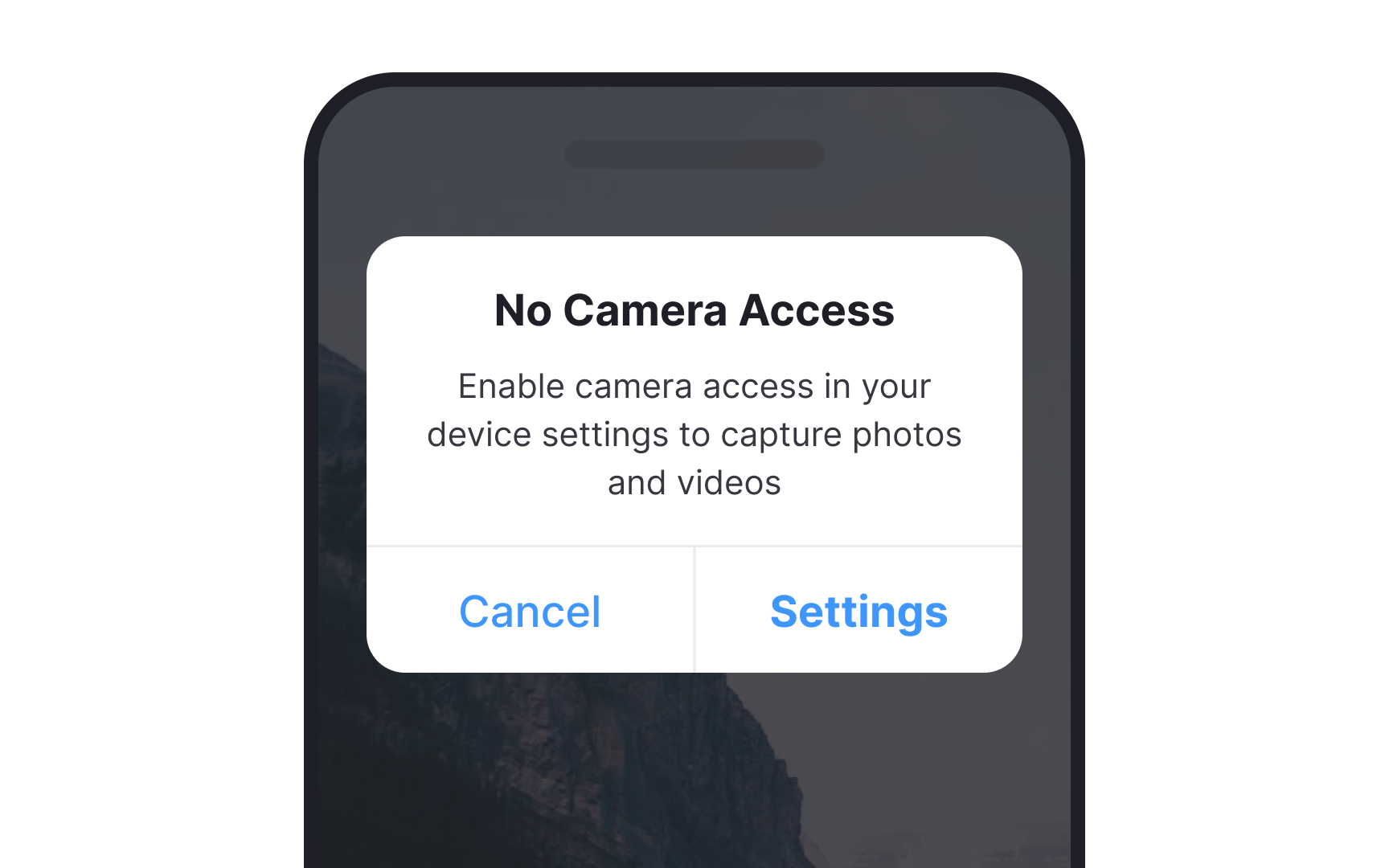
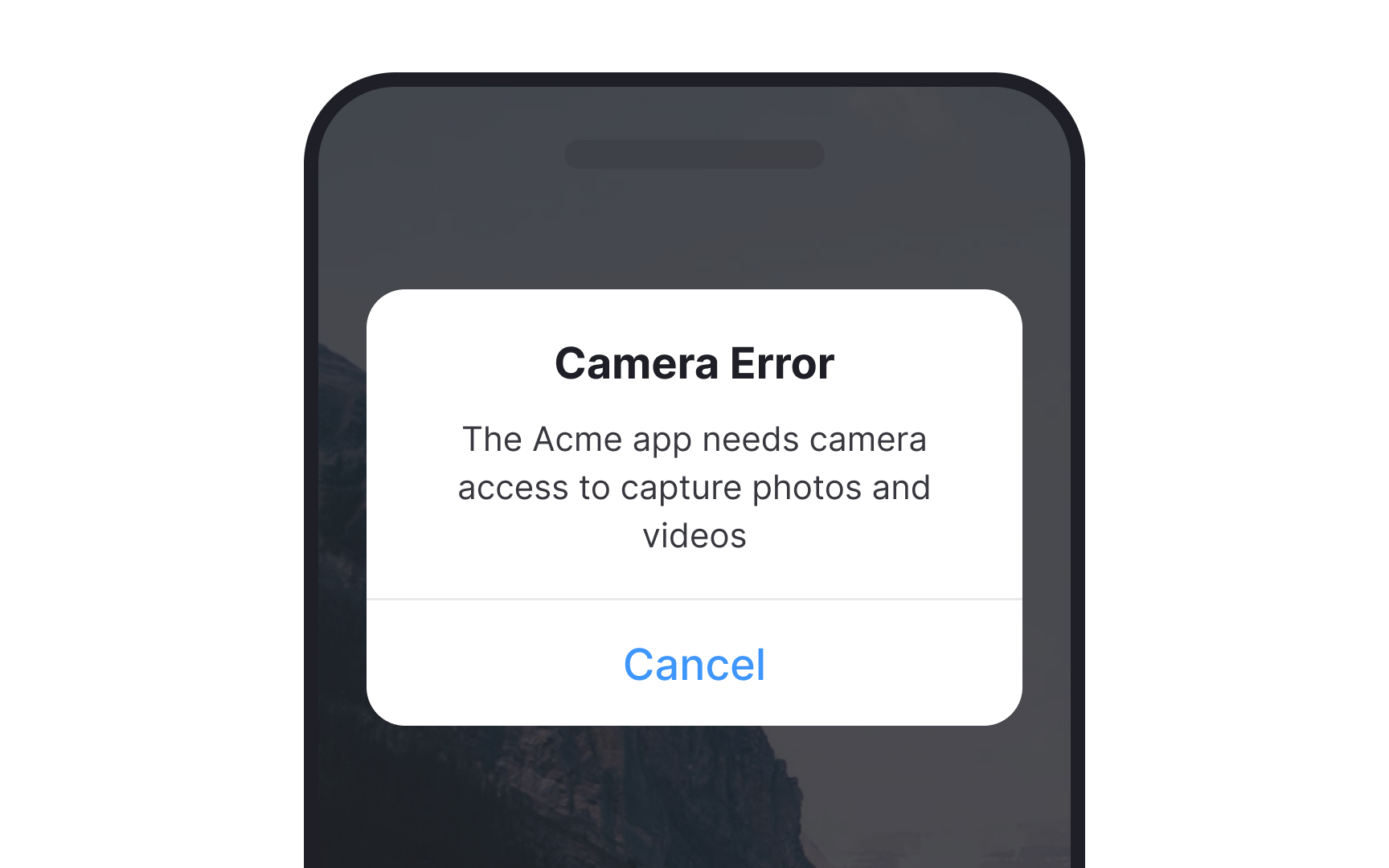
Some users are very reluctant to give permissions unless absolutely necessary. Because of this, they may initially deny permissions that they’ll later decide to grant. In short, it takes time to build their trust.
When they finally do decide they need to grant permissions to use a particular function, make it easy for them to reverse their decision. Give them a polite explanation of why they can’t use the particular feature, and then give them a direct link to their device’s settings in order to grant the permissions.
Don't trick users
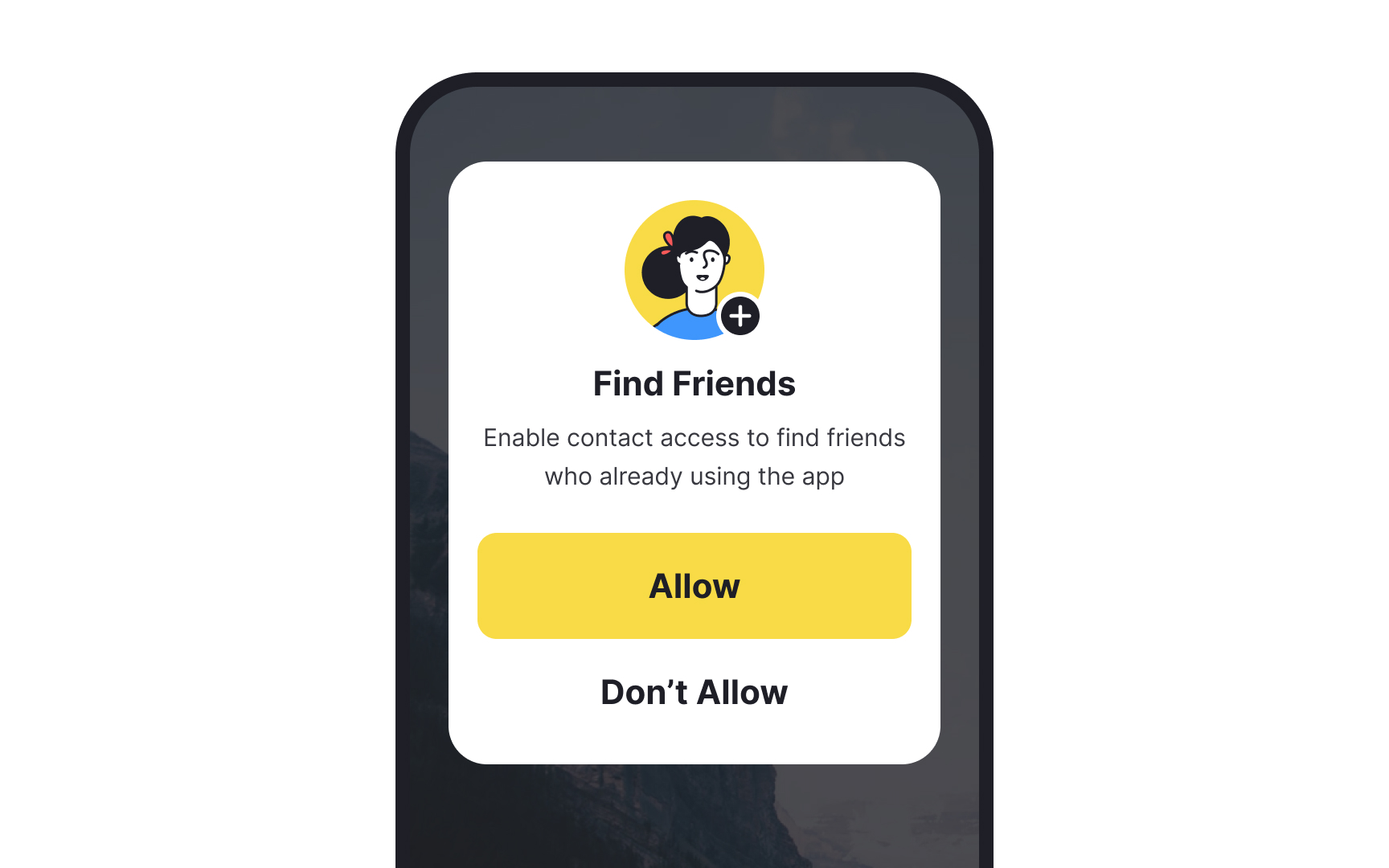
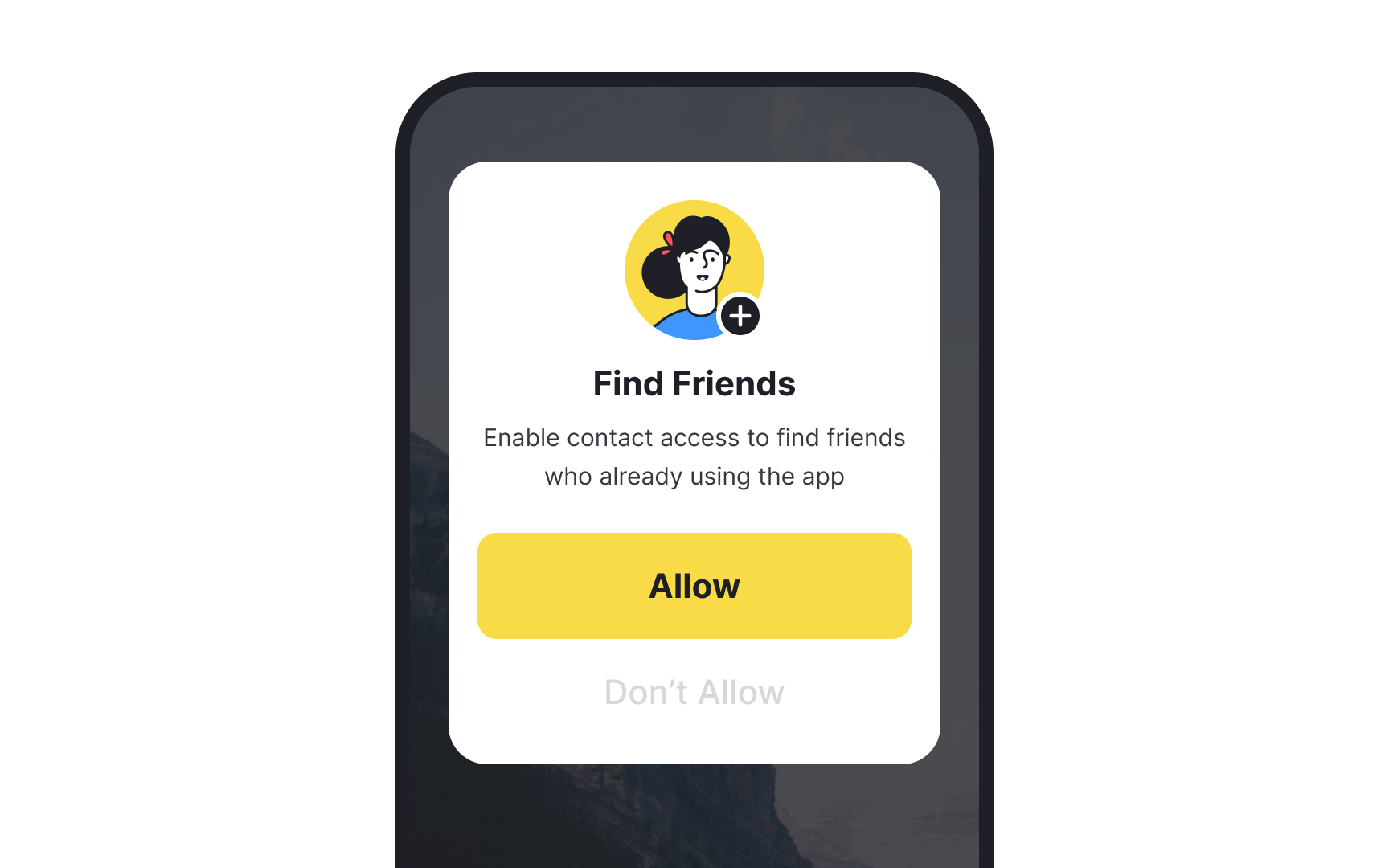
Designers and developers sometimes use dark patterns to influence or trick users into granting permissions they might not otherwise grant. They send requests when users are in the middle of a task or make it deliberately hard to deny permissions. For example, by adding a “Recommended” label to the desired options, designers pressure users to press “Allow.”
This kind of undue pressure can ruin user trust and come across as pushy. Instead, give users compelling reasons to allow permissions while also respecting their choice to do so. If the permission is really necessary, even if users initially deny it, they’ll likely reconsider when they need it.
Topics
References
- Asking nicely: 3 strategies for successful mobile permission priming | Appcues Blog
- 5 Ways to Improve the User Experience of Mobile App Onboarding | Clutch.co
- 3 Design Considerations for Effective Mobile-App Permission Requests | Nielsen Norman Group
- The effect of developer-specified explanations for permission requests on smartphone user behavior | Proceedings of the SIGCHI Conference on Human Factors in Computing Systems | ACM Conferences