.svg)


No product is without its rough edges. When users hit a wall, how easy it is to reach out shapes whether they stay or leave for good. A contact or support form that is hard to find, confusing to fill out, or vague about what happens next adds frustration on top of an already difficult moment. The best contact forms ask for only what is necessary, set honest expectations about response times, and confirm that the message was received. These are small things, but they signal that the company behind the product actually wants to hear from its users.
Support touchpoints are also one of the most underused sources of design insight. Every contact form submission is a signal about where the product experience is breaking down, and paying attention to those patterns can lead to fixes that reduce the need for support over time.
Why users contact support
To provide the best customer support, you need to understand why users need it. According to the Nielsen Norman Group, users contact customer support in the 4 cases mentioned below in order of their frequency:
- The information they're looking for is missing or isn't clear enough. For example, a user might contact support if they don't understand the difference between the two products offered.
- There's a service problem. For example, a payment failed or the product arrived damaged.
- Users encounter roadblocks and can't finish the task. For example, users can't modify their order and must contact the representative to make changes.
- The task seems too complex. For example, if getting an insurance quote online looks too difficult, users can contact an agent instead.
In 64% of cases, the need to contact support results from a UX failure.[1] But before these shortcomings can be fixed, you need to ensure that customers have all the necessary methods to get in touch with the company and finish their journey.
Show methods of contact
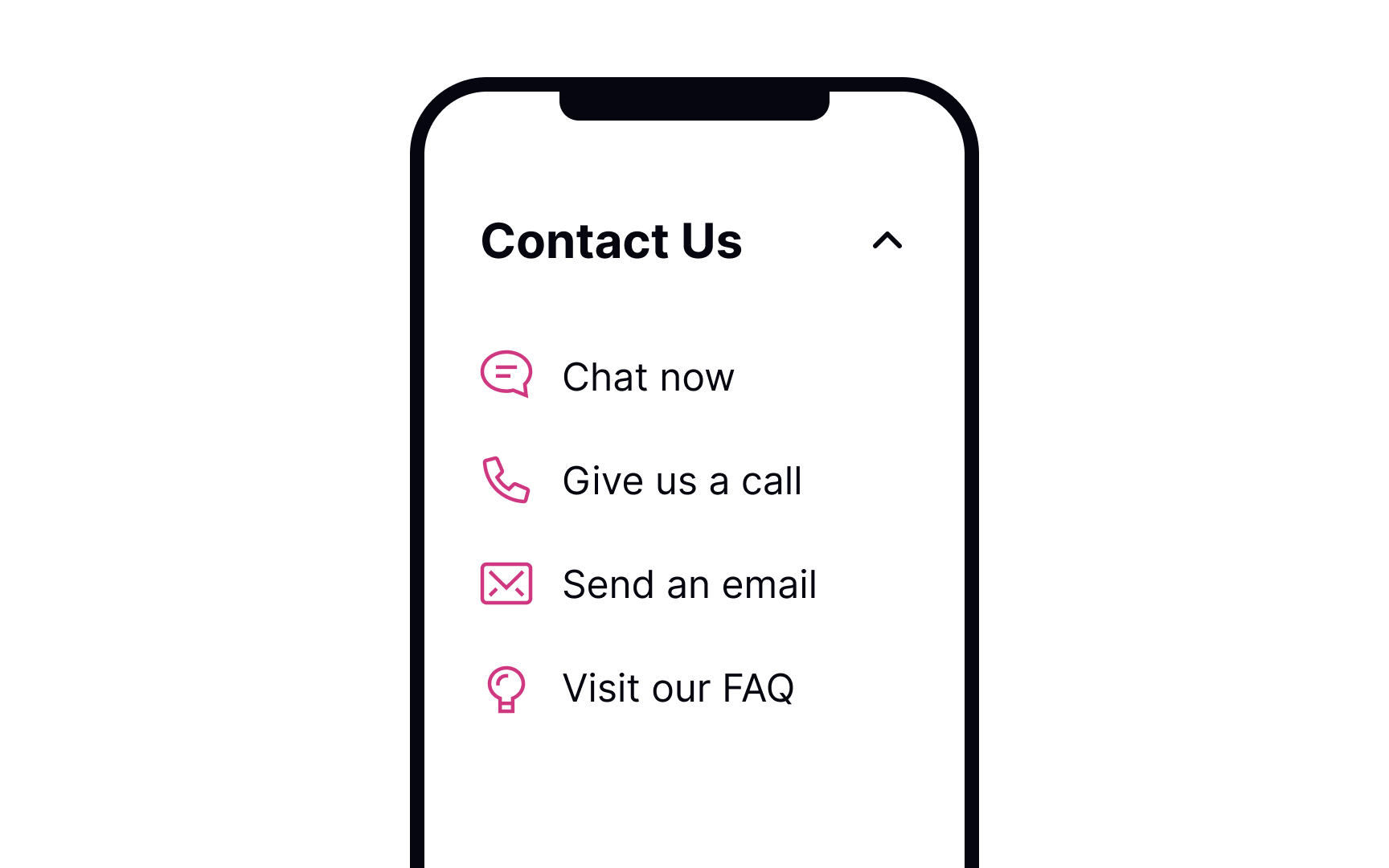

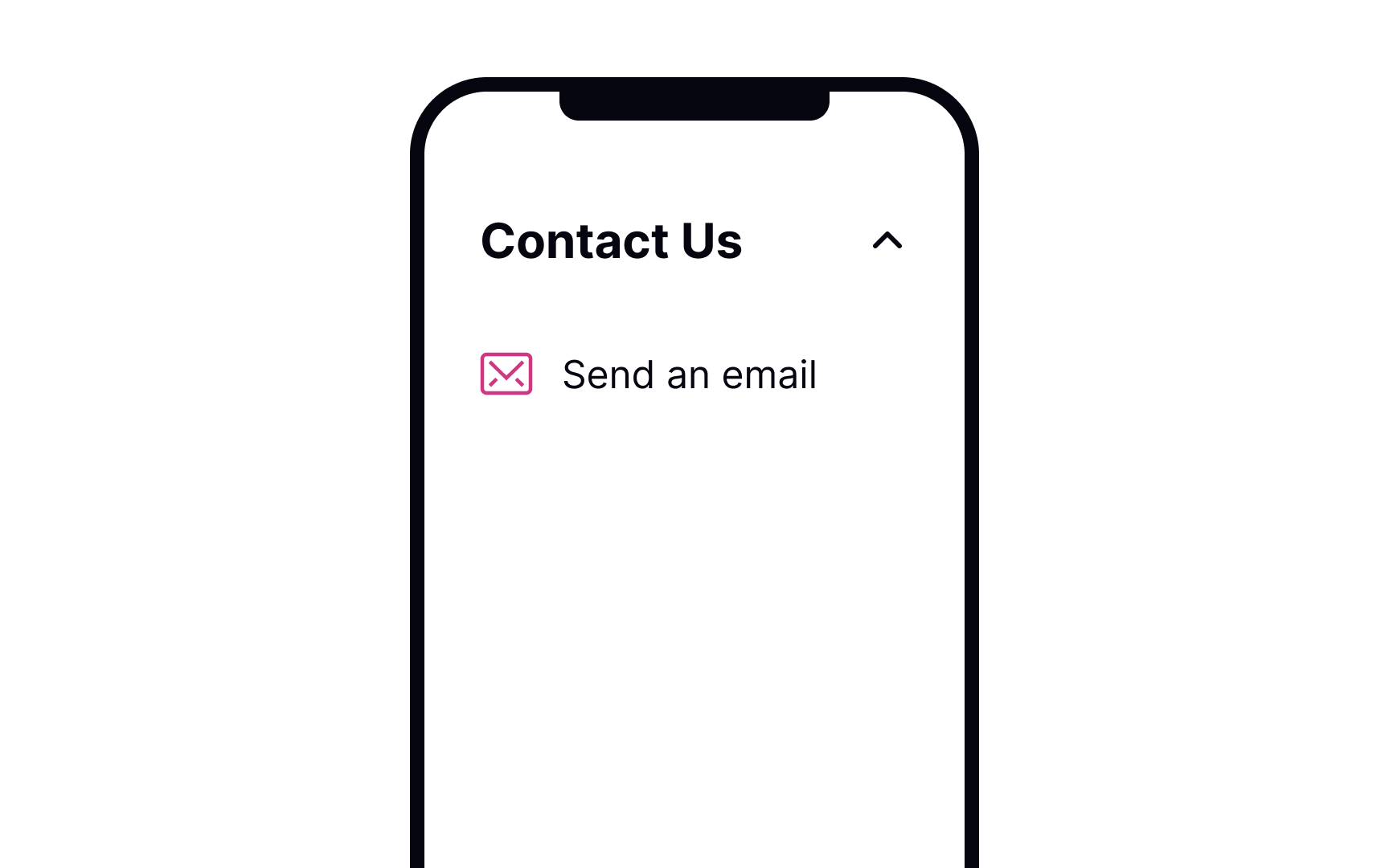

According to research by the Nielsen Norman Group, the most common method of contacting customer service is by phone, followed by email, online chat, and social media.[2] However, not all issues require human contact, and many common problems can be resolved through a well-designed F.A.Q. section.
The order in which you display contact methods should consider not only user preferences but also your available resources. Providing a F.A.Q. section as the first option can be beneficial since it allows users to find answers to their questions without waiting for a response.
Online chat and telephone support are ideal for specific, complex issues that require an immediate response. While these options may be more convenient for users, they can be challenging to support, particularly for smaller teams or businesses operating in different countries and time zones. You can prioritize these options by placing them lower on the list of contact methods.
Pro Tip! Make sure all contact options are visible and clearly indicate what they are. Some of the most frustrated users in the aforementioned study were those who needed to contact an organization and could not do so.
Make the support page easy to access
Make customer support easily accessible. As it's impossible to always predict when users will need to contact the company, offer fixed links that they can easily find on every page. The most common places for the support page link are the footer on websites and the settings page in mobile apps.
Error pages are places where you can predict the need for customer support. Offering assistance at the point of error can ensure that users complete their tasks successfully.
Pro Tip! The documentation or F.A.Q. page shouldn't contain any obvious information. If users come to this page, they will want to know more details.
Be specific about the waiting time and the method of communication
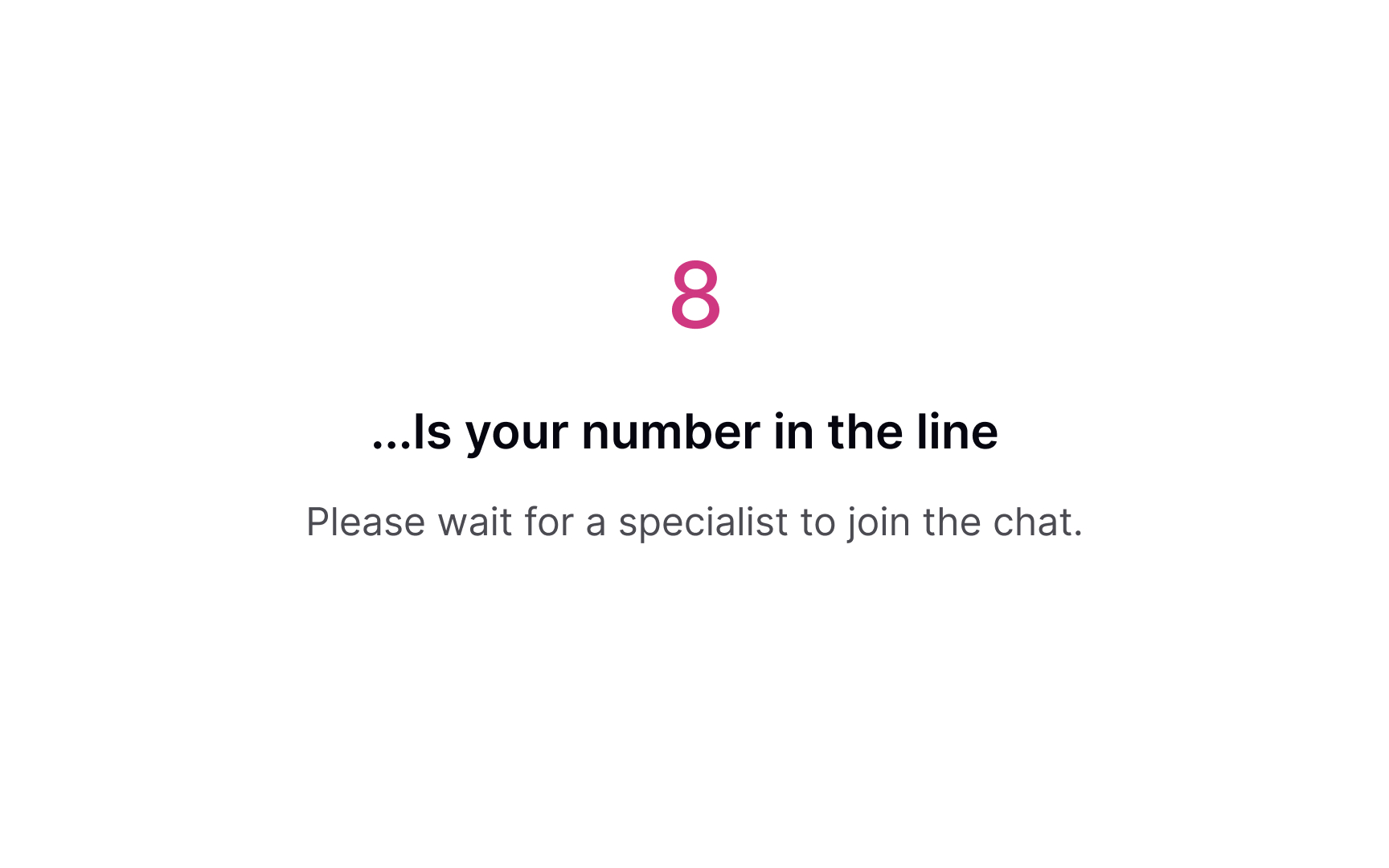
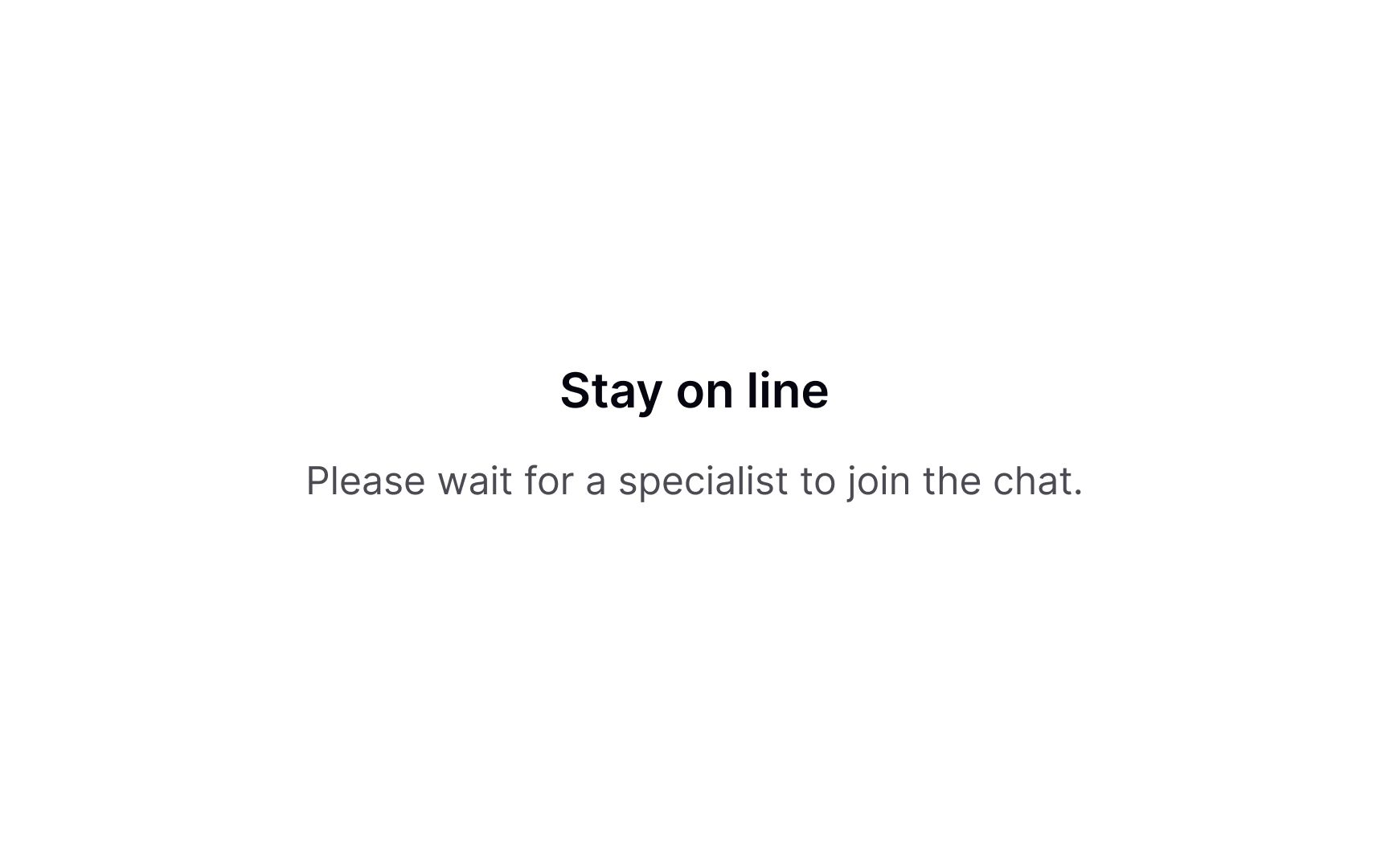
If users select a method implying communication — for example, phone call, chat, or email — make it clear how the process goes. There's nothing worse than clicking the button that says "Contact us" and finding yourself in an unexpected video call.
Offer the response time estimate and say what information users will need to provide. Most often, it's their name, email, what their issue is, etc. If communications are recorded (like phone calls), inform users about the reason for doing so in advance.
Offering support at the point of error
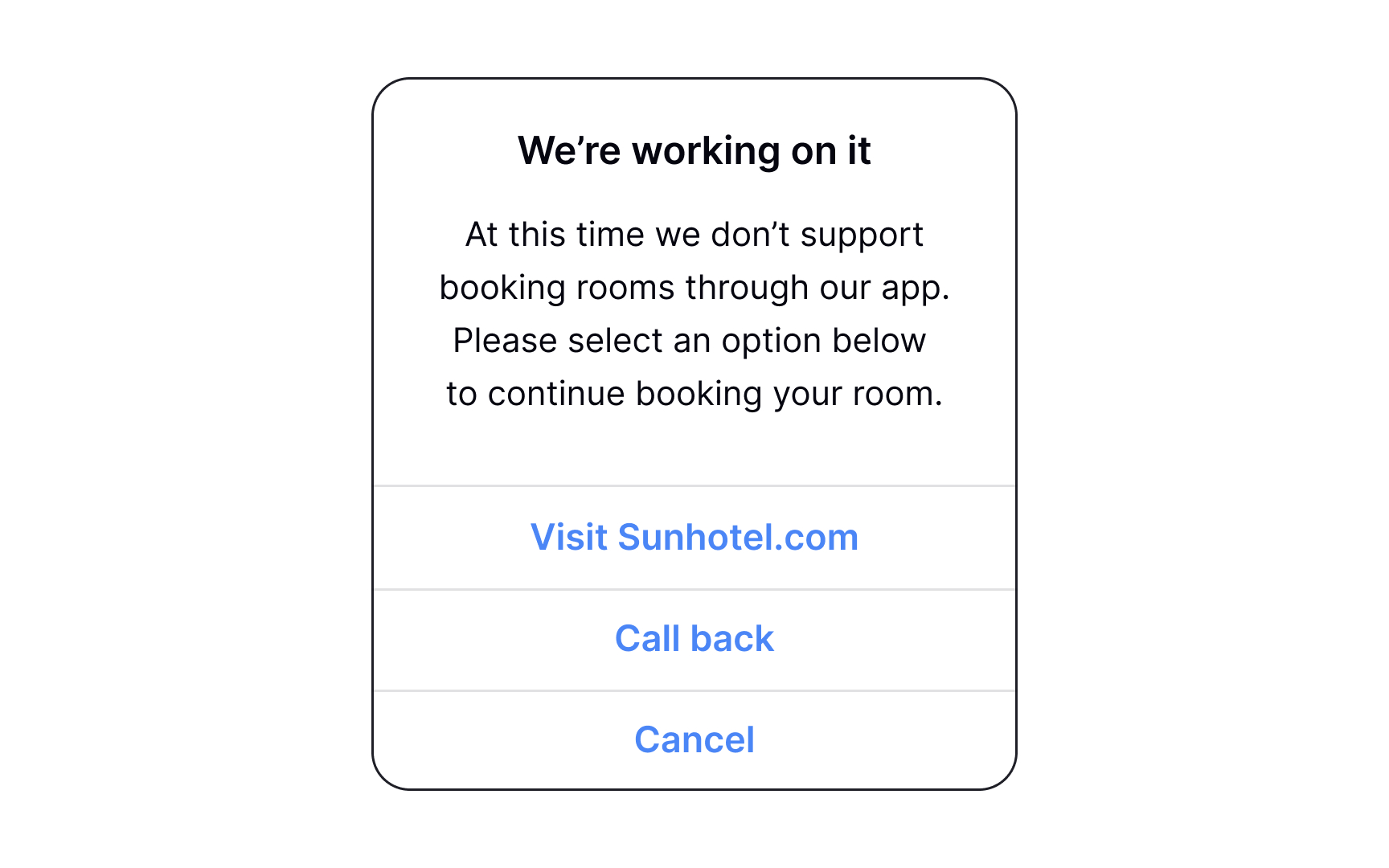
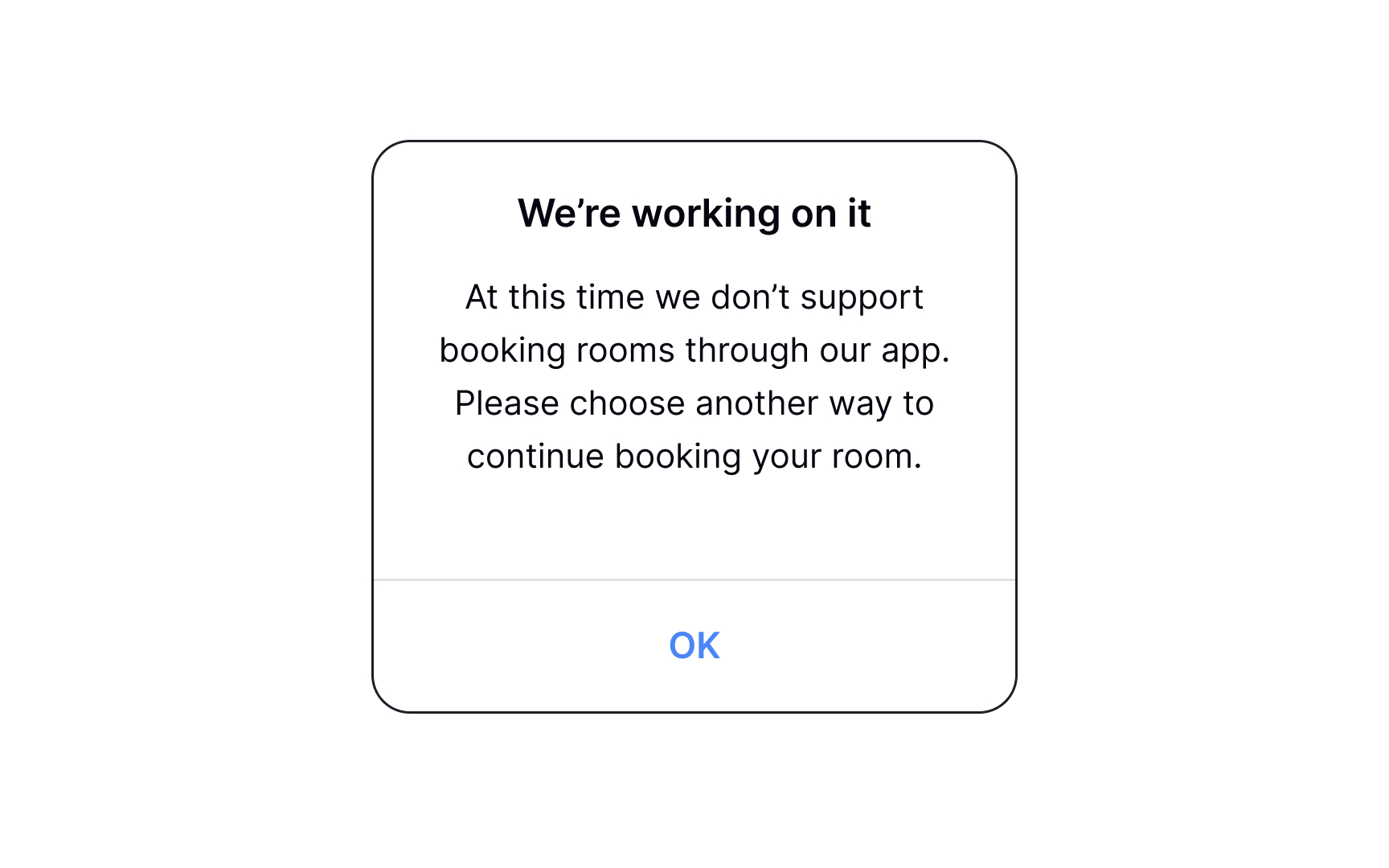
A good error message explains what went wrong, why it might have happened, and what the user can do next. In some cases, the next step is contacting support. The right contact method depends on the issue. For example, if a user can’t connect a device to an app, you might link to FAQs or a help article. In other cases, offering a way to speak to a support agent makes more sense. When writing error messages, always focus on the next action users need to take and how to make it easy.
Offering chat support from every page
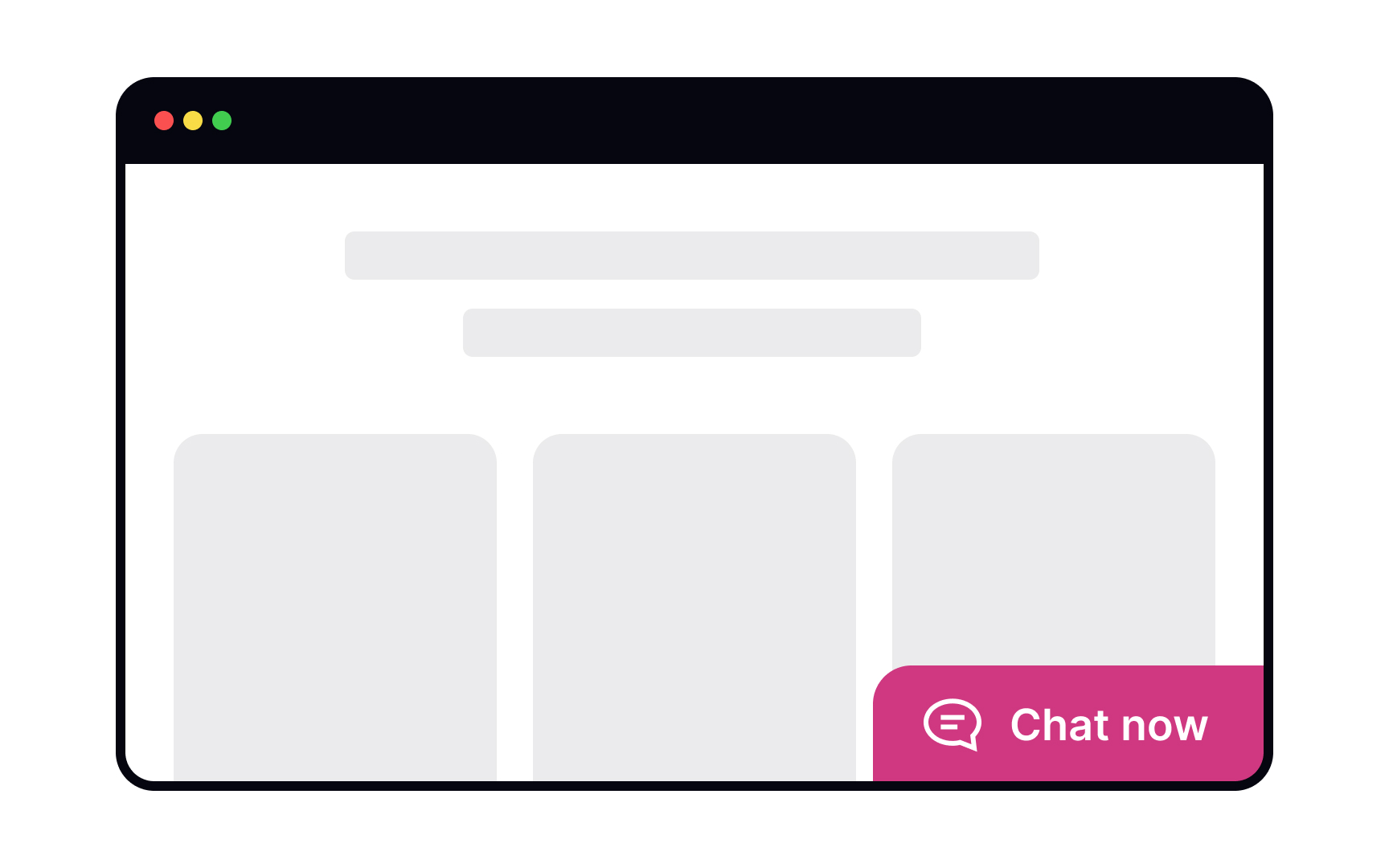
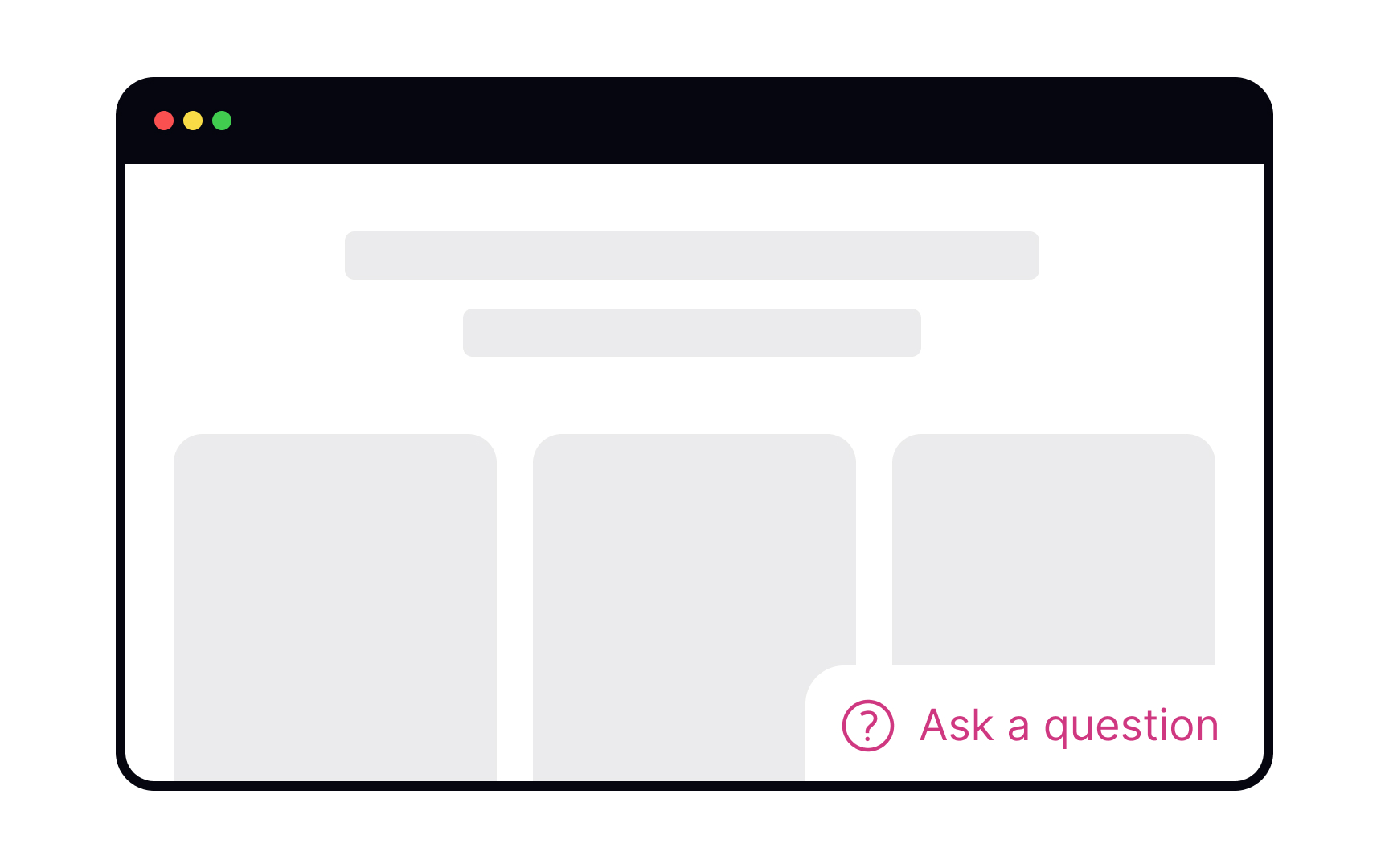
Сhats are becoming a more convenient and less personal alternative to phone calls for customer support. Users expect to find the chat on the Help or Contact Us pages, so play to their expectations. Label it clearly as Chat or Live Chat — other labels will confuse users.
A common practice is to use a chatbot to get user information and identify the issue, and then redirect users to a real person. Make it clear that you're using a chatbot from the beginning — it will help users adjust their language and expectations.
If live support isn't available at the moment, let users know and offer them other means of support — for example, visiting the F.A.Q. section or sending an email.[3]
Conclude a support request
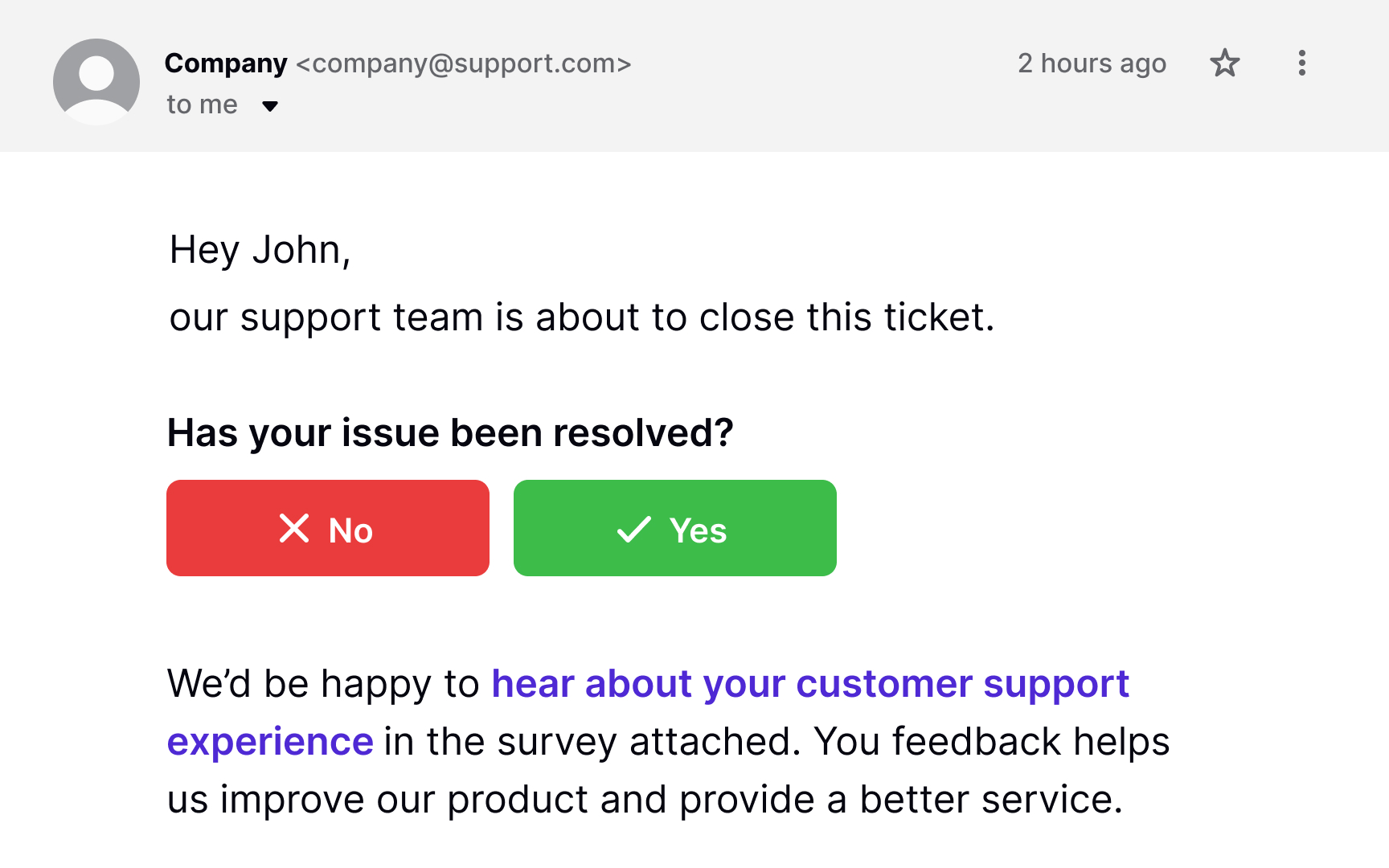
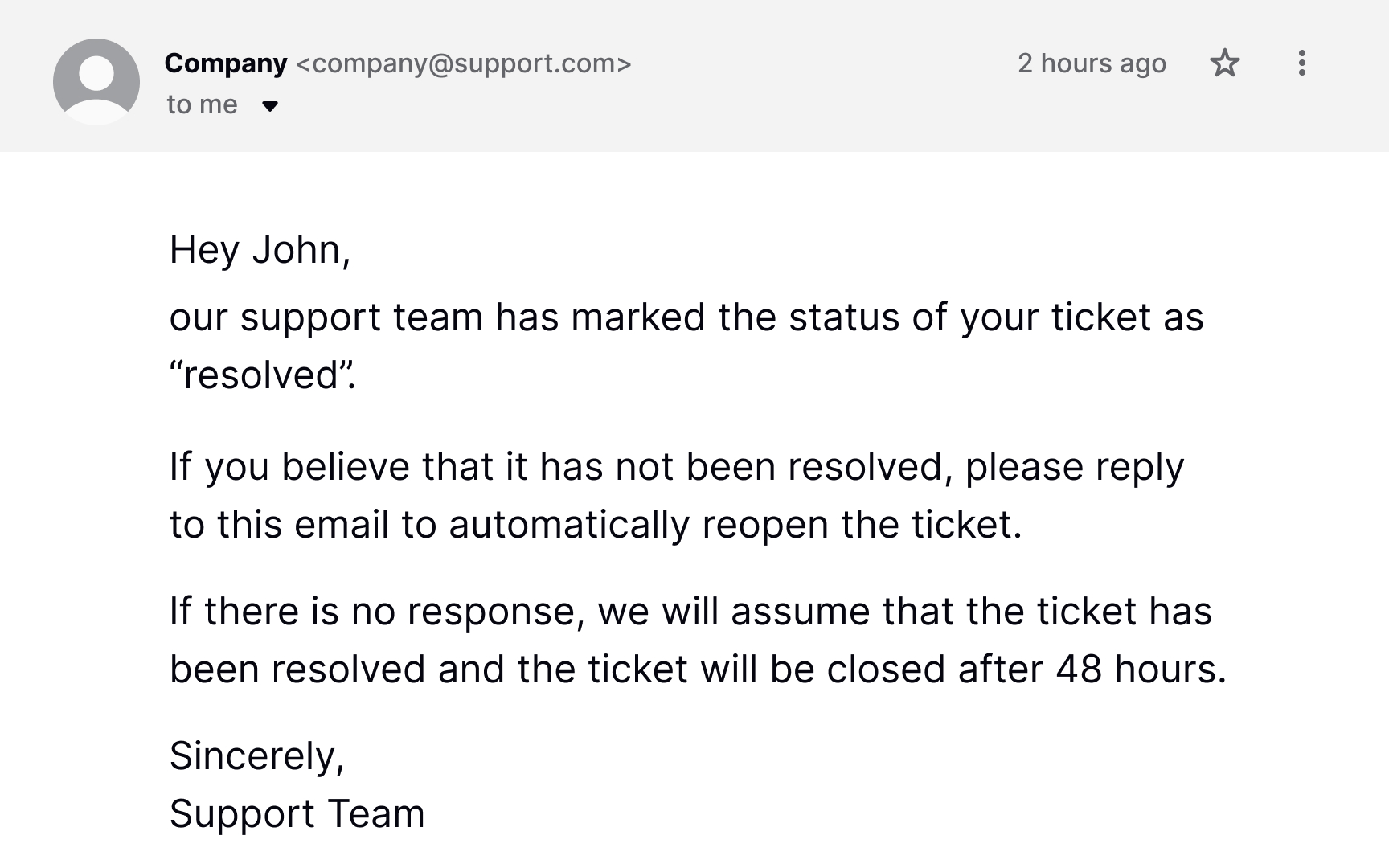
Customer feedback is the cornerstone of improving the support provided. It also helps ensure that users complete their tasks successfully.
After providing help, send a follow-up email to ask if the customer's issue has been resolved. For live chat requests, include the chat transcript so that users can review them as needed. Timing is crucial in this matter. Send the email with the feedback form after the customer's issue has been resolved but while the support experience is still fresh in their mind.[4]
Pro Tip! Explain why you're asking for feedback. Users give feedback more readily when they know that it's going to be put to productive use.
Topics
References
- Minimize the Need for Customer Service to Improve the Omnichannel UX | Nielsen Norman Group
- ‘Contact Us’ Page Guidelines | Nielsen Norman Group
- The User Experience of Customer-Service Chat: 20 Guidelines | Nielsen Norman Group
- How to successfully get feedback from customers after resolving the support query | Freshdesk Blogs