



.svg)


Surveys are one of the most widely used tools in UX research because they scale. A well-designed survey can collect structured data from hundreds or thousands of users in less time and at lower cost than interviews or usability tests. That reach makes surveys particularly valuable for validating findings from qualitative research, tracking changes in user attitudes over time, or capturing input from user groups that are hard to reach in person.
What makes surveys difficult is that small design decisions compound quickly at scale. A leading question, an unbalanced rating scale, or an ambiguous response option does not just affect one participant. It introduces consistent bias across the entire dataset. Surveys that look thorough often produce data that cannot be trusted because the questions shape the answers.
This lesson covers how to design surveys that collect data you can actually act on: setting clear research goals before writing a single question, structuring questions to minimize bias, choosing between open and closed formats based on what you need to learn, and keeping surveys short enough that participants complete them honestly rather than rushing to the end.
Why are UX surveys
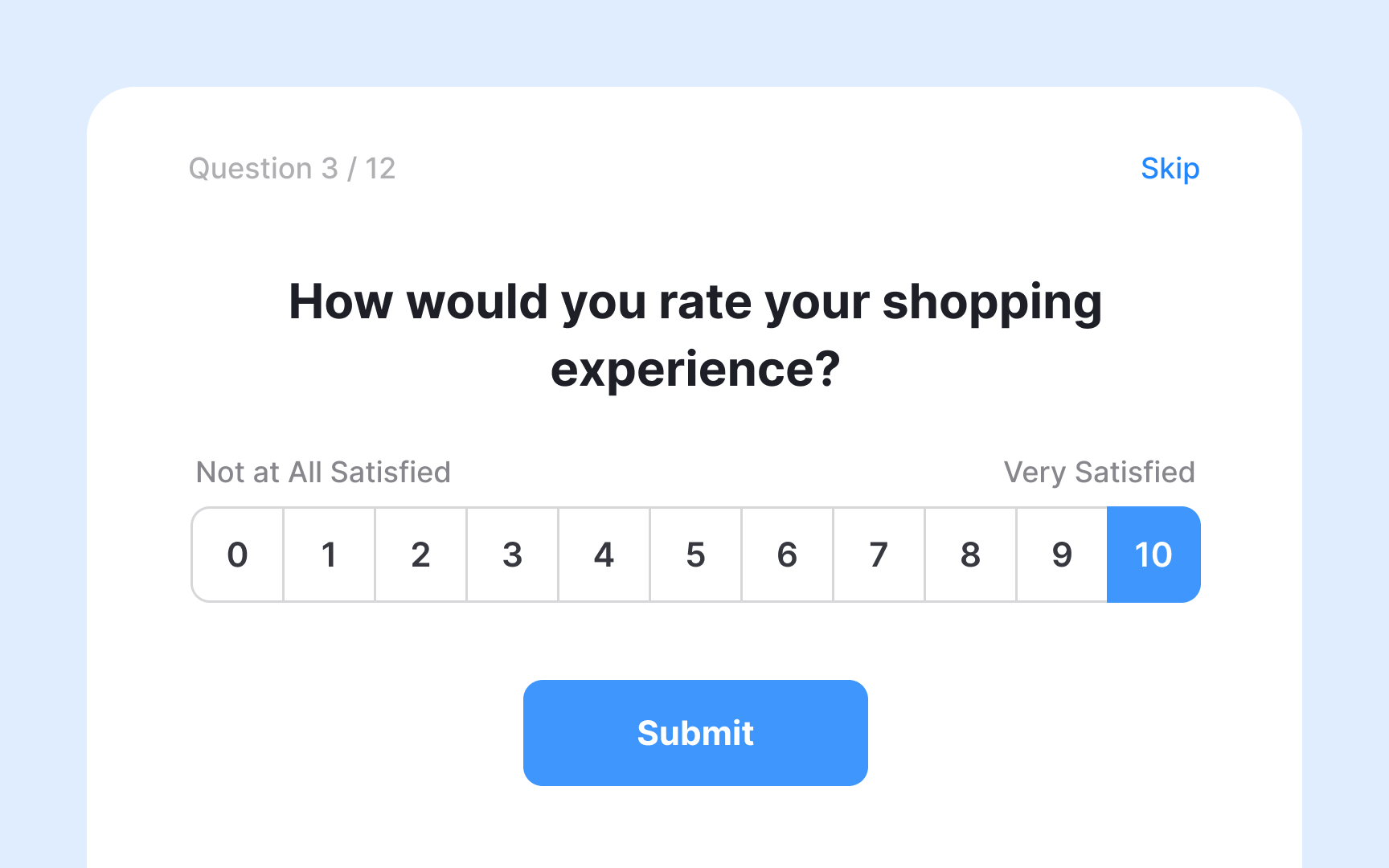
Surveys are one of the most widely used tools in UX research, and for good reason. They're flexible enough to fit any stage of the design process, from early discovery through post-launch evaluation, and they let you collect data from a large number of participants at relatively low cost. Platforms like SurveyMonkey, Typeform, and Google Forms make them quick to set up and distribute.
Depending on how you design them, surveys can capture both qualitative and quantitative data.
One important limitation to keep in mind: surveys only capture attitudinal data, what people think, feel, and say they do. That doesn't always match what people actually do. A participant might say they always read product descriptions before buying, but behavioral research could tell a different story. This gap between stated intent and real behavior is one reason surveys work best when combined with other methods, such as usability testing or observation, rather than used in isolation.
Define your survey goals
Before writing a single question, define what you want to learn. Your research goal determines everything: which questions to ask, how to structure the survey, and which other methods to pair it with for more complete findings.
Surveys are most commonly used as an evaluative research method, helping teams assess whether a product is meeting user expectations. But they're flexible enough to support generative research too, when you're still exploring user needs early in the process, and continuous research, when you want to track how user sentiment shifts across product iterations. A well-constructed survey can be reused over time to make direct comparisons between responses and the changes you've made to your product.
Surveys also work well alongside other data sources. They complement behavioral data from heatmaps, session recordings, A/B tests, and usability studies, adding the attitudinal layer that those methods can't capture on their own.[1]
Minimize bias in UX surveys
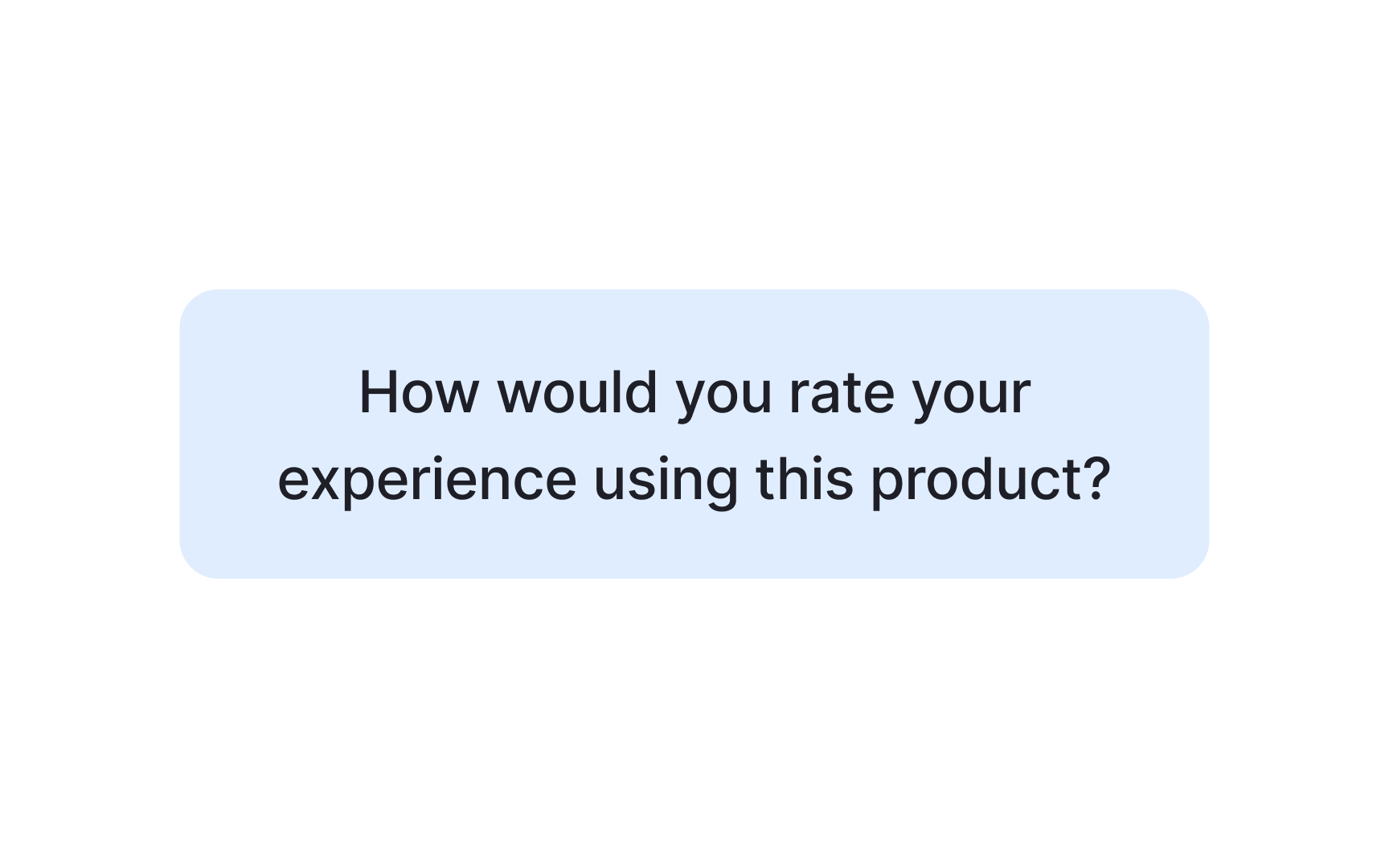


Bias is a tendency to favor one outcome over another, and it shows up in surveys more easily than most researchers expect. Even small wording choices can nudge participants toward a particular answer without them realizing it.
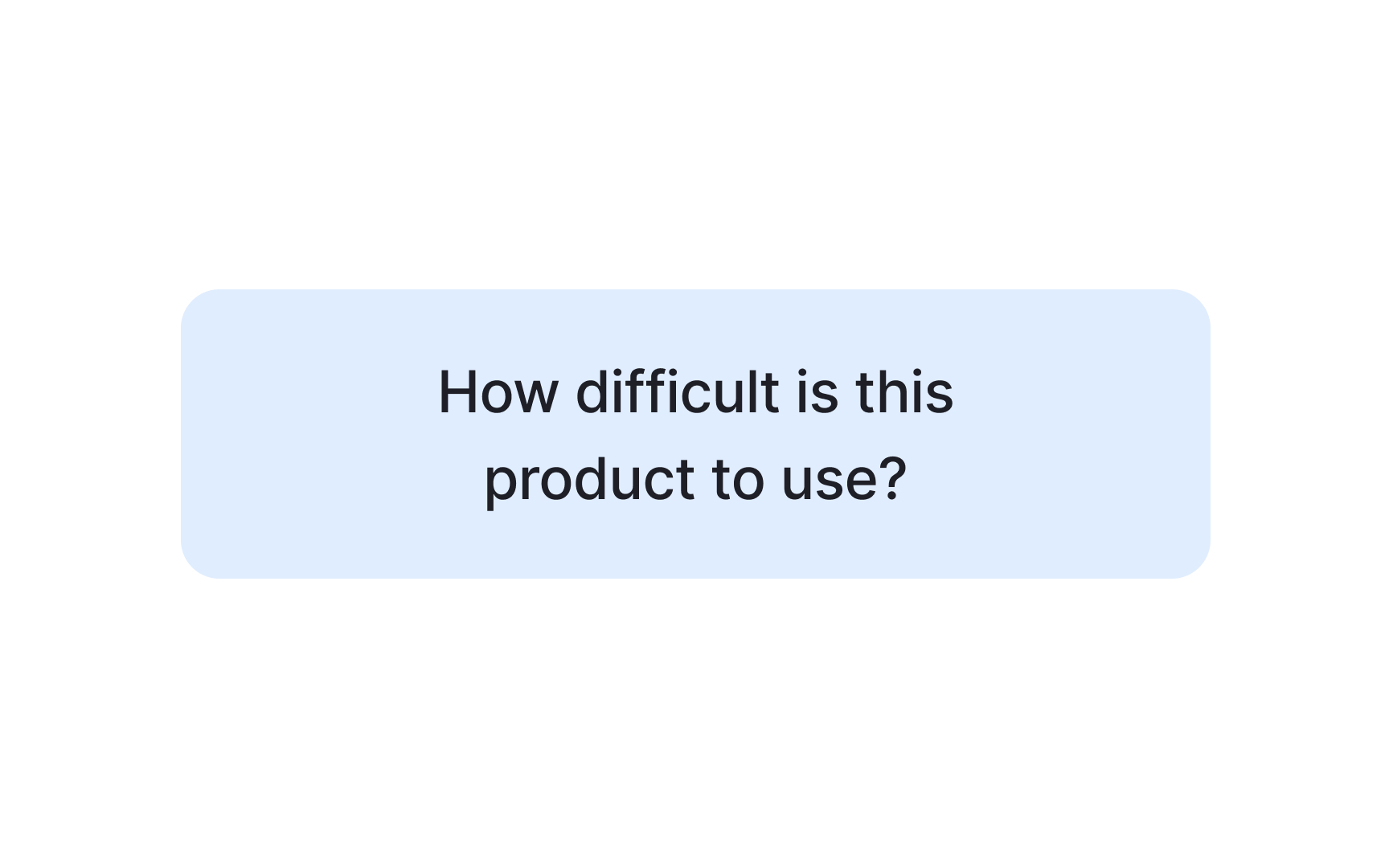
Take the question "How difficult is this product to use?" It sounds neutral, but framing the question around difficulty primes participants to think in that direction. That's a leading question. Surveys are especially vulnerable to this kind of bias because participants have no moderator to course-correct, so the questions themselves carry all the weight.
Wording is just one source of bias to watch for. The order of questions, the sequence of answer options, how you've sampled your participants, and whether your rating scales are balanced can all quietly skew your results. Catching these issues before you distribute a survey is much easier than trying to account for them during analysis.
As a UX researcher, your goal isn't to eliminate bias entirely, which is impossible, but to minimize it enough that your findings reflect what participants actually think rather than what your survey led them to say.
Avoid leading questions in UX surveys
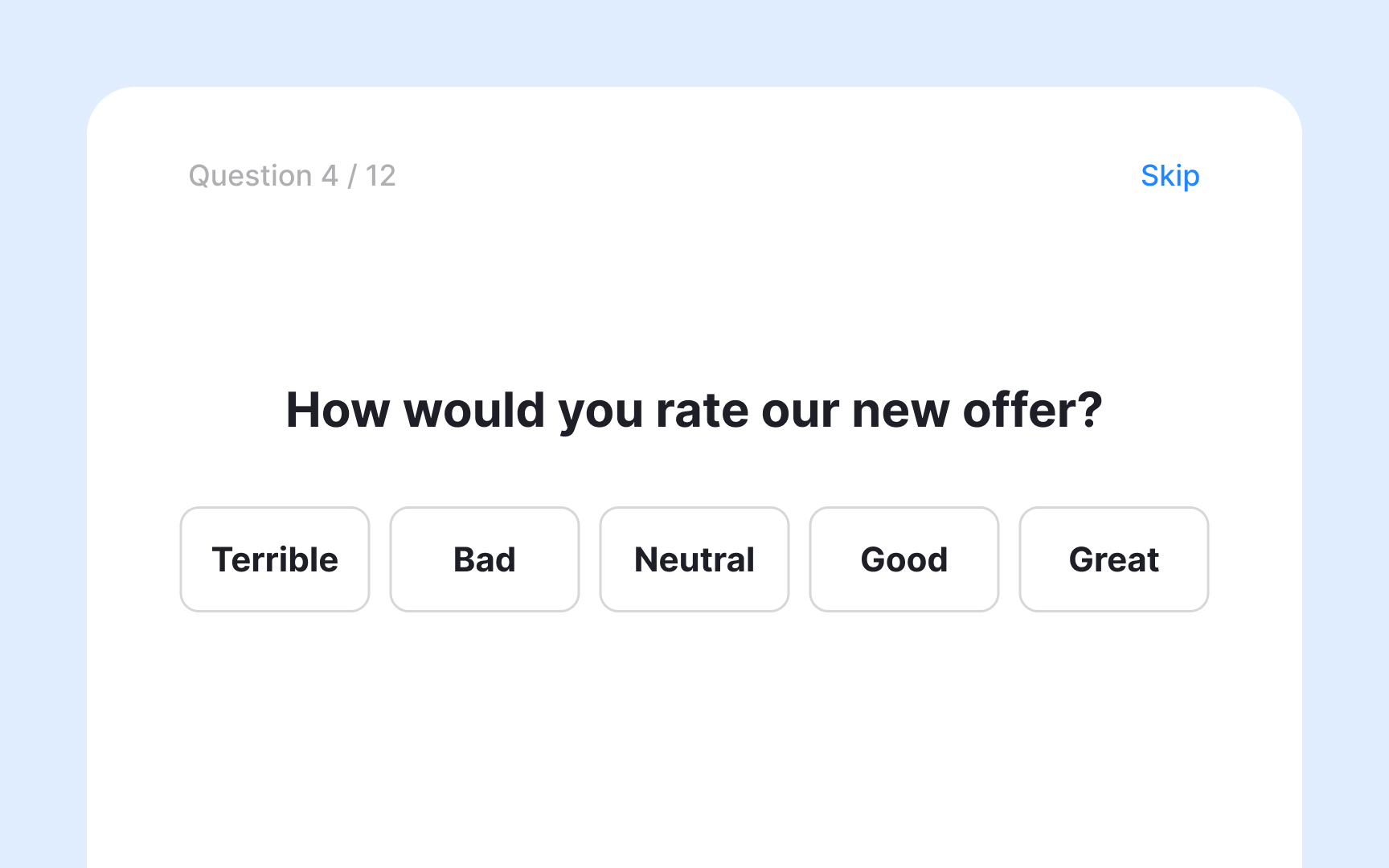
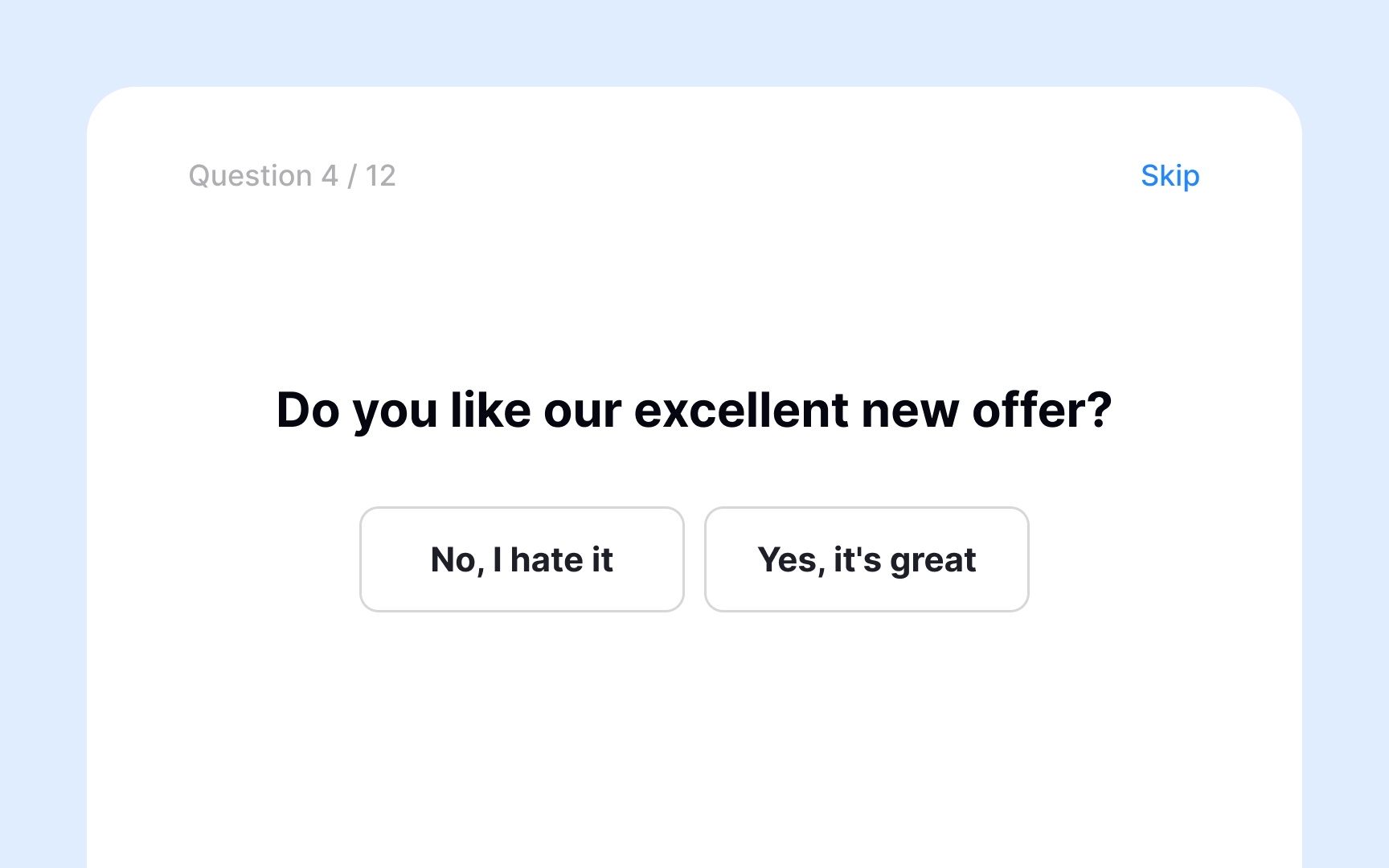
Confirmation bias in surveys most often shows up as leading questions. These are questions that, intentionally or not, steer participants toward a particular answer before they've had a chance to form their own opinion.
Compare these two questions:
- "Our previous feedback survey showed that most people prefer breakfast as their favorite meal. Do you agree?"
- "If you had to choose just one, which meal do you prefer: breakfast, lunch, or dinner?"
The first question front-loads an assumptive statement before asking for a response. Participants are primed to agree rather than reflect, because disagreeing feels like going against the majority. The second question gives participants a genuine choice with no built-in nudge.
Leading questions produce unreliable data. When participants' answers reflect the framing of your question rather than their actual opinions, your findings point in the wrong direction, and the decisions you make based on them will too.
How sampling bias affects survey results
Sampling bias happens when the people who respond to your survey don't accurately represent the group you're trying to learn about. It's not about how you write your questions. It's about who ends up answering them.
The starting point for avoiding it is defining your target audience before you distribute anything. Without a clear picture of who you're trying to reach, you have no way of knowing whether your sample reflects that group or just a convenient subset of it. For example, if you recruit participants only through a professional design community, your findings will lean heavily toward experienced practitioners and miss everyday users entirely.
Once you know who your target audience is, make sure your distribution method actually reaches them. Using a single channel often means certain groups never see the survey at all. Spreading distribution across multiple channels gives a more diverse range of respondents a genuine chance to participate. As you recruit, keep asking "Who haven't we talked to yet?" to surface gaps before they show up in your findings. And when interpreting results, be cautious about drawing broad conclusions from a single study.[2]
Primacy and recency effects in surveys
Order bias can affect survey results in two ways: through the sequence of questions and through the sequence of answer options.
When questions are ordered poorly, earlier ones can prime participants and color how they respond to later ones. For example, if you first ask how satisfied users are with a highly successful feature, the next question about overall satisfaction is likely to receive more positive responses than it would have otherwise. This is because the first question sets a positive frame that carries over.
Answer order works differently depending on the survey format:
- In written and online surveys, participants tend to gravitate toward options at the top of a list, a pattern known as the primacy effect.
- In verbal surveys, where a moderator reads the options aloud, the last options heard stay freshest in memory and are more likely to be chosen. This is called the recency effect.
The most effective way to reduce order bias is randomization. Grouping related questions into blocks, shuffling those blocks, and randomizing answer options for each respondent ensures that position alone doesn't drive the results.
Avoid unbalanced scales in survey questions
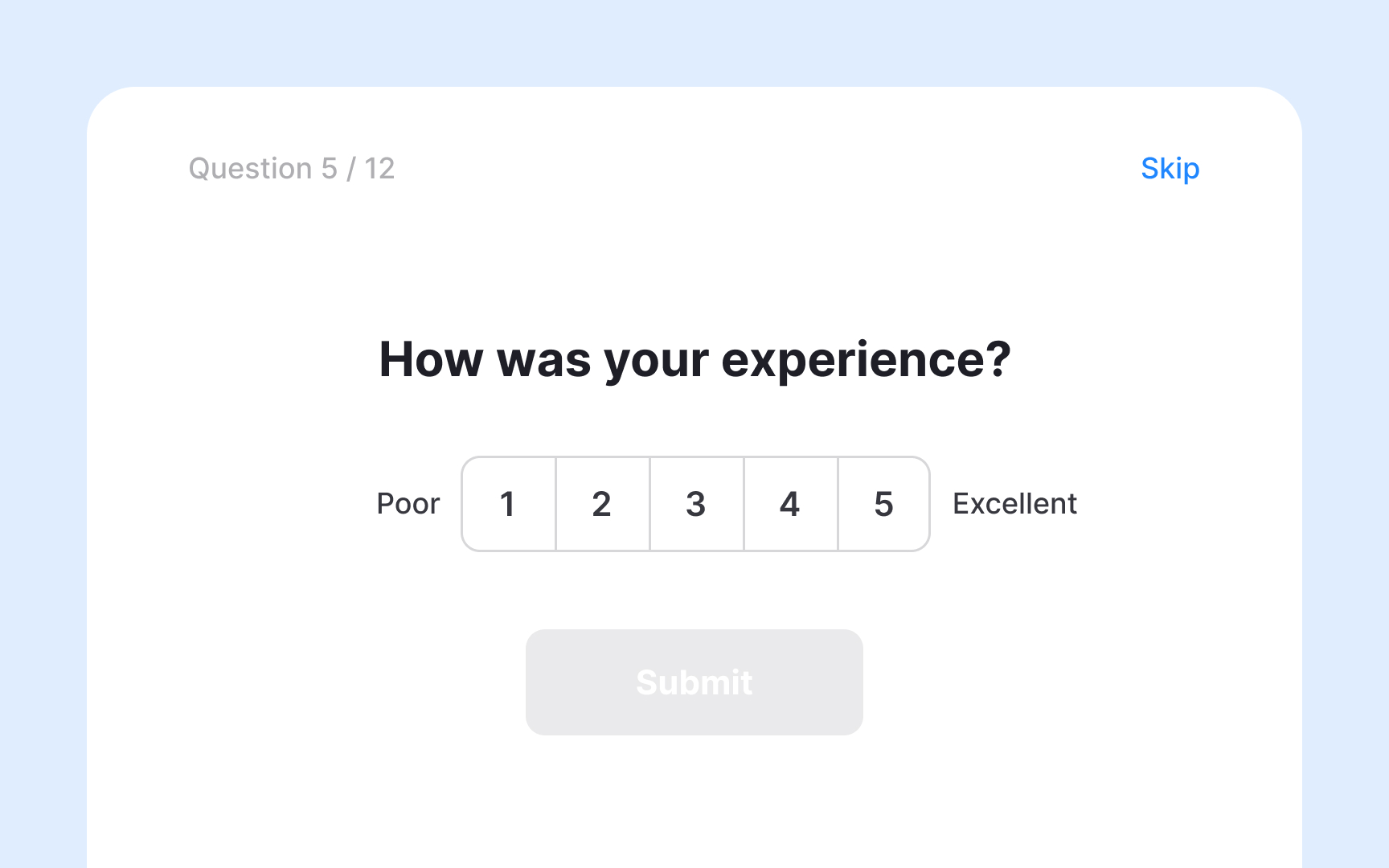
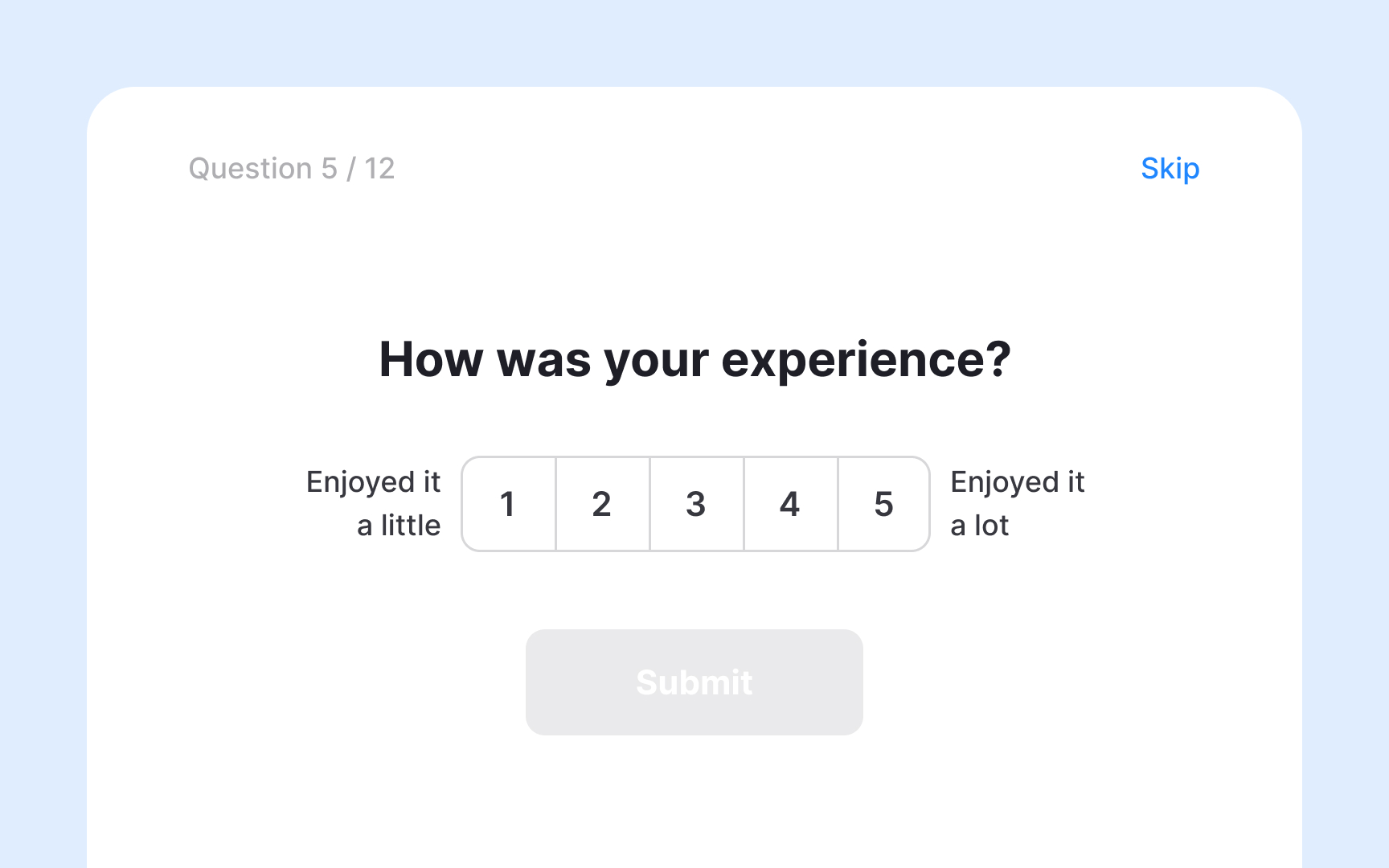
Rating scales are a common type of survey question that ask respondents to evaluate something along a defined range. When designed well, they give participants a genuine spread of options and produce reliable data.
The problem arises when a scale is unbalanced, meaning it offers more options on one side than the other. A question like "How much did you enjoy your experience on a scale of 1 (enjoyed it a little) to 5 (enjoyed it a lot)?" has no negative option at all. Another version of this appears when the midpoint isn't truly neutral, such as a scale with options "Great," "Very good," "Good," "Okay," and "Poor." 4 out of 5 options lean positive, which can push respondents toward a more favorable answer than they actually feel.
A balanced version of the same scale would look like this: "Very poor," "Poor," "Neutral," "Good," "Very good." 2 negative options, 1 neutral midpoint, and 2 positive options give respondents an honest range and reduce the risk of skewing results in either direction.[3]
Structure survey questions for better responses

The order of question types in a survey affects both response quality and completion rates. A structure that works well for most UX surveys is to start broad and narrow down as you go:
- Open with simple, closed-ended questions. They're quick to answer, require little effort, and ease respondents into the survey. Starting with a free-text question can feel demanding right away and increases drop-off.
- Once respondents are engaged, move to more specific closed-ended questions that measure what you need to know: rating scales, multiple choice, yes/no. These give you quantifiable data you can analyze across your full sample.
- Use open-ended questions sparingly, and place them after the closed-ended ones. By that point, respondents have already reflected on the topic, so their answers tend to be more focused. Too many open-ended questions, or placing them too early, leads to fatigue and lower completion rates.
Say you're evaluating a newly released feature. A well-sequenced survey might look like this:
- Have you used the new feature? (closed, warm-up)
- How easy or difficult was it to use? (1 = very difficult, 5 = very easy) (closed, measurement)
- What are your first impressions of this feature? (open, context)
- What is one thing you would change about it? (open, discovery)
This sequence moves from low-effort to high-effort questions, which keeps respondents engaged long enough to give you the qualitative context that numbers alone can't provide.[4]
Avoid double-barreled survey questions
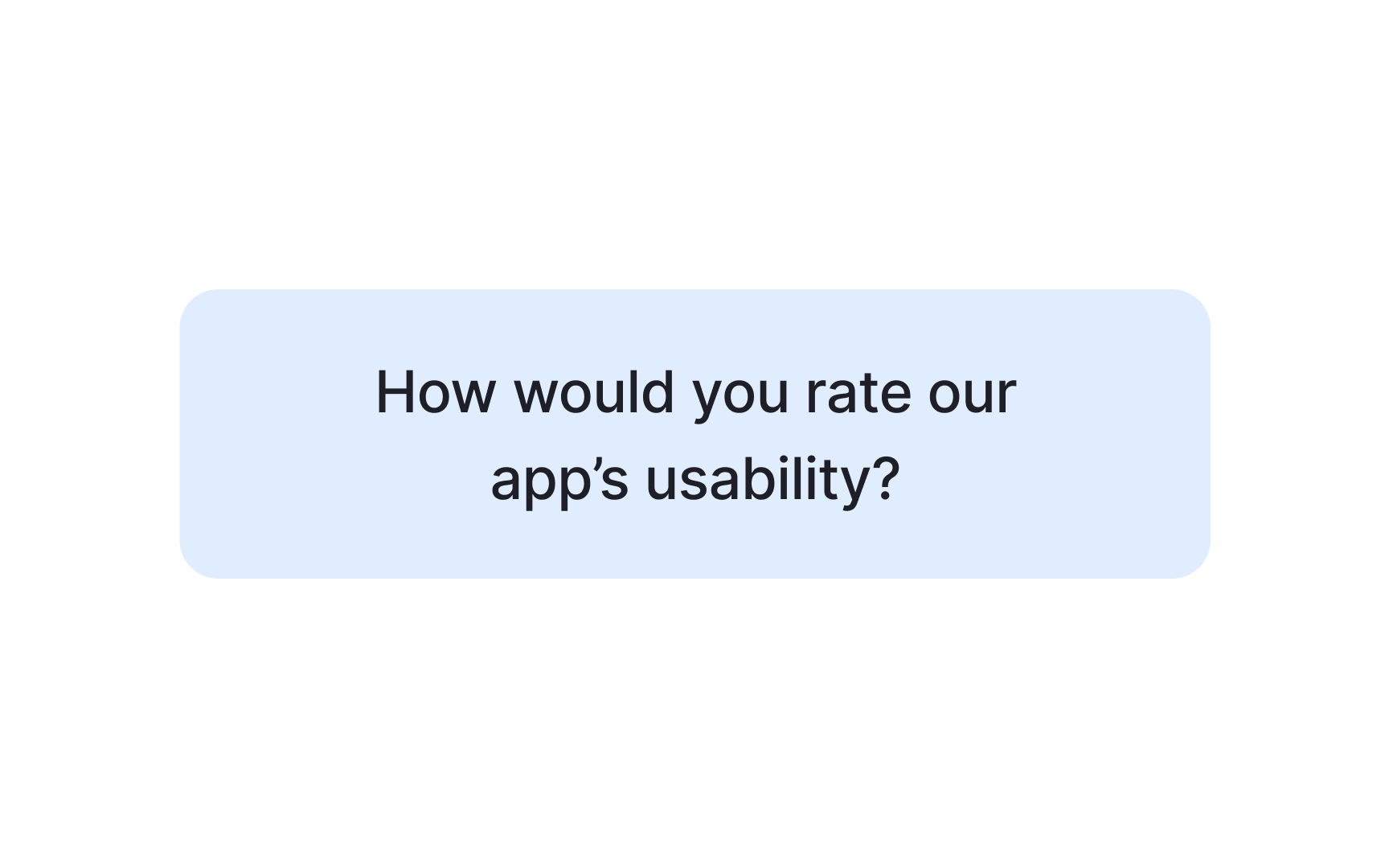

Each survey question should measure exactly one thing. When a question covers two concepts at once, it's called a double-barreled question, and it forces respondents to give a single answer about two separate issues they might feel differently about.
Take this example: "How would you rate the usability and design of our app?" A respondent might find the app easy to use but visually cluttered, or beautifully designed but confusing to navigate. With only one answer field, they have no way to express that difference. You end up with a response that doesn't accurately reflect either opinion.
The fix is straightforward: split the question in two.
- How easy or difficult is it to navigate the app?
- How would you rate the visual design of the app?
Now each question measures one thing, and respondents can answer both honestly. The data you collect is cleaner and easier to act on.
A quick way to spot double-barreled questions before launch is to look for the word "and" in your question. Not every "and" signals a problem, but if the question is asking respondents to evaluate two distinct aspects at once, split it.
Use closed-ended questions to collect quantitative data

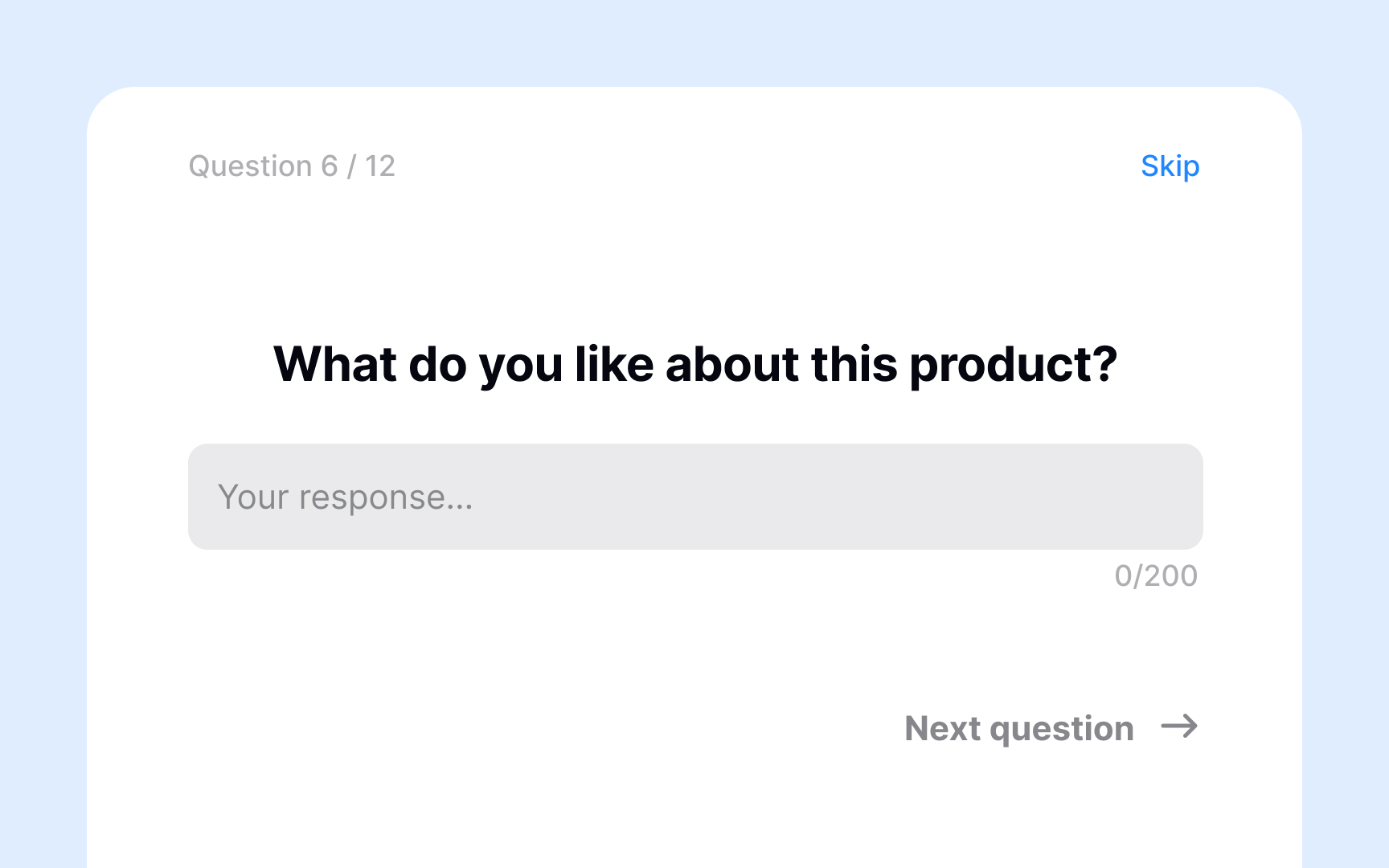
Closed-ended questions ask respondents to choose from a predefined set of answers. They're quick to complete and produce structured data that's easy to analyze across a large sample.
Common formats include yes/no questions, multiple choice, and rating scales. For example, "Are you satisfied with this product?" with options: Yes / Mostly / Not quite / No. Or a rating scale: "How easy was it to complete your task?" on a scale from 1 (very difficult) to 5 (very easy).
The tradeoff is depth. Closed-ended questions can tell you what percentage of users struggled with a task, but not why. They measure patterns well, but miss the context behind them. That's why they work best at the start of a survey, before open-ended questions invite respondents to elaborate.
Use open-ended questions to capture qualitative data
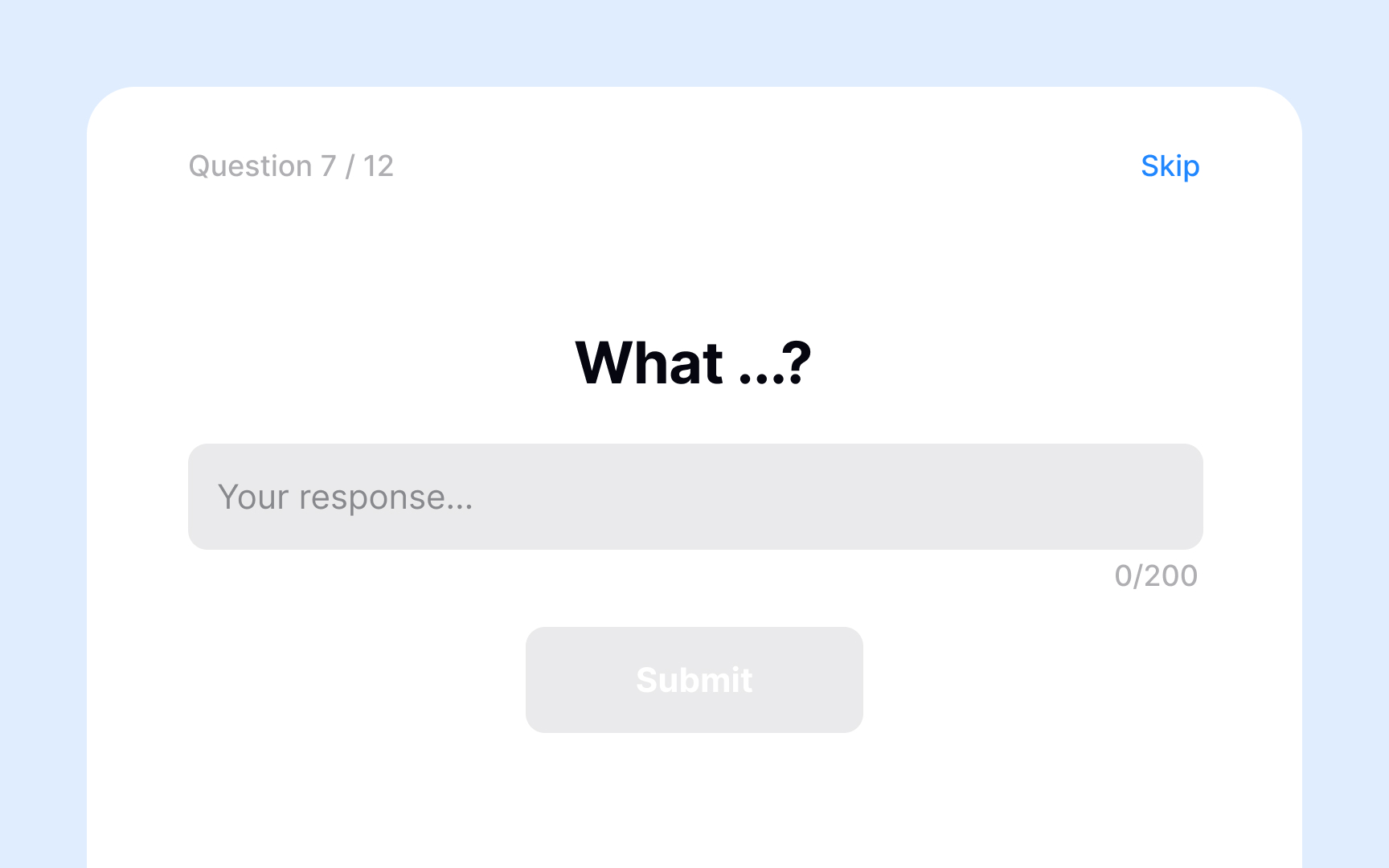
Open-ended questions invite respondents to answer in their own words, without predefined options. They're harder to analyze than closed-ended questions but reveal context, motivations, and frustrations that a fixed set of choices would miss.
A weak open-ended question like "What do you think about this product?" is too vague and often produces unfocused answers. Specific prompts work better. For example, "What made completing that task difficult?" or "What is one thing you would change about this feature?" give respondents a clear direction while still leaving room for honest, detailed responses.
Analyzing open-ended responses takes more effort than closed-ended data. Common approaches include reading through responses to spot recurring themes, using word cloud visualizations to identify frequently mentioned terms, and applying semantic analysis tools to surface patterns at scale.
The tradeoff is effort on both sides. Open-ended questions take longer to answer and longer to analyze, so use them sparingly and place them after closed-ended questions, where respondents have already reflected on the topic.
Keep surveys short enough to complete
The longer a survey takes to complete, the less likely respondents are to finish it. Completion rates aren't only affected by the number of questions. Perceived length matters just as much. A survey with ten focused questions can feel shorter than one with seven that are wordy or effortful to answer.
Only include questions that directly serve your research goals. If a question won't change what you do with the data, cut it. Open-ended questions require more effort, so if your survey relies on them, reduce the total number of questions.
Things that help:
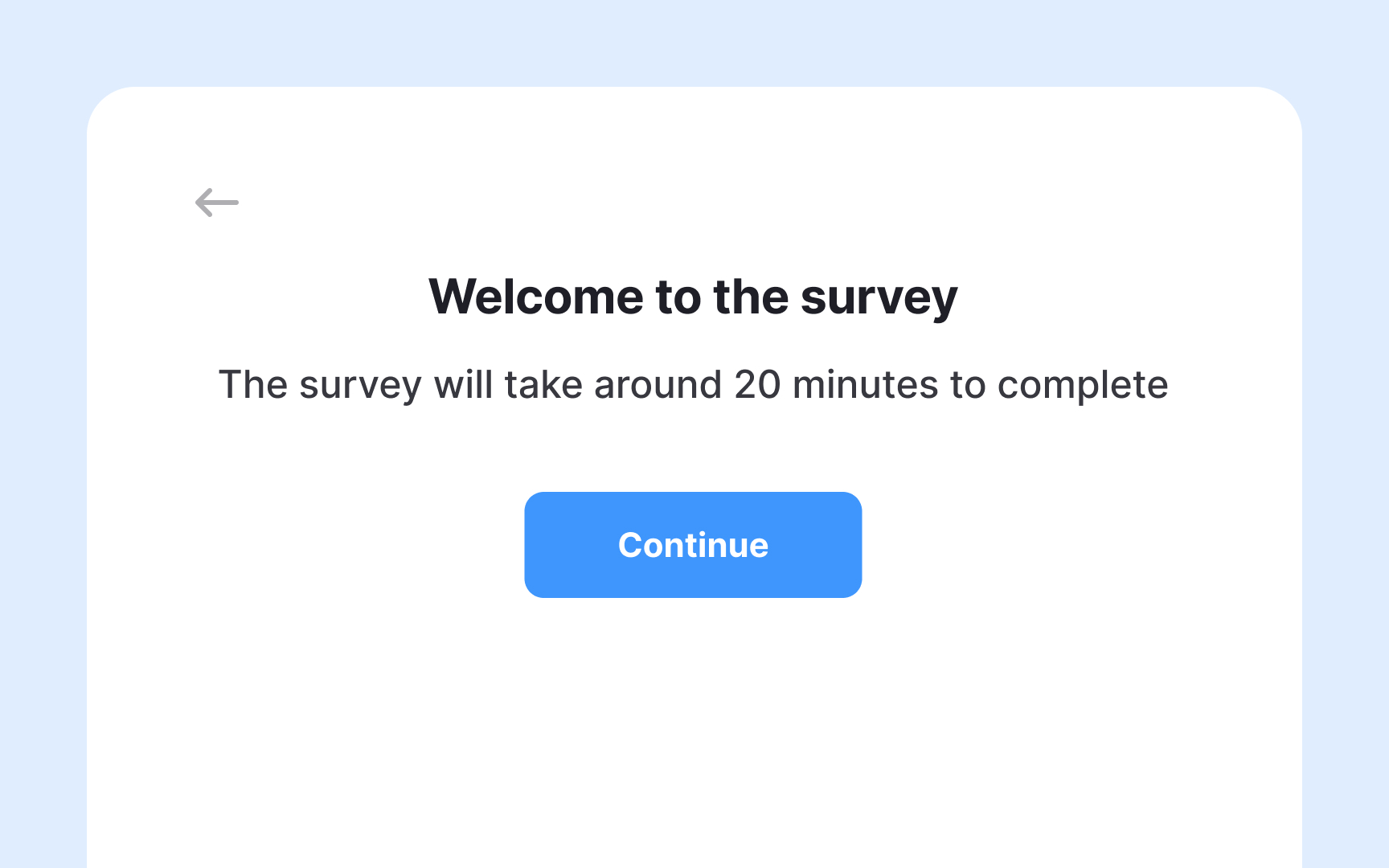
- Tell respondents upfront how long the survey takes and how many questions to expect. This reduces uncertainty and early drop-off.
- Add a progress indicator so respondents can track their progress.[5]
- Let respondents skip questions that don't apply to them. Forced answers to irrelevant questions are a common reason people abandon surveys.
- Use conditional logic to show follow-up questions only to relevant respondents.[6]
Use incentives to increase survey response rates
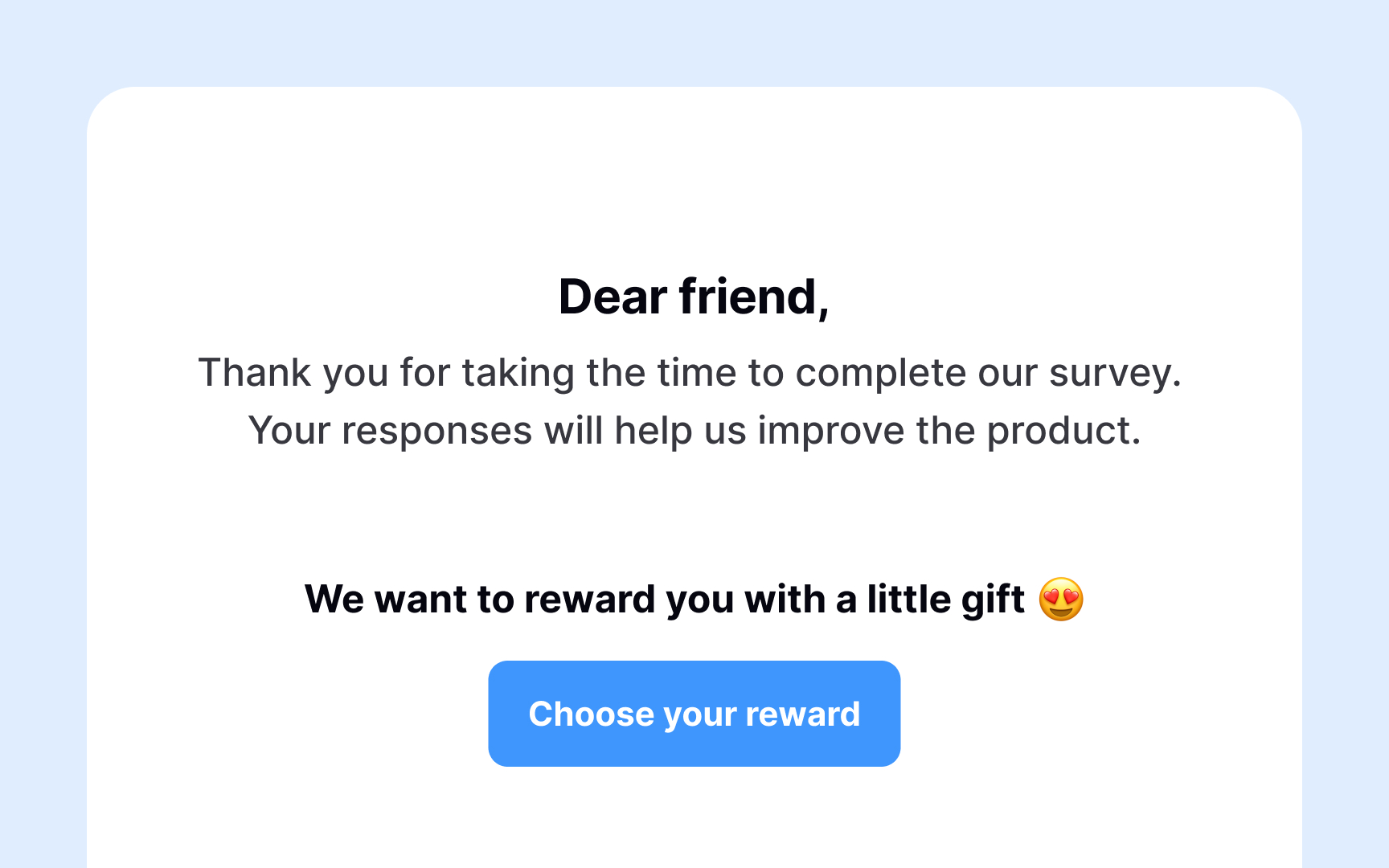
Offering incentives is a reliable way to increase survey response rates, but there are a couple of things to keep in mind.
The wrong incentive can backfire. If a user is unhappy with your product, offering a free month of it is unlikely to motivate them to participate. It can also introduce bias, meaning that respondents who receive something upfront may feel obligated to answer more positively than they actually feel.
A few best practices:
- Match the incentive to the effort. Deeper or more specialized surveys warrant higher compensation. Many companies offer significantly more to participants with specific expertise or experience.
- Vary the format. Direct payments via PayPal and gift cards are generally the most popular options, but the right choice depends on your audience.
- Deliver incentives promptly. Respondents who have to wait a long time to receive compensation are less likely to participate in future surveys.
Use AI to accompany you with research surveys

Writing a survey is one thing. Writing one that collects clean, usable data is another. AI can accompany you at each stage of the process, but it works best as a critical companion rather than an autonomous author.
- Generating a first draft. Tools like ChatGPT or Claude can produce a full set of questions when given enough context. Your prompt should include your research goal, target audience, and question types needed. A vague prompt produces generic questions that measure nothing specific.
- Checking for bias. Paste your draft back into AI and ask it to flag leading, loaded, or double-barreled questions. Tools like Maze also have a built-in bias checker for research questions. Review flagged items yourself. AI misses things, too.
- Varying question types. Ask AI to suggest alternatives when your draft feels repetitive. If you have a run of Likert scale questions, ask it to propose open-ended or matrix alternatives to avoid survey fatigue.
- What AI cannot do. It cannot tell you whether you are measuring the right things. A survey full of well-written questions about the wrong topic still produces useless data. The research goal and question selection are yours to define.[7]
Pro Tip! After generating a draft, ask AI to take the survey from a participant's perspective and flag anything confusing. It surfaces wording issues faster than a pilot test alone.
Topics
References
- Surveys for UX Research
- Convenience vs. Probability Sampling in UX Research | Nielsen Norman Group
- Are You Using Unbalanced Survey Scales? Stop Now. Please.
- How to Create a UX Survey or Questionnaire | Get UX Feedback
- The impact of progress indicators on task completion | PubMed Central (PMC)
- UX Survey Best Practices: Expert-Led Tips + Tricks | Maze | Maze
- How to Use AI for UX Research: The Complete 2026 Guide (5 Pa



