.svg)

Most AI features designers and PMs have worked with so far are reactive: a user types a message, and the model replies. Agentic AI works differently. Agentic systems take sequences of actions toward a goal, calling tools, making decisions, and adjusting their approach based on results, without a human approving each step. That shift in behavior changes what product teams are responsible for designing and what can go wrong.
An AI agent is not just a chatbot with more features. It is a system that perceives its environment, selects actions, and executes them using tools like search, code execution, or external APIs. When multiple agents coordinate, each handling a different part of a task, that architecture is called a multi-agent system. The component that coordinates which agent does what is called an orchestrator. These terms describe real architectural choices that affect how a product behaves, where errors compound, and what recovery looks like.
For designers and PMs, understanding agentic systems means understanding the points where human judgment needs to stay in the loop. Human-in-the-loop is not a general principle about AI being supervised. It is a specific design decision: at which steps does the system pause and ask a human to confirm, correct, or redirect before proceeding? Getting that boundary wrong means either over-burdening users with approvals or under-protecting them from cascading errors. Guardrails define the outer limits of what a system is allowed to do. Knowing these terms gives product teams a shared language for designing agentic features responsibly.
Agentic AI
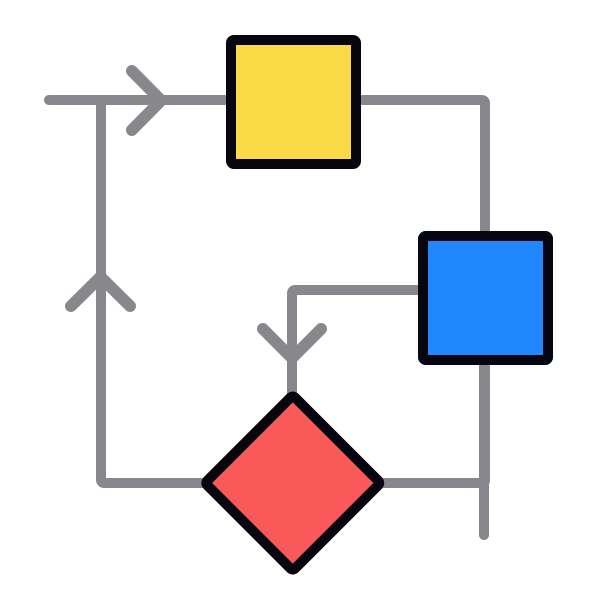
Agentic AI refers to systems designed to pursue goals through sequences of actions, rather than generating a single response to a single input. A standard AI feature answers a question or completes a task when prompted. An agentic system breaks a goal into steps, executes those steps using available tools, evaluates the results, and continues until the goal is met or a stopping condition is reached. The "agentic" quality is this capacity for sustained, self-directed action.
In product conversations, "agentic" gets used loosely to mean any AI feature that does something automatically. That imprecision causes real problems. A PM who describes a summarization button as "agentic" is mixing up automation with agency. What distinguishes agentic AI is not that it runs without a button press, but that it takes actions with downstream consequences. An agentic system might draft and send an email, book a meeting, and update a project tracker as part of a single goal, where each step depends on the previous one.
That sequential, tool-using behavior is what makes agentic systems different to design for. Errors do not stay contained to one response. They propagate through a chain of actions. A designer working on an agentic feature needs to understand what actions the system can take, what state it leaves behind, and where the system should stop and ask a human before proceeding. [1]
Pro Tip! A prompt-response AI feature does one thing when asked. An agentic system keeps going: it acts, checks the result, and decides what to do next.
AI agent
An AI agent is the individual unit that does work inside an agentic system. It is a software component that perceives input from its environment, decides what action to take, executes that action using available tools, and receives feedback on the result. The cycle of perception, decision, and action is what separates an agent from a model that simply generates text. The agent acts on the world, not just on a prompt.
In practice, an agent might have access to a set of tools: web search, code execution, database queries, or API calls. When given a goal, it selects which tool to use, calls it, reads the output, and decides on the next action. A coding agent given a bug report might read the relevant file, write a fix, run the tests, and report the result, all without human involvement at each step.
Product teams evaluating agentic features need to understand what tools a proposed agent has access to. Tool access defines the agent's blast radius. An agent that can only read data has a very different risk profile than one that can write to a database, send messages on behalf of users, or delete records. Framing the question as "what can this agent do?" is the first step toward designing the right level of oversight.[2]
Pro Tip! An agent with read access to users’ calendar can tell them when they're free. One with write access can book the meeting, invite attendees, and block the time — all before users have reviewed anything.
Autonomous system in AI
An autonomous system in AI is one that completes tasks or makes decisions without requiring human input at each step. Autonomy is not binary. It exists on a spectrum, from fully manual, where a human takes every action, to fully autonomous, where the system acts without any human checkpoints. Most AI products sit somewhere between those poles, automating some steps while requiring human approval for others.
The distinction matters for product work because autonomy determines accountability. When a system acts autonomously and produces a bad outcome, the question of who is responsible becomes harder to answer. A PM building a feature with some degree of autonomy needs to make deliberate choices about where on that spectrum the feature sits. That means deciding which actions are safe to automate, which ones require a human to review the output before it takes effect, and which ones should never be automated regardless of model confidence.
Autonomy is not a technical property that appears when a model becomes capable enough. It is a product decision. A team can build a highly capable AI feature and still require a human to confirm every action it proposes. Autonomy only exists where the team has deliberately removed those confirmation steps. This means that questions like "how autonomous is it?" are not questions about model performance. There are questions about what the team decided to let it do on its own.[3]
Pro Tip! Autonomy is a dial, not a switch. Product teams set it by deciding where to keep humans in the loop and where to let the system act without waiting.
Tool use in AI agents
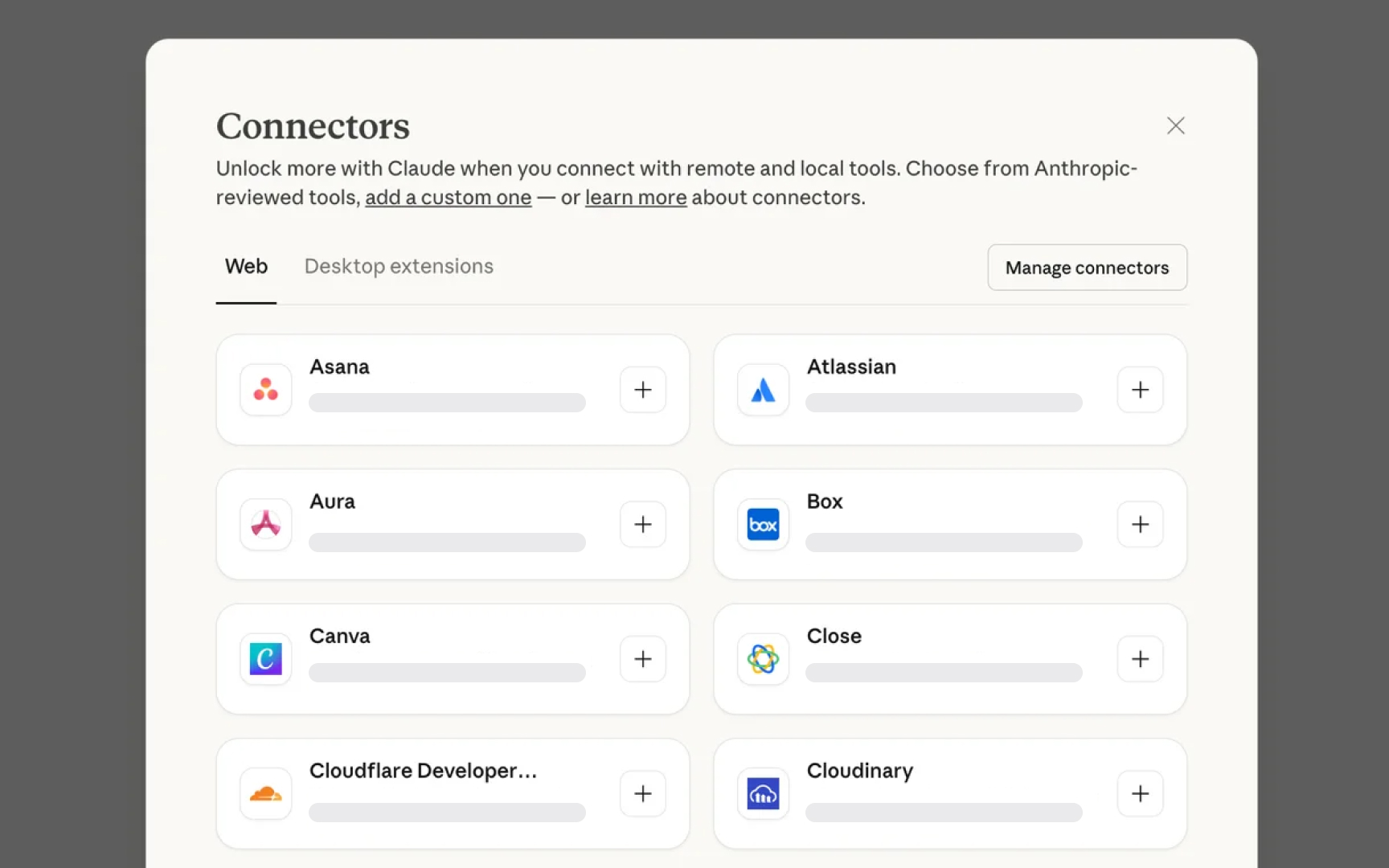
Tool use is the ability of an AI agent to call external functions, APIs, or services as part of completing a task. Without tool use, an agent can only reason and generate text. With tool use, it can search the web, run code, read from databases, send messages, or interact with other software systems. Tool use is what makes agentic behavior possible. It is the bridge between reasoning about a task and taking action on it.
In product terms, the tools available to an agent define both its capabilities and its risks. An agent with access to a web search can retrieve current information. An agent with access to a calendar API can book meetings. An agent with access to a project management tool can change the status of tasks, reassign work, or close tickets without anyone reviewing those changes first. Each tool adds a new surface area for errors, misuse, or unintended consequences.
A PM scoping an agentic feature should treat the tool list as a primary scope definition, not a technical implementation detail. Designers working with agentic products encounter tool use through the decisions their teams make about what the agent is allowed to do on a user's behalf. The design question is not just "what can it do?" but "what does the user understand it can do?" and "what happens if it does the wrong thing?" Those are design problems that start with understanding what tools the agent has.[4]
Pro Tip! Describing a tool as read-only vs. read-write is one of the most consequential distinctions in agentic product design. One observes. The other changes things.
Orchestration in agentic AI
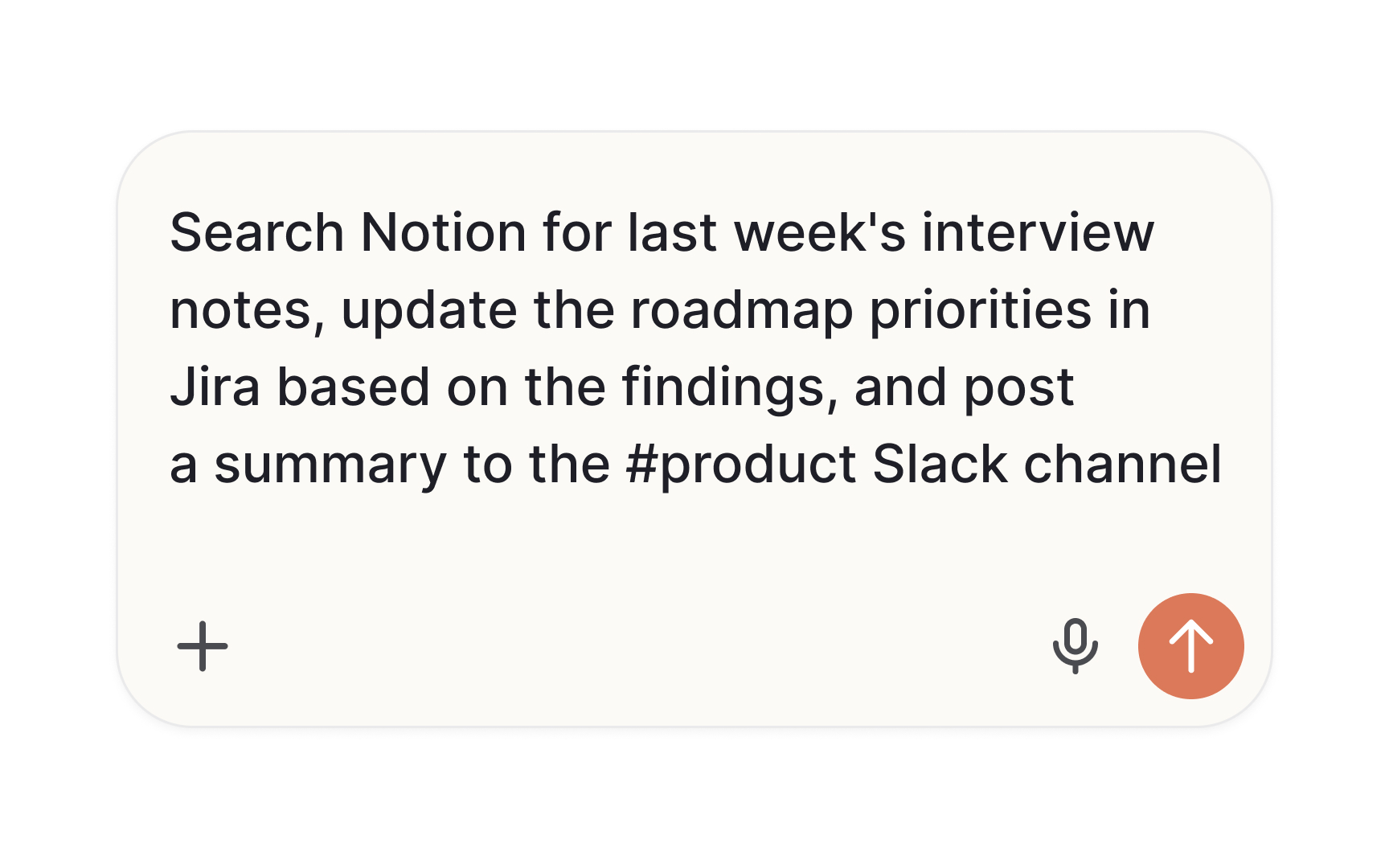
Orchestration is the process of coordinating the steps in an agentic workflow. In systems where a task is broken into multiple steps, something has to decide what happens next: which action to take, what input to pass along, and when the goal has been reached. That coordinating function is handled by an orchestrator, which is a model or automated system that manages the sequence and routing of the entire workflow.
The orchestrator does not do the work itself. It directs it. If an agentic system retrieves information, summarizes it, and then drafts a document, the orchestrator is what decides that those steps happen in that order, with those inputs, and that the output of one step becomes the input of the next. Individual agents or tools handle each step. The orchestrator holds the task logic that connects them.
This layer matters for product teams because it is where failures often originate. A step executed correctly but in the wrong order, or a correct output passed to the wrong next step, can produce a wrong final result without any single component obviously breaking. Understanding that orchestration is a distinct layer, separate from the agents it coordinates, helps PMs and designers ask better questions when an agentic feature behaves unexpectedly.[5]
Pro Tip! Think of the orchestrator as the task plan, not the task executor. Getting the plan wrong produces wrong results even when every individual step runs correctly.
Multi-agent system
A multi-agent system is an architecture in which multiple AI agents work together, each handling a specialized part of a larger task. Instead of one agent attempting everything, the system distributes responsibilities based on what each agent is built to handle well. One agent might retrieve information, another might analyze it, and a third might produce a final output. Each operates within its own scope and passes its result forward.
This structure becomes valuable when a task is too broad or complex for a single model to handle reliably in one pass. Different parts of a workflow may require different capabilities, different tools, or different levels of precision. Splitting the work allows each agent to focus on what it does well, and the overall system to handle more than any individual component could alone.
For product teams, the important consequence of this architecture is what happens when something goes wrong. In a single-agent system, an error is relatively contained. In a multi-agent system, an early mistake can be passed forward and built on by every agent that follows, each one treating the flawed output as valid input. By the time the result reaches users, the original error may be buried under several layers of correct-looking processing.[6]
Pro Tip! In a multi-agent system, a wrong assumption made early travels the whole pipeline. Testing only the final output misses where the problem actually started.
Human-in-the-loop in agentic AI
Human-in-the-loop (HITL) is a pattern in agentic system design where the system pauses at specific points and requires a human to review, confirm, or redirect before continuing. In agentic systems, this is not a default. The team has to deliberately decide where to place human checkpoints, what information users need at each one, and what the system does if users do not respond.
HITL decisions are context-dependent:
- A low-stakes action, like generating a draft, might need no checkpoint at all.
- A medium-stakes action, like sending a message on behalf of users, might need a single confirmation step.
- A high-stakes action, like submitting a form or completing a transaction, might require the user to review specific details before the system proceeds.
The cost of getting this wrong in either direction is real: too many checkpoints make the agentic feature feel like extra work; too few leave users exposed to irreversible mistakes made on their behalf.
The term also applies beyond individual product features. When a data analyst reviews AI-generated insights before acting on them, or when an engineering team requires sign-off before deploying an AI-suggested code change, those are also HITL patterns. The same principle appears at different scales, from a single confirmation button in a consumer product to a structured approval process inside an organization.[7]
Pro Tip! A confirmation step is only useful if users have enough context to make a real decision. A checkbox without clear information is HITL in name only.
Guardrails in agentic AI
Guardrails are constraints applied to an AI system that define the boundaries of its permitted behavior. In agentic systems, where the model can take sequences of actions with real-world consequences, guardrails specify what the system is and is not allowed to do. A guardrail might prevent an agent from accessing certain types of data, block it from taking irreversible actions without confirmation, limit the number of steps it can take in a single run, or restrict which external services it can call.
Guardrails operate at different levels. Some are enforced at the model level, where the underlying AI is trained or prompted to refuse certain requests. Others are enforced at the system level, where the surrounding software prevents specific actions regardless of what the model decides. A system-level guardrail that blocks an agent from deleting records will hold even if the model reasons its way to concluding that deletion is the right action. The distinction matters because model-level guardrails can sometimes be worked around; system-level ones typically cannot.
For product teams, understanding guardrails means knowing that they have to be specified, not assumed. A new agentic feature does not come with default limits on what it can do. The scope of permitted actions needs to be defined explicitly, and that definition shapes what users can trust the system to do or not do on their behalf. A feature with clearly defined guardrails is one where the boundaries of the system's behavior can be communicated to users honestly.[8]
Pro Tip! Model-level guardrails rely on the AI following instructions. System-level guardrails enforce limits in the code itself. For high-stakes actions, the second kind is the one to trust.