

.svg)


You’ve worked tirelessly on UX design projects, pouring countless hours into creating visually pleasing yet powerful designs. Now, you’re ready to share them with potential clients and start browsing the UX job boards.
But, how?
Portfolio builders are a great place to start. A portfolio website builder helps you create a portfolio website that looks sharp and works flawlessly. They’re easy to use and don’t require coding knowledge—pair them with a UX UI design certificate online to make your skills as credible as your visuals.
Check out the top 12 UX portfolio website builders and their features, benefits, drawbacks, and pricing. Explore some UX design portfolio examples beforehand to get an idea of what you’re aiming for.
Here’s what we’re looking at:
What is the best way to build a portfolio: PDF or web-based?
A web-based portfolio is your best bet when it comes to creating a shareable, editable portfolio.
A web-based portfolio gives you more control than PDFs. Having an online UX portfolio makes sharing your work with potential clients, hiring managers, and peers effortless. You can simply share the portfolio URL and they can access it from anywhere.
A web-based portfolio is also easier to edit and update. Whenever you have new information or designs to add, you can quickly and easily update the online portfolio for you and everyone who has the link.
A PDF portfolio, however, is a static document that you have to share with prospects individually. If you update your portfolio, all previous versions of your portfolio are no longer an accurate representation of your work and experience.
Web-based portfolios are the obvious best choice for sharing your skills and expertise with prospects who can help you build a UX design career.
12 of the best website builders for UX portfolios
Now that you know a web portfolio is the best option, let’s explore the top website builders that make portfolio creation a breeze. Pair the right tool with a comprehensive UX portfolio guide to brief your structure before you build.
1. Uxcel
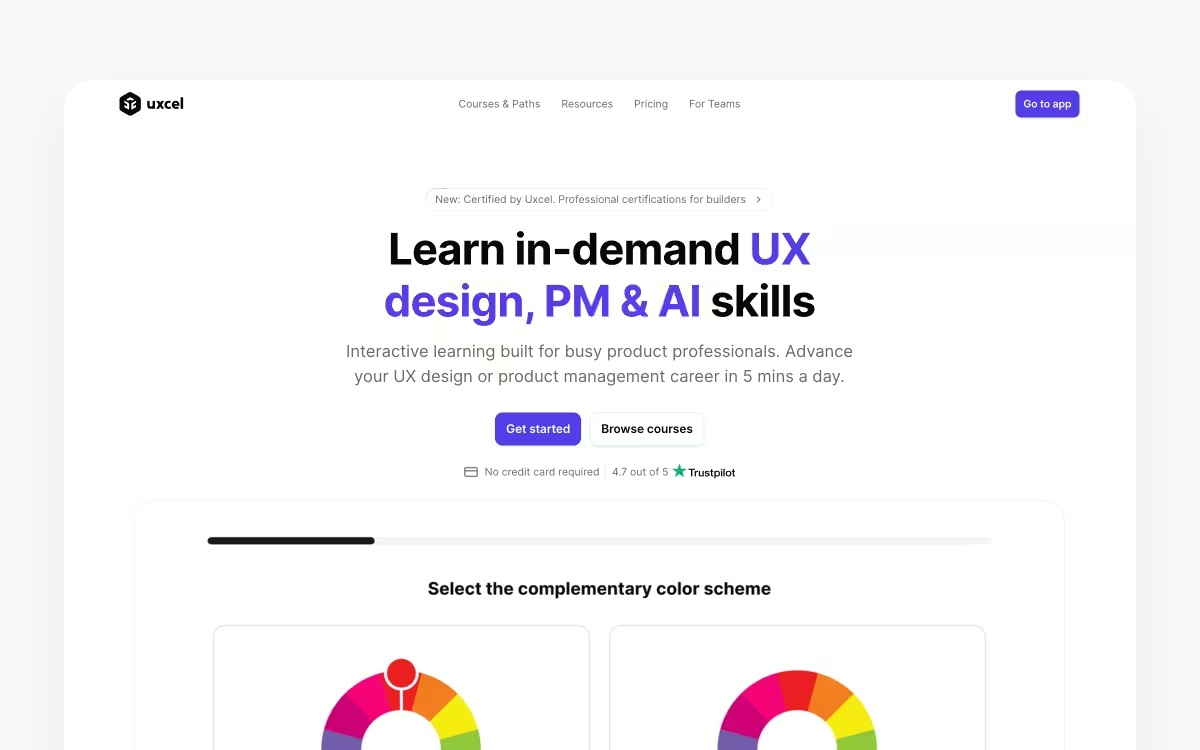
UX professionals can use Uxcel to create a free, skill-based portfolio to share with hiring managers and prospects. It takes minutes to set up, and it’s built from the UX design courses, assessments, and challenges you complete on Uxcel—each one feeds your skill graph and adds verified certificates to your profile.
The portfolio also includes space for a personal design experience summary, a video intro, top projects, your tool stack, social links, and more.
Key Features of Uxcel
- Automatically updated: whenever you complete new courses or assessments, the certificates you earn are automatically added to your profile
- Video intro: add a brief video to your portfolio to explain a little about yourself and your design process
- Responsive skill graph: every lesson, challenge, and assessment you take on Uxcel contributes to building the skill graph in your UX portfolio—benchmarked against a community of 500,000+ designers
Pricing Plans
You can build your UX portfolio for free. Upgrading to Pro from $24/month (billed annually) unlocks all lessons, courses, assessments, and challenges to help you build an even stronger skill-based portfolio.
Here are some pros and cons to help you make your decision:
| Pros | Cons |
|---|---|
| Intuitive interface and design | Portfolio layout isn’t customizable |
| Free portfolio and access to engaging UX learning and assessment resources | - |
| Updates automatically as you learn | - |
2. UXfolio

UXfolio is a portfolio builder made specifically for UX designers. Instead of starting from a blank canvas, you build case studies from research-based templates that prompt you for the right content at every step—problem, process, and outcome. AI-assisted writing tools help you draft case study copy and even check how well your portfolio matches a job description.
You can embed live prototypes from Figma, Adobe XD, or Miro, and password-protect NDA work before sharing it with recruiters. Both came up when UXfolio's Réka Nagy joined us for a live UX portfolio review, where an embedded prototype let us click through one designer's flow without leaving her case study.
Key Features of UXfolio
- Guided case study templates: research-based structures walk you through presenting each project the way recruiters expect
- AI writing assistance: generate case study drafts and run a job-fit check against roles you’re targeting
- Prototype embeds and password protection: show interactive Figma, Adobe XD, or Miro work, and keep NDA projects private
Pricing Plans
You can draft your portfolio free for 7 days; publishing it requires the Full Access plan at $15/month, or $108/year (which works out to $9/month).
Let’s look at UXfolio’s pros and cons:
| Pros | Cons |
|---|---|
| Purpose-built for UX case studies | No free published plan—you pay to go live |
| Guided templates and AI help beat the blank-page problem | Not a general-purpose site builder |
| Affordable single plan with everything included | - |
3. Design.com

Design.com is a strong option for UX designers who want their portfolio to sit within a broader, cohesive professional brand. Its AI website builder generates a complete, fully branded site based on your name and professional focus, with your logo, colors, and fonts applied automatically across every page.
What sets it apart from most tools here is that it connects with 50+ additional design tools covering business cards, social graphics, and email signatures—all using the same visual identity as your portfolio, so your entire professional presence stays consistent from one place.
Key Features of Design.com
- AI-generated layouts: a complete branded site with written copy, your logo, colors, and fonts applied automatically
- 3,000+ mobile-responsive templates: free to browse and publish on the free plan
- Built-in essentials: SEO tools, contact forms, image galleries, and payment acceptance
- Connected brand kit: 50+ design tools for business cards, social graphics, email signatures, and more
Pricing Plans
There’s a free plan that lets you browse, customize, and publish a website at no cost—no credit card required. The Value plan at $4/month billed annually ($14 month-to-month) adds unlimited pages, a custom domain, and full editor access, while Premium at $5/month billed annually ($19 month-to-month) adds link-in-bio and digital business cards.
What about the pros and cons?
| Pros | Cons |
|---|---|
| Free plan lets you publish a real website with no credit card required | Browser-based only, with no desktop or mobile app |
| Automatic brand syncing across every page and connected asset | Case-study features are lighter than dedicated UX portfolio tools |
| One platform covers portfolio, business cards, social graphics, and email signatures | - |
| Beginner-friendly with no coding required | - |
4. Dunked
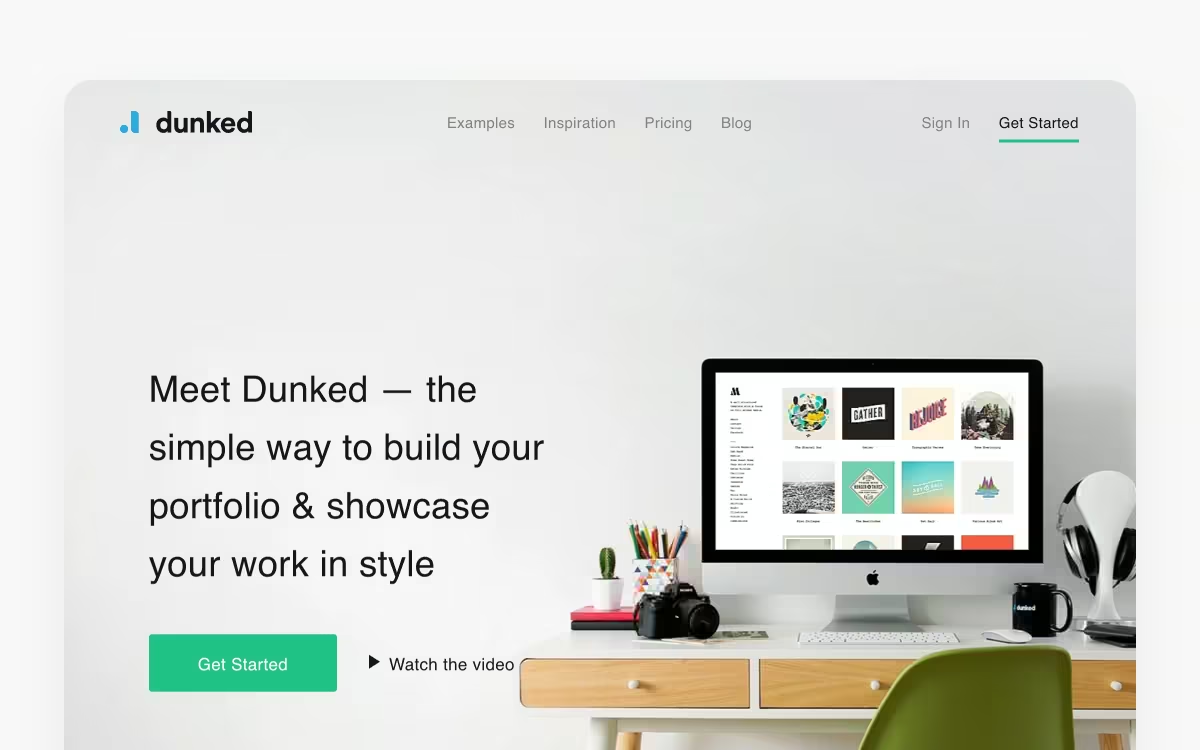
Dunked is a top portfolio website that helps illustrators, artists, and UX designers create stunning online portfolios. The platform features professionally designed and responsive templates and themes that provide a good starting point for your portfolio. You can also easily upload images and embed audio or video to your portfolio showcases for a unique touch.
The platform also allows you to switch font, layout, and colors for customizing the portfolio. You don’t need a coding background to build a portfolio, but you can spruce this one up with HTML and CSS if you do.
Key Features of Dunked
- Responsive templates: ensure your portfolio looks great on mobiles and tablets with responsive portfolio templates
- Customization: easily change the way your portfolio looks or add custom code to personalize the portfolio
- Asset uploads: upload and embed images, audio, and video from different sites
Pricing Plans
Dunked comes with a 10-day free trial, no credit card required. After that, there are two plans:
- Professional: $8/month billed annually ($12 month-to-month)
- Agency: $19/month billed annually ($29 month-to-month)
Now, let’s consider the pros and cons of using Dunked for UX portfolio creation:
| Pros | Cons |
|---|---|
| Suitable for building stylish portfolio sites | Unreliable customer support |
| Responsive portfolio templates and themes | Customization can be tricky for those who lack HTML and CSS knowledge |
5. Webflow
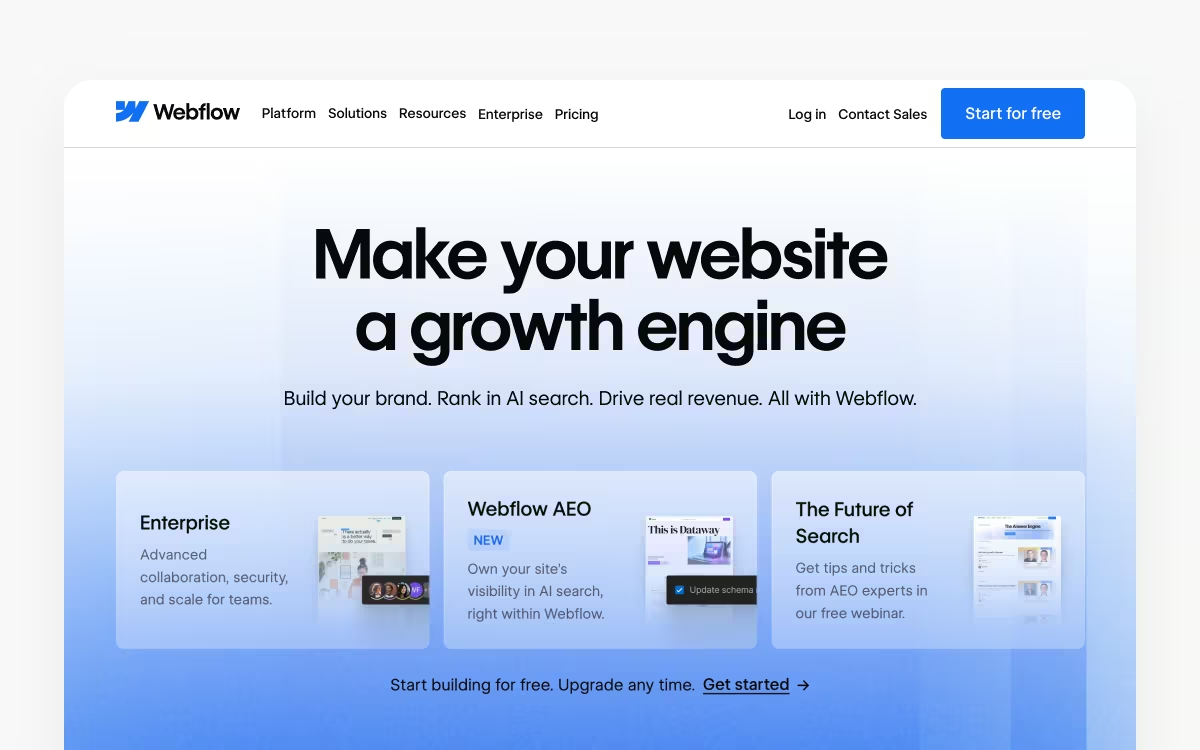
If you’re ready to roll up your sleeves and build a portfolio from scratch, Webflow is the right tool for you. It’s a no-code website builder that lets you design a functional portfolio with complete creative freedom. You can easily edit and publish content using the intuitive editor.
The platform features a visual canvas where you can use pre-built design blocks along with HTML, CSS, and JavaScript. You can also begin with starter templates and tweak them for creating custom UX case study layouts. Both options offer you complete control over the website portfolio design.
Key Features of Webflow
- Customizable templates: easily create a design portfolio without coding with customizable templates
- Visual editor: create elegant designs with pre-built components and HTML elements
- Interactive elements: design interactive portfolios with impressive features for interactivity
Pricing Plans
Webflow restructured its site plans in 2026. You can start building on the free Starter plan; paid plans are billed yearly:
- Basic: $15/month ($25 month-to-month)—no CMS
- Premium: $25/month ($39 month-to-month)—includes the CMS, which replaced the old CMS and Business plans
What about the pros and cons?
| Pros | Cons |
|---|---|
| Customizable portfolio-specific web templates | Steep learning curve for beginners |
| Flexible website builder tool | Pricing structure can be confusing |
6. BrandCrowd
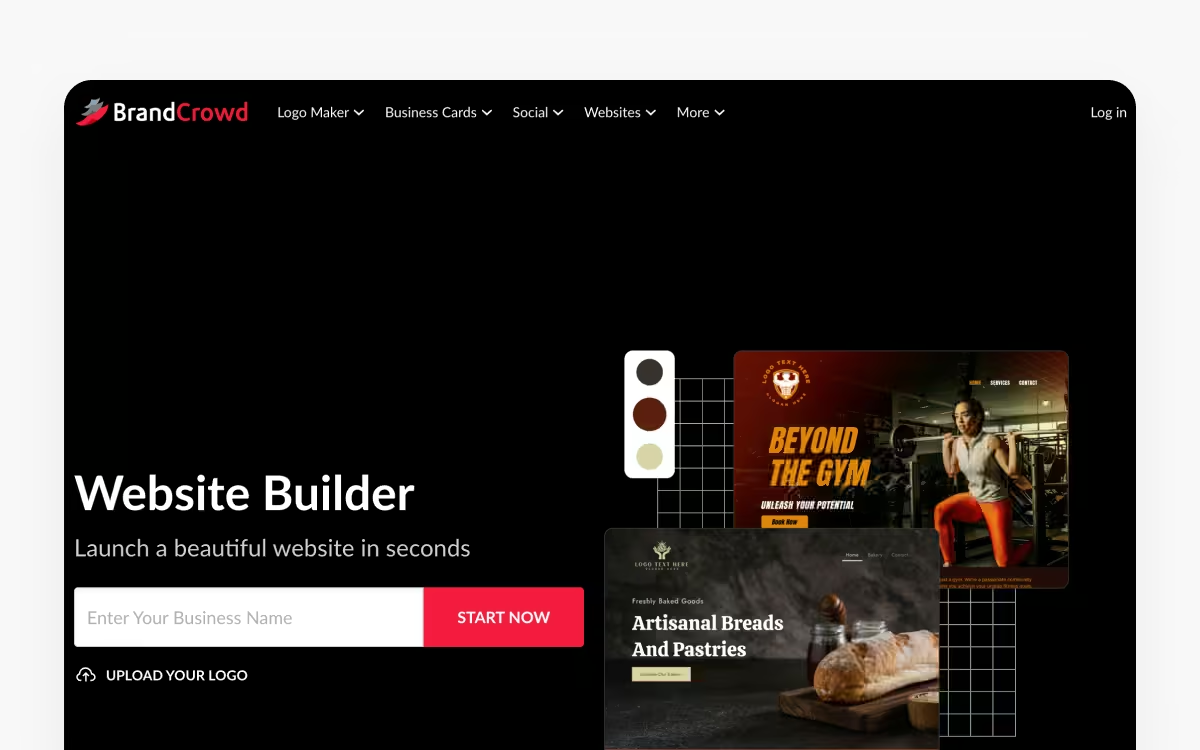
BrandCrowd is a practical choice for UX designers building their professional identity and portfolio site simultaneously. Its website builder generates ready-to-edit layouts based on your name and professional focus, with any logos or brand assets created in BrandCrowd automatically carried over to your site.
For designers who care about visual consistency across touchpoints, that connected workflow removes a lot of the manual work that usually goes into keeping a personal brand cohesive.
Key Features of BrandCrowd
- Ready-to-edit layouts: generated from your name and professional focus
- Visual editor: image uploads, video embedding, and contact forms—no coding required
- Connected brand assets: logos and brand assets created in BrandCrowd carry across your portfolio pages automatically
- Mobile-optimized templates: free to browse before you commit
Pricing Plans
BrandCrowd is free to try—you can browse and customize templates before you commit. The website builder comes as part of BrandCrowd’s Premium plan, from $6/month billed annually, with unlimited pages, a custom domain, full editor access, contact forms, image galleries, video support, and payment acceptance.
Consider these pros and cons:
| Pros | Cons |
|---|---|
| Logo and brand assets created in BrandCrowd carry across the site automatically | Browser-based only, with no desktop or mobile app |
| Simple, beginner-friendly editor with no coding required | Strongest as a brand-identity suite—dedicated portfolio features are limited |
| Mobile-optimized templates across a range of professional styles | - |
7. Dribbble Pro
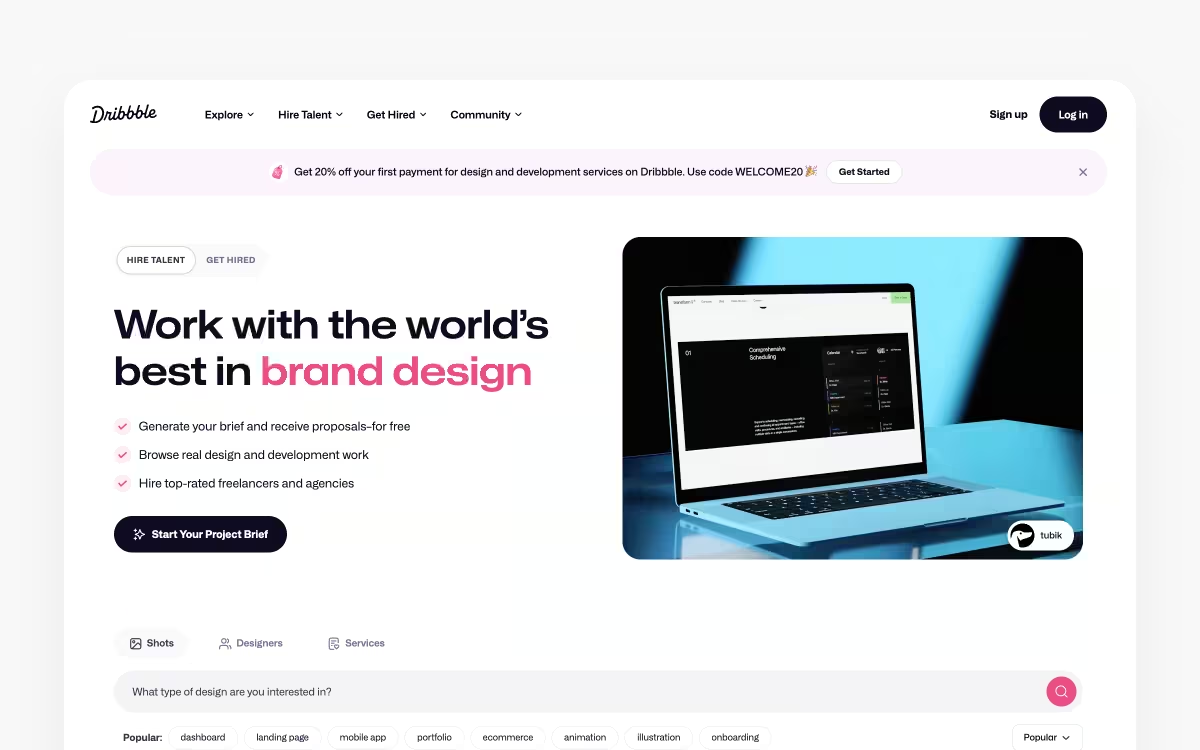
UX professionals everywhere turn to Dribbble Pro to share their work with the creative community. Upload your digital designs and the platform will organize them to build your UX designer portfolio—including a personal website, which Dribbble calls Playbook. Dribbble also automatically updates your portfolio every time you add a new design.
Key Features of Dribbble
- Showcase your work: join the largest online design community and share your work for feedback and tips
- Easy profile refresh: update your portfolio with new designs with a single click
- Freelance job board: find your ideal role with access to the newest freelance UX projects
Pricing Plans
Dribbble Pro plans are billed yearly: Lite starts at $4/month and includes the personal website, while Standard at $8/month adds hiring recommendations and 0% platform fees on freelance payouts.
Let’s consider the pros and cons of Dribbble:
| Pros | Cons |
|---|---|
| Easy to use with a simple UI design | Not suitable for building case studies |
| Allows you to create shots of in-progress projects | Promotes trendy designs more than individual works |
| Access to examples and feedback from designers | - |
🧠 Uxcel top tip: Making your first UX designer portfolio? Refresh and sharpen your skills with UX design certification courses on Uxcel. Uxcel offers real-life design challenges to sharpen your skills and interactive tests to assess your proficiency.
8. Wix

Wix takes the hassle out of digital design with pre-built templates and advanced features. This platform makes portfolio website creation super easy with its smart drag-and-drop editor and full-stack web development tools. You can also ask Wix’s AI website builder to create a customizable UX designer portfolio based on a few simple questions.
Key Features of Wix
- Advanced design capabilities: add scroll effects, animation, and video to your portfolio for a more engaging experience
- Drag-and-drop editor: makes it easy for you to customize every section of the UX design portfolio
- App market: lets you integrate powerful web apps for visitor analytics, live chat, and more
Pricing Plans
Wix has a free plan (with Wix branding), and four paid plans billed annually:
- Light: $17/month
- Core: $29/month
- Business: $39/month
- Business Elite: $159/month
Consider these pros and cons before signing up for a Wix subscription:
| Pros | Cons |
|---|---|
| Easy-to-use and intuitive interface | Slow page loading on content-heavy sites |
| Wide range of professionally designed templates | Inability to switch templates after publishing the portfolio |
| Great for beginners and pros | Wix branding on the free plan |
9. Weebly

Many UX designers also use Weebly, a free website builder, to craft impressive portfolio showcases. Besides the drag-and-drop builder, the platform lets you add advanced animation effects and video backgrounds as well.
Plus, you can personalize website templates and change colors. You can also add custom headers for dynamic content—for example, a portfolio page that spontaneously changes the order of case studies based on pre-established rules.
Key Features of Weebly
- Quick page load speed: make sure your portfolio loads quickly for potential prospects and employers
- Ecommerce upgrade: easily turn your website into an ecommerce site for selling designs and services
- Video backgrounds: set your website apart and impress visitors with sleek video backgrounds
Pricing Plans
Weebly offers three plans along with a free plan. When billed annually, these are the options available to UX designers:
- Personal: $10/month
- Professional: $12/month
- Performance: $26/month
It’s essential to also consider the pros and cons of using Weebly.
| Pros | Cons |
|---|---|
| Easy drag-and-drop option | Limited customization options |
| Intuitive, affordable, and easy to use | Few platform updates since the Square acquisition |
| Easy to make changes | Difficult to add custom code |
10. Squarespace

Squarespace is a go-to platform for UX designers looking to build stunning UX designer portfolio sites. You can choose fonts, templates, and color palettes on the platform to make your portfolio look amazing. The central hub makes it effortless to upload and manage design projects, videos, and images to your portfolio from one place.
Squarespace, like most website builders, lets you create a website without prior coding experience. You can also edit your UX portfolio on the go from the powerful mobile app.
Key Features of Squarespace
- Mobile-responsive templates: build an online portfolio that looks good on desktop and mobile
- Drag-and-drop editor: edit and customize each section of your portfolio site quickly and easily
- Ecommerce capabilities: sell designs and services directly from your online portfolio
Pricing Plans
Squarespace offers four pricing plans, billed annually:
- Basic: $16/month
- Core: $23/month
- Plus: $39/month
- Advanced: $99/month
Make sure you consider the pros and cons before signing up for any Squarespace plans:
| Pros | Cons |
|---|---|
| High-end portfolio templates | No free plan available |
| Easy drag-and-drop editor for creating portfolios | Section-based editing limits |
| Custom domain for all plans | Unreliable support |
| Website analytics on every plan | - |
11. Fabrik
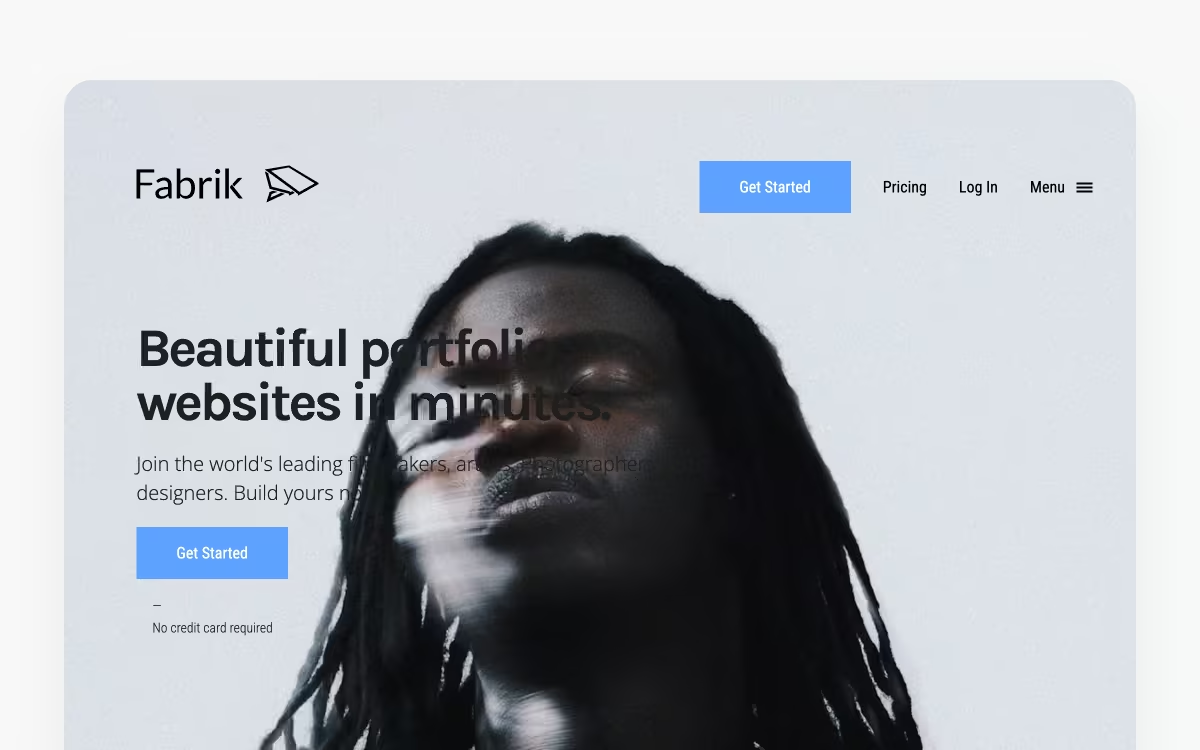
Product designers, art directors, and UI UX designers use Fabrik to create aesthetically pleasing portfolios. This online portfolio platform offers intelligent themes and flexible layouts that adapt to your designs and images to create a stunning UX design portfolio. You also get to integrate video and audio in your portfolio—no coding knowledge is required.
Key Features of Fabrik
- Intelligent themes: easily switch portfolio themes and have your current content and layout adapt to the new theme
- Blogging tools: upload detailed case studies to walk readers through your design process and experience
- Smart images: images are automatically resized and refocused to fit the design of your site
Pricing Plans
After a 14-day free trial, you can pick any of the plans below (billed annually):
- Personal: $10.42/month
- Professional: $14.59/month
- Unlimited: $22.92/month
However, make sure you consider the pros and cons of using Fabrik.
| Pros | Cons |
|---|---|
| Easy-to-change themes | No further functionality past portfolio creation |
| Offers full creative control | - |
| Ideal for UX designers | - |
12. Carbonmade
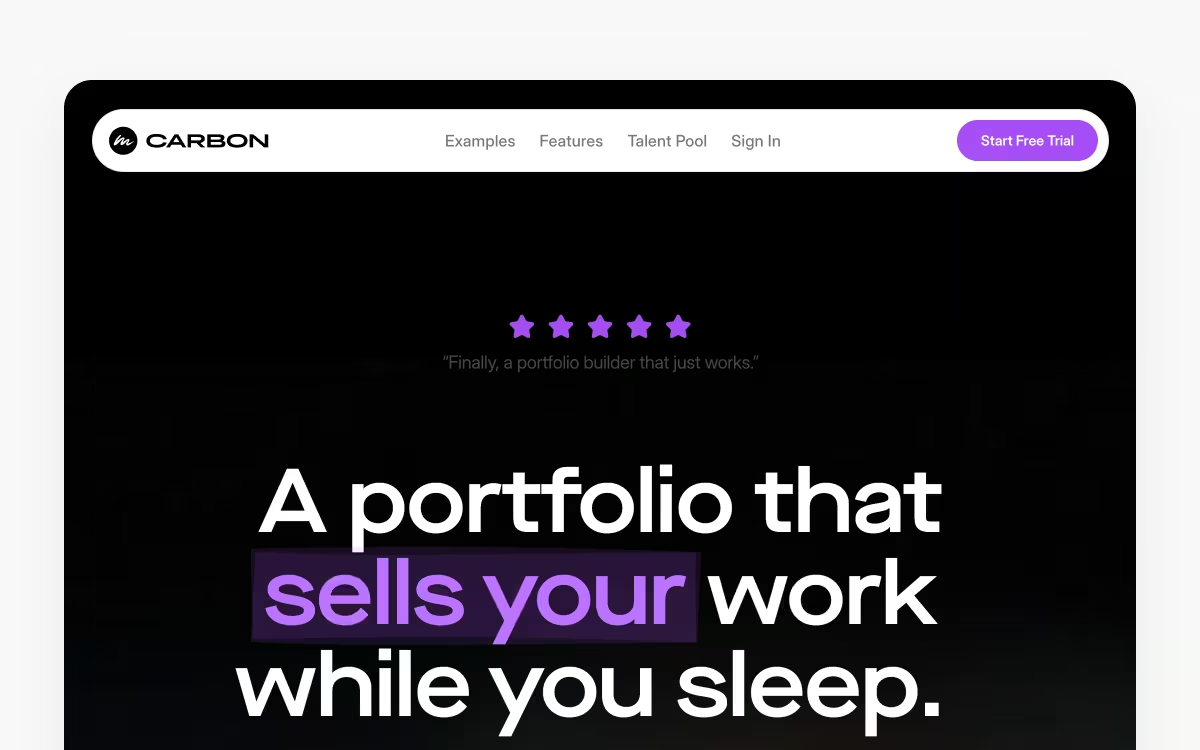
Carbonmade gives UX designers the tools to design a beautiful portfolio without coding. This dedicated UX portfolio builder offers customizable layouts that you can easily tweak to create stunning visuals.
Plus, the platform allows you to tailor the portfolio grid, navigation, colors, and fonts to your preferences with a few clicks. You can also upload PDFs, images, videos, and JPGs, without worrying about the file size limits.
Key Features of Carbonmade
- Premade blocks: create your design portfolio with premade blocks and layouts that you can mix and match to build your ideal portfolio
- Personalized start point: get a personalized template by answering some quick questions about your profession and goals
- Talent pool: check out portfolio examples of designers for inspiration and guidance
Pricing Plans
You can build your portfolio for free and pay only when you’re ready to publish. Carbonmade offers three plans, with roughly 20% off if you pay annually:
- Beginner: $9.99/month
- Professional: $14.99/month
- Unlimited: $24.99/month
Make sure to consider the pros and cons:
| Pros | Cons |
|---|---|
| Supports 4K video | Limited functionality for more complex portfolios |
| Plenty of customization opportunities | All-or-nothing password protection |
| Easy access to the design community | - |
Bonus tips for creating an impressive UX portfolio
So now you know which UX and UI design portfolio platforms are the best—but where do you start? There’s no right or wrong way to create your online portfolio, but there are some clear best practices when it comes to how to make a UX design portfolio.
Check them out:
Cover all bases
Consider including a home page, an about me section, case studies, and a contact page. Your portfolio should introduce you and your design process, whilst also giving the necessary information for prospects to get in touch. Lessons from a design system course can help you keep typography, components, and spacing consistent across each page.
Show your design process
Hiring managers want to see your ability to solve problems and portray design processes. Portfolios should be well-structured, showing research, first versions, changes, and the final design—an introduction to UX research can help you frame those research notes for reviewers.
A UX case study is a great way to showcase your design process. It involves breaking down a design project and explaining the work that went into each step. This helps show prospects how you approach UX design from start to finish, and enables you to show off your UX designer flair.
Include concrete results
As a UX designer, you should be able to show the results of your work with data. Share how your design cut down on abandoned cart rates or bumped up user sign-ups, for instance—taking cues from inspiring portfolio examples that put metrics front and centre.
Designs shouldn’t just look amazing, they need to work amazingly, too. Be clear about the problem that each of your designs solved, and make sure to include the data on how it helped.
Communicate your skills
An effective portfolio shows off the UX designer skills you have. Let the hiring manager or prospective client know what your skills are and what design issues you’re passionate about—that way they can get to know you better.
If you’re looking to validate your skills with course certificates, consider completing a Uxcel UX design course. Not only are they a great way to improve your UX skills, but they also provide a certificate upon completion. This certificate can be showcased on your portfolio website—maybe even with a dedicated page for skill certificates and industry acknowledgments.
Bulk up your portfolio with Uxcel
Uxcel isn’t just great for developing skills and getting certificates. It also helps designers build case studies with UX challenges, highlight strengths with Skill Graphs, and many more portfolio-related tasks. The platform is the perfect resource for UX designers—whether beginner, intermediate, or expert.
Sign up today to start improving your UX knowledge and skills with in-depth UX design courses, real-life challenges, and engaging UX games. Then, use one of the above tools to share your new knowledge and case studies with prospective clients and employers.



