GitHub Without the Terminal

Learn to use GitHub in the browser with confidence: read repositories, commit changes, manage branches, undo mistakes, and review code written by AI tools

GitHub Without the TerminalGene Kamenez

CEO

at

Uxcel

Rating

4.7

Platform loved by 500K+ pros

Skill level

Beginner

Skill level

Online

100% online

Learn at your own pace

Course certificate

Course certificate

Shareable & industry-recognized

About this course

An AI app builder asks you to connect GitHub, and suddenly your project has a repository, a branch called main, and a message saying it is three commits ahead. In meetings, engineers mention pull requests and merge conflicts as if everyone already knows what they mean. Most people pick up GitHub the same way: by trying things, getting a little lost, and slowly working out what each screen is for. This course gives you a shorter path.

Everything happens in the browser, so there is no command line to learn. The first half builds the foundations: what version control is, how Git and GitHub differ, what lives inside a repository, and how commits record a project's history. It then moves to the work you will actually do each week, from editing files and writing Markdown to creating branches, undoing changes, and tracking tasks with issues.

The second half turns to working with others and staying safe. You will open, review, and merge pull requests, resolve simple conflicts, publish releases and websites with GitHub Pages, and keep secrets out of your repositories. Every lesson uses real GitHub screens, so the buttons you practice with are the ones you will click at work.

AI tools now write and commit code on their own, and coding agents open pull requests that someone still has to approve. Often that someone is a designer or a product manager. A full level is dedicated to that job: reading an agent's changes, judging how much of the project it touched, and knowing what a green check does and does not prove.

The goal is not to turn you into an engineer. It is to make GitHub feel like a familiar workspace, where you can follow the conversation, make small changes yourself, and know that almost any mistake can be undone. When something looks wrong, you will know where to look and what to ask.

Icon

Beginner

level

Icon

About

6

hours to complete

Icon

Gamified and interactive

Icon

22

lessons,

5

levels

Icon

Certificate of completion

Icon

English language

Icon

Learn on iOS or Android

Icon

Online at your own pace

Icon

Last updated

November 3, 2026

Icon

in the

No items found.

career path(s).

No prerequisites required

Skills you'll learn

Repository and commit literacy

Learn to read repositories, files, and commit history, and trace every change back to who made it and when

Browser-based GitHub workflows

Learn to edit files, write Markdown, create branches, and commit changes entirely from the GitHub web interface

Safe undo and recovery

Understand how to revert commits, restore files, and recognize which mistakes version control can and cannot reverse

AI-generated code review

Learn to supervise AI tools and coding agents by reading their changes, checking their scope, and approving with care

Topics Covered

Who this course is for

Product Designers

Work alongside engineers in GitHub instead of waiting for screenshots, and hand off design changes you can track and review.

Product Managers

Follow pull requests, issues, and releases directly so you can track progress without asking engineers for a status update.

AI App Builders

Keep the projects your AI tools create safe, understandable, and recoverable once they land in a GitHub repository.

This course is part of the

No items found.

career path(s).

Syllabus

Expand all

22

lessons

5

tests

Certificate of completion

Level 1.

GitHub & Version Control Foundations

Free

Level 2.

Everyday GitHub Operations

Level 3.

Pull Requests & Code Review on GitHub

Level 5.

Shipping Safely with GitHub

Course certificate

Earn a certificate of course completion

Included with Pro or Teams

GitHub Without the Terminal
Start course for free

or

Get full access with Pro membership:

Icon

60+ expert-created courses

Icon

Industry-recognized certifications

Icon

Guided career paths & more

Learn more
Included with Pro & Teams
New: Product Manager Career Path

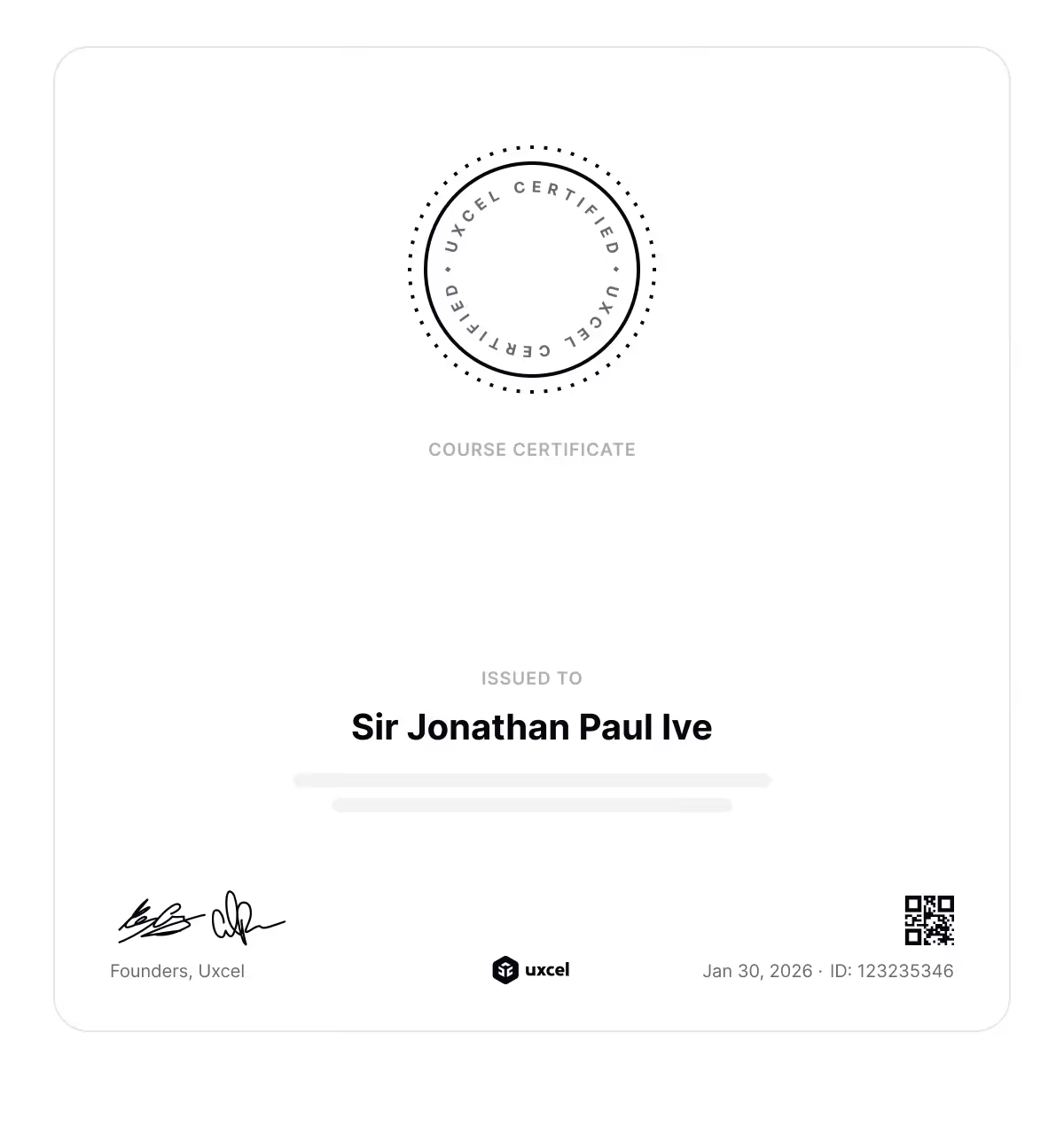
Earn a course certificate

Earn industry-recognized certificate that you can add to your portfolio, share with HR managers, add to LinkedIn, and use to grow your career.

  • Icon

    Standalone page

  • icon
    Showcases studied skills
  • icon
    Never expires
  • icon

    Industry recognized

CertificateGitHub Without the Terminal

GitHub Without the Terminal

Meet your course instructor

Gene Kamenez
Gene Kamenez

CEO

at

Uxcel

UxcelLinkedin profileWebsite

Hi, I’m Gene. If bootcamps and scattered tutorials haven’t worked for you, you’re not alone. They promise a lot but often leave you with theory you can’t use and skills that feel outdated before you even start applying them.

I taught myself design by doing. Over 15 years, I freelanced, joined startups, worked in enterprise, made mistakes, and learned what actually matters. That journey led me to co-found Uxcel — an all-in-one platform for designers, product managers, and other product professionals to build their skills effectively, even with busy lives.

Over the past 6 years I’ve watched how over 500K professionals grew their skills and career with Uxcel. Self-paced learning, bite-sized lessons, and a gamified experience help you learn faster. No rigid schedules. Five minutes a day is enough to make real progress. You build a habit of continuous learning — something that’s no longer optional with AI changing how product teams work.

Our courses cover design, product management, and AI. Whether you’re starting out, switching careers, or already working in product, the goal is the same: step beyond your core role, build cross-functional skills, and collaborate more effectively with your team. AI gives you leverage, but you still need strong foundations to use it well.

What you learn here shows up in real work. Let’s start growing your skills.

Stars

(

)

Loved by learners from the world's top companies

Uxcel is the best UX learning experience I’ve had! I’ve tried many platforms, but Uxcel is on another level. I love its digestible lessons, real-world guidance, and short quizzes that reinforce learning. And all of this comes at an extremely fair price!
Alexandra Kirnerova
Alexandra Kirnerova
Product Designer
Uxcel really is the Duolingo of UX/UI! It makes it very easy to learn by chunks on a daily basis, so interactive and fun! And the content it's extremely helpful, I've learned tons already!Very well invested money and time.
Diana Mancía
Diana Mancía
Product Designer
I was amazed when I used Uxcel for the first time. The traditional e-learning platforms are tedious and boring with too much redundant information.
Dries De Schepper
Dries De Schepper
UI Designer
Uxcel has a powerful approach to teaching design—it might just hold the secret to the future of education. Plus, the membership is affordable and accessible to all.
Leonardo Monsalve
Leonardo Monsalve
Product Designer
Uxcel has been incredibly insightful and has helped me grow as a designer. The platform is easy to use and packed with valuable information that has enhanced my skills and knowledge in UX/UI design.
Paulette Moreno
Paulette Moreno
Product Designer
Congrats to the Uxcel team for creating amazing courses! Learning through real cases in a fun, interactive way is perfect for me.
Randall Aguirre
Randall Aguirre
Product Designer
No items found.
Company logoCompany logoCompany logoCompany logoCompany logoCompany logoCompany logoCompany logoCompany logoCompany logoCompany logoCompany logo
Avatars

Join over 500K learners and start

Build real skills, get certified, and grow fast in the AI-powered product world. Ready to stand out?
Icon

Over 60 courses

Icon

Recognized certificates

Icon

Career paths & more

Our course library is used by forward-thinking educational institutions
BYU logo
Northern Illinois University logo
New York Institute of Technology logo
Creative Media Institute logo
Northcentral Technical College logo
Orange Coast College logo

More Category courses

View all courses

Frequently asked questions

Still have questions? Let's talk

What is the GitHub Without the Terminal course about?
Do I need to know how to code to take this course?
Will I need to use the command line?
How does this course help when working with AI coding tools?