.svg)


A chart's job is to make data understandable at a glance. But charts can just as easily mislead, confuse, or overwhelm. The difference lies in design decisions that either clarify or distort the information being presented. Clarity starts with honesty. Baselines that don't start at zero exaggerate differences. Inconsistent intervals skew perception. Three-dimensional styling adds visual flair but warps how users read values. These aren't just aesthetic choices. They affect whether users draw accurate conclusions from the data.
Visual hierarchy guides attention. Users need to distinguish between data points, labels, gridlines, and annotations without everything competing for focus. White space gives charts room to breathe. Contrast highlights what matters most. Thoughtful annotation explains context without cluttering the visualization.
Consistency builds familiarity. When charts across an interface follow the same patterns for color, typography, and layout, users spend less time decoding format and more time understanding data. Small details like label orientation and bar shapes contribute to whether a chart feels polished or thrown together.
Select the right chart type
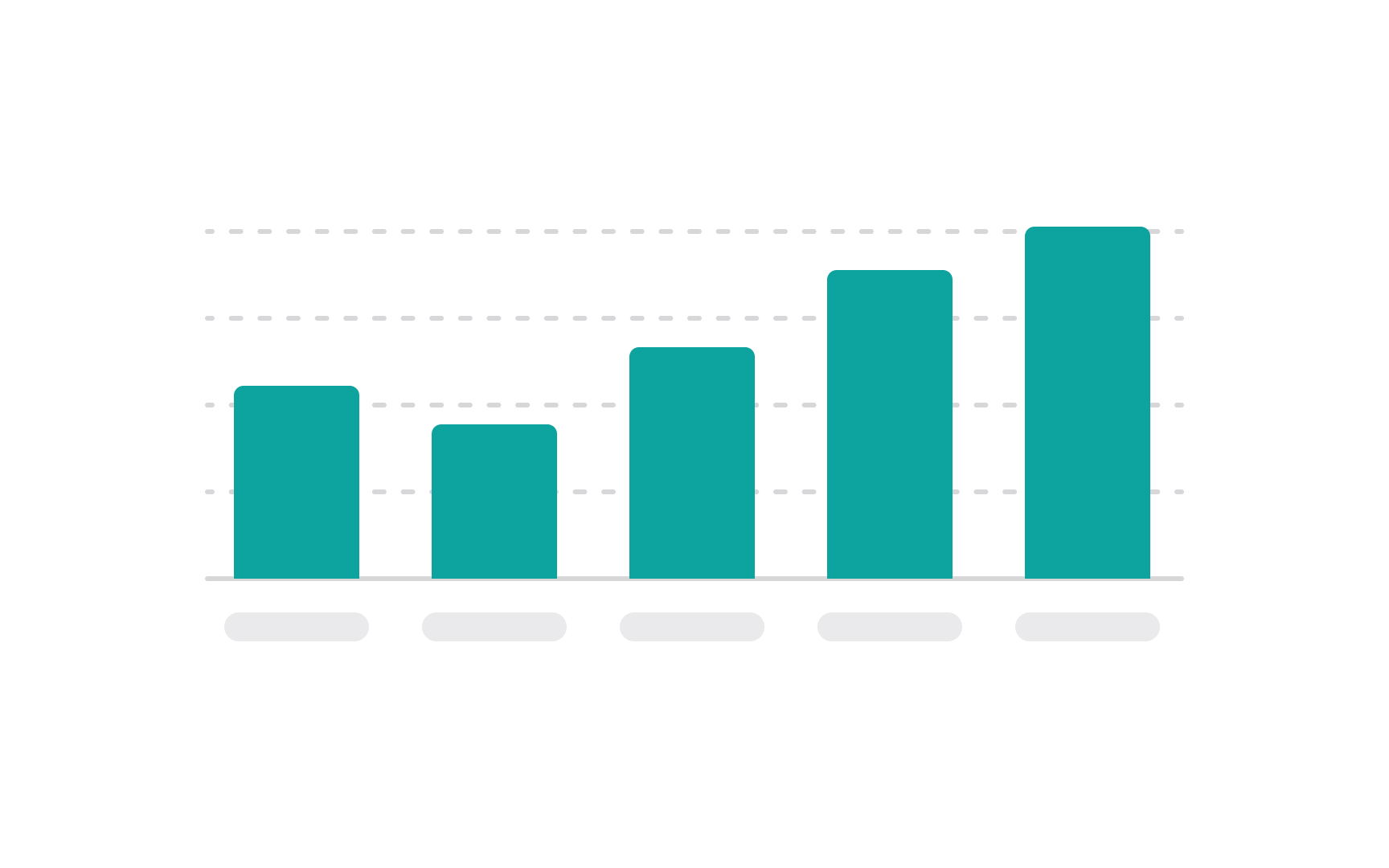

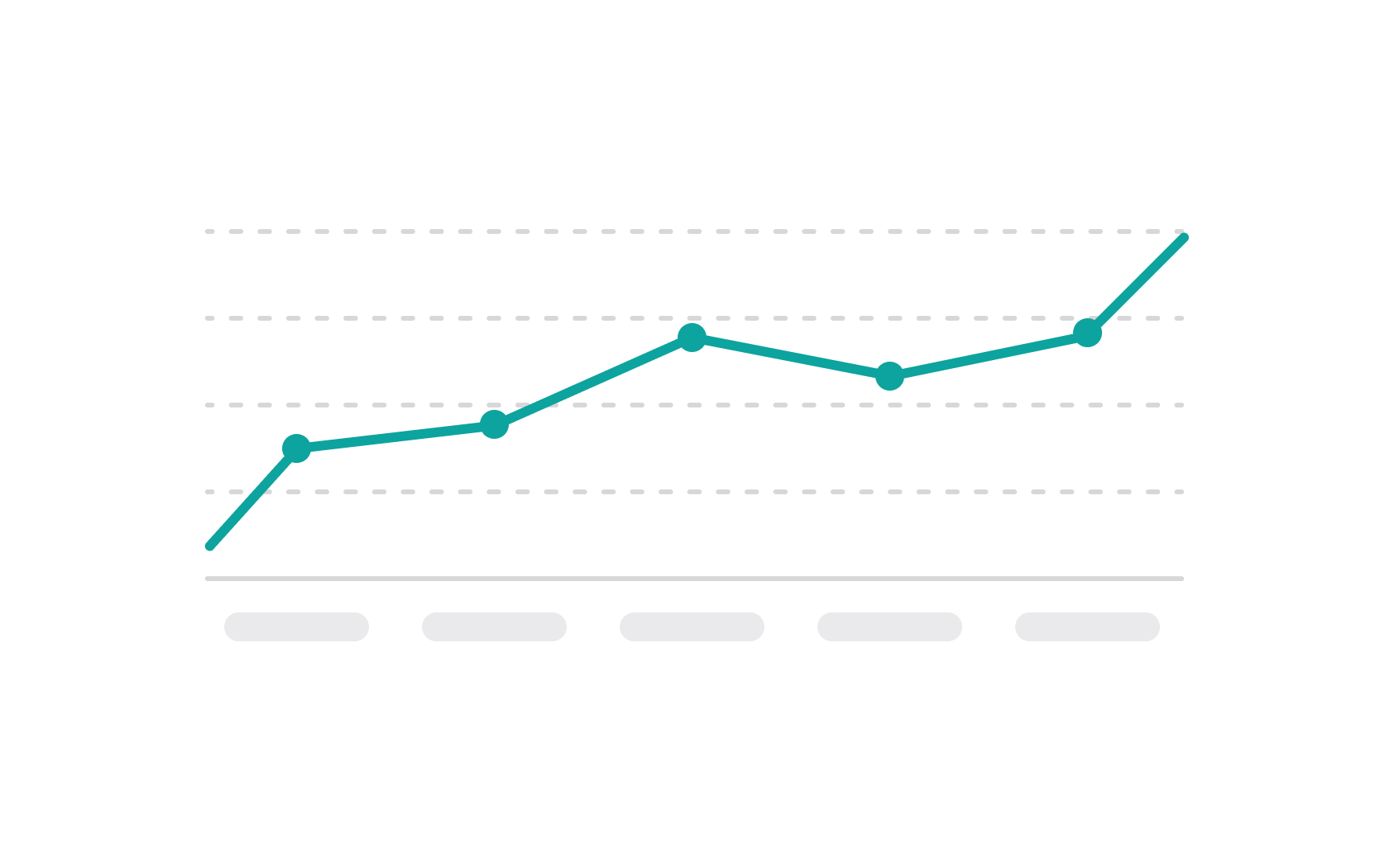

Choosing the right chart type is crucial for effectively conveying your data. Start by considering your data's nature and what you want to communicate.[1]
Use bar charts for comparisons among discrete categories, line charts to show trends over time, and pie charts for displaying parts of a whole. Scatter plots are ideal for showing relationships between two variables, while histograms work well for displaying the distribution of data. For complex data sets with multiple variables, consider multi-series charts or stacked bar charts.
Always prioritize clarity — the chart should make the data easier to understand, not more complicated. Keep it simple and direct to ensure your message is effectively communicated.
Keep charts consistent
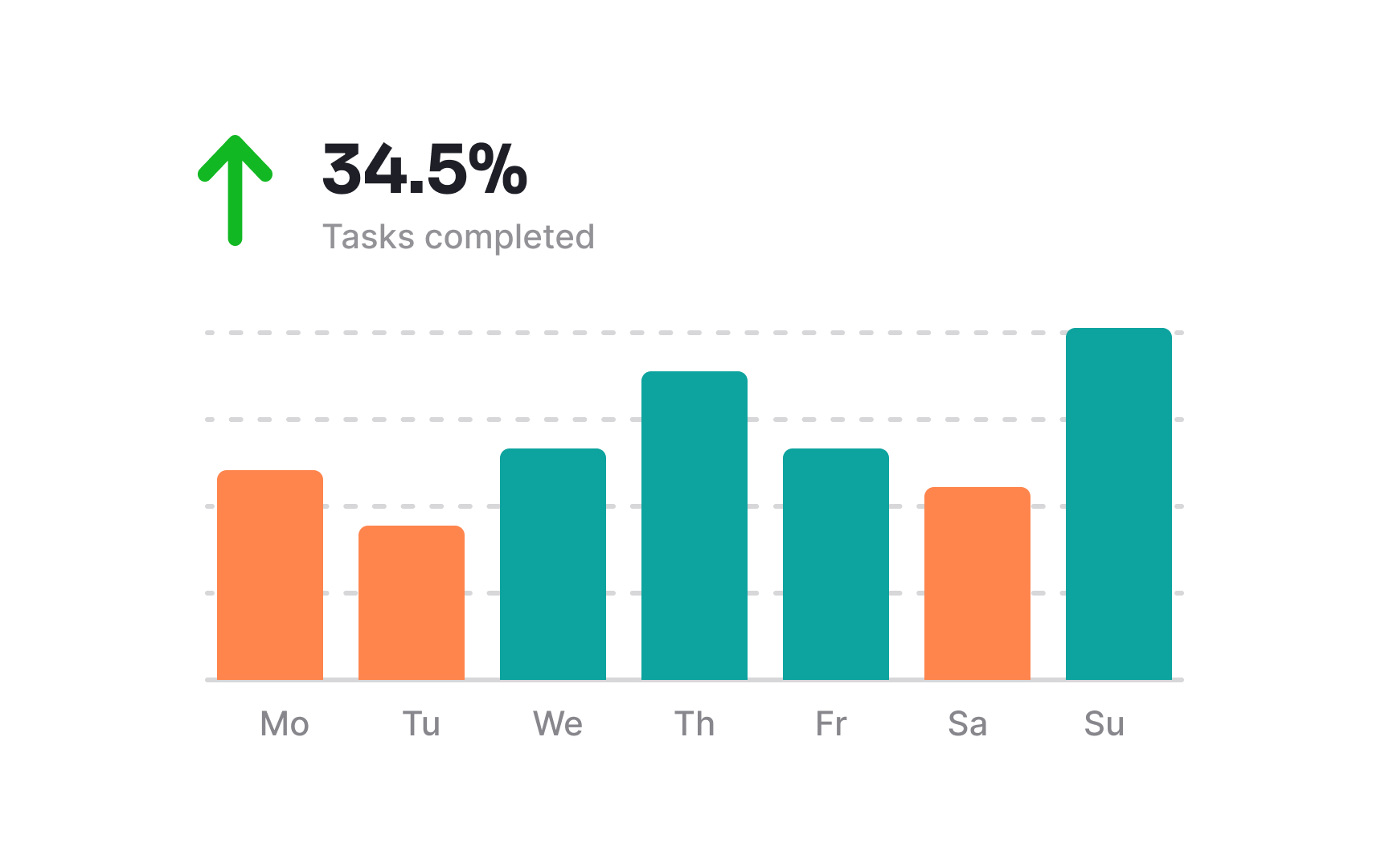
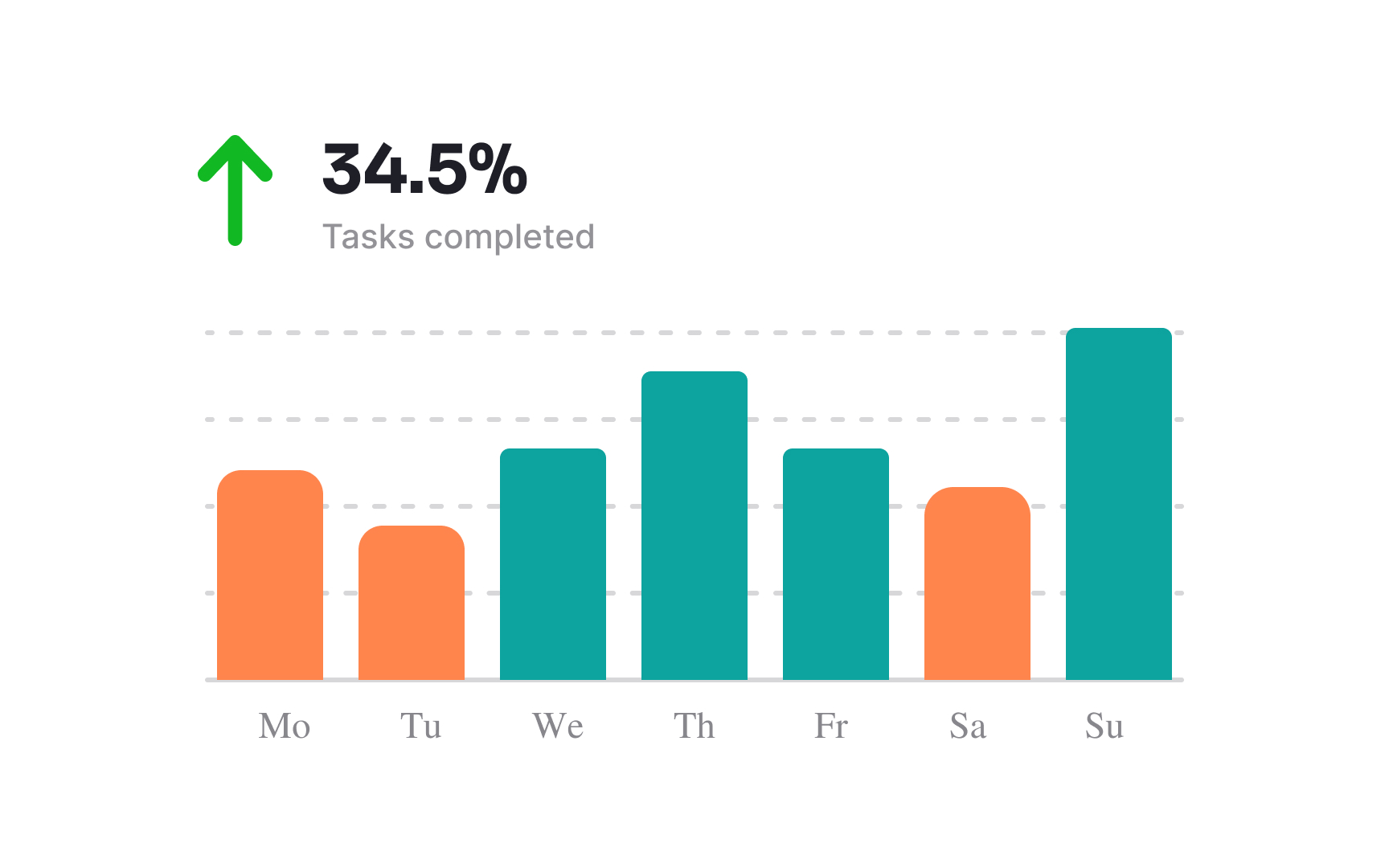
To maintain consistency in charts, which is crucial for readability, consider these tips:
- Establish a color scheme and stick to it across all elements, using colors to represent the same type of data consistently.
- Choose a clear, legible font, and use it throughout. For text and data labels, maintain a uniform font size and style.
- Apply a consistent style for all your data markers, lines, and bars. If you use a dashed line for projections in one chart, do the same in all others.
- Keep your axis labels and legends clear and consistently positioned. If you place the legend at the top of one chart, continue this throughout.
Add enough white space
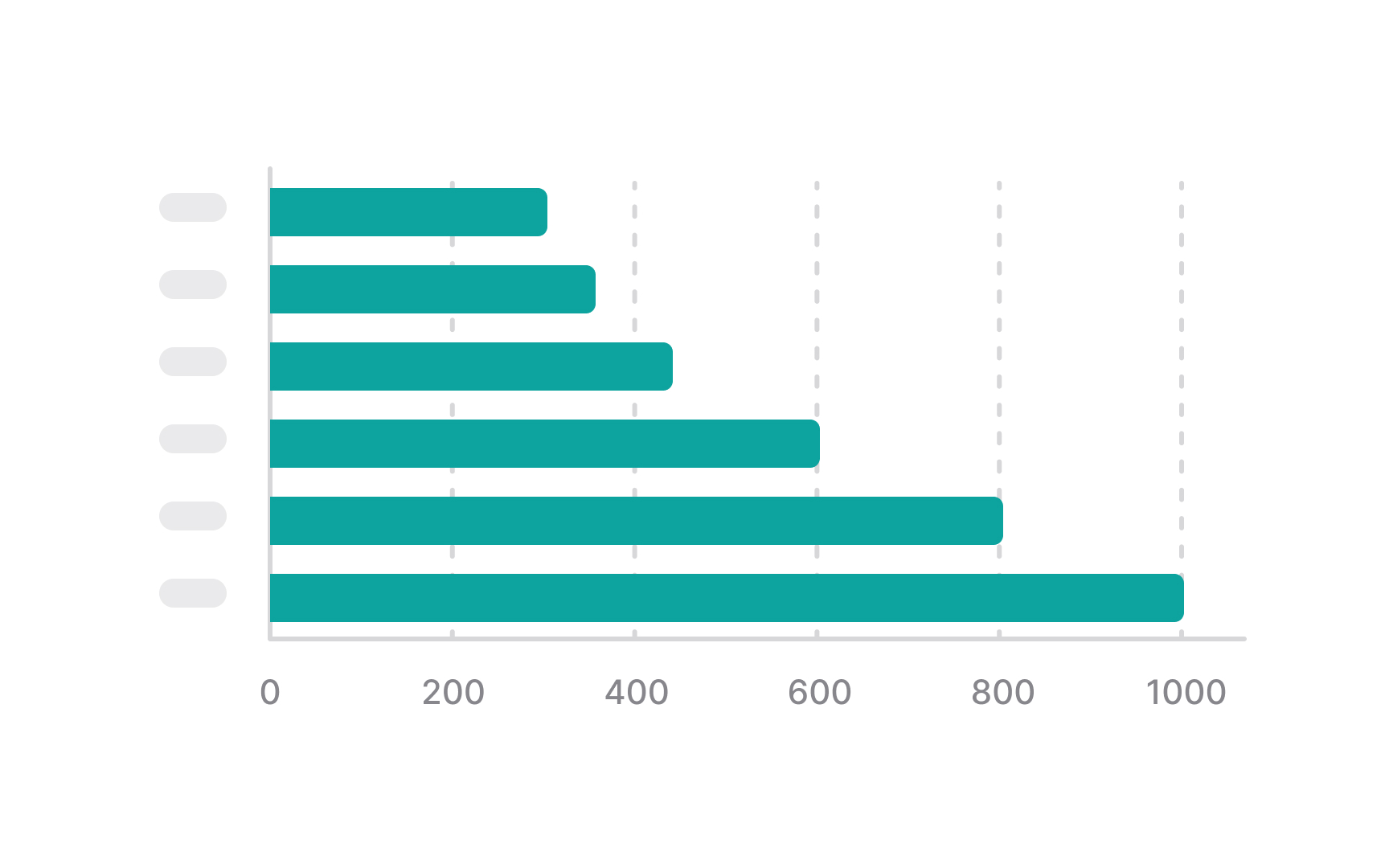
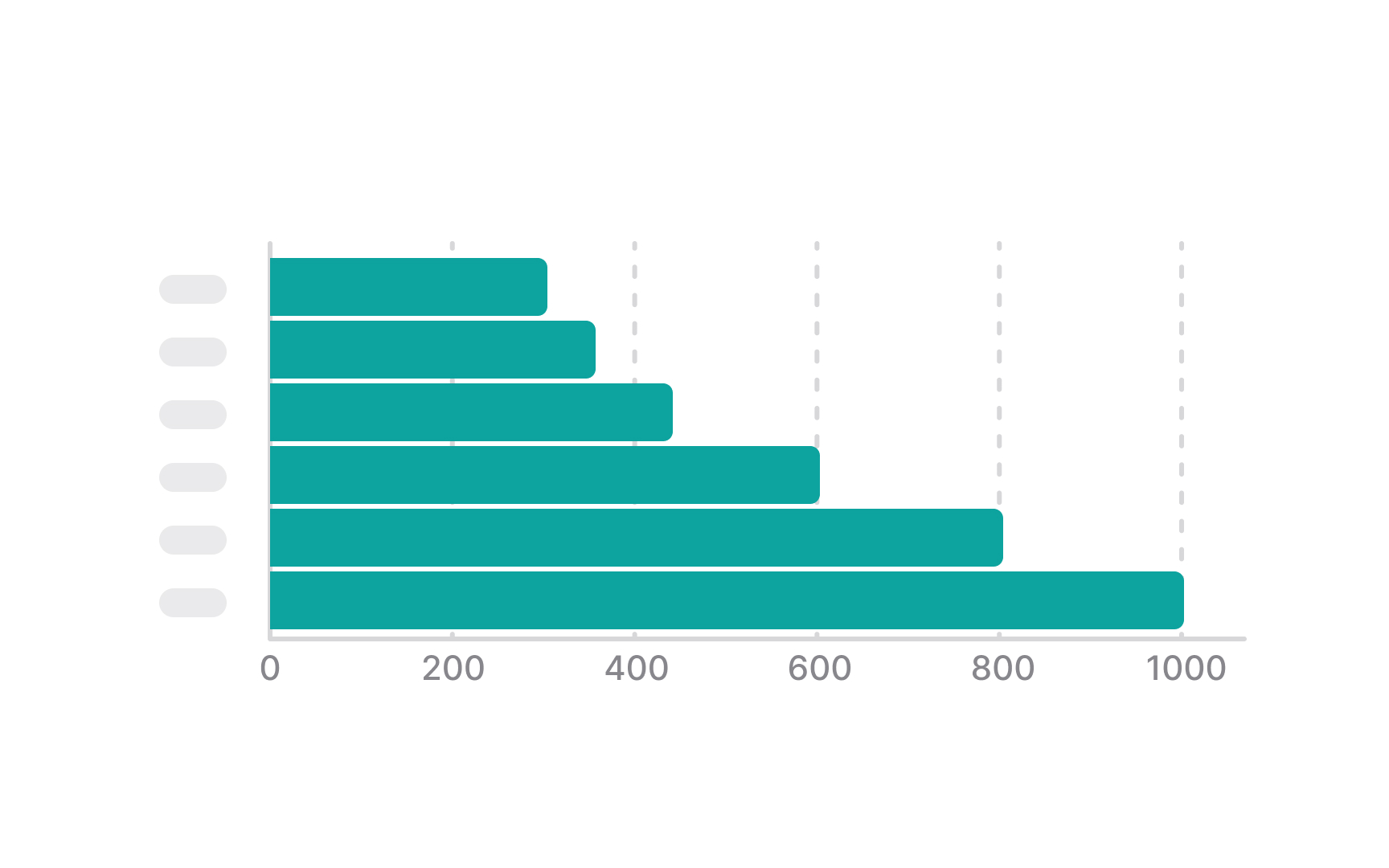
White space helps distinguish between the chart elements: the label, the legend, and the chart itself. It adds balance to charts and makes it easier to scan and comprehend information.
If you have multiple charts on a dashboard, add enough space between them and even place them each within a container so that users can easily distinguish different groups.
Make sure to use white space wisely. Adding too much space between elements of one group can mislead users and make them believe they're unrelated. That's one of the fundamental Gestalt principles of proximity.[2]
Make chart annotations easy to read
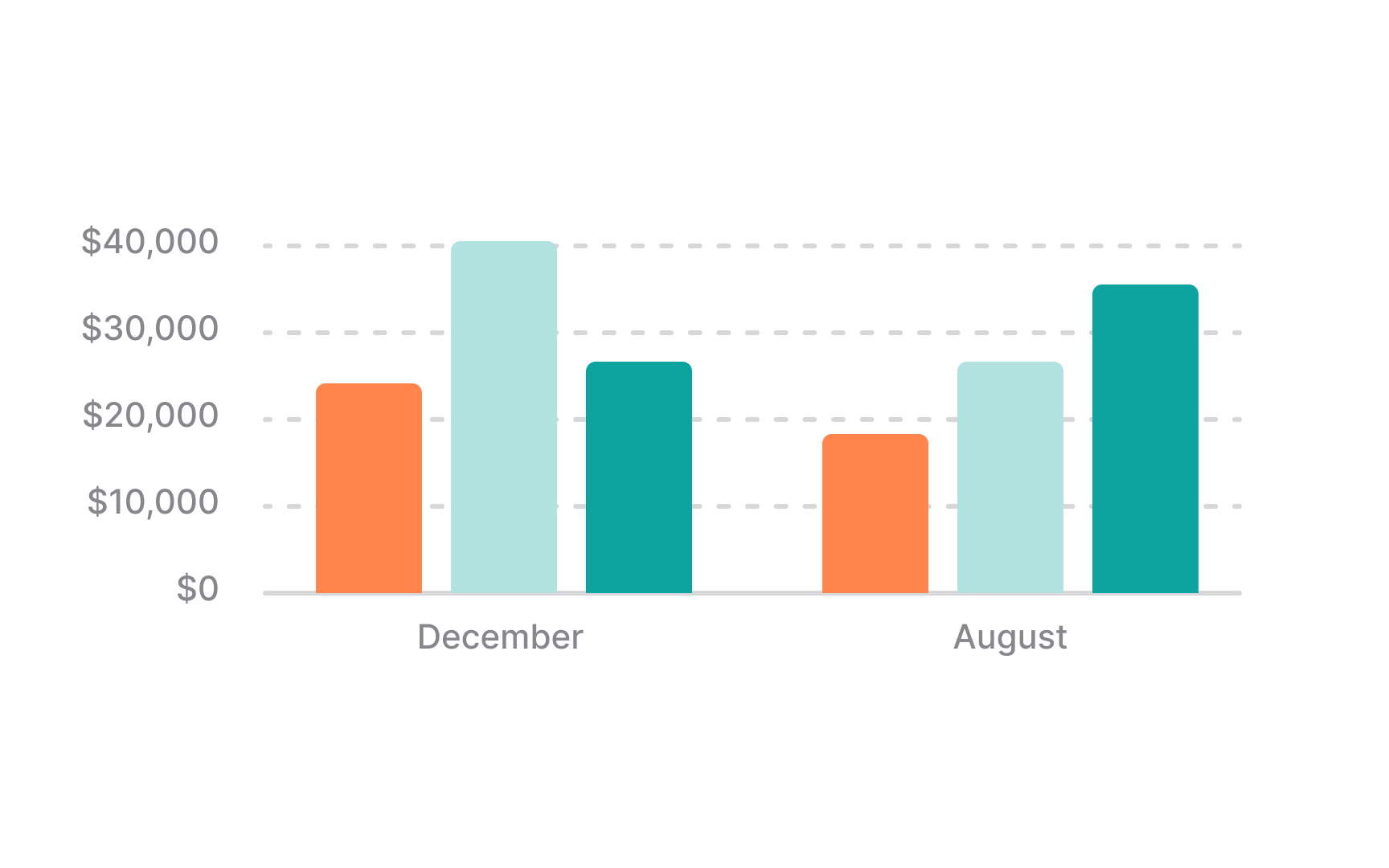
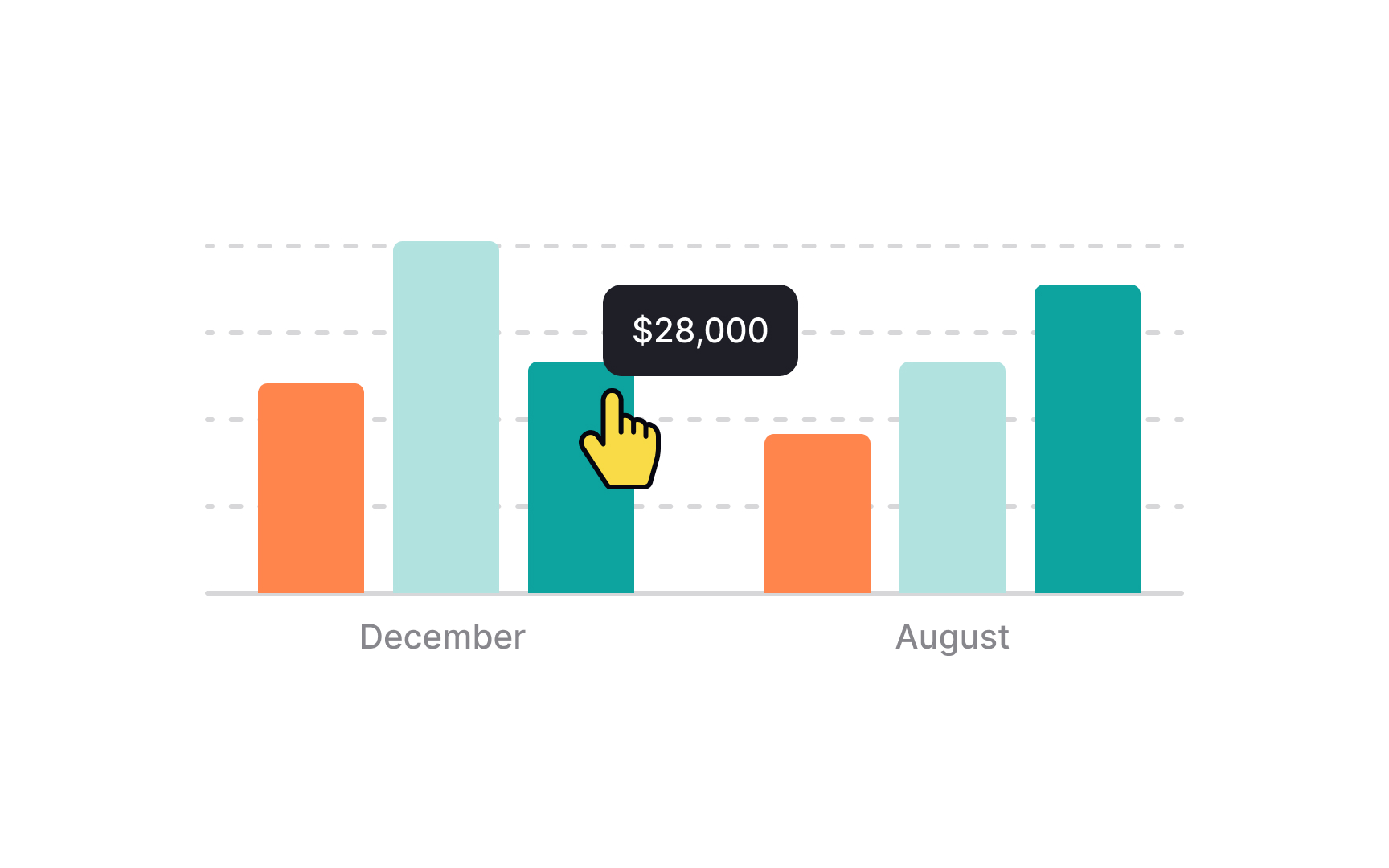
Chart annotations are essential enhancements that add explanatory or supplementary information to a chart, helping to clarify data and emphasize key points.
These include:
- Data labels that provide precise values for data points
- Callouts with arrows or lines that highlight and explain significant data
- Reference lines marking important thresholds or averages
- Text annotations offering additional context
- Legend annotations explaining the meaning of symbols, colors, or patterns.
To ensure these annotations remain readable and effective in your UI, position annotations so they don't overlap with data points or each other, maintaining a clean and organized appearance. Also, keep the language concise to avoid overwhelming users.
Stick to standard sharp-cornered bar shapes
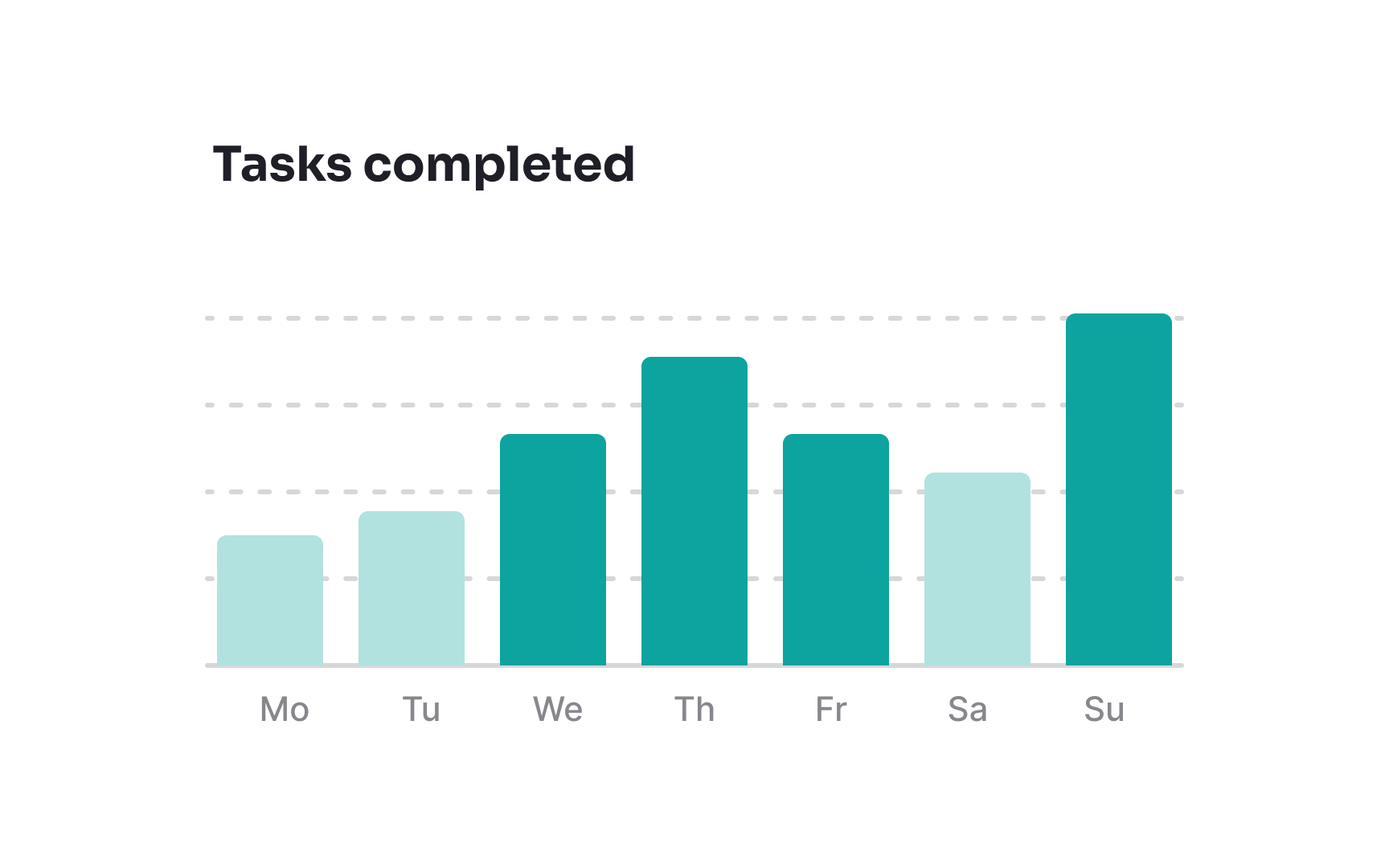
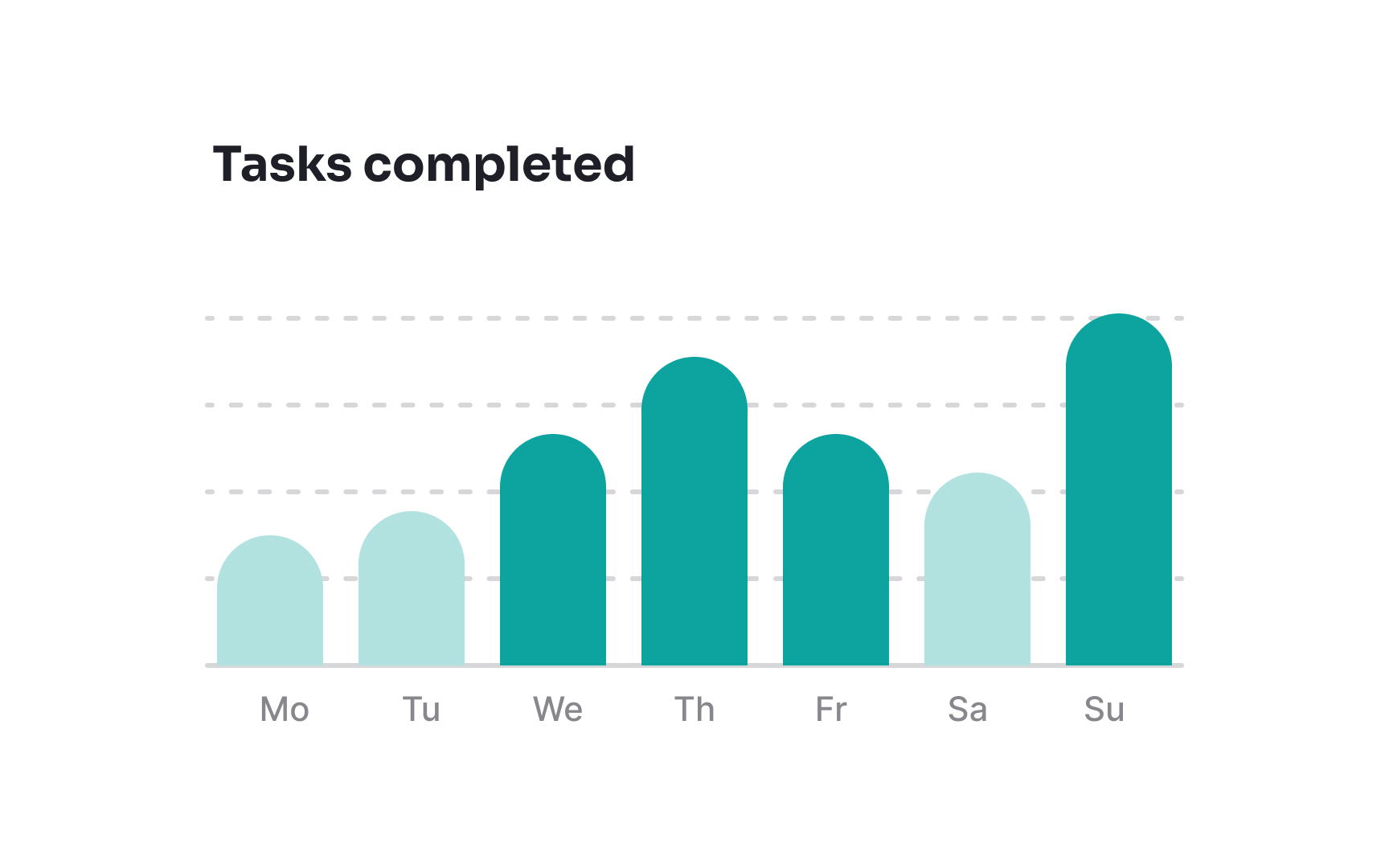
Sticking to standard sharp-cornered bar shapes ensures clarity and precision, making it easier for viewers to accurately compare data. Sharp corners provide a clear endpoint for each bar, minimizing visual ambiguity.
However, the exception to this rule is when you're aiming for a specific aesthetic or thematic effect. For example, rounded corners might be used to soften the visual impact of the chart or align with a particular design language, but this should be balanced against the need for clear data representation.
Create information contrast
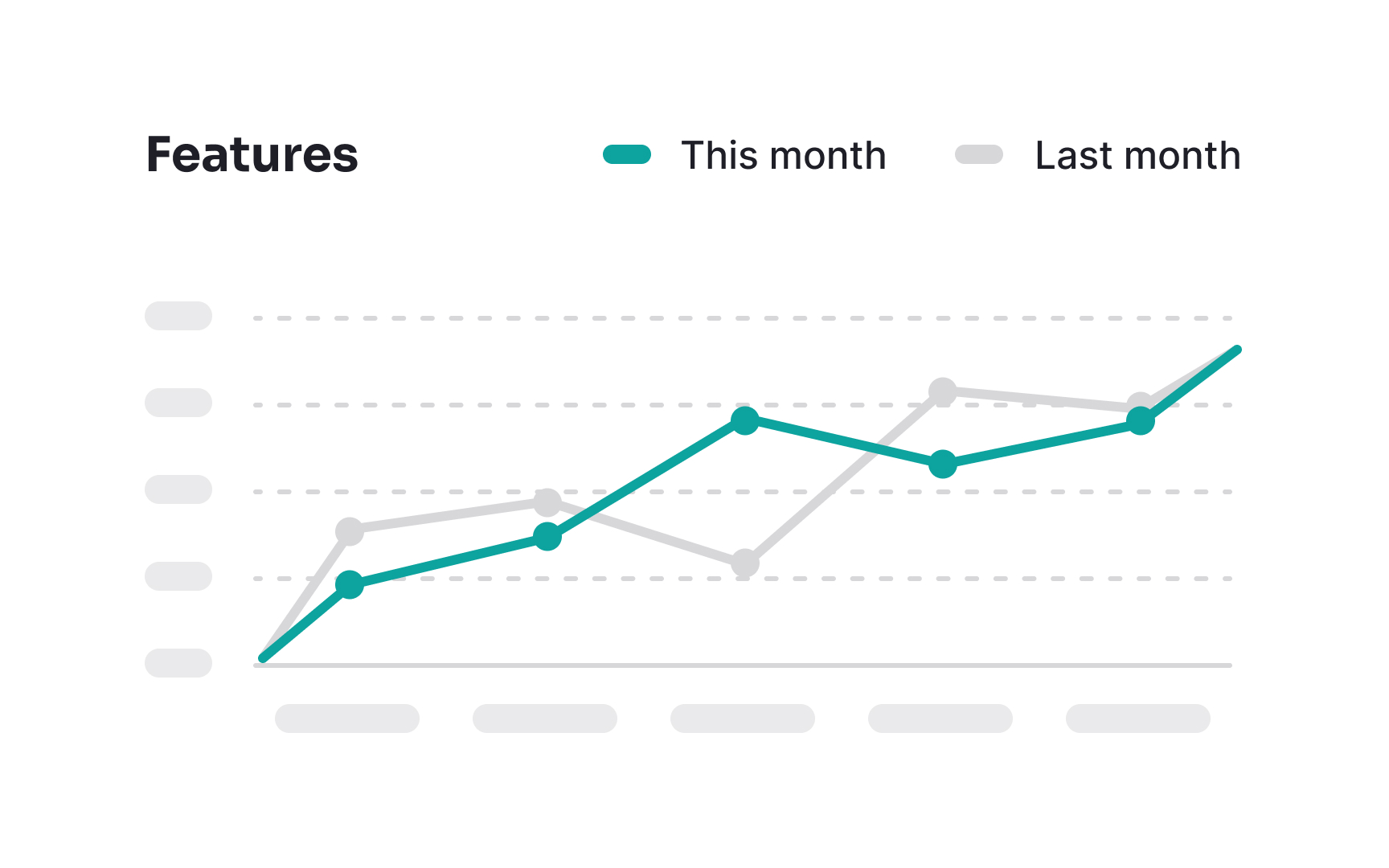
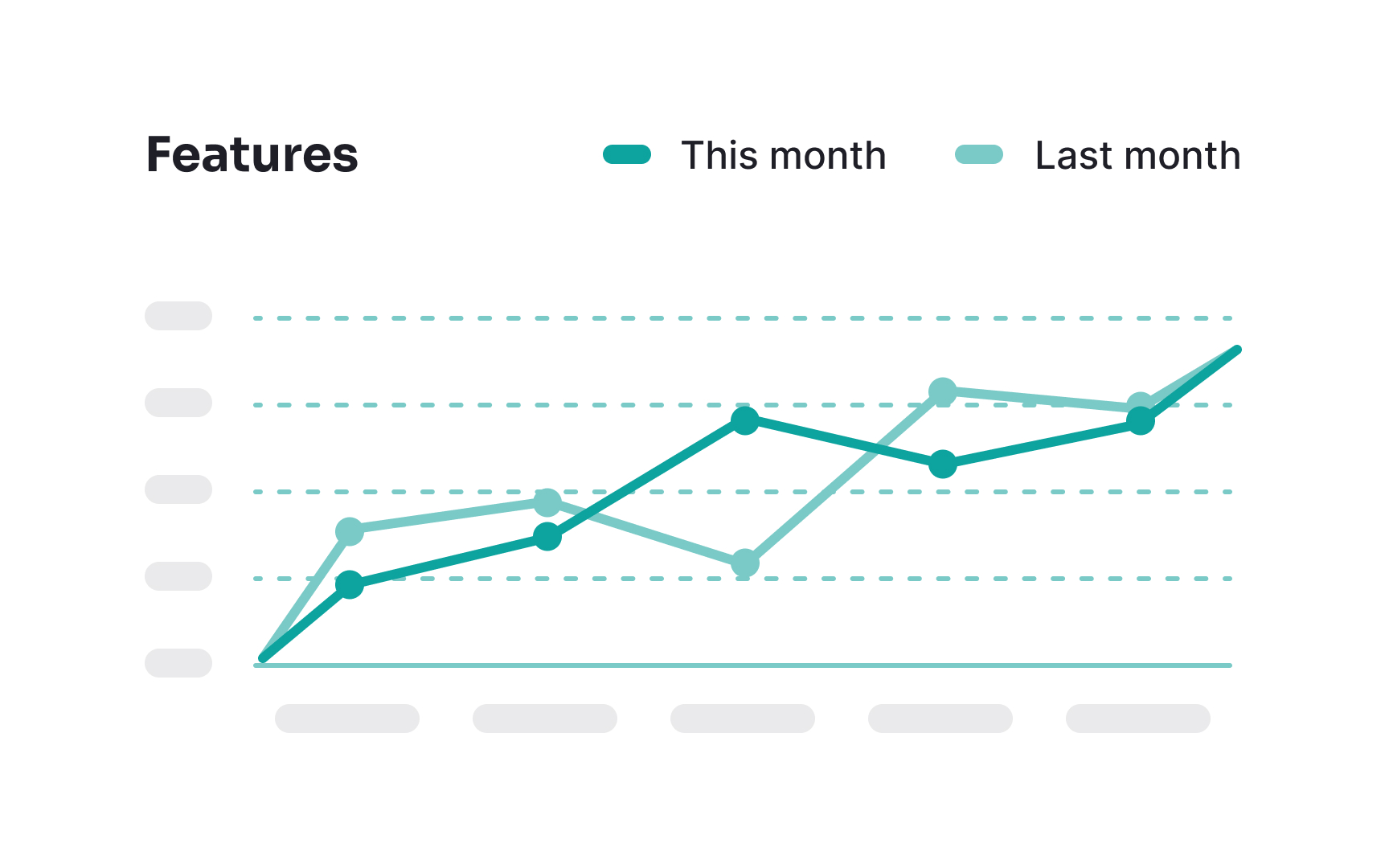
To create information contrast in multi-line charts, utilize focused and unfocused states. When users hover over a particular line, highlight it by making it brighter or thicker, drawing immediate attention to it. Simultaneously, color the other, unfocused lines in neutral or muted tones. This contrast ensures that users are naturally drawn to the important, active data, reducing visual clutter and enhancing readability.
By avoiding the use of many bright colors for all lines, you prevent unnecessary distractions, making it easier for users to analyze and interpret the data effectively and accurately.
Add visual hints
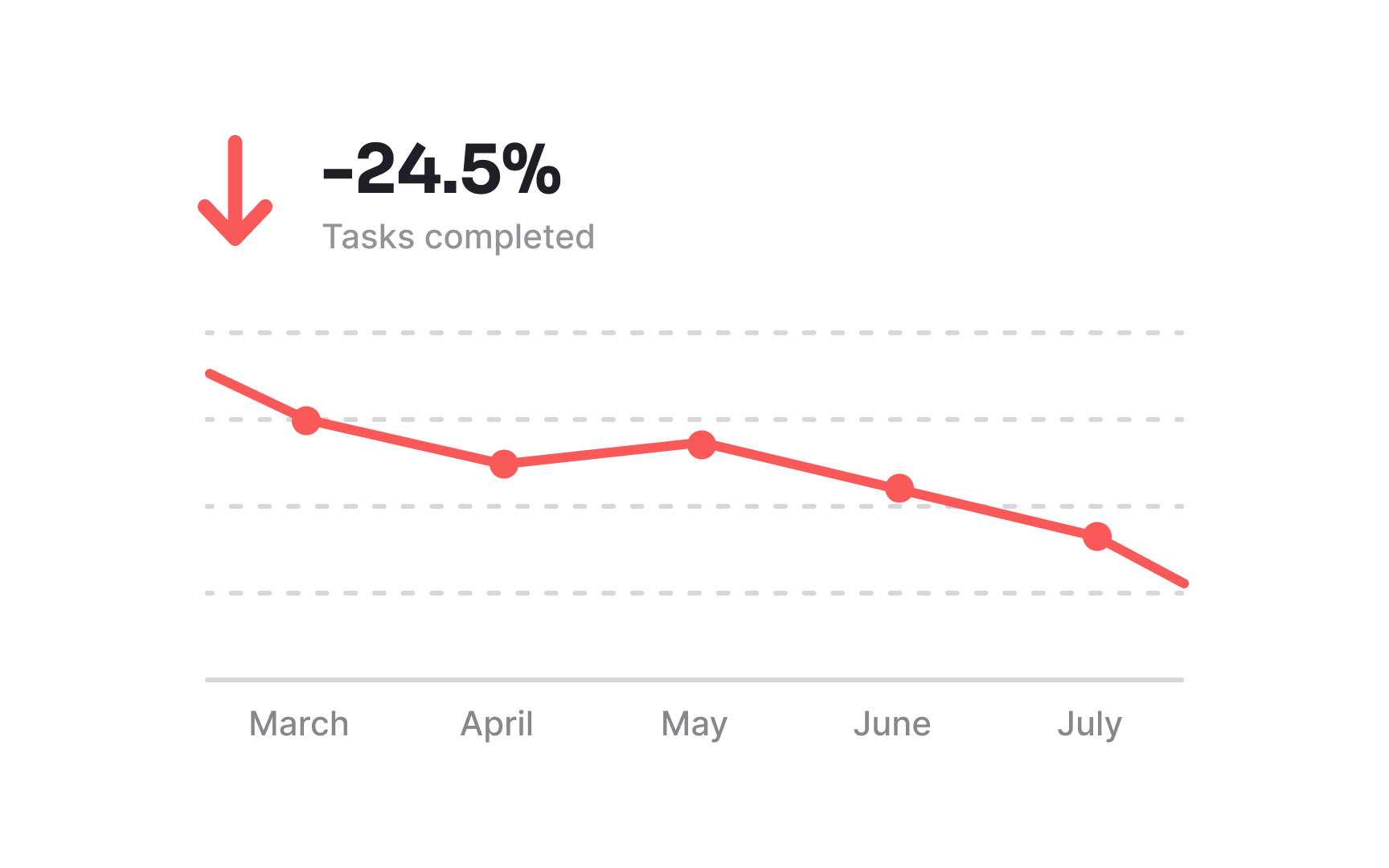
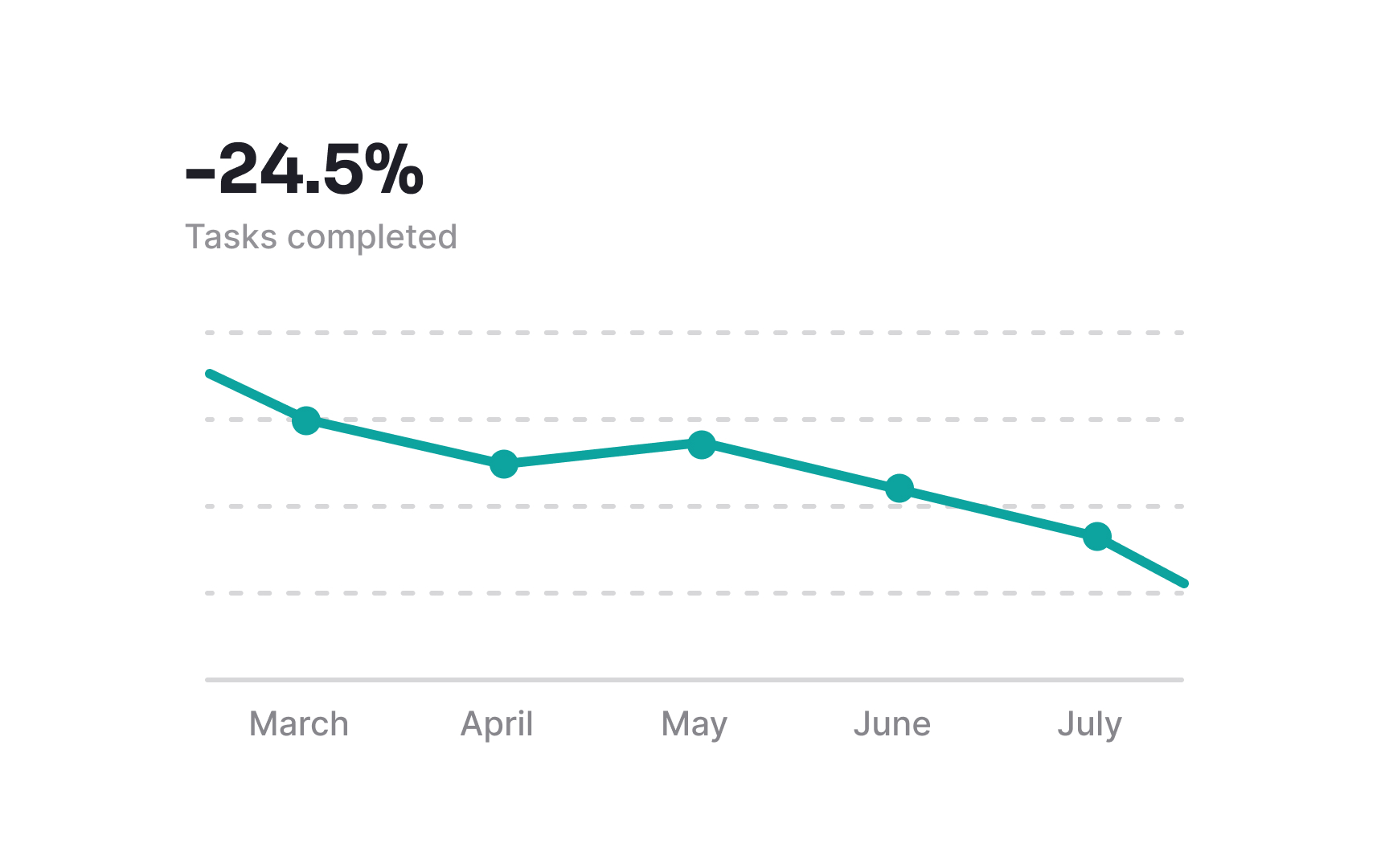
To make analyzing a chart simpler and more intuitive, it's helpful to add visual hints. For instance, you might use a green arrow pointing upward to show that a value is increasing, and a red arrow pointing downward to indicate a decrease.
However, it's important not to rely solely on color. Instead, complement colors with additional indicators like icons or shapes. This way, everyone can understand the trends and changes in your chart, making the data accessible and easy to interpret for a broader audience.
Set charts to zero-valued baselines
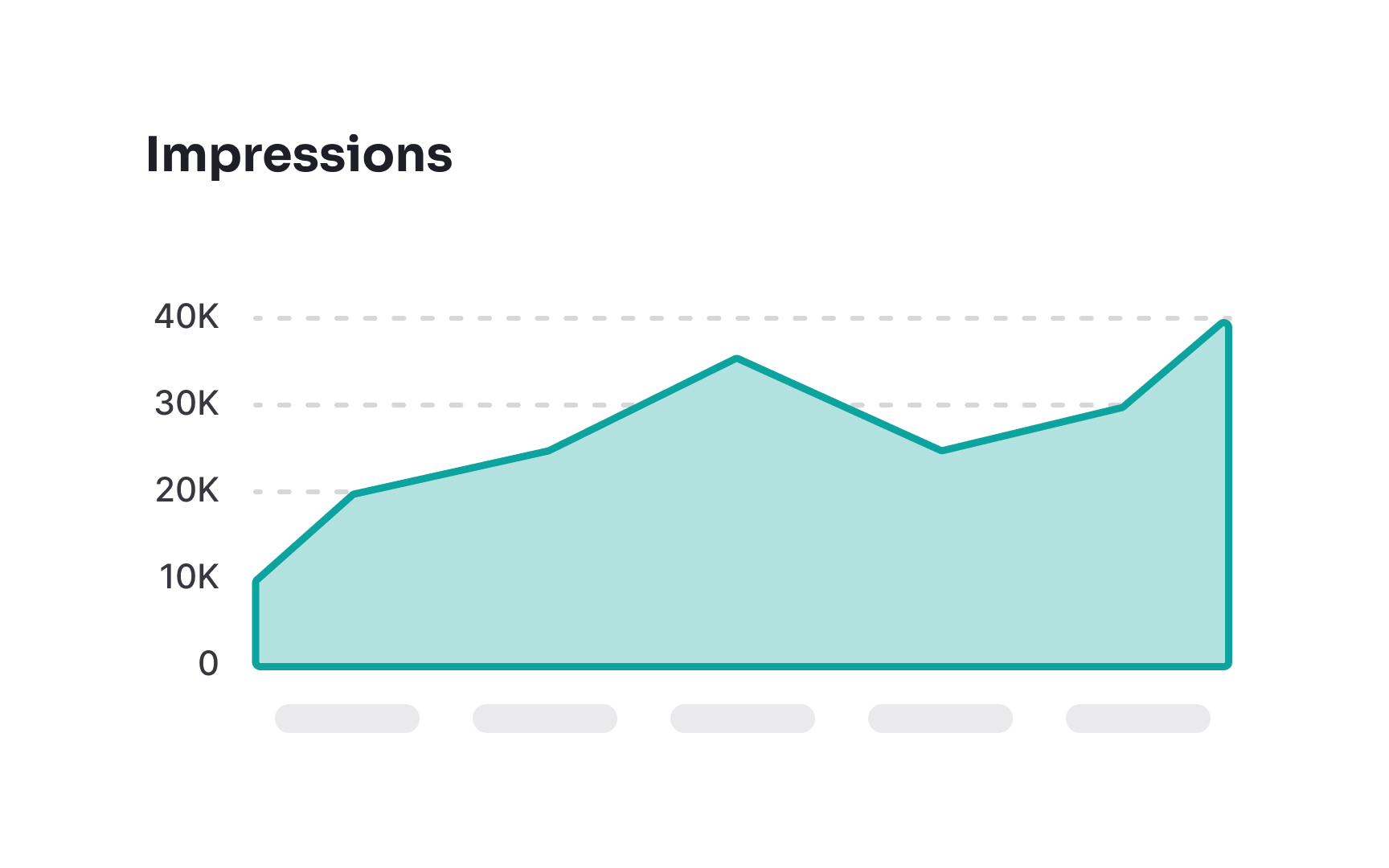
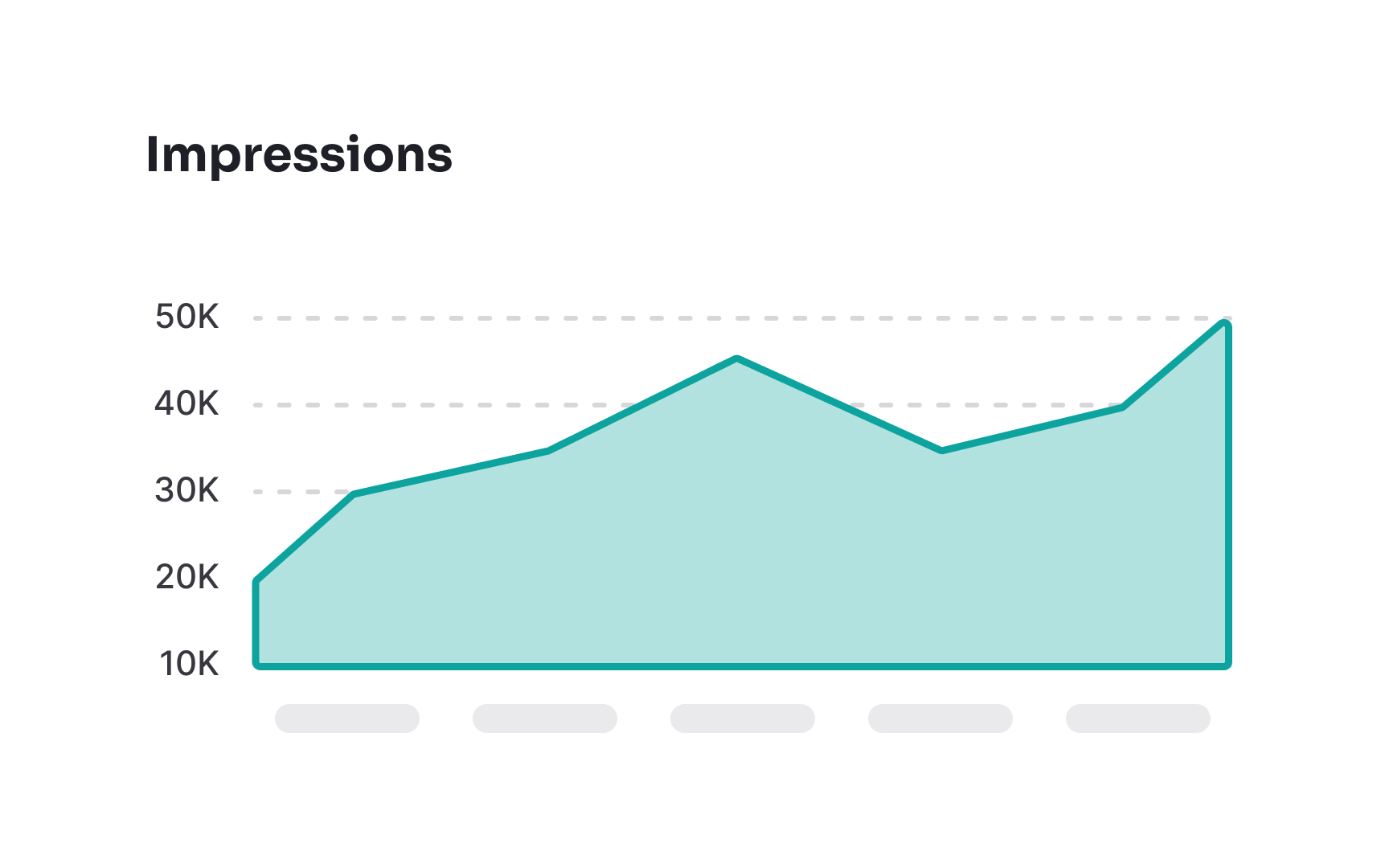
When designing a chart, always keep in mind zero values. Not starting the y-axis (or x-axis for horizontal bar charts) at zero can make data appear misleading and untruthful. For example, when the y-axis begins at 10, the bar reaching a value of 10 appears disproportionately smaller than one reaching a value of 30. By starting the axis at zero, you guarantee that data is displayed correctly and reduce the chances of users misinterpreting the data.
However, you don’t always need to start at zero. For line charts or scatter plots showing frequency distributions like stock prices or temperature trends, the important part is the change over time, not the absolute value. Starting the axis closer to the data range makes small changes easier to see.
Select appropriate intervals
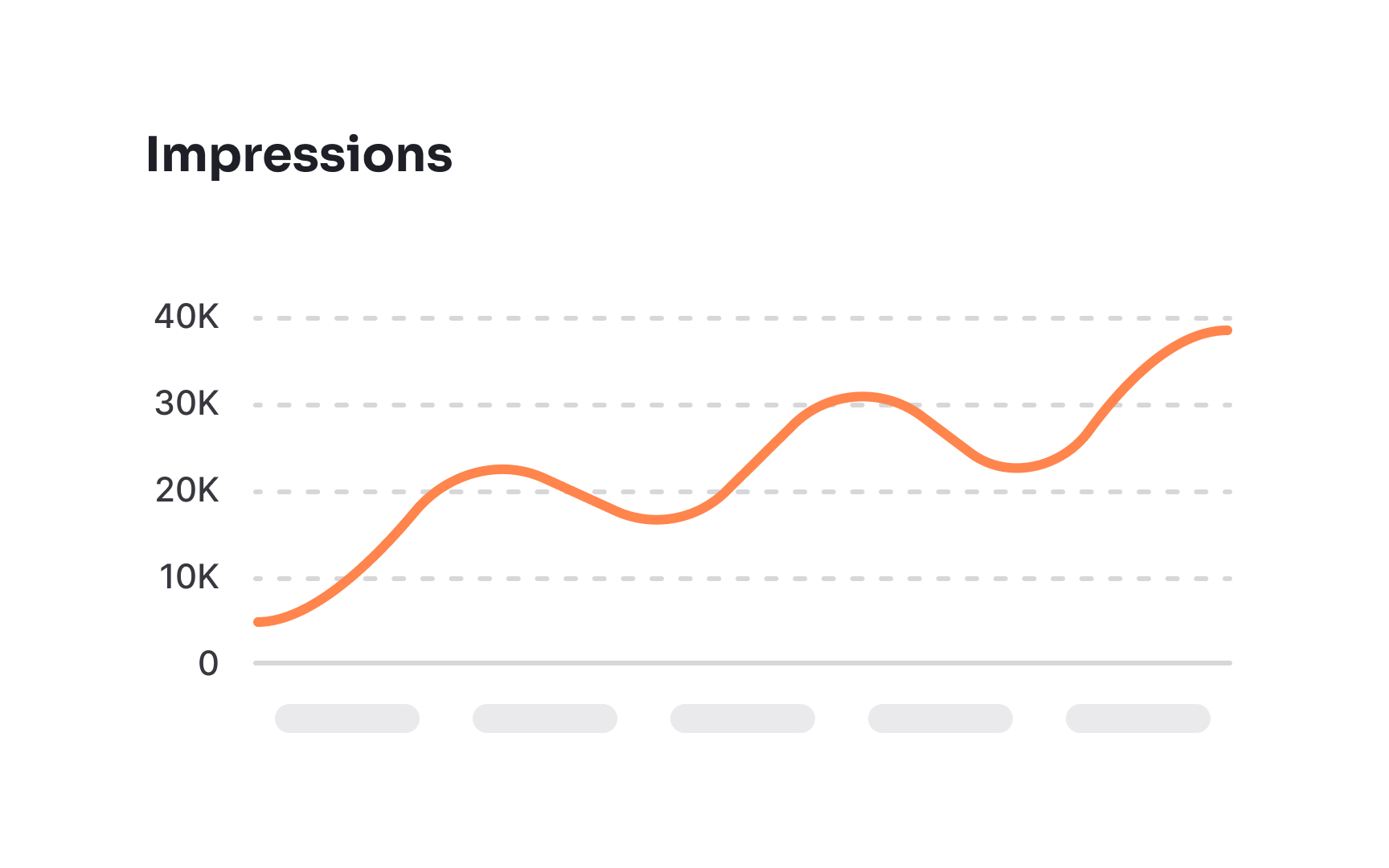
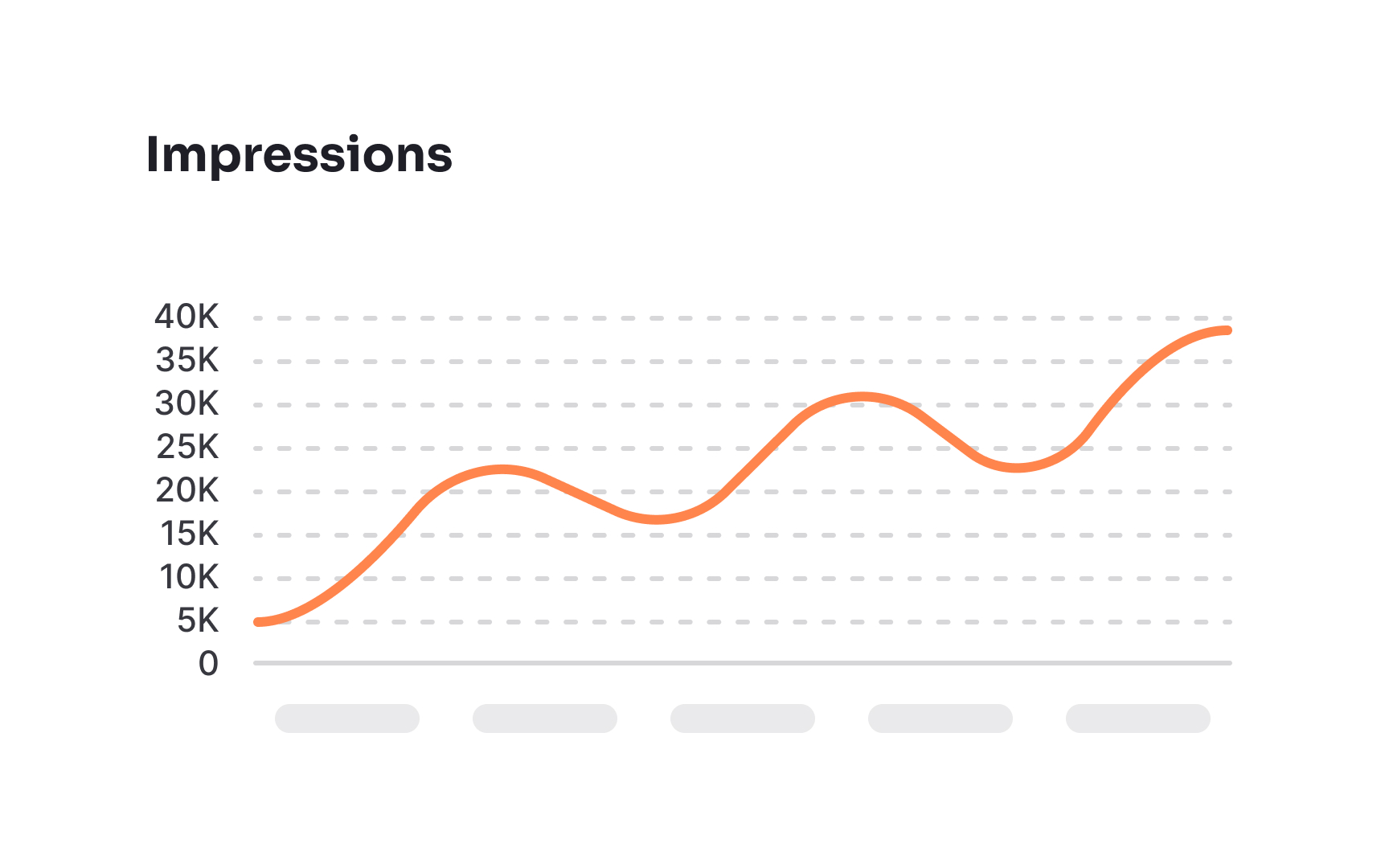
Selecting the right measurement intervals is essential for line and area charts. The longer the period you show, the larger intervals should be. For instance, if your chart contains over a year's worth of data, it's better to break it by months, not weeks or days. By doing so, you'll avoid a huge amount of unnecessary data that creates noise on a chart instead of providing valuable signals.
Use horizontal labels
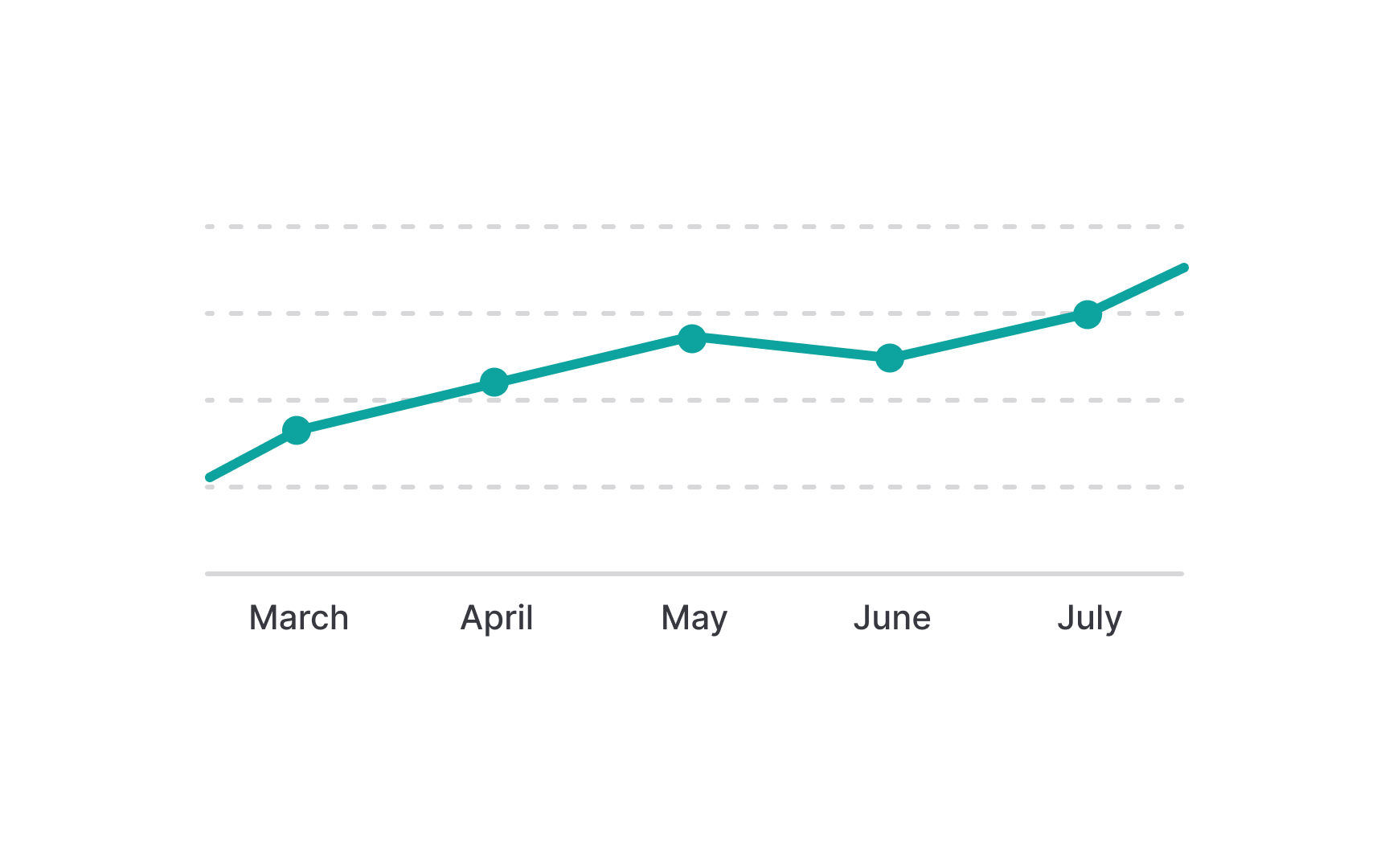
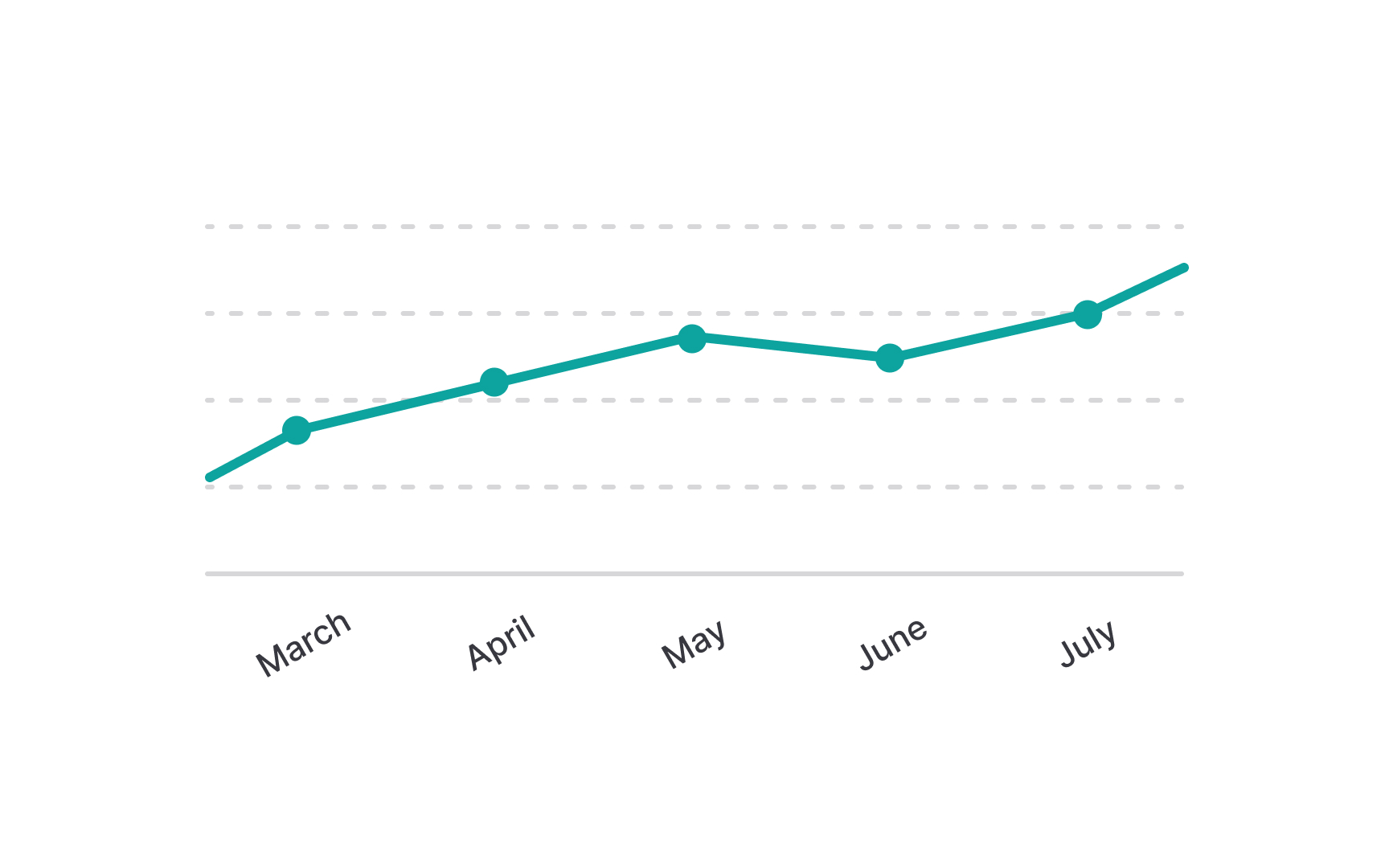
Using vertical or diagonal text labels in charts might seem like a good space-saving technique, but it often leads to decreased readability. People are used to reading text horizontally, so when labels are oriented vertically or diagonally, it can be harder to read and understand them quickly. To keep your chart clear and easily interpretable, it's better to align text labels horizontally, the way most text is naturally read.
If you're dealing with long labels that make horizontal alignment challenging, consider opting for horizontal bar charts instead. These types of charts provide ample space to place long labels horizontally on the left side, ensuring that your chart remains both informative and accessible, without compromising on readability.
Avoid distorting chart data with 3D styling
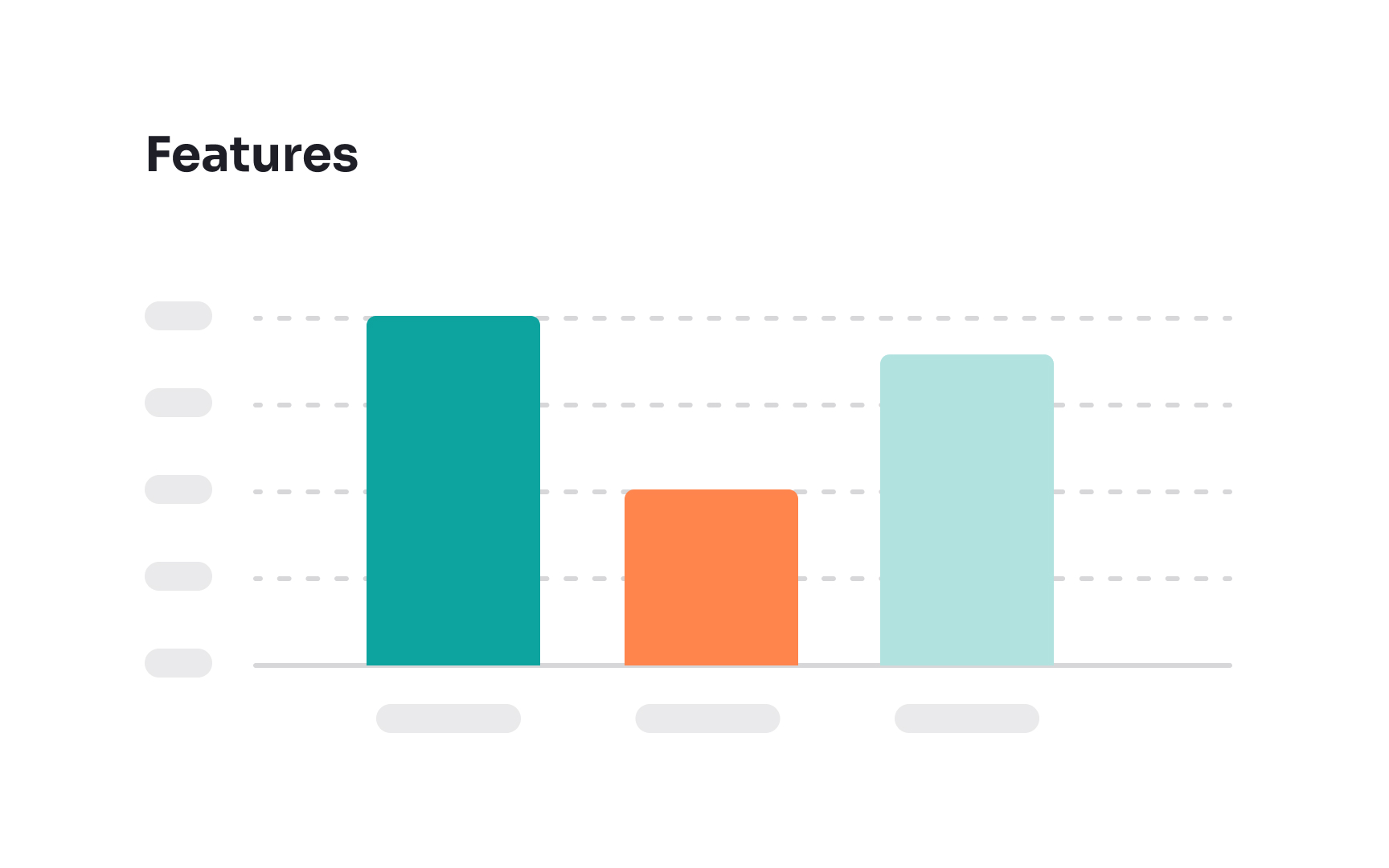
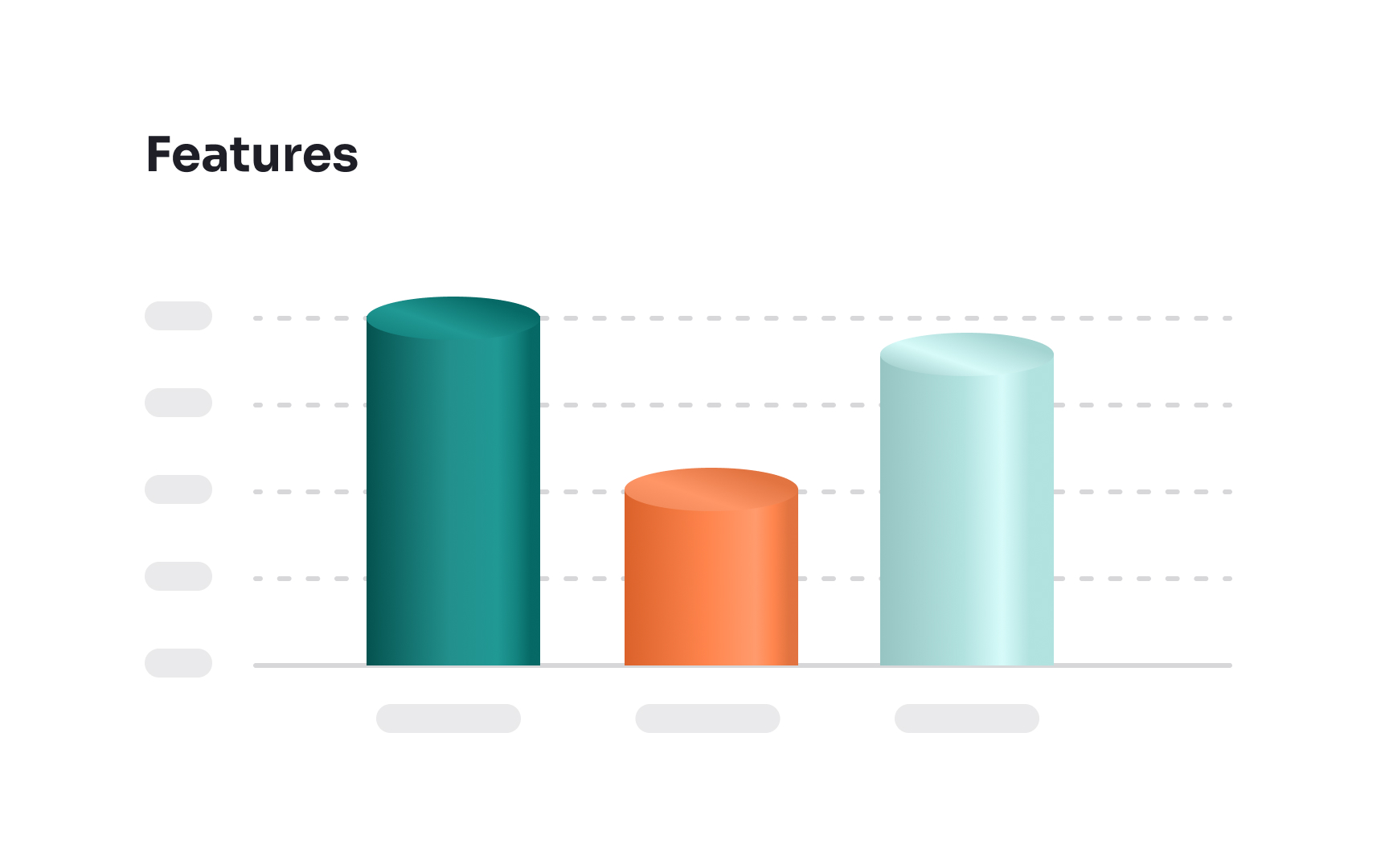
3D elements might enhance the visual appeal in video games and animations, but they're less effective in charts. The issue isn't just about aesthetics — 3D elements can actually make charts harder to read and interpret. When charts have a three-dimensional look, it can distort the viewer's perception of the data, making it challenging to pinpoint precise values and compare different elements accurately. This added complexity can lead to misunderstandings or misinterpretations of the information presented.
For clarity and ease of analysis, it's better to use two-dimensional shapes in charts. These provide a straightforward view of the data, ensuring that the focus remains on accurate interpretation and understanding, without unnecessary distractions or distortions.
References
- How to Choose the Right Data Visualization | Chartio
- The Principle of Common Region: Containers Create Groupings | Nielsen Norman Group