




.svg)


Card sorting is a research method that asks participants to organize topics or items into groups that make sense to them. The output tells designers how users mentally categorize information, which is the foundation of effective information architecture. When navigation structures reflect real user logic rather than internal team assumptions, users find what they need faster and with less frustration.
The method comes in several variations. Open card sorting lets participants create their own categories, which is useful for discovering how users think about a topic from scratch. Closed card sorting asks participants to sort items into predefined categories, better for evaluating an existing structure. Moderated sessions allow a researcher to probe for reasoning. Unmoderated sessions scale more easily and can be run remotely.
Card sorting works best when combined with other methods. Sorting data shows how users group items but does not reveal how they navigate between them. Pairing card sorting with tree testing or usability testing gives a more complete picture of whether an information architecture works for real users.
What is card sorting
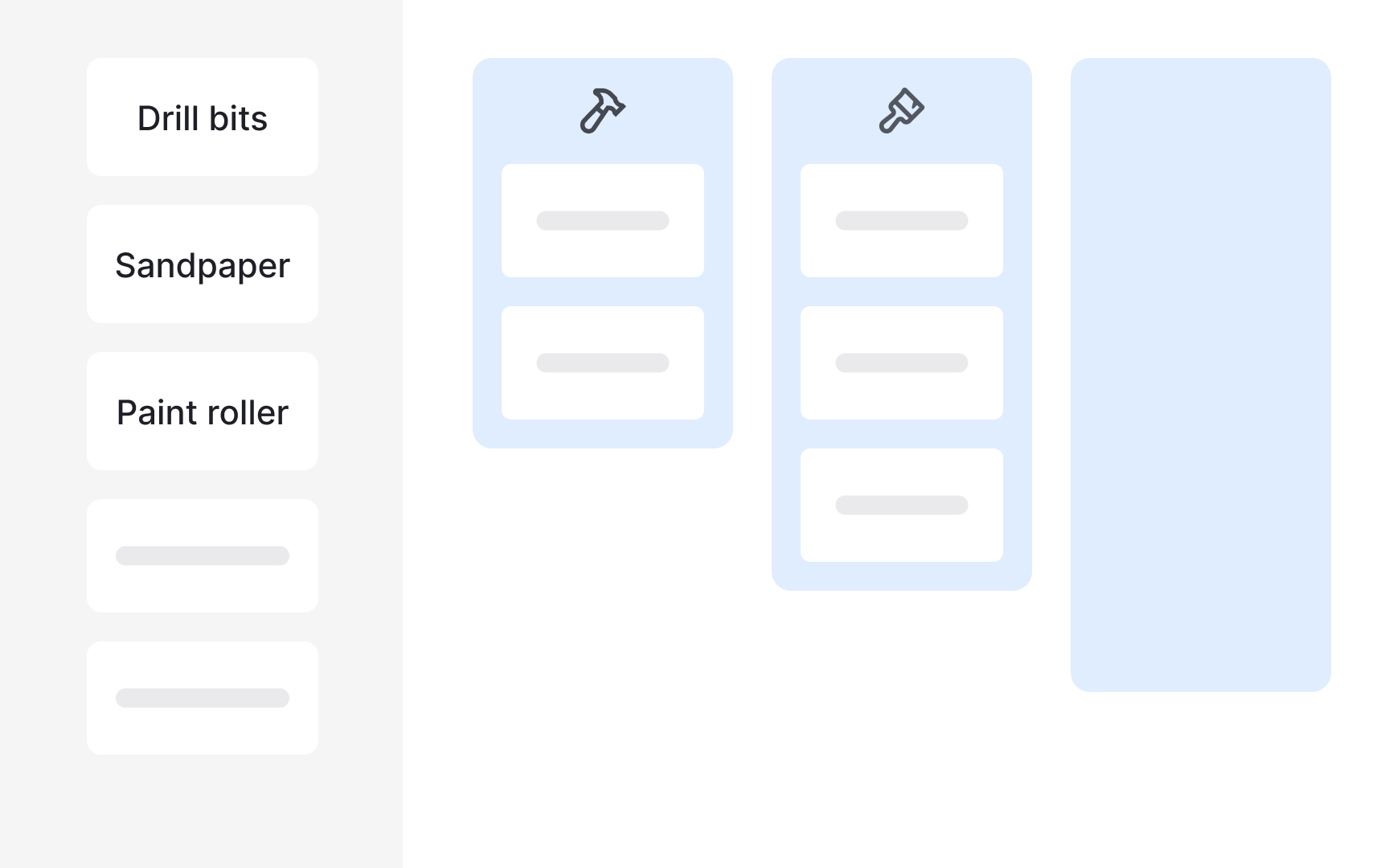
Card sorting is a UX research method for understanding how users mentally organize information. Researchers ask participants to group individual labels, written on notecards or using an online tool like Miro, into categories that make sense to them. The resulting groupings reveal users' mental models and help teams build or evaluate an information architecture that feels intuitive.
Card sorting is also useful when you want to learn what language your audience uses to describe your product. Those words can then inform your labels, making navigation feel more natural to users.
Like any method, card sorting has real limitations worth knowing before you run a session:
- Labels lack context. Users normally navigate interfaces with visual cues. A notecard with a single label strips away that context, which can skew how participants respond.
- Analysis takes time. Especially when results are inconsistent, making sense of what participants did and why requires careful work.
- Findings stay high-level. Users behave differently when performing actual tasks. Card sorting gives you a useful overview, but it may not reveal the deeper details behind user decisions.
Pro Tip! You can use card sorting methods to compare mental models between user groups and learn how they perceive your content.
Open vs. closed card sorting
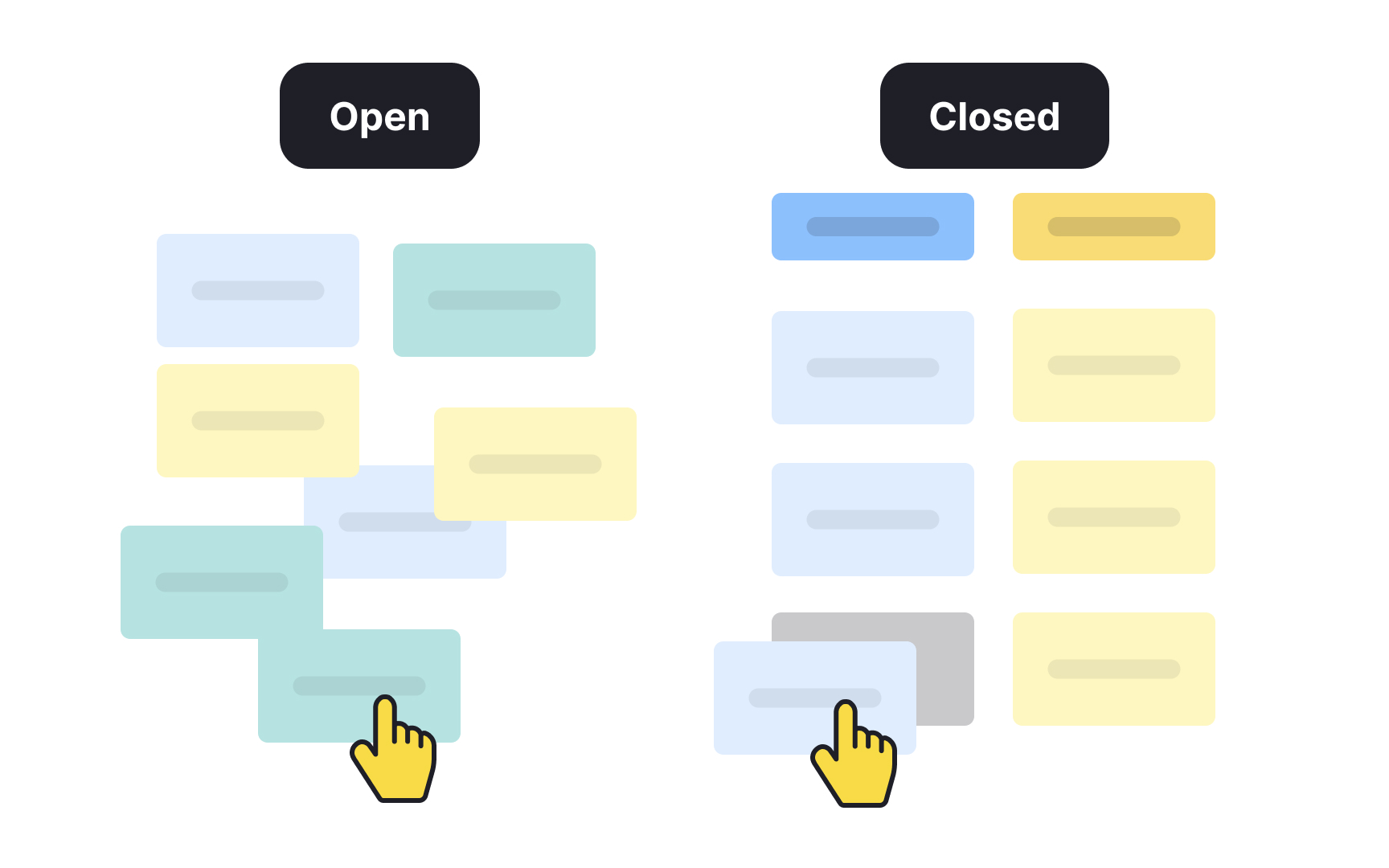
When UX practitioners talk about card sorting, they usually mean the open variety. In an open card sort, participants group items freely and then create their own names for the groups they've formed. This makes it the go-to approach when you're starting from scratch or trying to understand how users naturally think about your content.
Open card sorting is useful when you want to:
- Learn how users mentally organize information
- Understand how they search for content on a website
- Build a new information architecture that reflects their expectations
It's also valuable for comparing how different user groups perceive the same content structure.
A closed card sort works differently. Category names are defined by researchers upfront, and participants sort cards into those existing categories. This makes it better suited for evaluation rather than exploration.
Use a closed card sort when you want to:
- Assess whether your current labeling system is working
- Identify categories that are confusing or redundant
- Prioritize how users rank different actions
For example, you might ask participants to sort email app actions like Reply, Forward, Archive, and Delete into groups such as "Mandatory," "Optional," "Frequently used," and "I never use it." The results show which actions users consider essential and which ones get in the way.
Moderated vs. unmoderated card sorting
Card sorting sessions can be run in two ways: moderated or unmoderated. The right choice depends on your research goals, timeline, and budget.
In an unmoderated card sort, participants work through the session on their own, usually using an online tool. It's a fast and cost-effective way to collect data from a large number of participants, but it comes with a tradeoff: you don't get to hear participants' reasoning as they sort. That makes the analysis more interpretive and time-consuming.
A moderated card sort involves a facilitator who guides the session and can ask follow-up questions in real time, such as "Which item was the hardest to categorize?" or "Why did you place this card in this group?" The added context makes findings richer, but the method requires more planning and budget.
If you're working with a large sample, you don't have to choose one approach. Running a few moderated sessions first gives you insight into how participants think, and following up with unmoderated sessions gives you the statistical weight to support those findings.[1]
Paper vs. digital card sorting
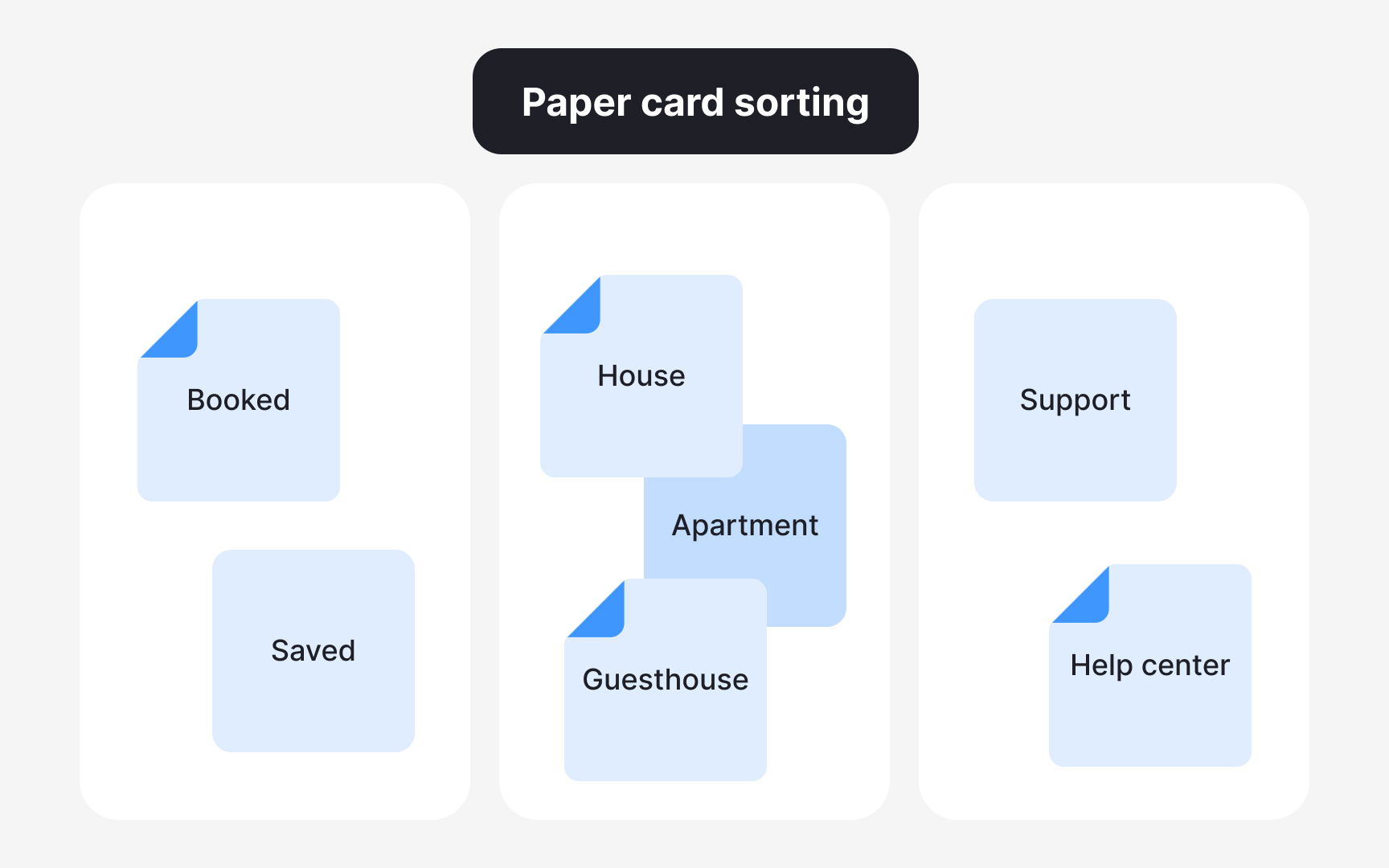
Card sorting can be conducted with physical materials or using a digital tool. Each approach has real tradeoffs worth weighing before you run a session.
Paper card sorting uses index cards or sticky notes that participants can move around freely. No setup or onboarding is needed. Participants just group items into piles and name the categories.
- Pros: Physical cards are easy to rearrange, experiment with, and start over. The tactile nature of the method can feel more natural to some participants.
- Cons: Researchers need to manually create every card and transcribe each participant's groupings into a tool for analysis. Longer sessions can also cause fatigue.
Digital card sorting uses an online tool where participants drag and drop cards into categories.
- Pros: The tool handles data collection and analysis automatically, giving researchers direct access to findings without manual processing.
- Cons: Online tools can be less flexible and take time to learn. Technical or usability issues may prevent participants from moving cards freely or creating new categories.
Prepare cards for a card sorting session
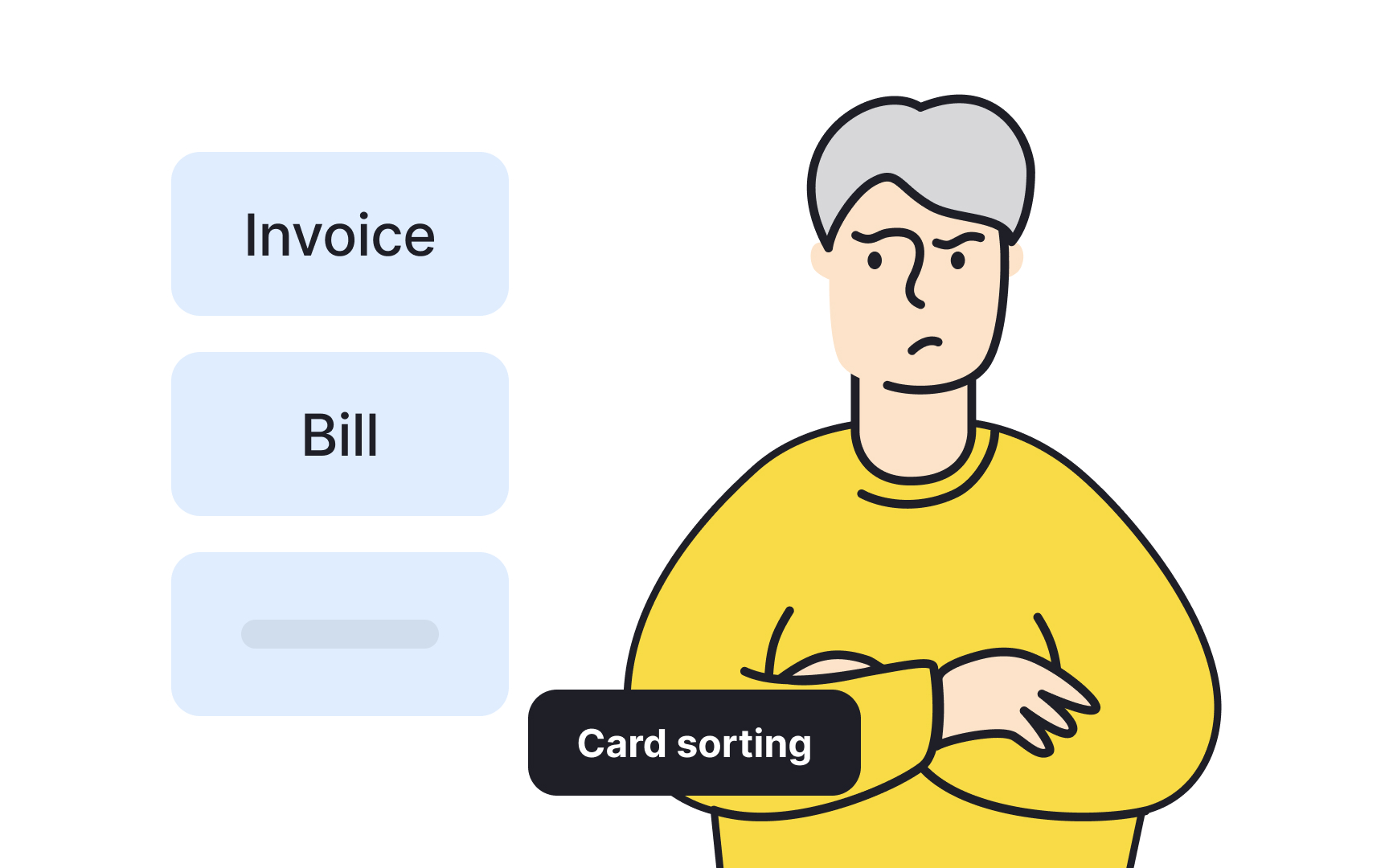
Before listing cards for your card sorting session, run a content audit. This means going through your existing content and selecting the most relevant items to include. If you're working on a brand-new product, brainstorm everything you'd want users to navigate and build your list from there.
A good target is somewhere between 30 and 60 cards. You can start with a longer list and cut what isn't essential. Going beyond that range risks overwhelming participants, which affects both the quality of their decisions and the reliability of your data.
One thing to watch: avoid cards with similar words or synonyms. When two cards feel interchangeable, participants tend to group them together out of habit rather than genuine mental association, which muddies your results.[2]
Pro Tip! Make sure one card includes only one topic.
Guide participants through card sorting
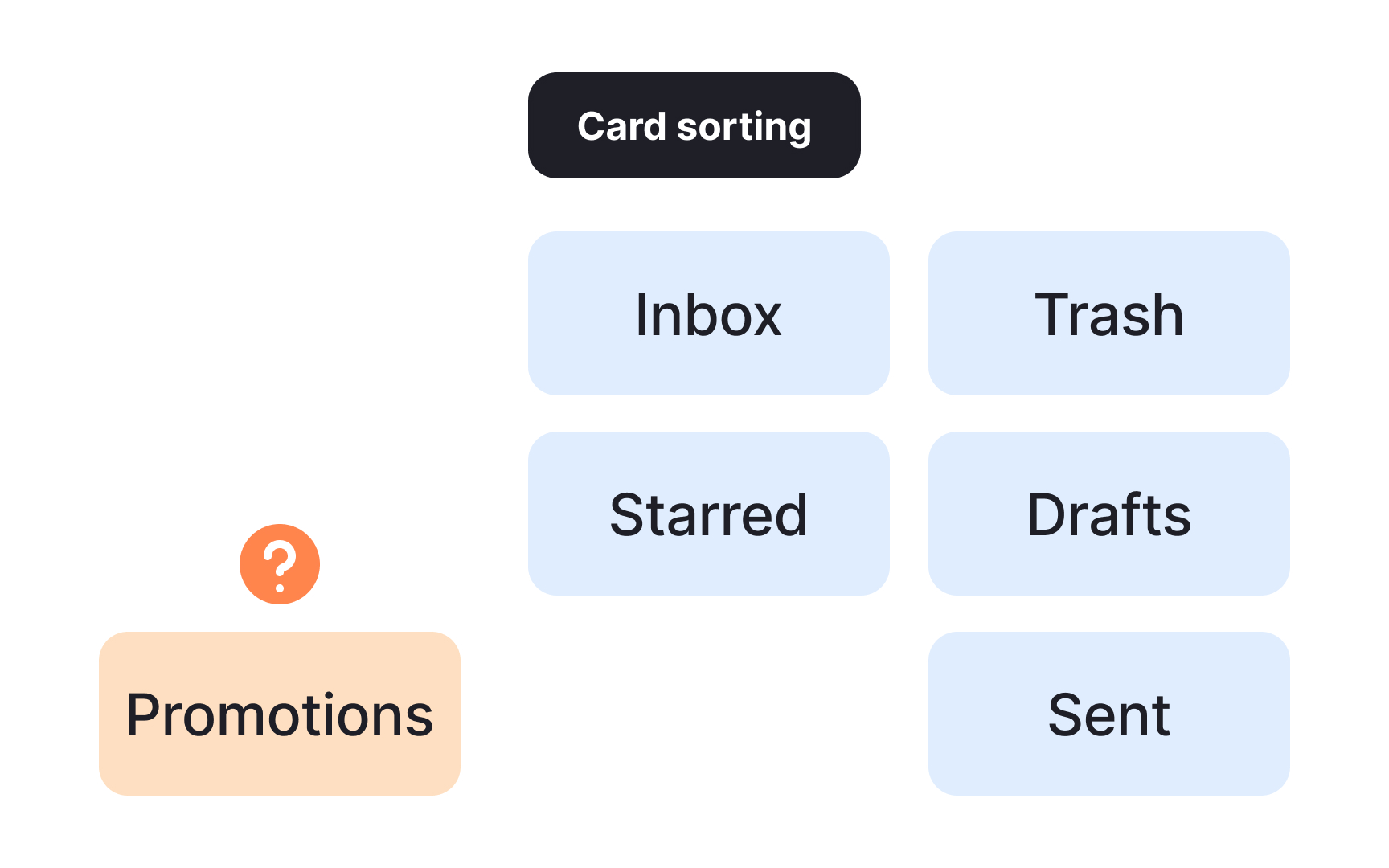
Once your cards are ready, shuffle them and ask participants to group them into piles any way that feels natural to them. Give participants 15-20 minutes to complete the sort. If they haven't finished by then, offer an extra 5 minutes. Avoid rushing them, as the quality of groupings depends on participants thinking things through at their own pace.
Let participants know they can move cards around at any point. Changing their mind mid-session is completely normal and often reflects genuine reconsideration.
If a participant isn't sure where a card belongs or doesn't recognize what it means, have them place it in an "uncategorized" or "unsure" pile rather than forcing a guess. Random groupings add noise to your data and make analysis harder to trust.[3]
Pro Tip! Don’t instruct participants to sort a precise number of cards into a pile. It's okay if some groups are larger or smaller than others.
Use card sorting to match users' mental models
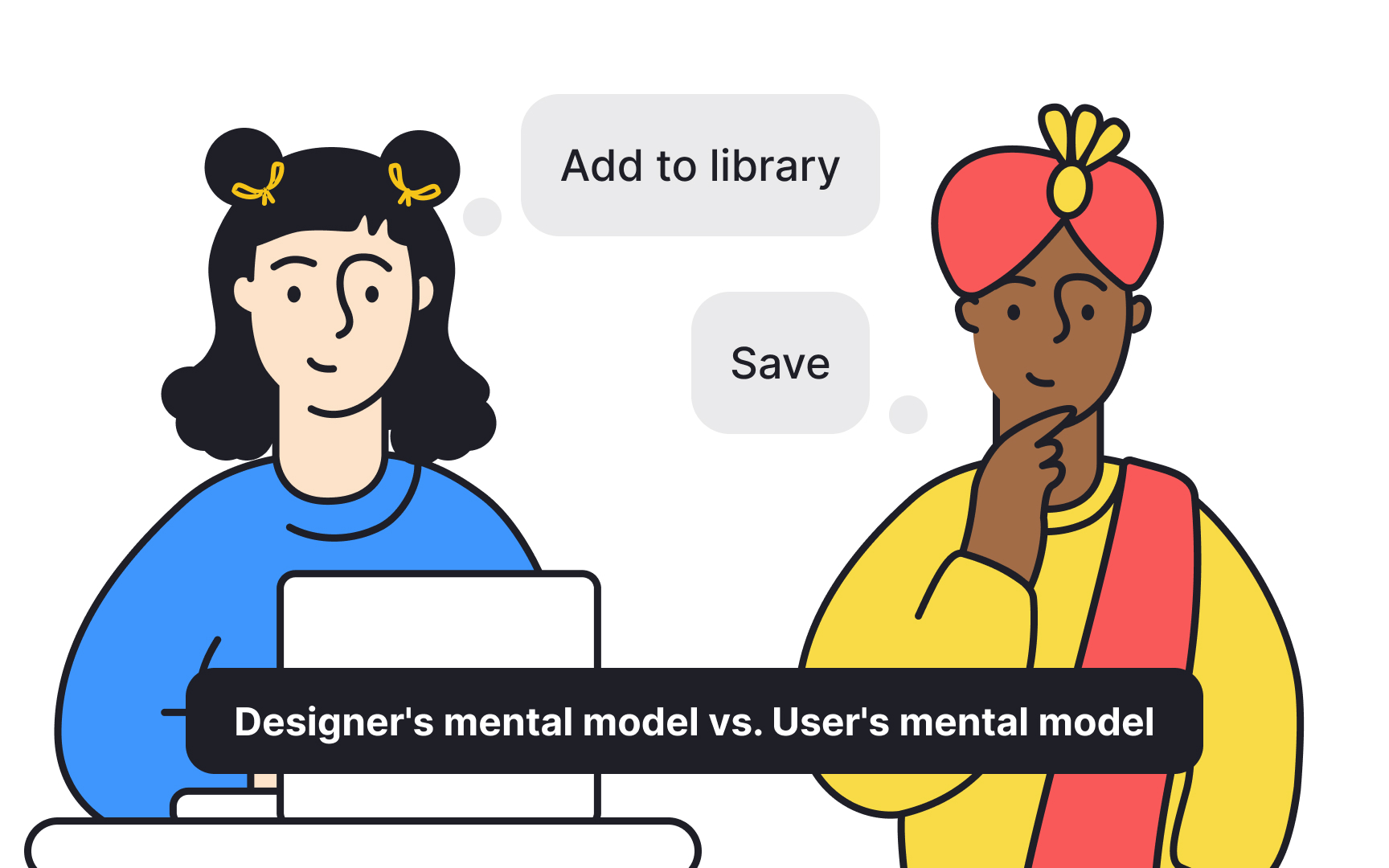
Card sorting works because it bridges a gap that's easy to overlook: designers and users rarely think about information the same way. A mental model is the internal explanation someone has for how a system works, and every person's is different. Designers bring their own assumptions about where things should live in a product, and those assumptions don't always match how users actually think.
Jakob's Law of Internet User Experience makes this concrete: users spend most of their time on other sites, so they arrive at yours with pre-formed expectations. When your navigation contradicts those expectations, users feel disoriented and often leave rather than figure it out.
Card sorting surfaces these mismatches before they become navigation problems. By watching how participants group and label items, researchers can identify where their assumptions diverge from users' mental models and build an information architecture that feels intuitive from the start.[4]
Ask participants to name their card sorting groups
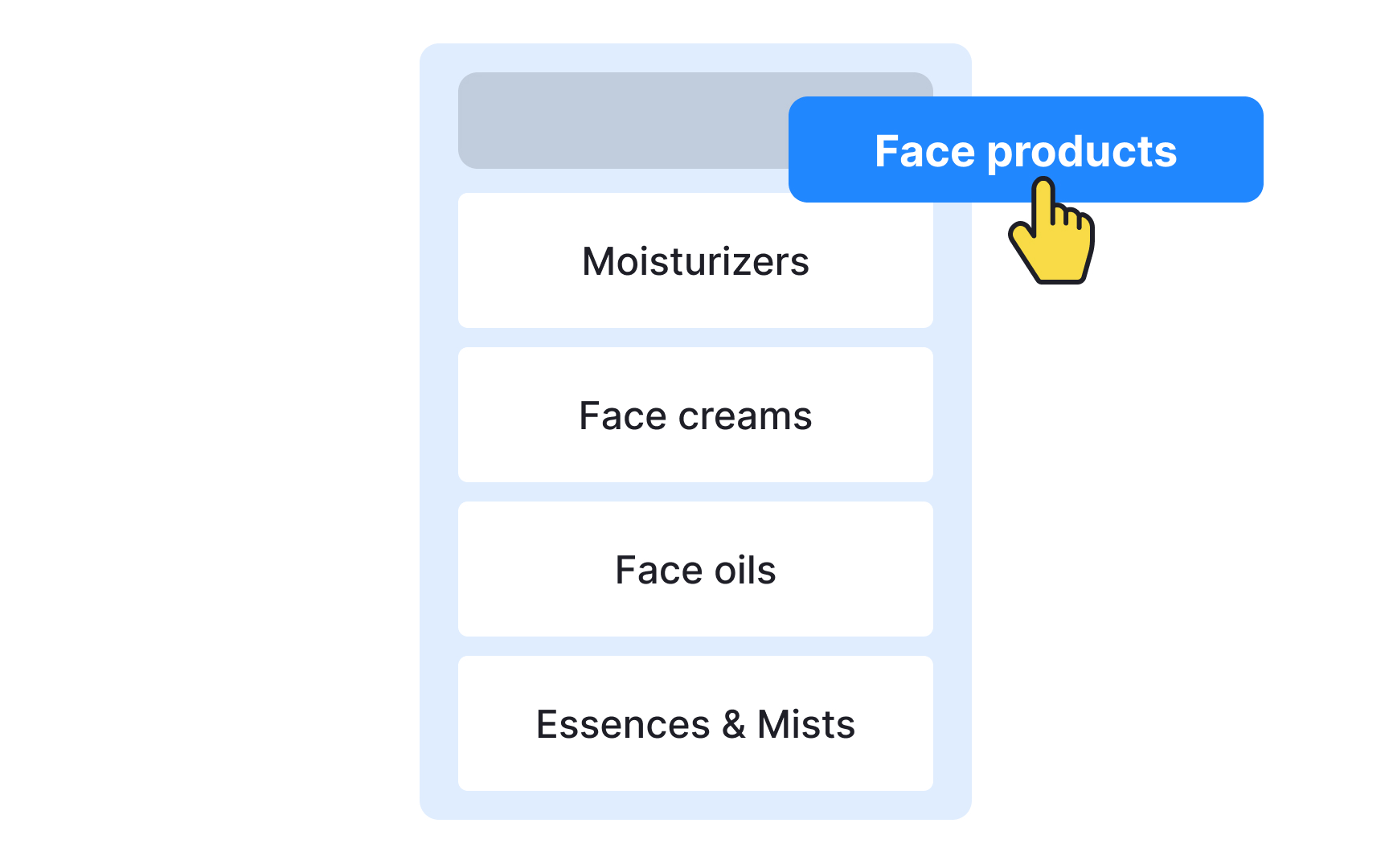
Once participants finish grouping their cards, ask them to name each group they've created. This step comes after sorting, not before, so that category names reflect participants' own thinking rather than being shaped by labels you've introduced.
You may already have category names in mind, but users navigate by what feels familiar. When a label matches their expectations, they click confidently. When it doesn't, they hesitate or avoid it altogether. Imposing your own category names without testing them is a common way to create navigation that looks logical to the team but confuses everyone else.
That said, don't adopt users' suggestions wholesale. Their input is a starting point. Use it to experiment, iterate, and arrive at labels that are both intuitive to users and accurate to the content they describe.
Debrief participants after card sorting


Once participants finish sorting, take time to debrief them. A short conversation after the session helps you understand the reasoning behind their groupings, not just the groupings themselves.
A few questions worth asking:
- Which cards were the most difficult to categorize?
- Which cards could belong to more than one group?
- Why did they leave certain cards unsorted?
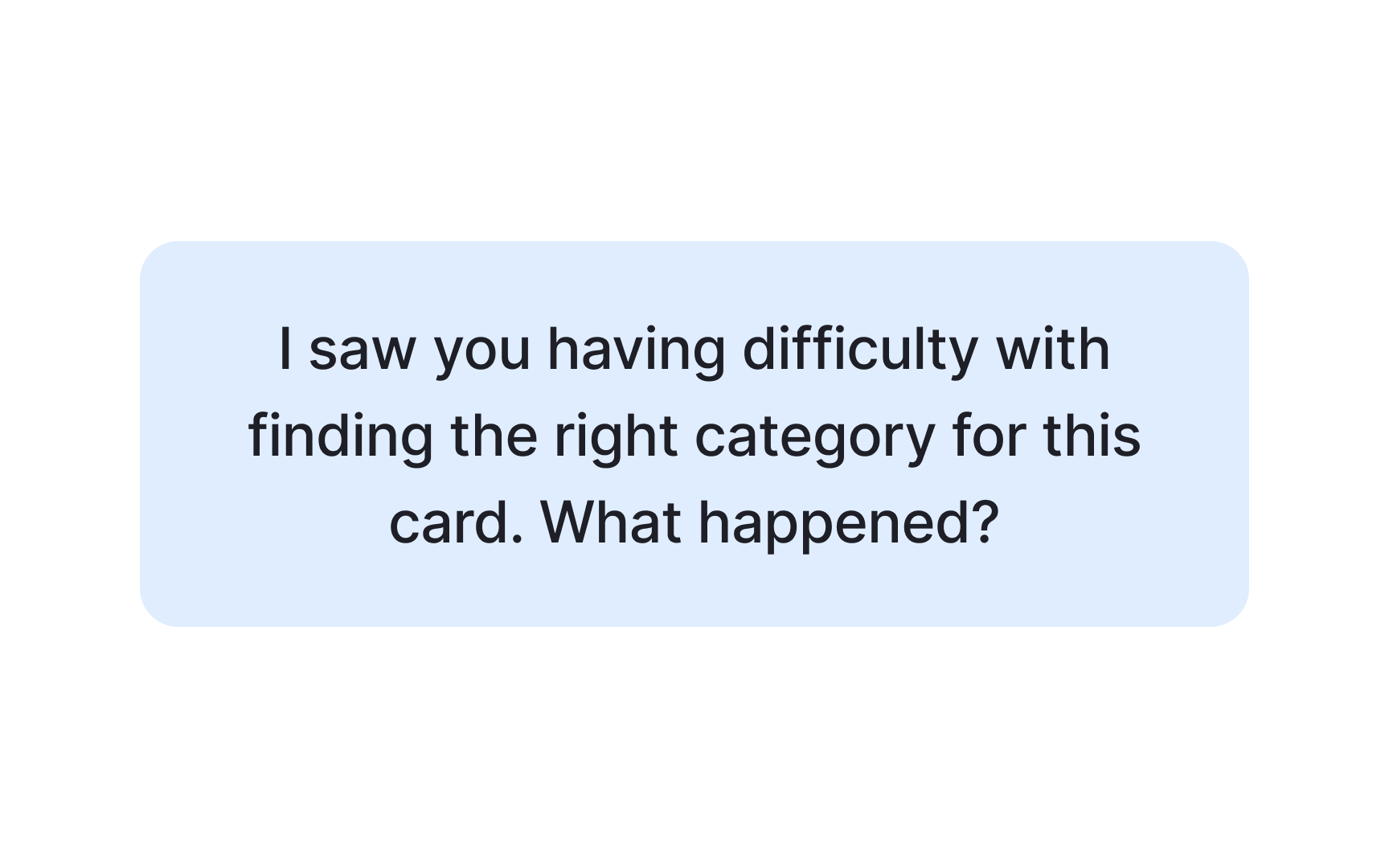
Notice how these questions are open and neutral. A good debrief question invites participants to share their thinking without implying they did something wrong. Asking "I saw you struggling with this card, what happened?" signals judgment and puts participants on the defensive, which closes off honest answers. Asking "Which cards were the most difficult to categorize?" gives participants space to reflect freely.
Another way to get inside participants' thinking is to ask them to think aloud during the session itself. Hearing their reasoning in real time adds context that post-session questions can't always recover. In both cases, stay neutral throughout. Keep your body language open and avoid reacting to what participants say, whether positively or negatively.
Pro Tip! Avoid asking leading questions or judging their performance.
Analyze card sorting results
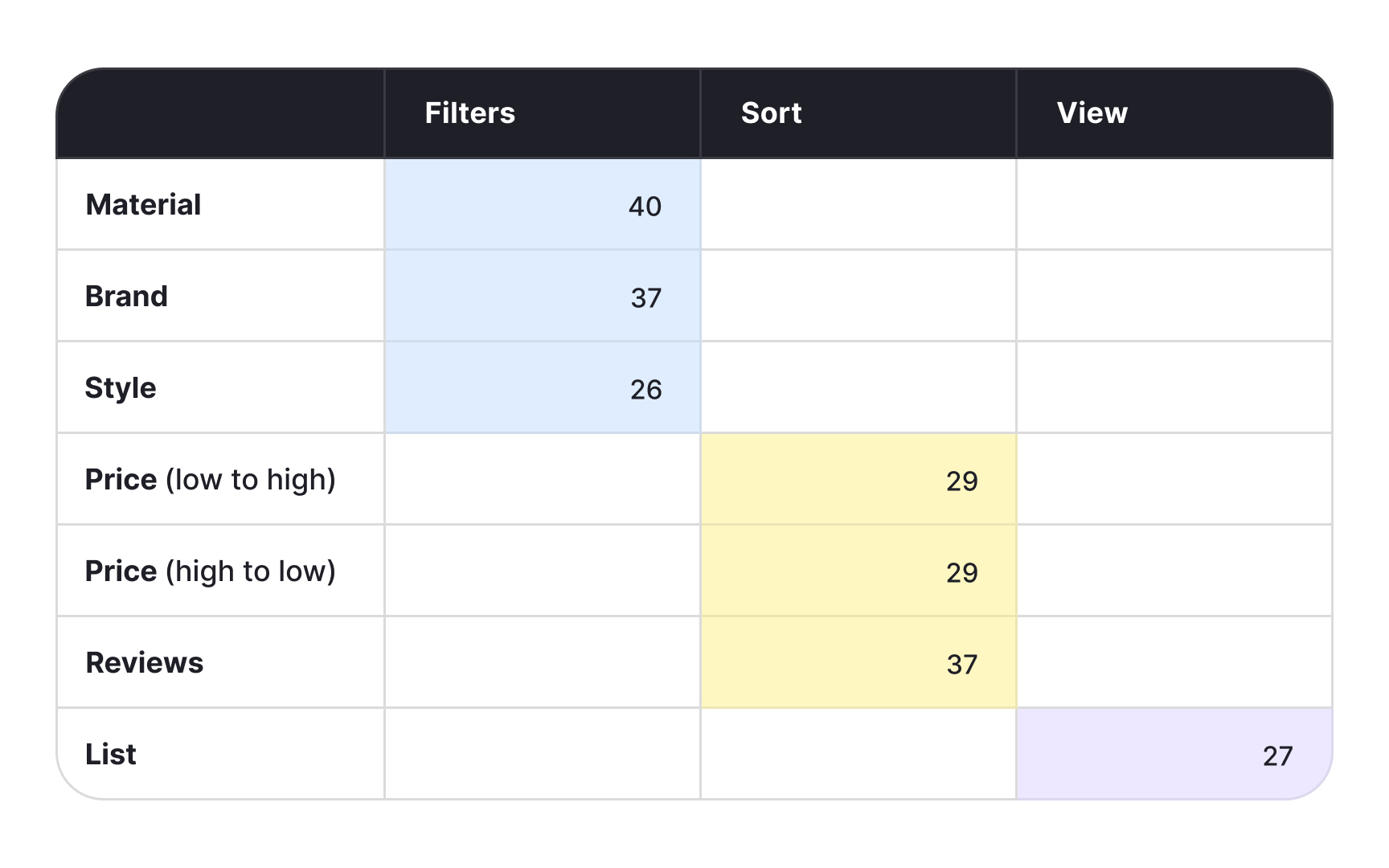
Analysis is the most time-consuming part of a card sorting study. Before diving into the data, it helps to know which approach fits your research goals, as the 2 main options serve different purposes.
Exploratory analysis is the right starting point when you have a smaller group of participants or need to understand the reasoning behind the patterns. It's an intuitive, interpretation-driven process. Rather than counting, you're looking for meaning. Go through each session and ask:
- Which items consistently appear in the same group?
- Which categories tend to get the same name?
- Which items frequently go unsorted?
Statistical analysis is better suited for larger participant groups where you need hard numbers to support your findings. It tells you exactly how many participants grouped certain cards together and helps you spot similarities and differences across different groups of people. You can process results manually using a spreadsheet matrix, or use a dedicated tool like Optimal Workshop or UserZoom to handle the heavy lifting.[1][2]
Pro Tip! If you’re redesigning your existing information architecture, compare the card sorting testing results to what you currently have.
Topics
References
- Card Sorting Best Practices for UX | Adobe XD Ideas | Ideas
- Card Sorting Tool & Template | Miro | https://miro.com/
- Card Sorting Tool & Template | Miro | https://miro.com/
- Jakob's Law of Internet User Experience (2 min. video) (Video) | Nielsen Norman Group



