.svg)


Qualitative UX research focuses on understanding user behavior, motivations, and mental models rather than measuring them. Where numbers tell you what users do, qualitative methods reveal why they do it. That distinction matters because design decisions grounded in real user reasoning tend to hold up better than those based on metrics alone.
The methods in this category share a common approach: they gather data in the form of words, observations, and stories rather than statistics. User interviews surface the reasoning behind choices that users cannot always articulate in a survey. Contextual inquiry captures how users behave in their actual environment, which often differs from how they describe their behavior. Diary studies track experiences over time, catching patterns that a single session would miss.
Each method has its strengths and its limits. Qualitative research is most valuable when a team needs to understand a problem deeply before deciding how to solve it. It works best with smaller participant groups and produces findings that point direction rather than confirm a scale. Knowing which method fits which question is the practical skill this lesson builds.
Ethnographic research
Ethnographic research is a qualitative method rooted in anthropology. In UX, it means immersing yourself in users' natural environments to observe how they actually behave, rather than how they think they do. Unlike a contextual inquiry session, ethnographic studies typically span days or weeks. That extended time is what allows observed behavior to return to normal, reducing the distortion that comes from users knowing they're being watched.
The value of this depth shows up in what you uncover. A researcher shadowing restaurant servers during a dinner shift might notice they frequently input orders while carrying plates. This is a behavior that no interview would surface because servers have simply accepted it as part of the job.
Data collection can take several forms: field notes, photography, video recording, and artifact analysis. The researcher's role can be passive, observing without interfering, or active, participating alongside users to build rapport and access more candid behavior.
Pro Tip! Ethnographic research is expensive and time-consuming. Use it when your team's assumptions about users are weak or untested and when getting the design direction wrong carries real consequences.
Contextual inquiry

Contextual inquiry is a qualitative research method that combines observation with in-context interviewing. Instead of bringing users into a lab, you go to them, watching how they work in the environment where they actually use your product. This matters because what users say they do and what they actually do are often very different things.
The method is guided by 4 principles:
- Context means conducting the session where the user naturally works, whether that's their home, office, or elsewhere.
- Partnership means treating the user as the expert and the researcher as the learner, letting both parties steer the conversation.
- Interpretation means checking your understanding in real time by sharing observations with the user and asking them to confirm or correct.
- Focus means keeping the session anchored to your research goals, even as the conversation flows naturally.
A session typically runs around 2 hours and follows a loose structure.
Contextual inquiry works especially well for understanding complex workflows and uncovering habitual behaviors users can't easily describe in a standard interview. It can be conducted in person or remotely, with screen sharing standing in for physical presence.[1]
Pro Tip! The most valuable moments are often the workarounds. When users do something unexpected to get a task done, that's a signal your product isn't supporting them the way it should.
Diary studies

A diary study is a qualitative research method where participants self-report their behaviors, thoughts, and feelings over an extended period. Instead of observing users directly, researchers ask them to log entries at regular intervals, capturing experiences as they happen rather than relying on memory after the fact.
For example, a design agency studying why users make repeat purchases from brands sent participants a diary kit with questions touching on relationships, routines, and expectations. Over time, those entries revealed patterns that a single interview never could.
Like ethnographic research, diary studies run over a longer period, which makes them well-suited for understanding behaviors that unfold gradually or vary day to day. They can surface user needs, goals, and personas, and are particularly useful for understanding how users carry out specific tasks in their own time and context. This makes them most valuable at the beginning of the design process, during discovery.
After the logging period, researchers typically follow up with participants in interviews to fill gaps, clarify ambiguous entries, and probe deeper into patterns that emerged.[2]
Pro Tip! Diary studies work best when logging feels easy for participants. The lower the friction of recording an entry, the more honest and consistent the data.
User interviews
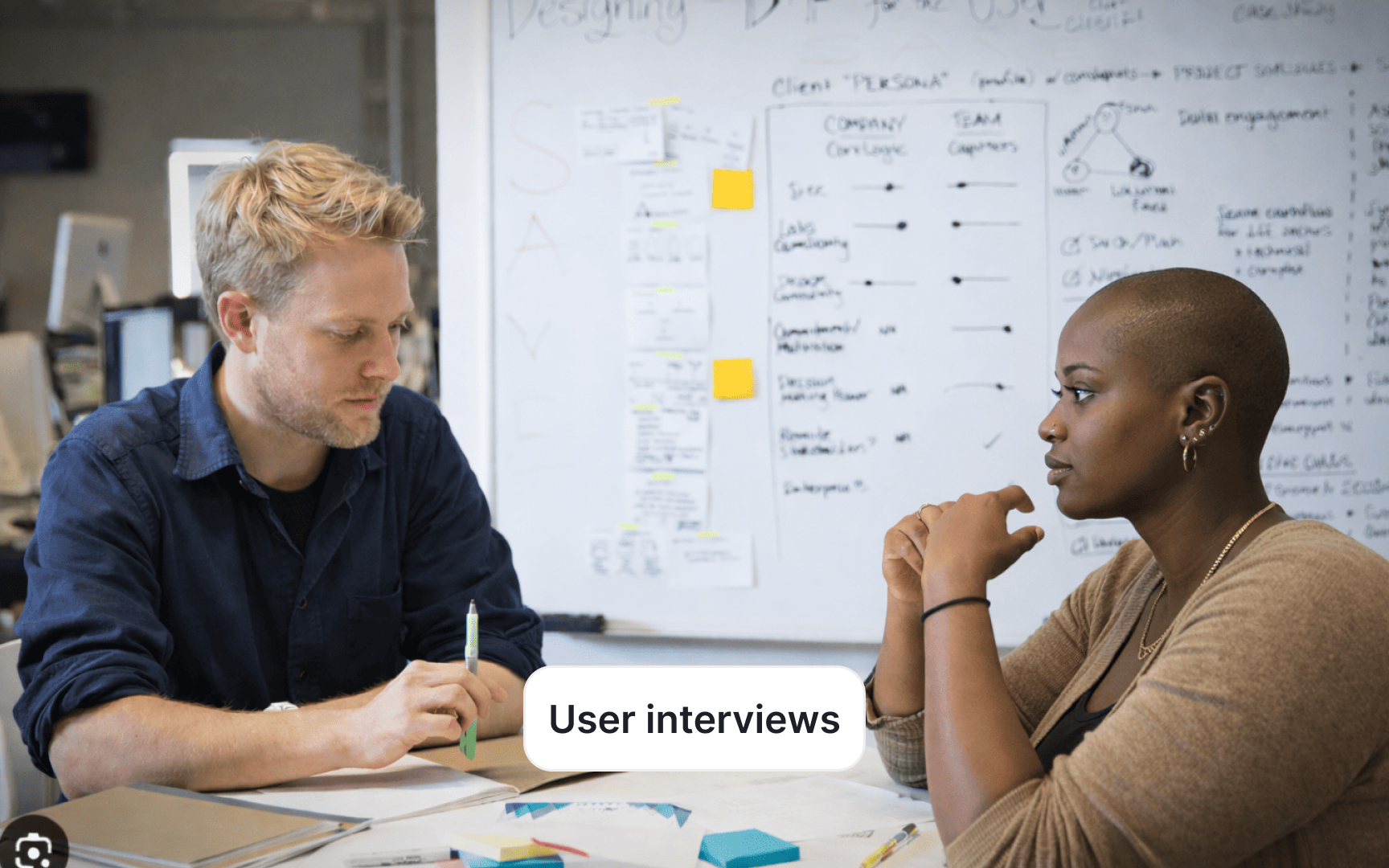
A user interview is a qualitative research method where you engage one-on-one with users to understand their experiences, motivations, and attitudes toward your product. Unlike a survey, which captures what users think at a surface level, an interview gives you space to ask follow-up questions, explore unexpected directions, and dig into the reasoning behind what users say. Sessions can be conducted in person or remotely.
Depending on your research goals, interviews can take 3 forms:
- Structured: follows a fixed set of questions in a set order, useful when you need consistent, comparable responses across participants
- Unstructured: has minimal predetermined questions and lets the user guide the conversation freely, making it most useful in early discovery when you don't yet know what you're looking for
- Semi-structured: the most common format in UX research, where you prepare a guide with key questions but stay flexible enough to follow up on responses that open up interesting directions
Use user interviews when you want to gather feedback on a product or feature launch, build user personas, understand user needs and goals, identify opportunities to improve an existing product, or explore attitudes toward your visual design and overall experience.[3]
Pro Tip! Prioritize open-ended questions over closed ones. Questions that invite users to describe, explain, or walk you through an experience will almost always yield richer insights than questions that can be answered with yes or no.
Usability testing

Usability testing is a research method used to measure how easy it is to use a product. A researcher asks participants to complete a set of realistic tasks while observing their behavior and listening to their feedback. The goal is to uncover usability problems, discover opportunities, and learn about users in the context of real interactions rather than self-reported opinions.
Tasks in a usability test mirror what users would actually do with the product, like making a purchase or placing an order.
Usability testing can be run at any stage of the design process. Early sessions with low-fidelity prototypes or wireframes help catch structural problems before they become costly to fix. Later sessions on a live product validate whether those problems have been resolved and surface new ones.
Sessions can be run in several formats:
- Moderated tests involve a facilitator guiding the participant through tasks in real time, either in a lab or remotely.
- Unmoderated tests have participants complete tasks on their own using a testing platform, with no facilitator present.
- Guerrilla testing is a lightweight, in-person variation where participants are approached in public spaces for quick, informal sessions.[1]
Pro Tip! Avoid giving participants too much guidance during a session. Watching where users struggle without stepping in is often where the most valuable insights come from.
Focus groups

A focus group is a qualitative, attitudinal research method where a facilitator leads a group of 6–9 participants through a structured discussion about their experiences with a product or service. Sessions typically run 1–2 hours. The facilitator's role is to keep the group on topic while creating space for open, candid conversation. Focus groups are most valuable during early discovery. They help teams understand users' mental models, vocabulary, and general attitudes before diving into more structured research. Rather than asking users to interact with a product directly, the method collects what people say, how they frame problems, and what language they use to describe their needs. Because participants influence each other, focus groups carry real bias risk. Dominant voices can shape the conversation, and social pressure may cause others to align rather than share their genuine view. To minimize this, skilled facilitators use techniques like diverge-converge, where participants write responses individually before sharing with the group, giving everyone a chance to contribute without influence.[4]
Topics
References
- Contextual Inquiry: Inspire Design by Observing and Interviewing Users in Their Context | Nielsen Norman Group
- Diary Studies: Understanding Long-Term User Behavior and Experiences | Nielsen Norman Group
- User Interviews 101 | Nielsen Norman Group
- Focus Groups 101 | Nielsen Norman Group